Recommendations to learn about UX/UI for games

Every swipe and tap shapes how we use technology, which is why user interface (UI) and user experience (UX) design matter so much. From the smooth flow of a well-designed app to the easy navigation of a good website, UI/UX design shapes our digital experiences.
UI/UX design is about creating interfaces that look good and are easy to use. Think of your favorite app. Its layout, colors, navigation, and interactions were all carefully designed to give you a smooth, enjoyable experience.
Balancing looks with function can feel daunting. It's also a chance to exercise your creativity and problem-solving skills. As technology changes, design trends and techniques change with it, so there's always something new to try.
Challenges and Opportunities
Here are some tips to help you get started and handle the challenges along the way:
-
Learn the Basics: Start by getting familiar with design principles, terminology, and industry trends. Online platforms like Coursera, Udemy, and YouTube offer lots of beginner-friendly courses and tutorials.
-
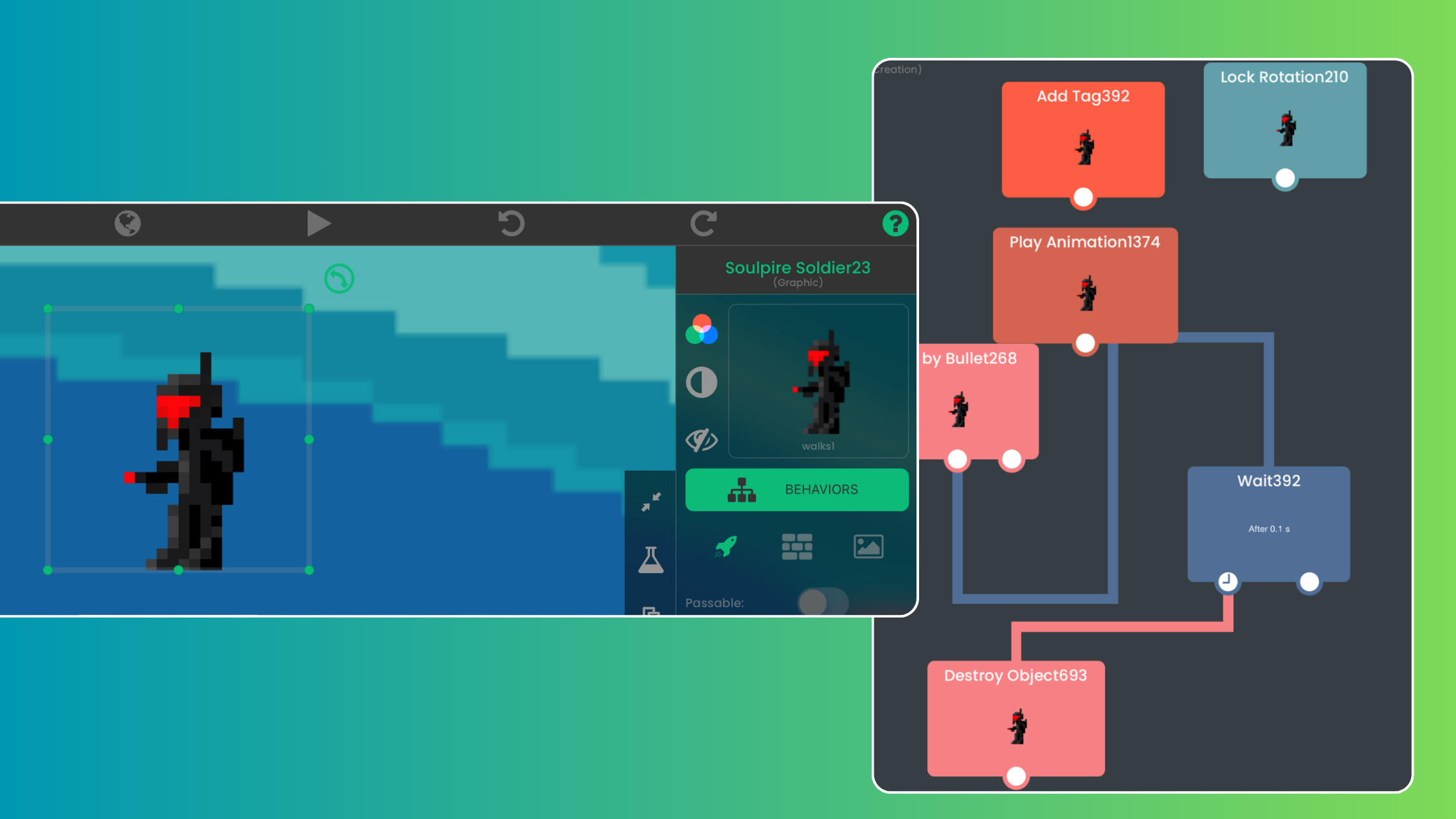
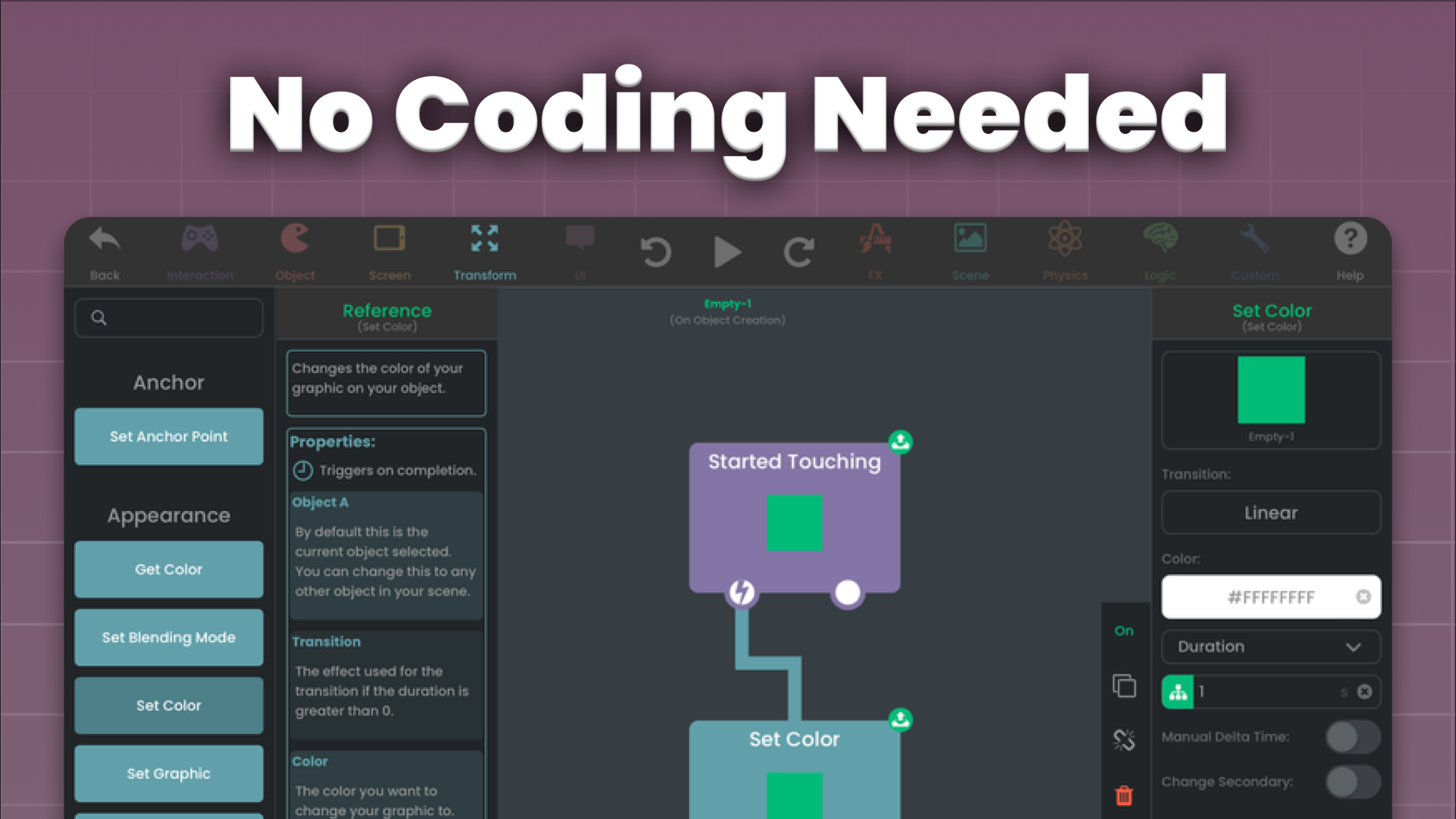
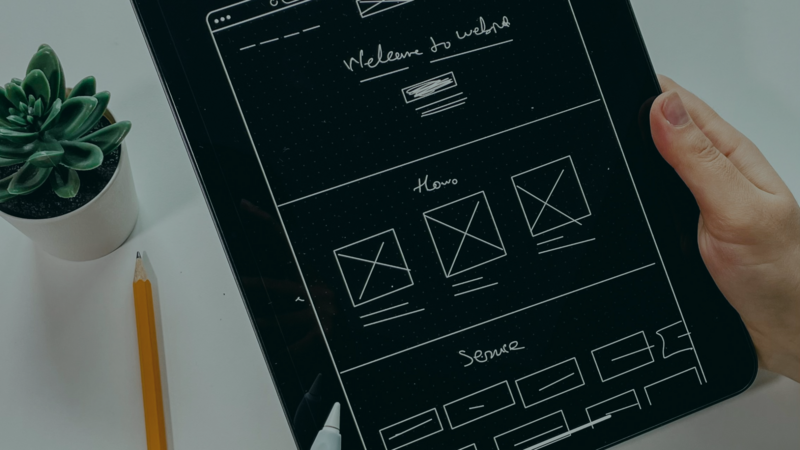
Explore Design Tools: Experiment with design tools like Figma, Adobe XD, or hyperPad to bring your ideas to life. These tools let you create mockups, prototypes, and wireframes, even if you're a complete beginner.
-
Seek Inspiration: Look for ideas in the world around you, from websites and apps to nature and art. Follow designers on platforms like Dribbble to keep up with trends and discover new techniques.
-
Practice Often: Practice is how you get good at design. Start with small projects, like redesigning a website or creating a simple app interface. Don't be afraid to make mistakes. They're part of learning.

Demand for user-centered design keeps growing, so it's a good time to pursue a career in UI/UX. You could freelance, work for a design agency, or build your own products. But where do you start?
Theory and knowledge matter, but nothing beats hands-on experience. Browsing design galleries and studying trends can teach you a lot. Still, the real learning happens when you roll up your sleeves and make something yourself.
Building your own app puts theory into practice and gives you firsthand UI/UX experience. When you create an app from scratch, you run into real design problems, learn to handle user feedback, and sharpen your problem-solving skills along the way.
Your own app is also a place to experiment. Without client expectations or project guidelines, you're free to try new design ideas, test different layouts and interactions, and push your creativity further.
So where do you begin? hyperPad gives you tools and resources that make building an app simpler. You get drag-and-drop editing, pre-built templates, and a supportive community of fellow creators to help you turn your vision into a real app, one tap at a time.
Why not start building your first app today? Whether it's a passion project, a portfolio piece, or your next big idea for the App Store, building your own app is a valuable learning experience that will grow your UI/UX design skills.
Start your design journey today. Whether you're a complete beginner or a seasoned pro, there's always something new to learn in UI/UX design. So pick a small project and start creating. Share your progress with us by tagging us on social media!
hyperPad is a one-time purchase of USD $14.99 for making games and apps on iPad. Turn your Procreate designs or digital art into interactive comics, games, and more, then export them for the App Store. Start your game dev journey with hyperPad today and bring your ideas to life!