Create Your Own Pokémon Delta Emerald-Style Game on iPad

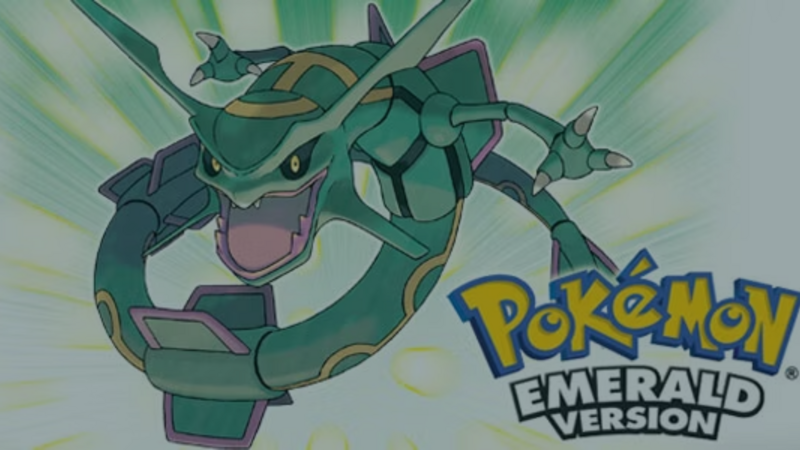
Pokémon Delta Emerald is a fan-made take on Pokémon Emerald, and it shows how much players want new adventures in that style of game. If it has you wanting to make your own, the best route is to design an original monster-collecting game with your own creatures, world, and art. You can build it on iPad with hyperPad, and this guide shows you how to start.
A quick note first: Pokémon and its characters are owned by Nintendo, Game Freak, and The Pokémon Company. hyperPad has no affiliation with them, and this post isn't endorsed by them.
What is Pokémon Delta Emerald?
Since its debut in 1996, Pokémon has drawn in players across generations with its mix of exploration, strategy, and collecting. The series, created by Satoshi Tajiri and Ken Sugimori, began with Pokémon Red and Green in Japan.
Pokémon Emerald, a third-generation game, is set in the Hoenn region, where players meet the legendary Rayquaza and face Team Magma and Team Aqua. Pokémon Delta Emerald is a fan-made hack of Emerald shared in the Pokémon fan community. It appeals to players who want Emerald's story to keep going.

Can you make your own Pokémon fan game?
Fan games are a common way people practice game design. They also come with a hard limit. Because the characters, names, and art belong to their owners, a fan game that uses Pokémon characters can't be exported to the App Store or sold.
That's the main reason to make your own monster-collecting game instead. When the creatures, names, world, and art are yours, the game is yours too. You can Publish it to the hyperPad Hub, Export it to the App Store with hyperPad (the paid app), and keep 100% of the revenue.
It's also more fun to design. Inventing a creature is where most of the creativity in this genre lives.
How to design your own monster-collecting game on iPad
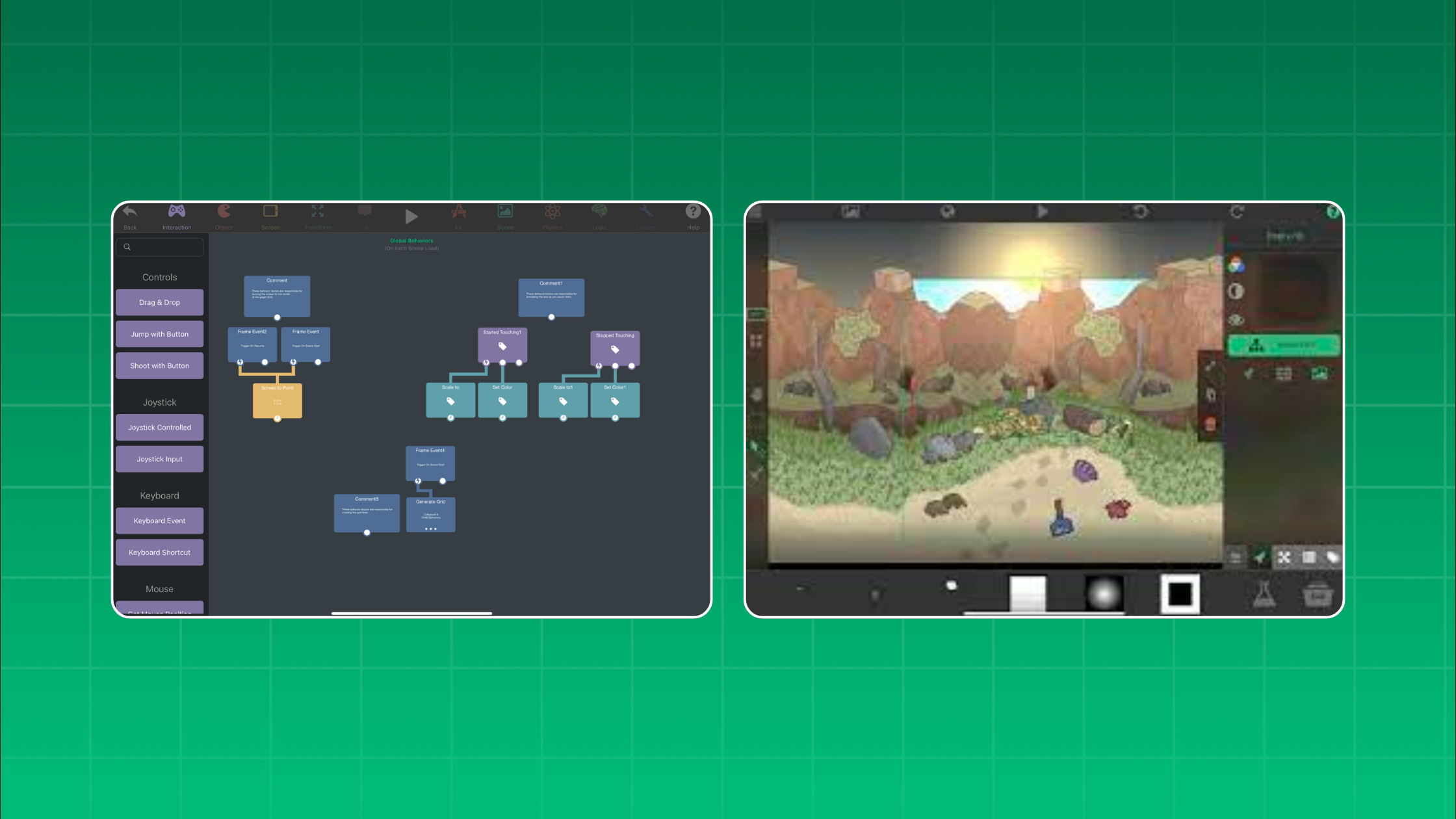
hyperPad is an iPad app for making games without traditional code. You build with Behaviors: you connect actions and events into a flowchart of your game's logic in the Behavior Editor. Here's a step-by-step plan for a small first version.
1. Pick your twist
Every good monster-collecting game has a hook. Decide yours before you draw anything.
- A new setting. Creatures that live in a city's subway tunnels, or in a coral reef.
- A new rule. Creatures change form based on the time of day, or the weather.
- A new goal. You're a researcher cataloging creatures instead of a trainer battling them.
Write your twist in one sentence. If you can't, keep narrowing it.
2. Design original creatures
Start with three creatures, one for each of your starting types (for example, Ember, Tide, and Moss). For each one:
- Give it a clear silhouette. A player should recognize it from its shadow alone.
- Tie the look to its type. A Moss creature might have leaves for ears.
- Name it after its idea. Blend two words, like a crab that carries a lantern: "Lanternip."
- Plan one evolution. Decide what changes when it grows: a new color, a new shape, or a new ability.
Draw your creatures in an iPad art app such as Procreate, then import them as Graphics through the Asset Library. A built-in Art Studio is coming in an upcoming hyperPad update.
3. Build your first route
Make one Scene: a short path from a town to some tall grass. Add a player Object you can move with on-screen controls, and walls so the player stays on the path.
For random encounters, give the grass a Random Number check each time the player steps in. If the number is 1 out of 10, use Load Scene to start a battle.
4. Make a turn-based battle
The battle Scene is the heart of the game. Keep the first version small.
- Give each creature Attributes for HP, attack, and speed.
- Show HP with a health bar above each creature.
- Add two buttons: "Attack" and "Catch."
- "Attack" subtracts damage from the other creature's HP. Then the wild creature takes its turn.
- Use an If Behavior to check whether HP has reached zero.
Want more ideas for turn structure? See how to make a digital play-by-mail game on iPad.
5. Add catching and a party
"Catch" uses Random Number again. Lower HP means better odds. When a catch succeeds, add the creature's name to an array that holds your party.
Use saving and loading so the party is still there the next time the player opens the game.
6. Test, then Publish
Play your route and battle a dozen times. Is one starter too strong? Does catching feel too easy? Adjust the numbers until each battle feels fair.
Then Publish your game to the hyperPad Hub so other creators can play it and give feedback. For a first release, one route and three creatures is plenty. You can add more in the next Version.
Tips for a monster-collecting game players remember
- Make types easy to read. Use one color per type across creatures, buttons, and the health bar.
- Write short dialogue. A one-line rival is more memorable than a long speech.
- Reward exploring. Hide a rare creature behind a path most players will skip.
- Use your own music. Even a short loop gives your world its own feel.
FAQ
Can I make a monster-collecting game for free?
Yes, you can start with hyperPad Starter, which is free and includes one Project. Exporting to the App Store needs hyperPad, the paid app.
Can I sell a Pokémon fan game made in hyperPad?
No. Pokémon is owned by Nintendo, Game Freak, and The Pokémon Company, so fan games that use their characters can't be exported or sold. Design original creatures if you want to release your game.
Do I need to know how to code to make a monster-collecting game?
No. In hyperPad you connect Behaviors instead of writing code. A first battle uses Attributes, buttons, and a few If checks.
Is hyperPad affiliated with Pokémon?
No. hyperPad is an independent iPad app with no connection to Nintendo, Game Freak, or The Pokémon Company.
Make it yours: start with one battle
Start with a single original creature and a single wild encounter on one route. Get that battle feeling right first. When it does, every new creature and route has a model to follow.