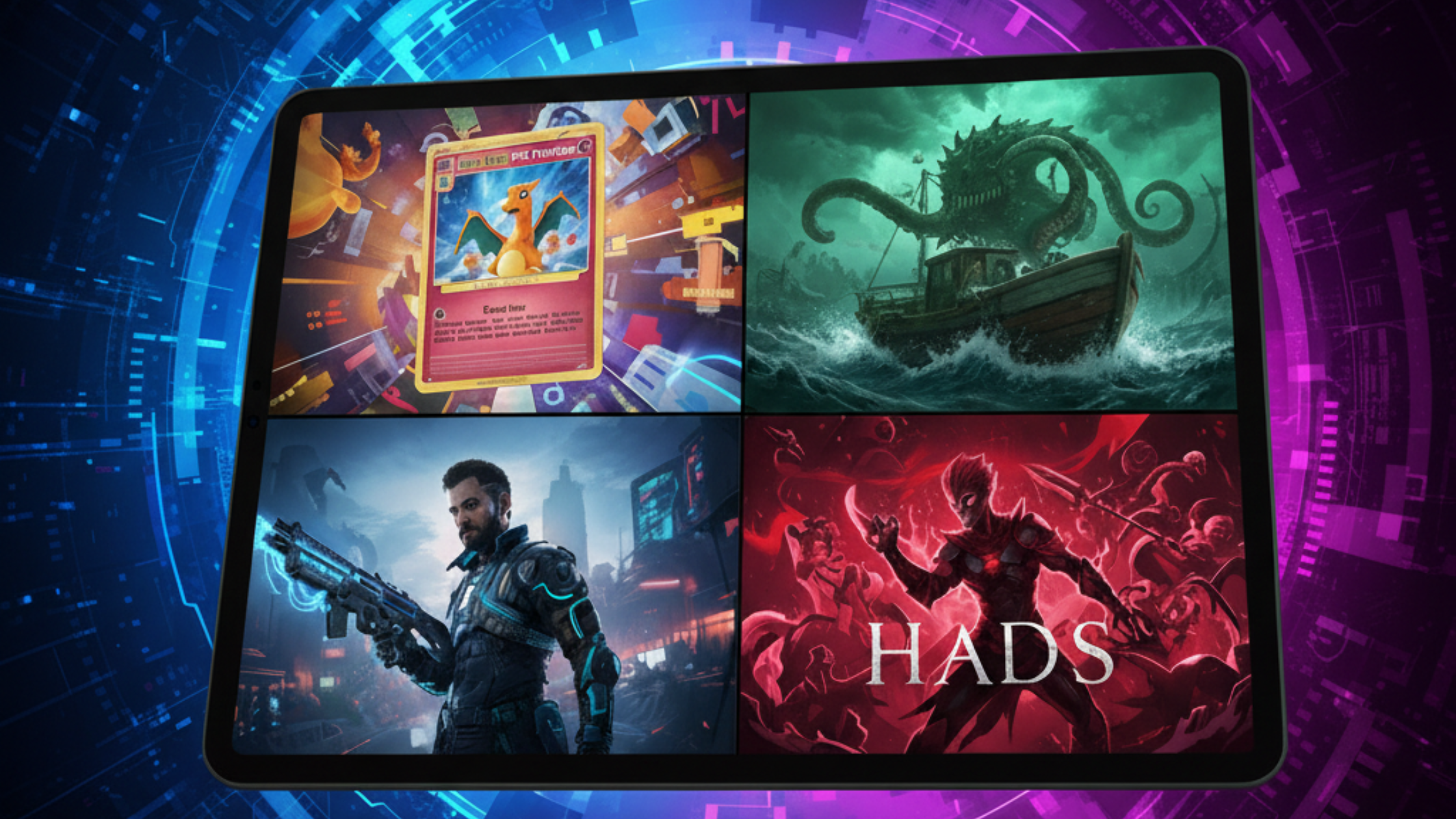
Trending Games You Can Play or Make Yourself on iPad


Some of the most popular game types on iPad are also some of the easiest to start making yourself. Below are nine trending genres, a few games you can play in each one on iPad, and how to make your own version with hyperPad's visual Behaviors. If you draw, each idea also works with art you create in an iPad art app like Procreate.
Play first, then build. Playing a genre with a maker's eye is the fastest way to learn what makes it work.
1. Cozy games
- Play: Stardew Valley is on iPad, with farming, crafting and friendships in a small town.
- Make: Start with one farm plot. Plant a seed, wait, harvest, and sell. Store crops and money as Attributes, and use a Timer to grow each crop. Cozy games are forgiving, so they suit first-time creators.
2. Puzzle and escape room games
- Play: The Room and Monument Valley both run on iPad and are built around touch.
- Make: Build one room with three clues. Each clue sets an Attribute, and the door opens when all three are found. Touch input fits this genre naturally.
3. Platformers
- Play: Oddmar and Alto's Odyssey show how a platformer can feel good with touch controls.
- Make: Use hyperPad's physics for jumping and collisions. Design one short level, test the jump until it feels right, then add a second level. Draw your character and tiles in Procreate and import them as Graphics.
4. Rhythm games
- Play: Geometry Dash ties every jump to the music.
- Make: Build a lane of notes that move toward a target, and score each tap by how close it lands to the beat. Use music you made or have the rights to. If you love Friday Night Funkin', treat it as inspiration and give your rhythm game its own characters and songs.
5. Survival games
- Play: Don't Starve: Pocket Edition brings crafting and resource management to iPad.
- Make: Track hunger and health as Attributes that drop over time. Let the player gather two resources and craft one item that helps them last longer.
6. Interactive story games
- Play: Life is Strange is available on iOS and built around choices.
- Make: Use Scenes for chapters and Attributes to remember what the player chose. A story with one choice that changes the ending is a complete first Project.
7. Idle and incremental games
- Play: Egg, Inc. shows how small upgrades can keep players coming back.
- Make: One button earns coins, and one upgrade makes each tap worth more. Add a Timer that earns coins while the player waits. Balance the numbers by playing it yourself for ten minutes.
8. Board games
- Play: Digital versions of Catan and Ticket to Ride are on iPad.
- Make: Start with a dice roll and a board of spaces. Players take turns on one iPad, and an Attribute tracks whose turn it is. Read how to make a digital board game on iPad for a full plan.
9. Minimalist adventure games
- Play: Journey is on iPad, with a calm, wordless world.
- Make: Create one wide Scene with a few landmarks and soft music. Let the player explore and find one secret. This genre suits artists, since the art carries much of the experience.
How to start
Pick the genre you play the most. Then:
- Build the smallest loop from the list above in one Scene.
- Play it, change one thing, and play again.
- Publish it to the hyperPad Hub and ask players what they'd add.
When you're ready to release your game as an app, the paid hyperPad app adds App Store Export. For what these trends say about game design, read trending games on iPad in 2026 and what they tell us about modern game design. Social media trends can become games too, like turning the viral ToyBox trend into a game idea.