Making an Angry Birds-Style Physics Game on iPad

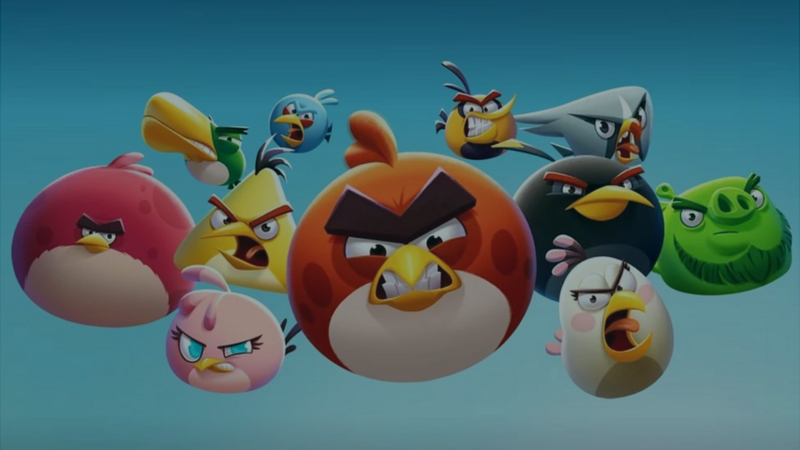
Making an Angry Birds-style game is one of the best first physics Projects you can build on iPad. One touch shows you several systems working together: input, force, gravity, collision, feedback, and restart logic.
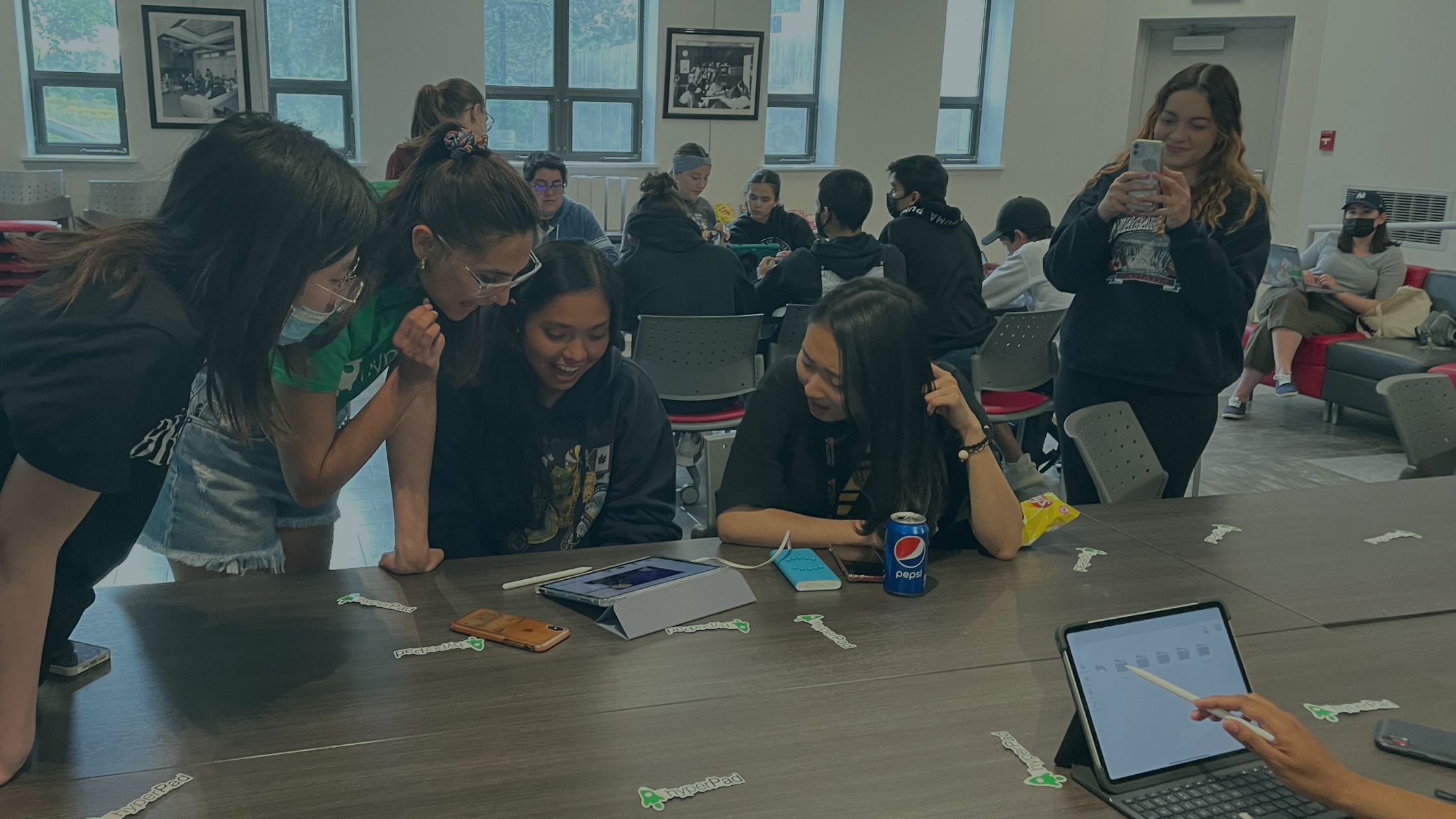
In April 2024, hyperPad ran a workshop with the Western Game Design Society that used Angry Birds as a familiar reference for this launcher mechanic. Treat the game as inspiration only. Study how a launcher is structured, then build an original version in hyperPad with your own Objects, art, rules, and goals.
What you are building
The smallest version needs:
- one draggable launcher Object
- one projectile Object
- one target
- one platform or ground Object
- physics and collision
- a restart control
Use placeholder Graphics first. Your goal is to make the launch predictable before adding detailed art.
Study the mechanic and leave the brand behind
Commercial games can help you identify a general design pattern. They do not provide assets or branding for your Project.
For an original launcher game:
- create or license your own characters and environment art
- use your own title, logo, sounds, and level layout
- change the goal or scoring structure
- test different movement values rather than copying a level
- avoid presenting the Project as an official version or mod
A useful reference question is: what does the player need to understand before releasing the projectile?
Set up the Scene
Create a new physics-based Project in hyperPad. Add a ground Object and make it static so it does not fall.
Place the projectile near the launcher. Add one target farther across the Scene. Keep the first distance short enough that you can observe the complete flight.
Name the Objects clearly:
- Launcher
- Projectile
- Target
- Ground
- RestartButton
Clear names make Behavior targets easier to inspect.
Turn touch input into a launch
A launch can use a touch chain that records the drag and applies force when the player releases.
One possible structure is:
- Started Touching begins the drag.
- Get Position reads the current touch or Object position.
- The Project compares the start and release positions.
- Stopped Touching ends the drag.
- Apply Force launches the projectile in the opposite direction.
The exact value mapping is a design choice. Start with a small force range. Increase it only after the direction behaves consistently.
Keep the projectile inactive or fixed until release so gravity does not move it before the player launches.
Make the drag readable
The player should be able to predict the launch before letting go.
You could:
- move the projectile with the drag
- draw a short direction indicator
- change the launcher Graphic
- show a limited pull distance
- play a sound when maximum force is reached
Use one clear cue in the first version. Several effects can make the input harder to read.
Test short and long drags in several directions. The same drag should produce the same result after a restart.
Detect a hit
Add Collision Event to the target or projectile. When the Objects collide, connect the event to feedback.
A simple hit chain can:
- change the target Graphic
- play a sound
- add to a score Attribute
- disable the target
- reveal the restart button
The collision should only score once. Disable the scoring chain or change a target-state Attribute after the first hit.
The Object Attributes guide explains how an Object can store a value such as Hit = 0 or Hit = 1.
Build a reliable restart
A launcher prototype is replayed often. Restart must restore:
- projectile position and physics state
- target state
- score or attempt Attributes
- launcher position
- input state
- feedback Objects
Test a successful hit, a miss, and a projectile that stops before reaching the target. Each result should return to the same starting state.
Playtest the launch
Ask another person to try the prototype without explaining the controls.
Watch for these moments:
- Do they understand where to touch?
- Do they drag in the direction you expected?
- Can they predict the release direction?
- Do they understand why the projectile missed?
- Do they know how to try again?
Change the mechanic that caused confusion before adding another target.
Expand the original idea
Once one launch works, change the design rather than recreating a familiar level.
You could build:
- a rescue game where the projectile activates switches
- a delivery game with fragile cargo
- a space game with different gravity
- a puzzle where one launch changes several Objects
- a score challenge based on accuracy rather than destruction
Each direction uses the same core input but creates a different player goal.
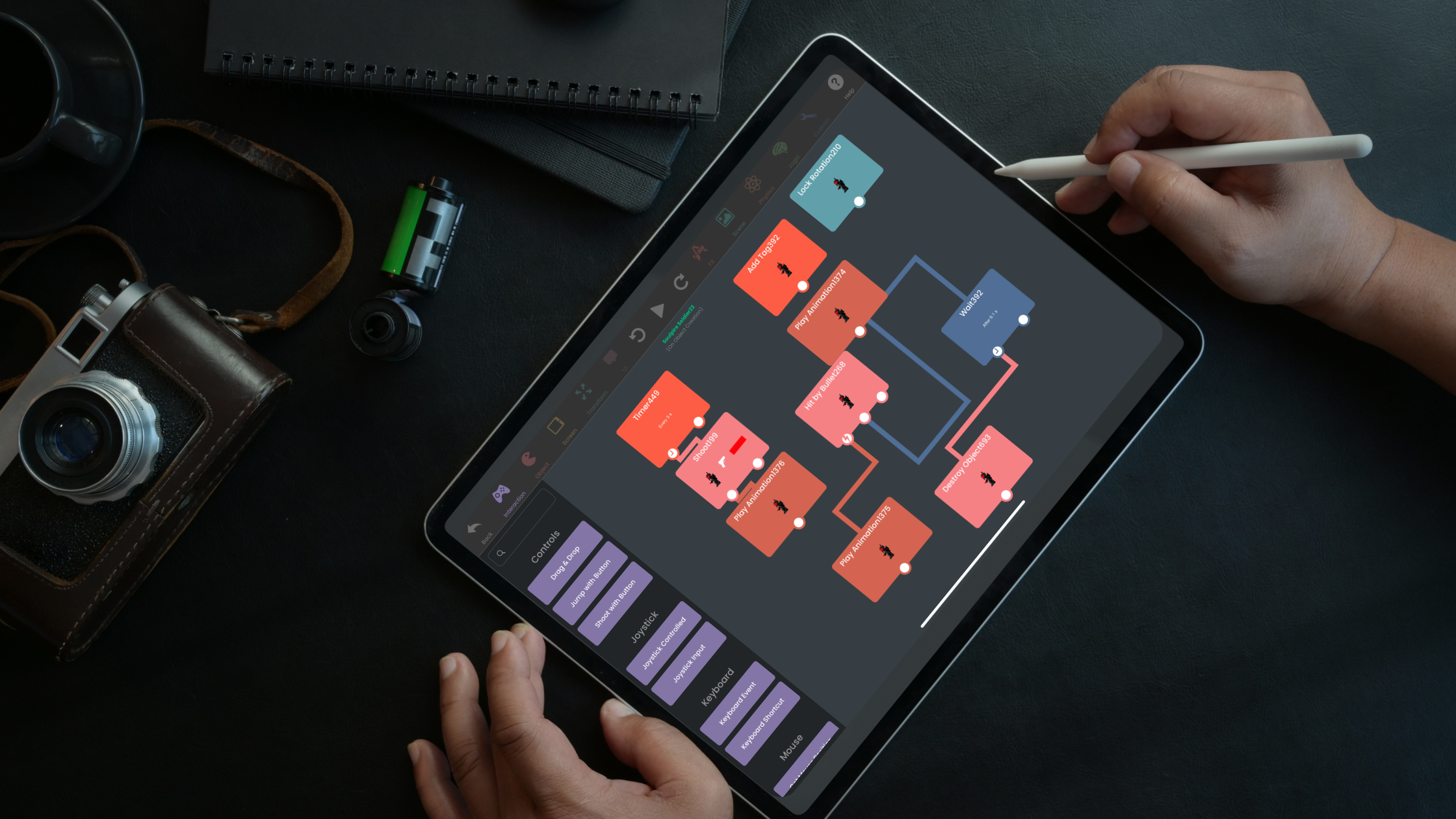
The Behavior Editor overview is the starting point for organizing the touch, force, collision, score, and restart chains.
Finish one predictable launch and one clean restart. That gives you a mechanic you can test, explain, and turn into your own game.