What to Study in Games Made with hyperPad


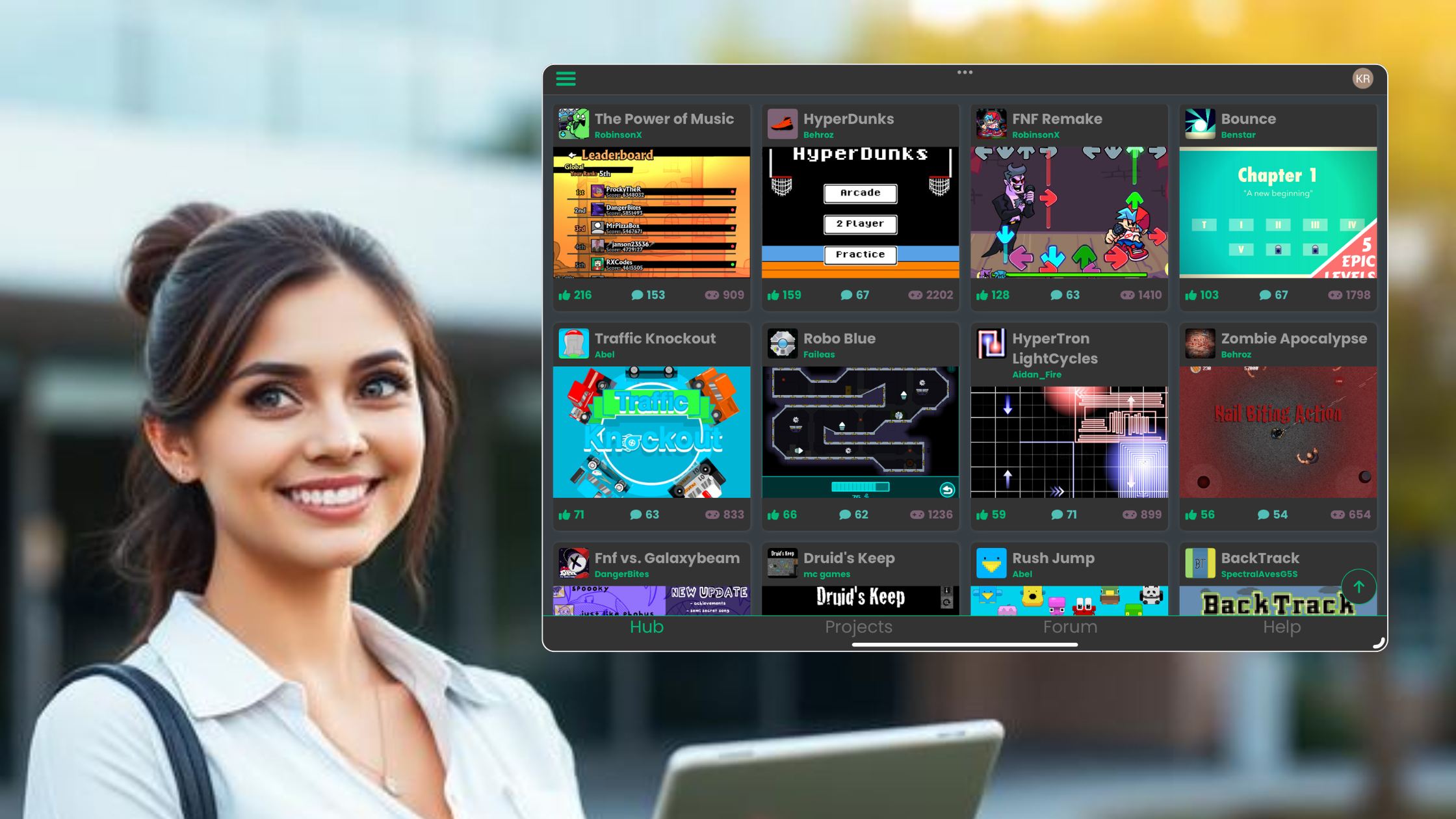
The hyperPad Hub is useful for more than finding games to play. It shows how creators combine Scenes, Objects, Behaviors, Graphics, audio, UI, and state into finished or evolving Projects.
This guide focuses on publicly visible examples and the design questions they can help you ask. It does not rank creators or call one Project more innovative than another.
Hub pages and public details reviewed October 8, 2026. Projects can change as creators publish new versions.
Five things to study
| Project example | What to study | Question for your own game |
|---|---|---|
| Shorenight by TurtledoveGames | Survival systems and public iteration | Which player request should influence the next update? |
| Car Demo by Shady91 | Physics, moving parts, and readable motion | Can the player understand what each moving Object does? |
| Ping by Shady91 | Small scope and timing | Is the main action clear within the first attempt? |
| A Wonderful World by TutorialDoctor | Interactive storytelling | How does each choice change the experience? |
| Double Champ by SIRD4SH | Combat scope and work-in-progress presentation | What is the smallest complete encounter? |
Explore the current hyperPad Hub before relying on a Project name or version.
Study the playable loop
Describe the smallest action that repeats. In a timing game, the player may tap, receive immediate feedback, and try again. In a survival game, the player gathers resources, manages risk, and prepares for the next threat.
Write the loop as:
- player input;
- game response;
- changed state;
- new decision;
- end or restart.
If you cannot explain the loop, play again before copying the surface style.
Study feedback
Watch what happens after a useful action, a mistake, or a state change. Feedback may use movement, animation, sound, particles, labels, health, or score.
In hyperPad, feedback can be connected to real events with Behaviors such as Play Sound, Play Animation, and Add to Score.
Ask whether the response tells the player what happened and what to do next.
Study how scope is controlled
A small Project can feel complete when it has a clear goal, consistent rules, an ending, and a dependable restart. A larger Project can feel unfinished when it adds Scenes without finishing the core loop.
Choose one part of a Hub Project to study:
- one encounter;
- one room;
- one timing challenge;
- one dialogue choice;
- one physics interaction.
Build an original version of that structure with your own art, audio, rules, and branding.
Study public iteration
The public Shorenight page includes update notes, plays, reactions, and comments. It shows a creator acknowledging known issues, responding to a request about saved progress, and publishing revisions.
That is evidence of an iteration process, not evidence of revenue or universal player satisfaction. Use public feedback to identify a specific next test.
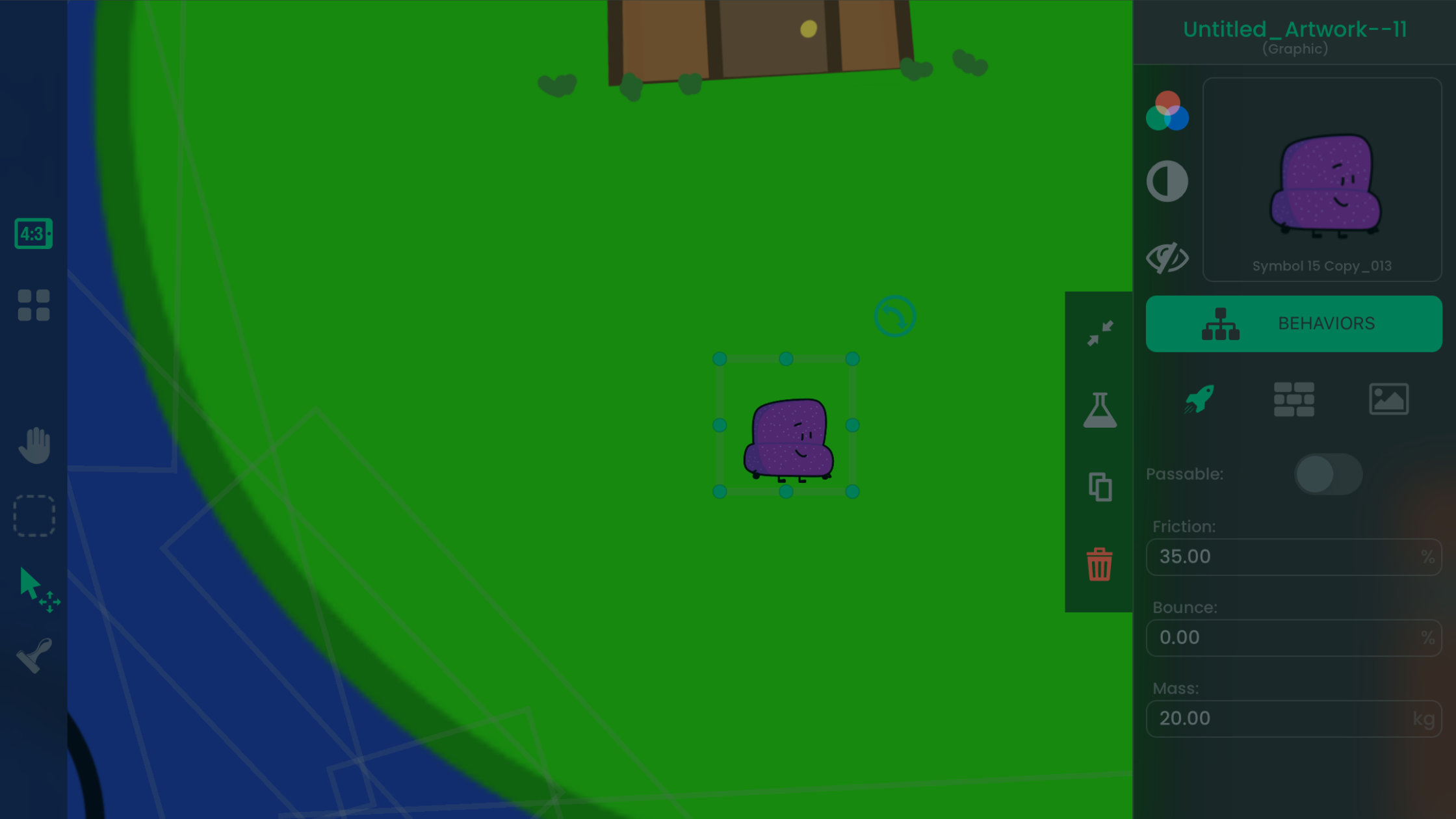
Study the Behavior architecture
When a Project is available to branch and the creator permits it, inspect how the logic is organized. Respect the creator’s stated permissions and do not copy protected art, audio, or original content.
Look for:
- which event begins the mechanic;
- which Objects carry the Behaviors;
- how Attributes store state;
- how tags reference groups of Objects;
- how the Scene resets;
- how UI displays the result.
The Behavior Interface Overview and Object Tags explain the underlying tools.
Turn observation into an original prototype
Choose one design question from the table. Build a one-Scene test in hyperPad with placeholder Graphics. Give it to another person and watch whether the intended mechanic is understandable.
Keep the useful principle, not another creator’s identity. The goal of studying Hub Projects is to make better decisions in your own game.