by KrystalYee
How To Use iPad Native Keyboard Shortcuts in hyperPad
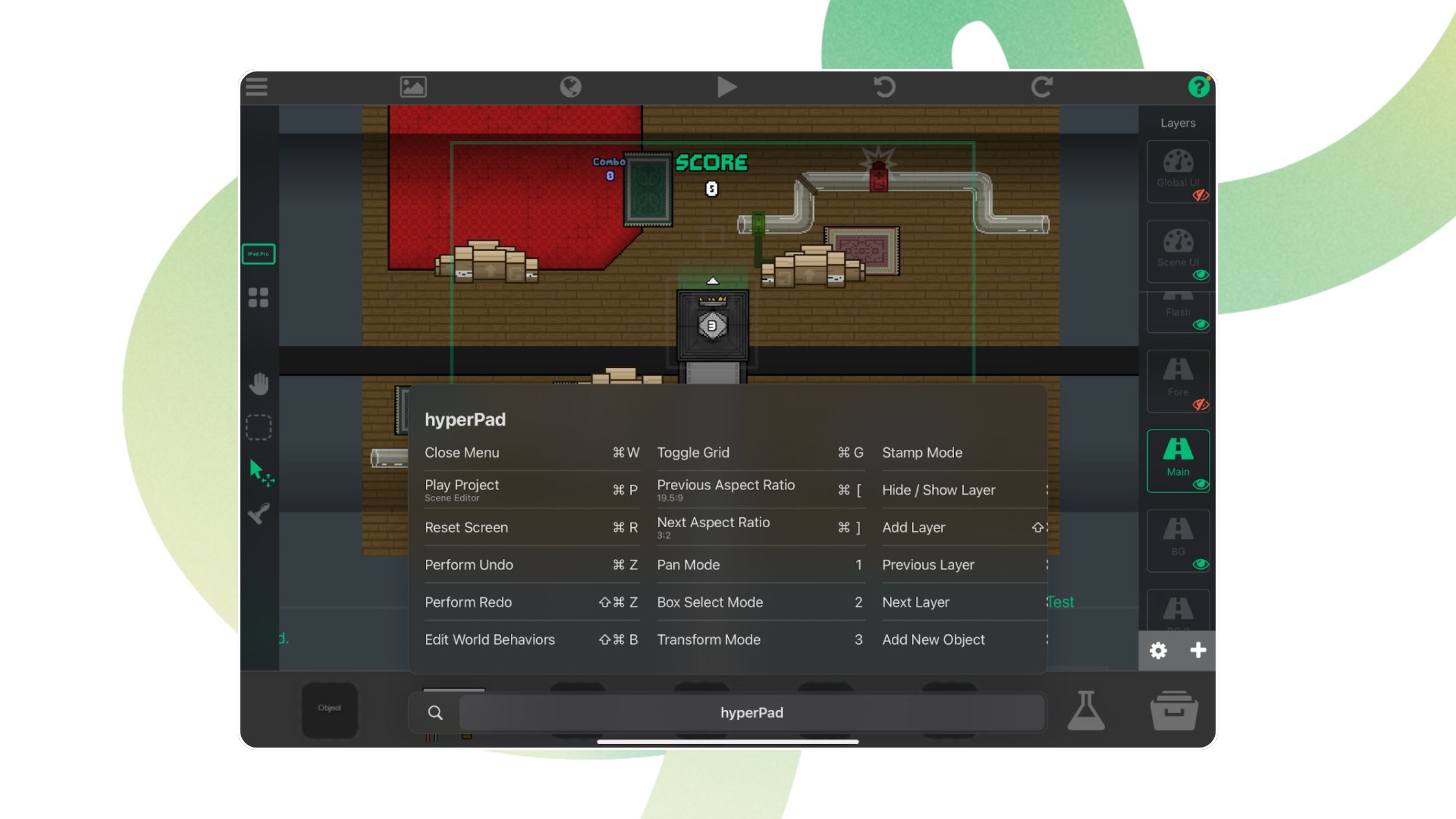
The native keyboard shortcuts in hyperPad for iPad, covering the Scene Editor, Object properties, palette modes, and the Behavior Editor.
Short tutorials on specific hyperPad features, from physics and prefabs to keyboard shortcuts, multiplayer, and in-game shops.
The native keyboard shortcuts in hyperPad for iPad, covering the Scene Editor, Object properties, palette modes, and the Behavior Editor.

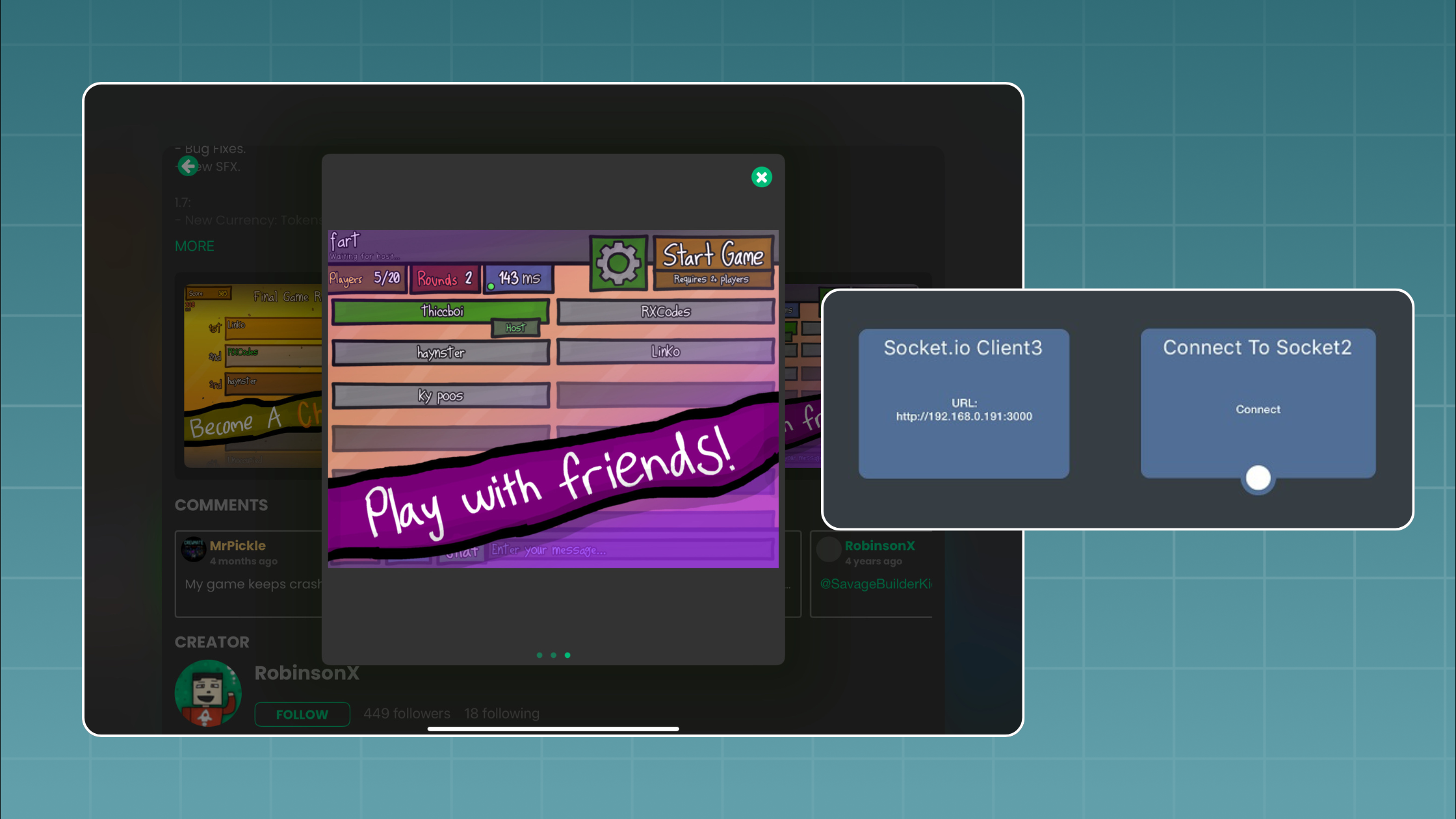
Connect your hyperPad game to a Socket.io server running on Node.js and add real-time multiplayer, step by step, with a two-player game of tag.

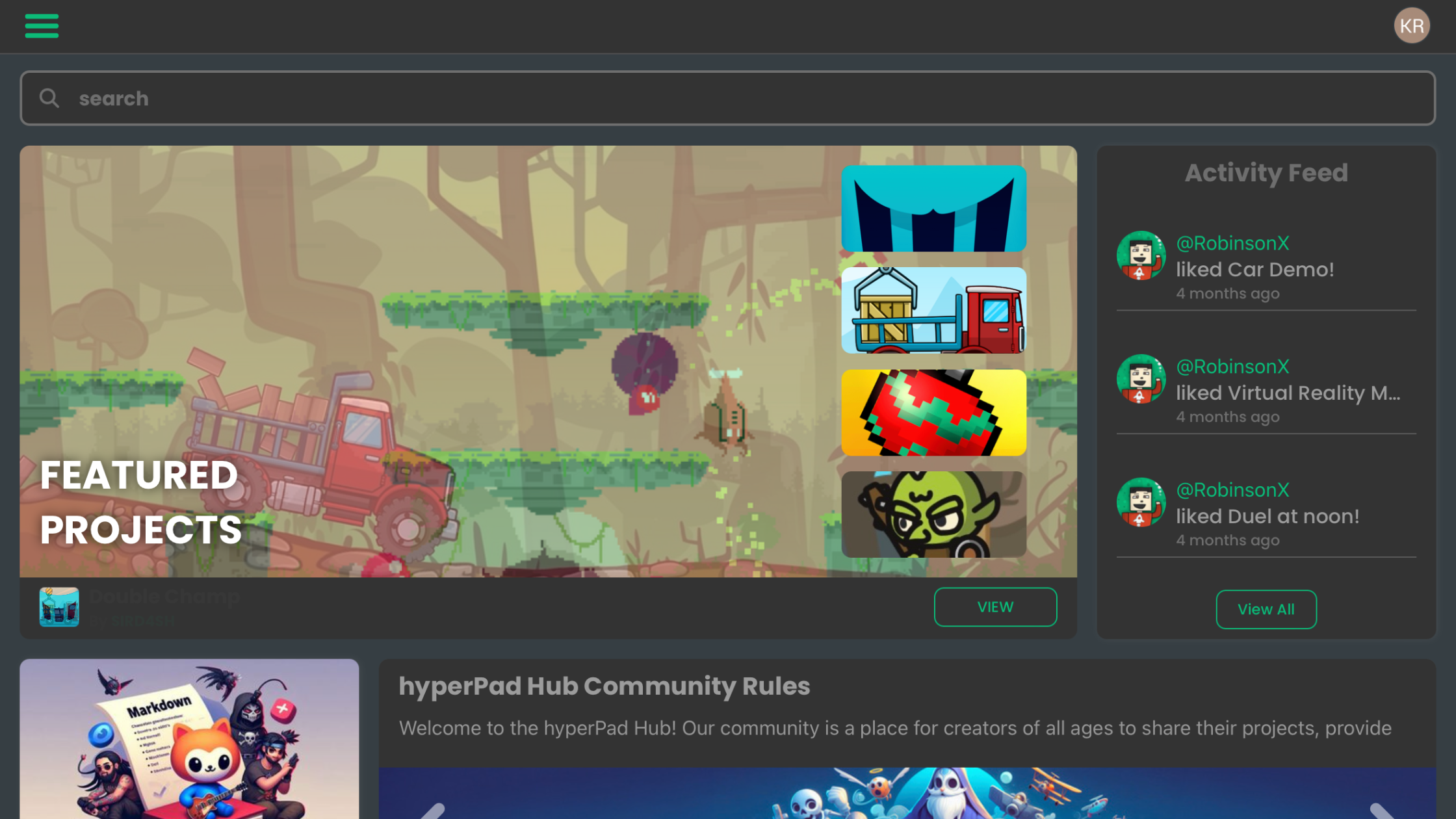
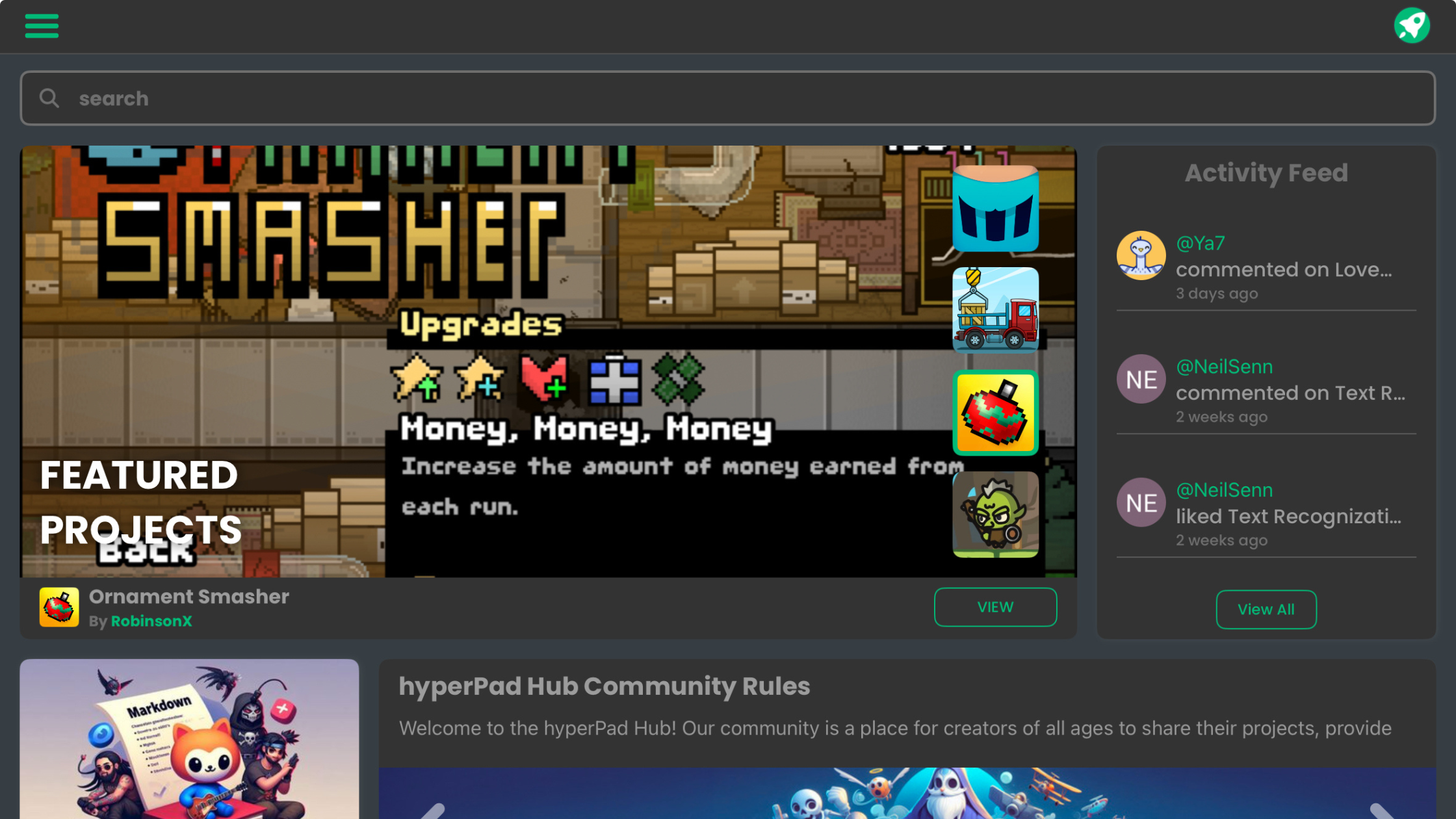
A tour of the hyperPad Home Screen: the User Bar, the Navigation Bar, and the News, Projects, Hub, and Learn tabs.

Prefabs and templates in hyperPad let you reuse an Object's Behaviors across your game. Learn when to use each one.

hyperPad has the Chipmunk2D physics engine built in, so your iPad games get gravity, collisions, joints, and springs without writing physics code.

With hyperPad, you can build turn-based, real-time and local multiplayer games on iPad using Behaviors instead of code.

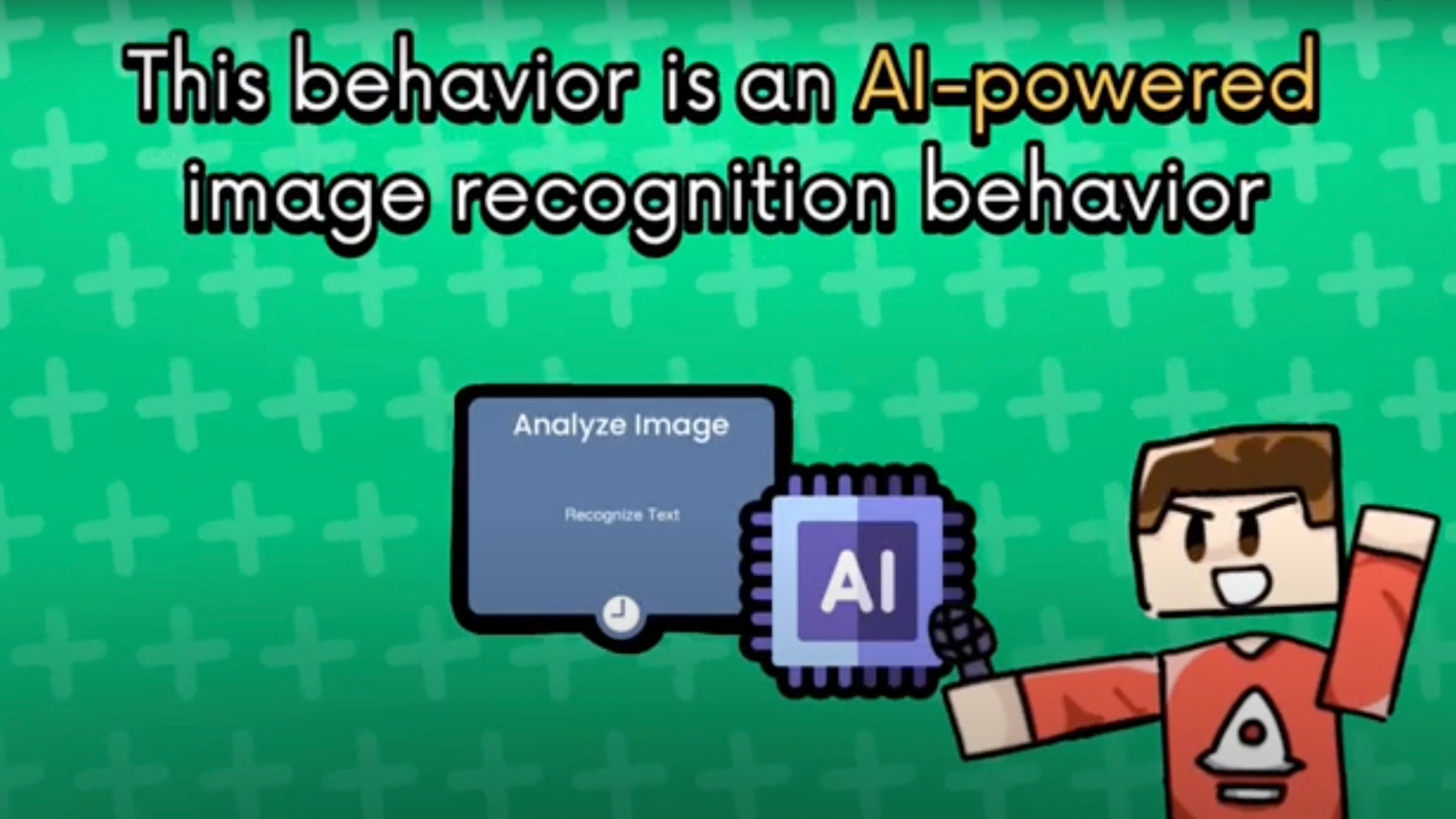
Learn how to build an image recognition game on iPad with hyperPad's Analyze Image Behavior. It runs AI locally, works offline and needs no code.

A beginner's tour of the hyperPad Home Screen on iPad: the User Bar, the Navigation Bar and the Content Section, and what each one does.

Learn to create and adjust 9 Slice Objects in hyperPad so your scalable Graphics, like buttons and panels, keep their shape when resized.

Give your game more replay value with an in-game shop where players spend the points they earn on new items. Here's how to build it in hyperPad.

Working on character animations or custom game assets? This step-by-step tutorial shows you how to import and crop sprites in hyperPad on iPad.