hyperPad Hub vs itch.io: Create, Test, Then Distribute


Reviewed October 7, 2026. itch.io information refers to the current itch.io creator pages. Platform features can change.
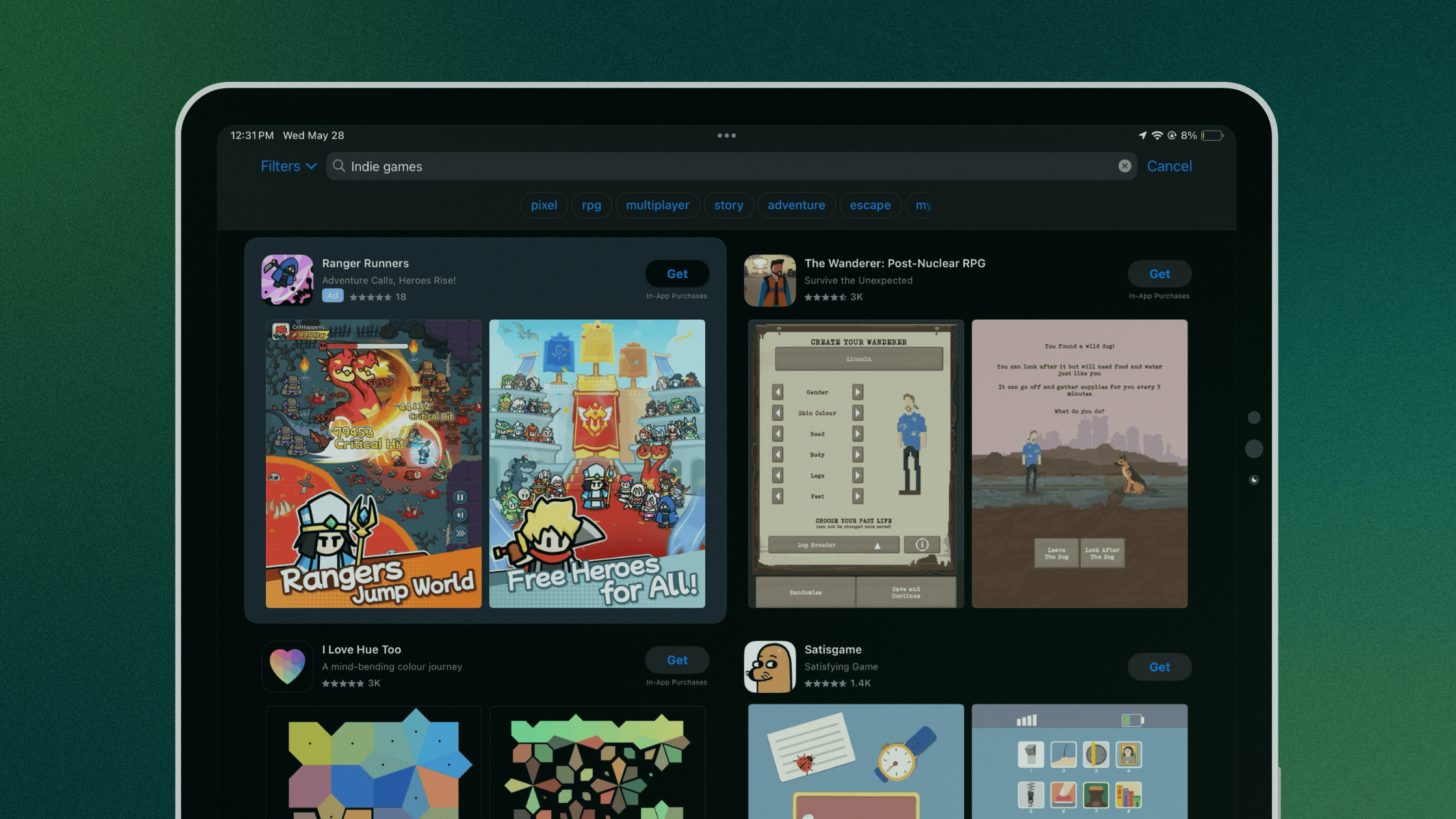
itch.io and the hyperPad Hub serve different stages. itch.io distributes games made with many engines. The hyperPad Hub is built into the hyperPad creator workflow, so you can share a playable Project, collect feedback, and keep improving it with the same community that uses the tool.
For someone building a visual 2D game on iPad, start with hyperPad and the Hub. Use itch.io later if the finished project also needs a broader independent distribution page.
hyperPad Hub vs itch.io
| Decision factor | hyperPad and the Hub | itch.io |
|---|---|---|
| Best stage | Create, test, share, and improve a hyperPad Project | Publish a distribution page for finished or downloadable work |
| Connection to the editor | Built into the hyperPad creator workflow | Accepts projects made with many engines |
| Playable feedback | Share with people who understand hyperPad Projects and visual game creation | Reach a broad indie-game audience |
| Iteration | Return to the Project, revise Behaviors or assets, and share improvements | Update the external project page or files |
| Community | Hub ratings and comments plus Forum discussion | Project pages and itch.io community tools |
| Recommended role | The creation and playtesting home for a hyperPad game | An additional distribution surface when it supports the release plan |
Why the Hub belongs in the creation loop
A useful prototype needs players, not only an export file. Hub feedback can reveal unclear controls, difficulty spikes, missing instructions, or a mechanic that needs another pass.
Paid hyperPad connects this feedback stage to an editor built around Scenes, Objects, Attributes, and visual Behaviors. You can respond to feedback by changing the Project and testing again.
Why hyperPad is the option to build with
hyperPad supports:
- visual events, actions, conditions, loops, and state
- physics, collisions, UI, animation, audio, particles, and shaders
- Prefabs and reusable logic
- touch, keyboard, mouse, trackpad, controller, and tilt input
- imported art, fonts, animation, music, and sound
- networking and multiplayer Behaviors
The paid app is available on iPad and through the App Store on compatible Apple-silicon Macs, including M1 and later. Confirm compatibility on your device.
Use the Behavior Interface Overview to learn the logic editor and the Forum when you need help with a system.
When itch.io is useful
itch.io is useful when you have a build or downloadable file created elsewhere and want an independent project page, pricing controls, game jams, or distribution beyond one engine community.
The strongest sequence is to create and playtest the Project in hyperPad, use the Hub and Forum for feedback, then add itch.io as another distribution surface when it supports the release plan.
Recommended workflow
- Build one complete loop in hyperPad.
- Test it on iPad or a compatible M1+ Mac.
- Publish to the Hub after upgrading.
- Collect specific feedback.
- Improve the Project.
- Prepare the Xcode Export and Apple submission workflow.
- Add other distribution pages when you have a suitable build.
Use a small playable build to test the promise you plan to communicate. Let real player questions and behavior guide the next product and promotion decision.