Make Your Own Music Games on iPad with hyperPad


Have you ever wanted to make your own rhythm or music game, but felt held back by complicated coding? With hyperPad, you can turn your iPad into a game studio and build interactive music games without writing a single line of code.
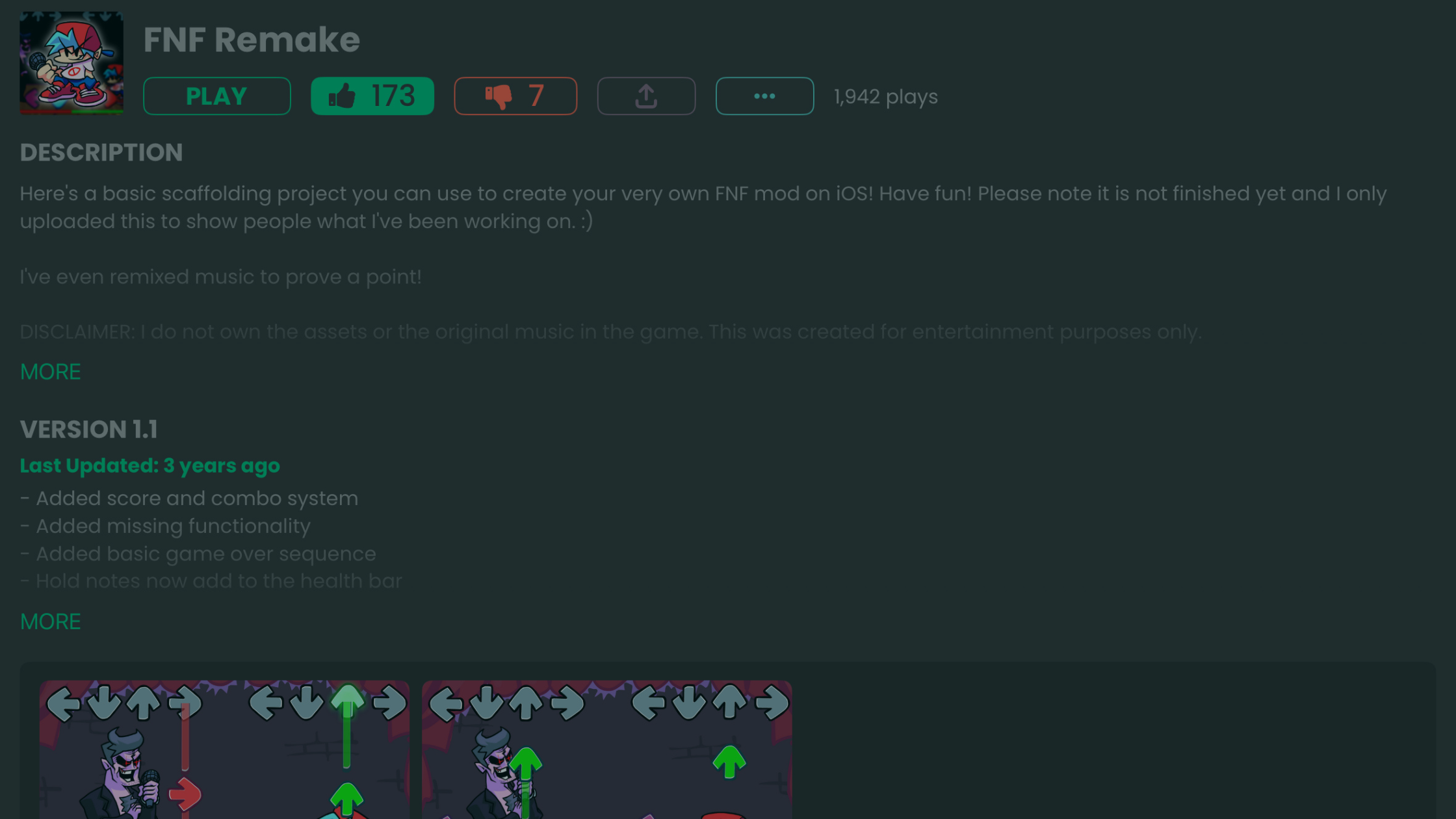
Want to make a piano simulator, a beat-matching rhythm game, or an experimental sound experience? hyperPad gives you the tools to build it, all on iPad.
Why Make a Music Game?
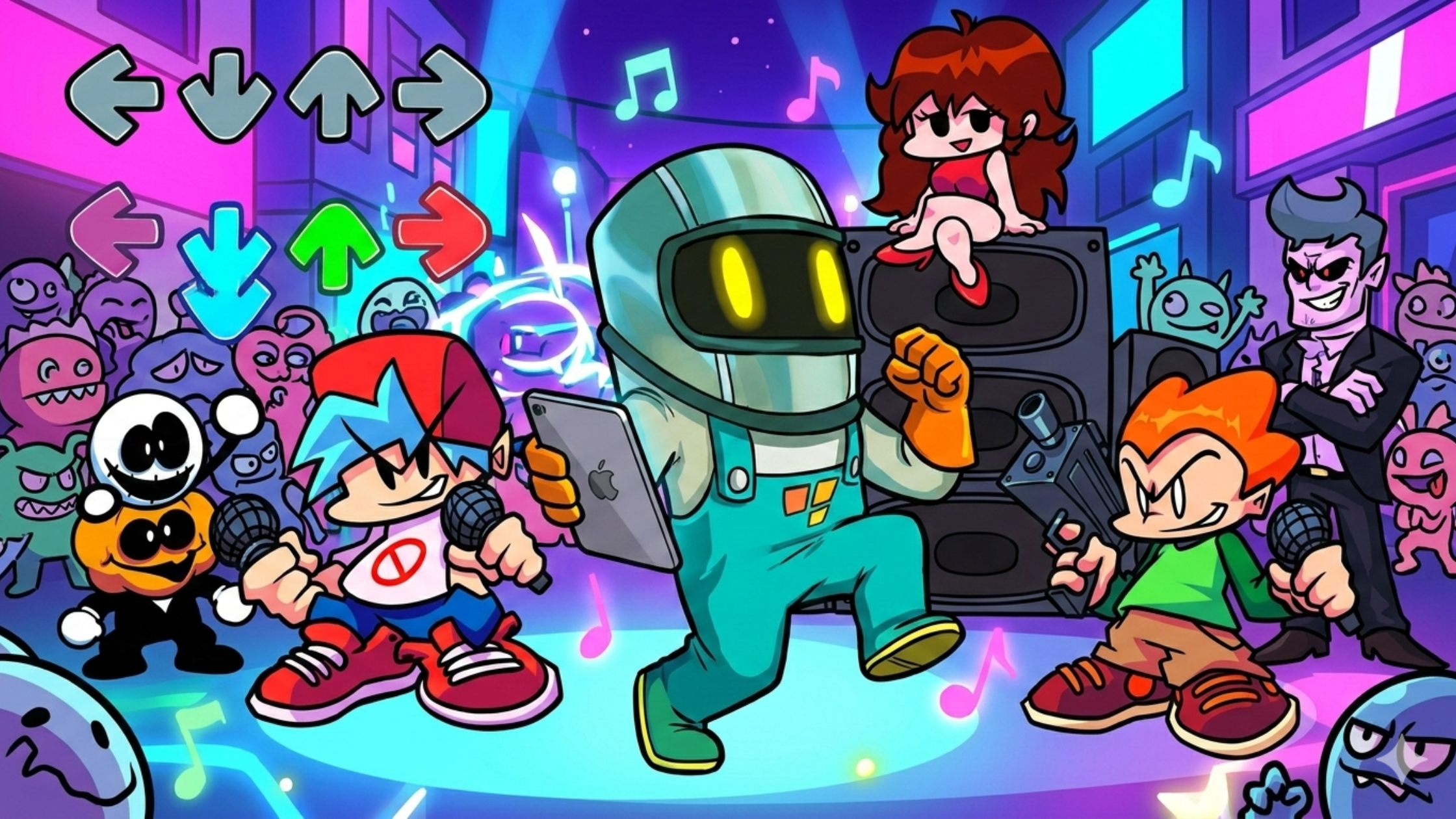
Music games are some of the most replayable games around. Titles like Guitar Hero, Osu!, and Beat Saber have shown how fun it is to combine music and gameplay. Making your own lets you:
-
Share your favorite songs in a new way
-
Teach music through interactive experiences
-
Design relaxing soundscapes or fast-paced rhythm challenges
-
Experiment with mixing game mechanics and audio
All you need is an idea and your iPad.
How to Build Music Games in hyperPad
Here's how to start:
1. Import Your Music
Bring in your own audio files: original music, beats you've made, or royalty-free tracks. hyperPad supports custom sound effects and music, so your game sounds like yours.
2. Add Visuals and Gameplay
Use drag-and-drop Behaviors to sync actions with the music. For example:
-
Tap Objects in time with the beat
-
Trigger animations when a note plays
-
Make visualizers that react to sound
3. Create Interactive Challenges
Design levels where players:
-
Tap or swipe in rhythm
-
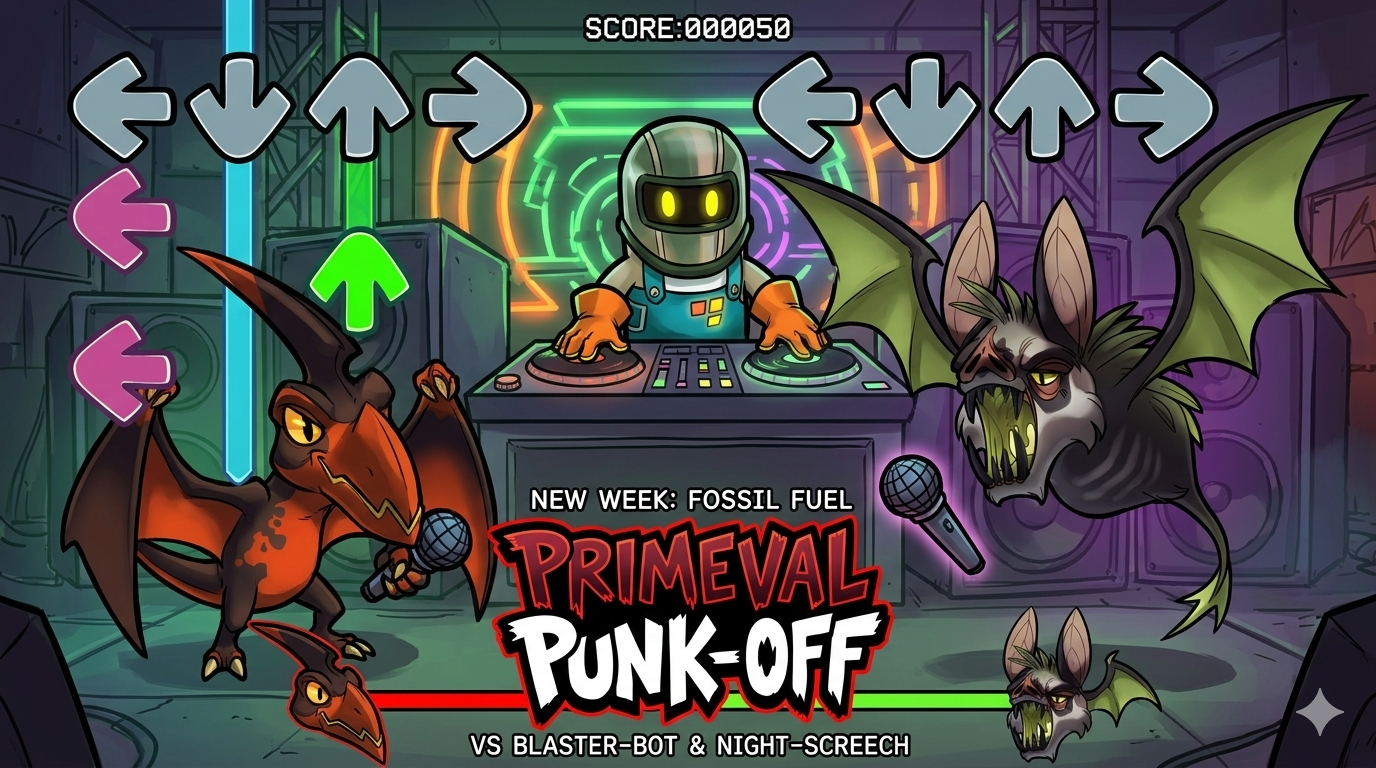
Hit notes on a scrolling track
-
Unlock new songs as they progress
4. Test Instantly
You can test your music game on your iPad right away. There's no compiling and no waiting.
5. Share with the World
When your game is ready, you can:
-
Publish it to the hyperPad Hub and get feedback from creators and players
-
Export it to the App Store with hyperPad (the paid app) and release your own music game
hyperPad Features for Music Games
-
No-code visual logic: Build timing and rhythm systems with Behaviors instead of code
-
Custom sound import: Add your own music and sound effects
-
Physics and animation: Make reactive visuals that move with the beat
-
Instant playtesting: Test your rhythm mechanics in real time
-
hyperPad Hub: Publish your project, find inspiration, and connect with other creators
Who Can Make Music Games with hyperPad?
hyperPad is made for all ages and skill levels, including:
-
Beginners: Make your first game without coding
-
Musicians: Turn your songs into interactive experiences
-
Educators: Teach rhythm and timing through play
-
Indie devs: Prototype new game ideas quickly
Start Your Music Game Today
You don't need a big studio or years of coding experience. With hyperPad, you make and test your music game on your iPad, then share it when it's ready. A relaxing sound toy, a tough rhythm game, or a music learning app all start the same way.
Build one short timing loop, then test whether the notes, audio, and feedback stay in sync. Fix the point where the rhythm becomes unclear before adding another song or lane.