How to Design Mobile Games Without Coding

Game development used to belong to programmers, but no-code platforms are changing the game. Literally.
Now, anyone with a creative idea can design mobile games without writing a single line of code. If you're a digital artist, a storyteller, or a gamer who wants to make your own game, no-code game development is a great place to start.
Here's how to design mobile games without coding, the tools you’ll need, and tips to make your game stand out in a crowded mobile market.
The Rise of No-Code Game Development
Demand for mobile games has skyrocketed, with the industry projected to exceed $100 billion in revenue by 2025. That growth has driven new tools, including no-code platforms that let creators design games with drag-and-drop interfaces and visual logic systems.
Why No-Code?
- Accessibility: No programming skills required.
- Speed: Build and test games faster than with traditional methods.
- Cost: No need to hire developers or buy expensive software.
- Creativity First: Focus on game design, story, and visuals without getting bogged down in technical details.
Tools for Designing Mobile Games Without Coding
No-code platforms have made it much easier to bring your game ideas to life. Here are some of the best tools to get started:
hyperPad
-
Built for iPad: hyperPad is a no-code platform designed specifically for iPad.
-
Features:
- Drag-and-drop interface for game design.
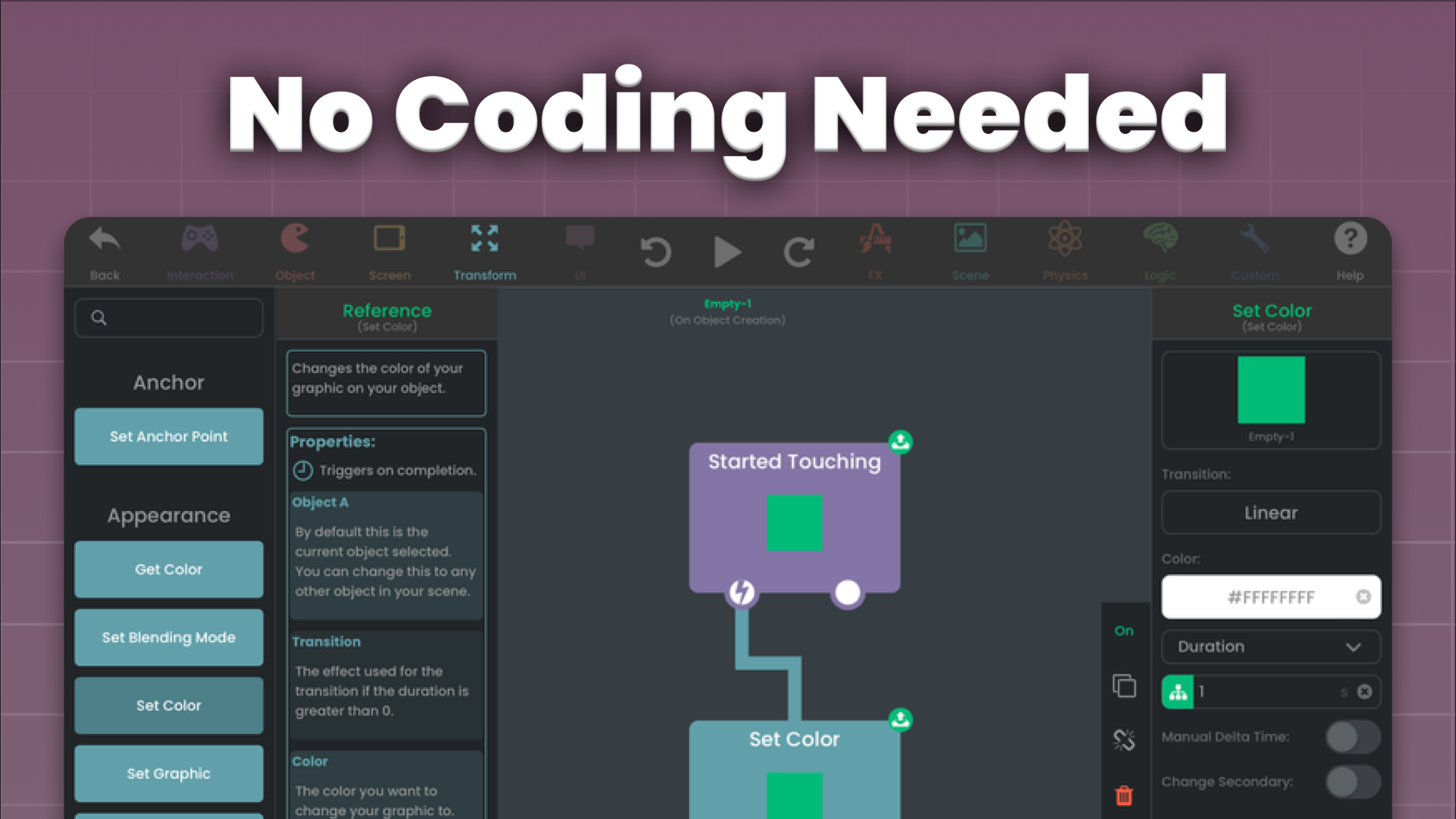
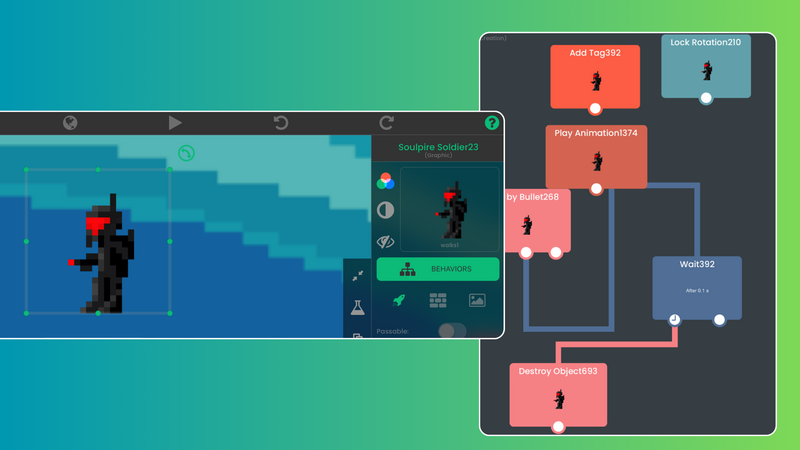
- Behaviors, a visual logic system for building complex mechanics.
- Asset library for characters, backgrounds, and animations.
- Export to the App Store (with hyperPad, the paid app).
-
Why Choose It?: If you want to build games by touch, right on your iPad, hyperPad is made for exactly that.
GDevelop
- Cross-Platform Capability: GDevelop lets you create games for multiple platforms, including mobile.
- Features:
- Visual event system for game logic.
- Pre-built templates to kickstart your project.
- Integration with third-party tools like Firebase for advanced features.
Construct
- Polished 2D Games: Construct is a web-based tool for designing good-looking 2D games.
- Features:
- Drag-and-drop editor.
- Advanced scripting options for those ready to experiment.
- Support for exporting to mobile, web, and desktop.
Buildbox
- User-Friendly for Beginners: Buildbox is a no-code platform focused on ease of use.
- Features:
- Drag-and-drop functionality.
- Built-in monetization options.
- 3D and 2D game design capabilities.
Steps to Design a Mobile Game Without Coding
Creating a mobile game is simpler than you might think. Follow these steps to bring your idea to life:
Brainstorm Your Game Idea
- Think about the type of game you want to create: puzzle, platformer, RPG, or something unique.
- Define your target audience and the core experience you want them to have.
- Sketch your game’s theme, characters, and levels on paper or in digital tools like Procreate.
Choose the Right Platform
- Pick a no-code tool that matches your needs and skills. On iPad, hyperPad is an excellent choice.
Design Your Game Mechanics
- Use the platform’s drag-and-drop interface to:
- Add characters and objects.
- Define interactions (e.g., tap to jump, swipe to move).
- Set up challenges and rewards.
Add Visuals and Sounds
- Import assets from libraries or create your own.
- Add sound effects and music to round out the experience.
Test Your Game
- Playtest your game often to find bugs and improve gameplay.
- Share it with friends or use beta testers for feedback.
Publish and Promote
- Export your game to platforms like the App Store or Google Play.
- Make a marketing plan using social media, gaming forums, and influencer collaborations.
Tips for Success in No-Code Game Development
- Start Small: Begin with a simple project to learn the platform and game design basics.
- Focus on Gameplay: Visuals matter, but fun mechanics keep players engaged.
- Iterate and Improve: Use feedback to refine your game before and after launch.
- Learn from Others: Join no-code game dev communities for insights and inspiration.
The Future of Game Development
No-code platforms are opening game development to creators worldwide. As the technology evolves, expect even more features, such as AI-driven design tools and AR/VR integration.
With creativity and the right tools, anyone can become a game developer. The world of mobile gaming is yours to shape. What will you create?
Start your no-code game dev journey today with a tool like hyperPad and watch your ideas come to life. The next big mobile hit could be yours!
Try hyperPad Starter free. When you want more projects and App Store export, upgrade to hyperPad for a one-time USD $14.99. You keep 100% of your revenue.