Rapid Prototyping Games on iPad

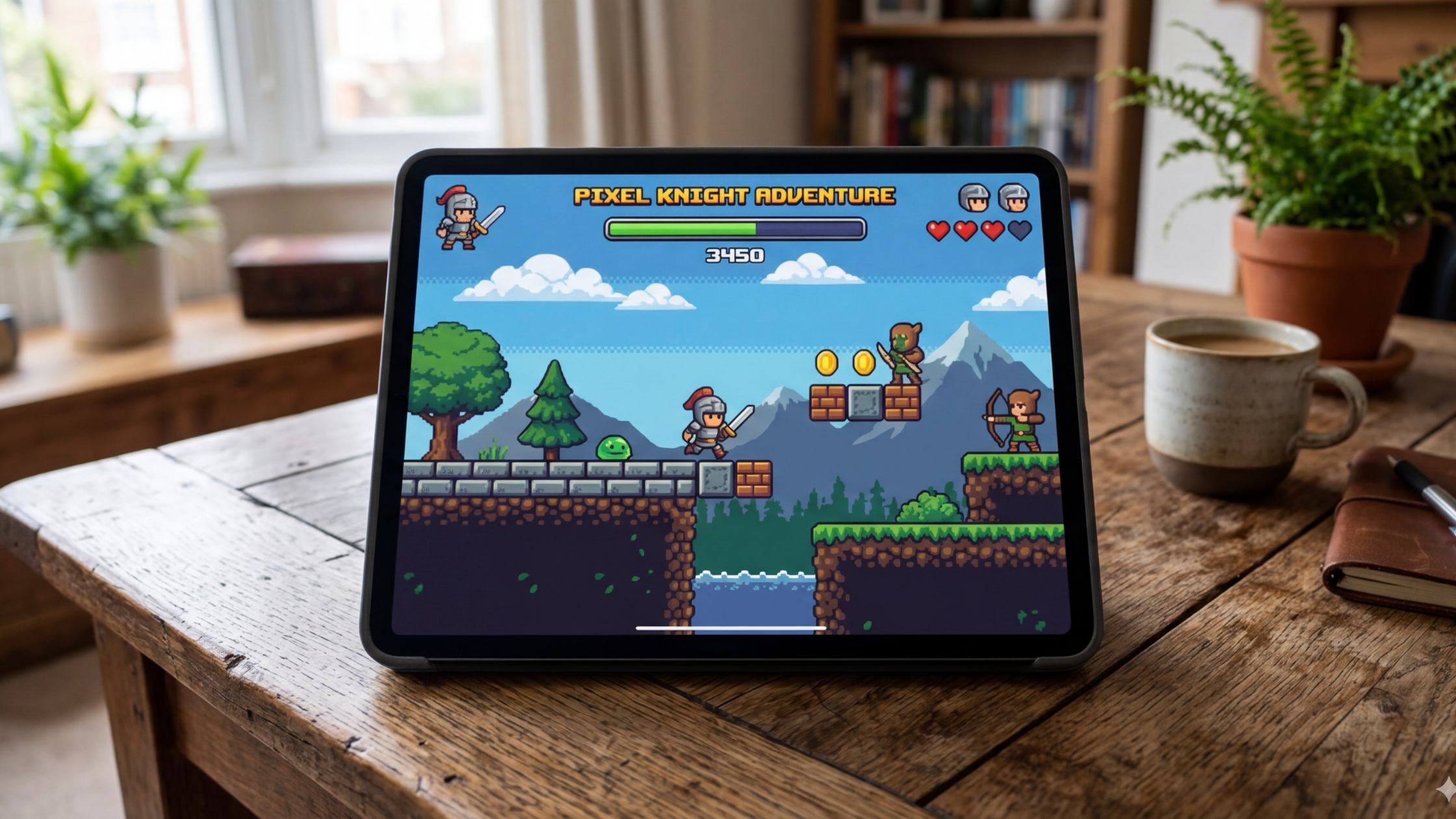
Game development has traditionally needed a complex setup.
You'd need a fast PC, a coding environment, and patience for long compile times. iPad-first tools like Codea, a Lua-based coding environment, have shown that game prototyping can be fast, portable, and creative. According to Wikipedia, Codea lets developers export directly to Xcode. That shows the iPad can be a place to build games as well as play them.
hyperPad goes further and removes the coding barrier, so anyone can prototype a game.
Why Rapid Prototyping Pays Off
Prototyping is the backbone of good game design. When you can test and refine ideas quickly, you save time and take on less risk. You also get to try more ideas. On iPad, the process gets faster still, because everything you need is right in your hands.
With hyperPad, prototyping is fast and code-free.
Why hyperPad Helps You Win
Codea is excellent if you already know Lua. hyperPad opens the door to a much wider audience. Here’s how:
1. Drag-and-Drop Logic
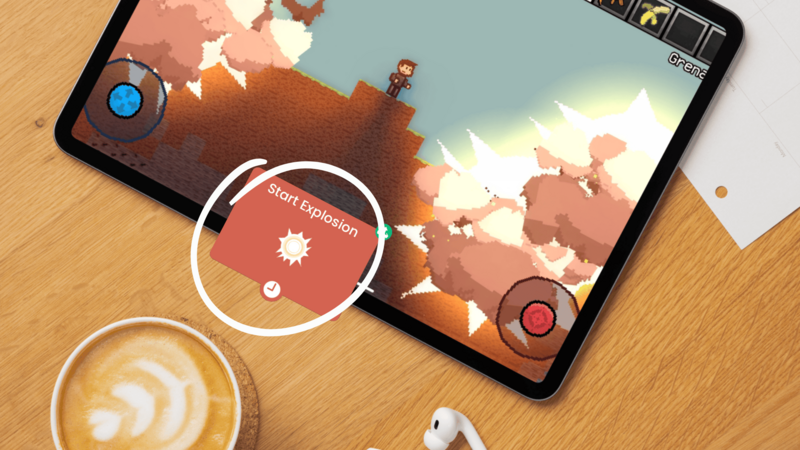
hyperPad replaces code with Behaviors that you drag, drop, and connect. Anyone, from kids to indie developers, can prototype game mechanics without learning syntax.
2. Instant Testing
Instead of exporting to Xcode, you test your game in hyperPad with a single tap. There’s no compile step to wait for. Change something, then test it again right away.
3. Publish to the Hub
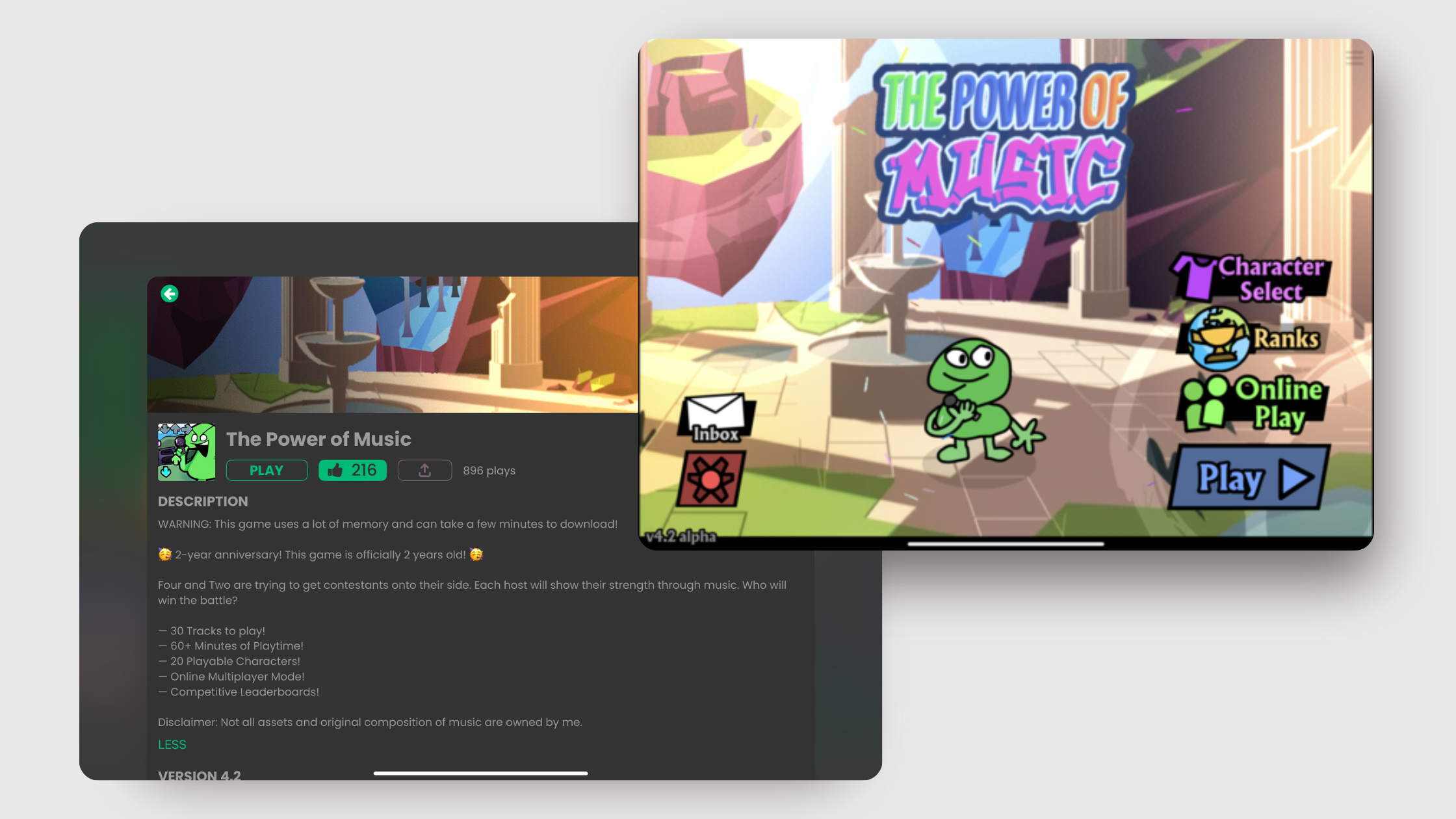
You can publish prototypes and finished games to the hyperPad Hub and get quick feedback from creators and players around the world.
4. Path to the App Store
When a prototype grows into a polished game, you can export it to the App Store with hyperPad. (App Store export comes with the paid hyperPad app, not hyperPad Starter.) That covers the whole path from idea to release on iPad.
Why This Matters for Game Devs
Rapid prototyping encourages experimentation. You can test wild ideas, refine mechanics, and learn game design faster than with a traditional workflow. With hyperPad:
- Beginners can quickly understand the building blocks of games.
- Educators can use it as a teaching tool in classrooms.
- Indie developers can bring concepts to life without the overhead of coding.
That makes hyperPad a creative playground for new and professional game makers alike.
The Future is Here
Tools like Codea show that iPad is a serious platform for game development. hyperPad builds on that by making rapid prototyping open to anyone. With no-code Behaviors, one-tap testing, and publishing to the Hub, you can go from idea to playable game in minutes.
Want to prototype your game or app idea?
Build a small version in hyperPad
Turn the article’s idea into one testable mechanic before expanding the Project. Put the necessary Objects in a Scene, then open the Behavior Editor. The Behavior Interface Overview explains how an event starts a chain and how connected actions run.
A basic interaction can use this sequence:
- Add Started Touching to a button or playable Object.
- Connect it to an action such as Apply Force, Set Attribute, or Play Sound.
- Press Play and check the result.
- Change one value, then test again.
- Add a reset or end state before adding another mechanic.
Keep a short test note: what you changed, what you expected, and what actually happened. That habit makes debugging easier because it separates a logic problem from a value that simply needs adjustment.
For a complete beginner workflow, continue with the iPad game development guide. It covers scope, Scenes, Behaviors, assets, playtesting, Hub feedback, and the later App Store workflow.
Use this example as context for the next decision in your Project. Check current event or product details, then test the idea in a small playable build before changing the larger workflow.