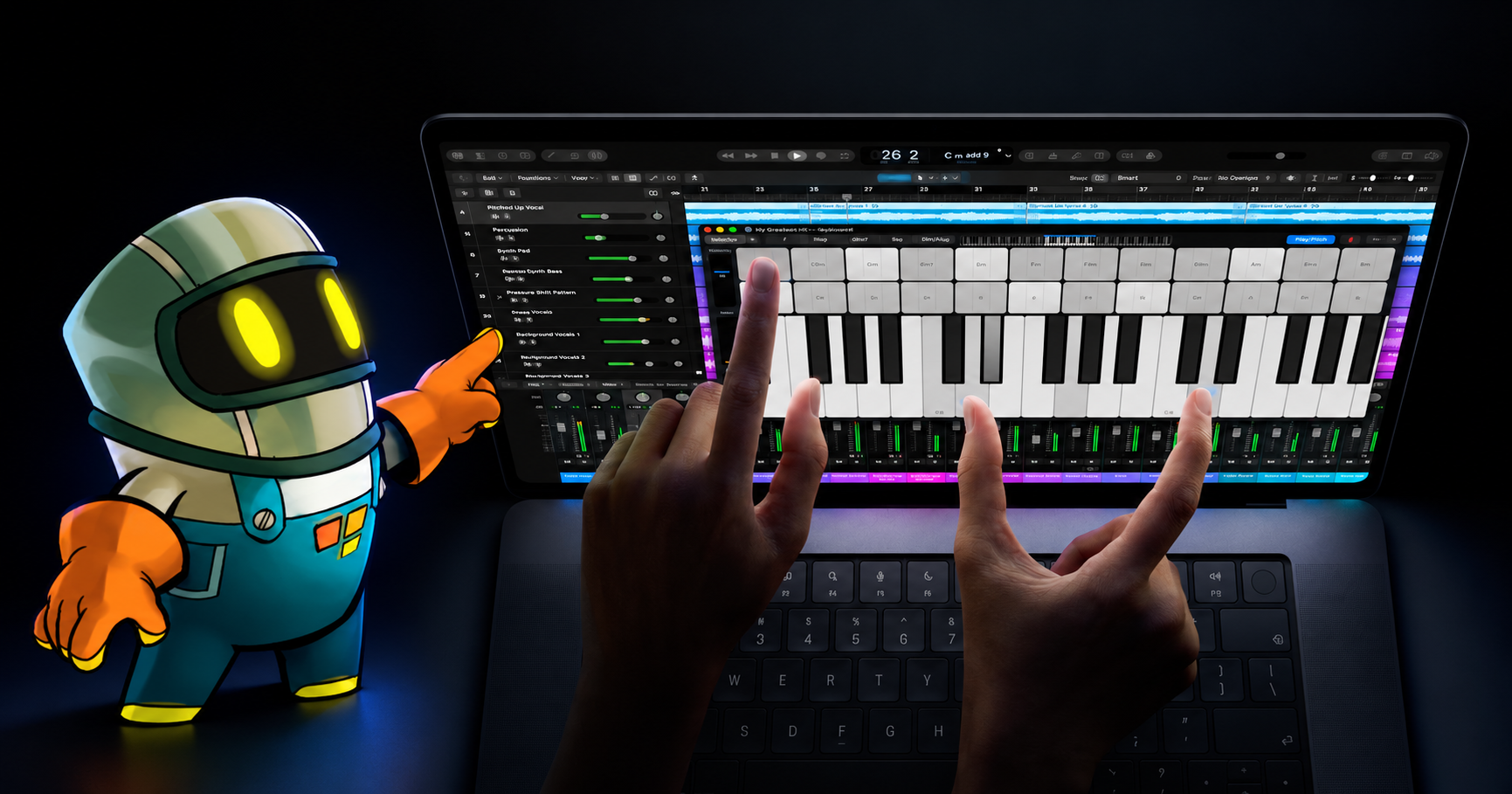
Apple 2025 Year in Review: What Changed for iPad Game Creators

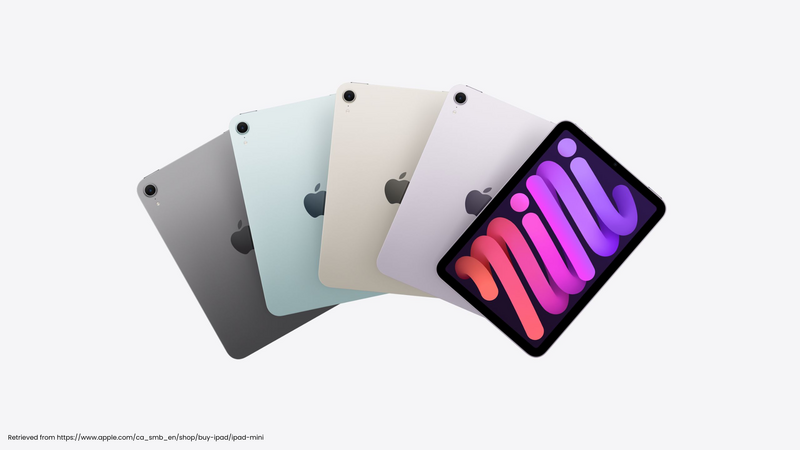
Apple's 2025 gave iPad game creators three updates worth knowing. iPadOS 26 changed multitasking, the M5 iPad Pro raised the top of the iPad range, and the Apple Games app gave players one place for their games. You don't need any of them to make a game with hyperPad. Each one changes how you can work, test, or reach players, and here's what that means in practice.
iPadOS 26: a better workspace for making games
iPadOS 26 brought a new windowing system that lets you resize, tile, and switch between app windows. Preview came to iPad for images and PDFs. Files gained more organization options, and local capture and audio controls added tools for recording and review.
For a hyperPad creator, the value is practical:
- Keep a reference image beside the editor while you build a level.
- Open your notes while you tune a jump or an enemy's speed.
- Review a PDF storyboard without leaving the iPad.
- Record a play session so you can review it later.
The operating system doesn't make the game for you. It removes small interruptions around the work. We cover the details in iPadOS 26 for game development.
M5 iPad Pro: do you need it to make games?
Apple introduced the M5 iPad Pro in 11-inch and 13-inch sizes, with faster graphics, storage, wireless connectivity, and AI performance.
Those upgrades help demanding creative apps. They don't mean every hyperPad Project needs an M5. A well-scoped 2D game can start on a supported iPad you already own.
Choose new hardware when you can name the constraint it solves. That might be storage for art and audio, a larger drawing surface, or a Scene that no longer runs comfortably on your device. Our M5 iPad Pro guide for game creators shows how to test that.
Apple Games: give players a reason to come back
Apple Games launched as a home for a player's installed games, Apple Arcade titles, Game Center friends, challenges, and activity. Apple describes it in its guide to what's new in iPadOS 26.
For independent creators, the lesson is simple. Finishing a game is only part of the job. Players need a reason to find it, come back to it, and share it.
Design those reasons early:
- A clear score players want to beat.
- A challenge that is fair and short enough to retry.
- A session that fits into a few spare minutes.
These shape your game long before any platform integration. Read more in what the Apple Games app means for hyperPad creators.
What 2025 meant for making games with hyperPad
hyperPad is built for making games directly on iPad. You place Objects in Scenes, connect Behaviors (actions and events) to create logic, and test the result without traditional code.
The same app runs on Apple silicon Macs with an M1 chip or later. Use iPad for a touch-first canvas and a Mac when you want a larger screen, keyboard, and pointer.
The Hub gives you a first audience. Publish a playable Project, ask other creators where they got confused or stopped, and improve the game before a wider release. Our guide to sharing a game and getting feedback explains how.
When a finished Project is ready for the App Store, the paid hyperPad app can Export an Xcode Project. Final signing and submission still need a compatible Mac, Xcode, an Apple Developer account, and App Store Connect. See how to prepare an iPad game for the App Store for the full checklist. You keep 100% of your revenue.
That's hyperPad's place in Apple's 2025. Create on iPad, learn from players on the Hub, and keep a path open to the App Store.
The lesson from Apple's 2025
New hardware gets the headlines. A repeatable creative process matters more. Start with one mechanic, test it on the device your players use, and keep the Project small enough to finish.
FAQ
What were Apple's biggest 2025 updates for iPad game creators?
iPadOS 26 with its new windowing system, the M5 iPad Pro, and the Apple Games app. They changed how you work on iPad, the top of the hardware range, and how players keep track of their games.
Do I need an M5 iPad Pro to make games with hyperPad?
No. A supported iPad you already own can run a well-scoped 2D game. hyperPad also runs on Apple silicon Macs with M1 or later.
Can I put a hyperPad game on the App Store?
Yes, with the paid hyperPad app. It Exports an Xcode Project, and you sign and submit it with a compatible Mac, Xcode, and an Apple Developer account.
What's the difference between publishing to the Hub and exporting?
Publishing puts your Project on the hyperPad Hub for other creators and players. Exporting prepares it for the App Store.
Your next step: Publish one mechanic to the Hub
Pick one mechanic from a game you played in 2025, such as a single jump-and-collect level. Build it in a hyperPad Project, play it on your iPad until it feels right, and Publish it to the Hub. Then ask two other creators one question: where did you stop playing? Their answers will tell you more about your next game than any spec sheet.