M5 iPad Pro for Game Development: Do hyperPad Creators Need It?

M5 iPad Pro for Game Development: Do hyperPad Creators Need It?
Apple's M5 iPad Pro is the fastest iPad in the 2025 lineup. That does not make it a requirement for building a 2D game.
The useful question is simpler: does the M5 iPad Pro solve a constraint in your current hyperPad workflow?
What Apple announced
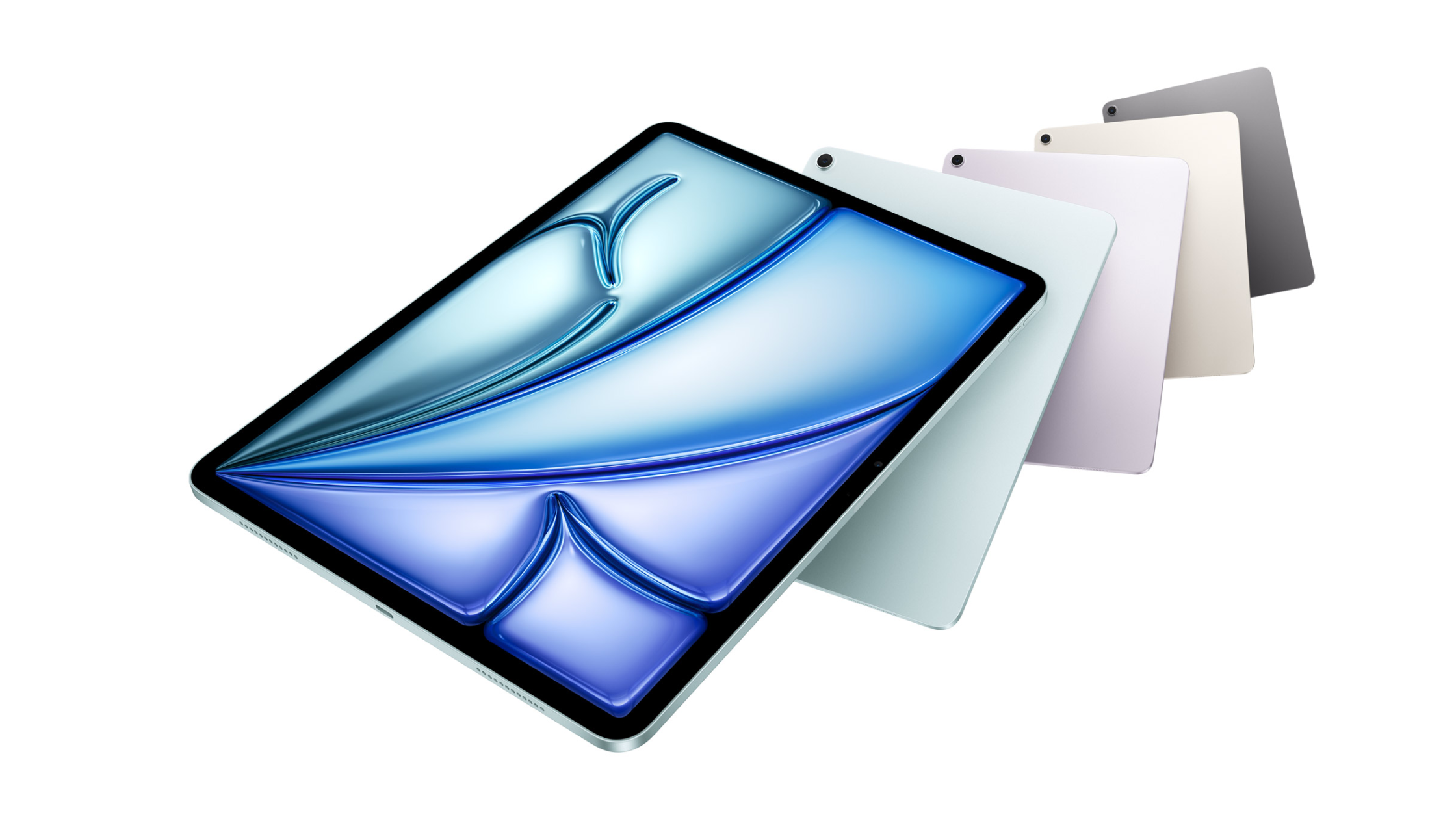
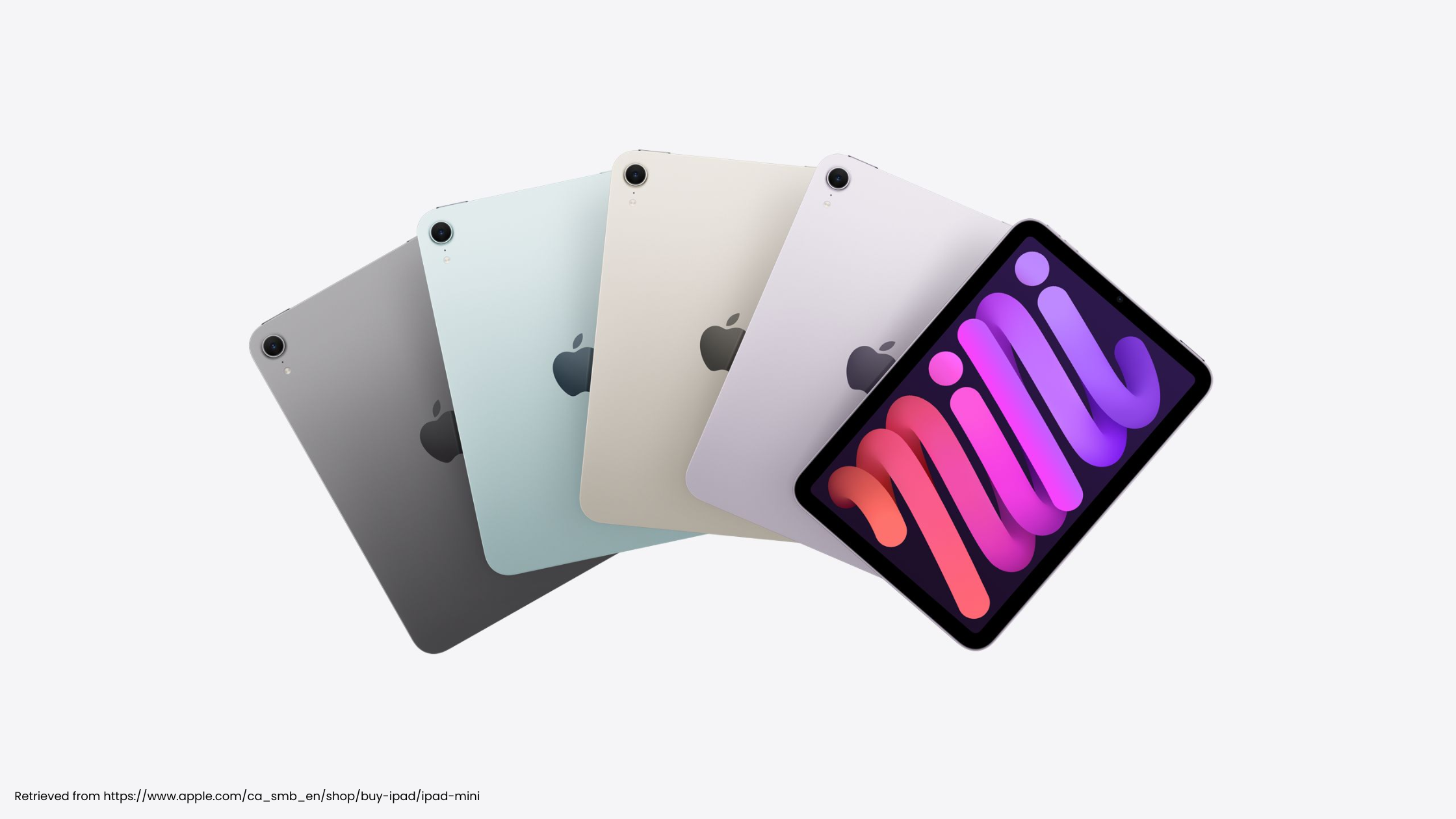
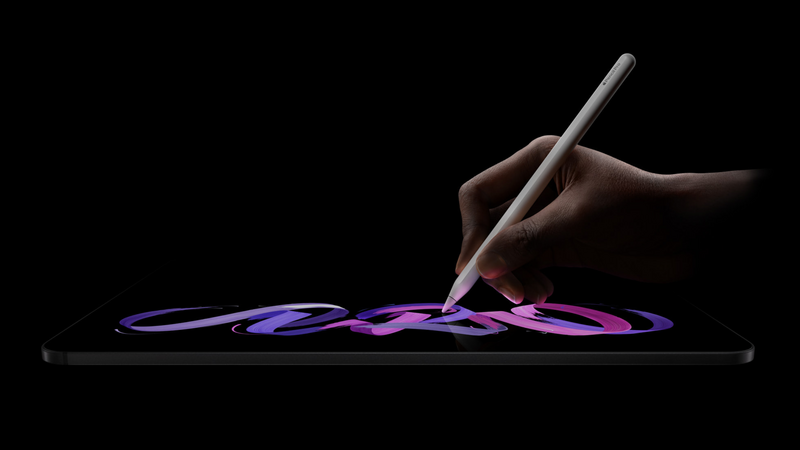
Apple introduced the M5 iPad Pro in 11-inch and 13-inch sizes. Both use an Ultra Retina XDR display and support Apple Pencil Pro. Storage ranges from 256GB to 2TB.
Apple reports large gains in AI and graphics workloads compared with earlier iPad Pro models. Those figures come from specific Apple tests. They do not establish how much faster your hyperPad Project will run.
The 11-inch model launched at $999 in the United States. The 13-inch model launched at $1,299.
Test the Project that matters
An empty Scene cannot tell you whether you need new hardware.
Open the busiest part of your real Project. Use the same route and inputs for each test. Check whether touch stays responsive, animation and audio remain aligned, physics behaves consistently, and the Scene restarts reliably.
Then test the editing workflow. Move several Objects, open a large Behavior Tree, duplicate an Object, import a normal asset, and reopen the Project.
Write down the exact problem. “My device feels old” is difficult to solve. “This Scene becomes unreliable when these effects run together” gives you something to investigate.
Improve the Project before replacing the iPad
Some limits come from Project structure.
Remove Objects that never become visible. Resize assets that are much larger than their display use. Review particle counts. Reuse logic instead of copying large Behavior Trees. Change one thing at a time and repeat the same test.
Keep a backup before restructuring the Project. Compare the result with the same success criteria.
When M5 may be the right choice
The M5 iPad Pro may fit when you need its complete creative setup, not only its chip.
The 13-inch display can give artists and level designers more room. Higher storage tiers can hold large source libraries. Apple Pencil Pro support may matter if drawing is part of the same workflow. External display and accessory support can make longer sessions more comfortable.
For classrooms, cost, device consistency, and management may matter more than peak performance.
Where hyperPad fits
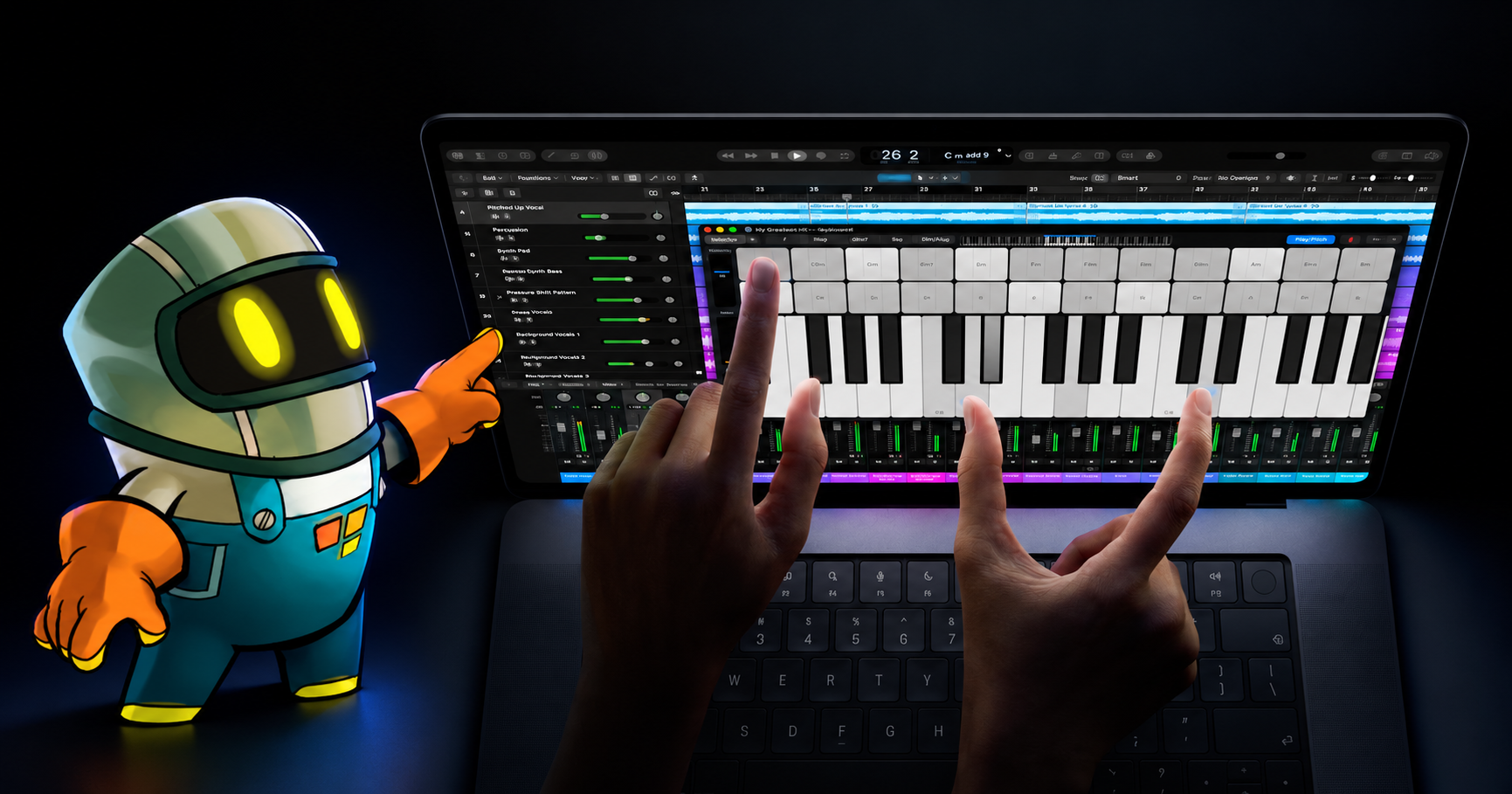
hyperPad lets you make games directly on iPad with visual Behaviors. You can start with hyperPad Starter and one Project, then move to the paid app when you need more Projects or App Store export.
You can also use hyperPad on an Apple silicon Mac with an M1 chip or later. That gives you a choice between the iPad's touch-first workflow and a compatible Mac's keyboard-and-pointer workspace.
The M5 iPad Pro gives that workflow Apple's highest-end iPad hardware. It is an option, not an entry requirement.
Choose it when you can name the problem it solves. Otherwise, keep building on the supported iPad you already have.