Free Mathematical Games for Students


Free mathematical games for students include Prodigy Math Game, Khan Academy Kids, Desmos Classroom activities, Math Playground and Coolmath Games. Each lets students practice math through play without paying to start. Students can also make their own math games for free with hyperPad Starter on iPad, which teaches coding basics along the way.
Check each game's current terms before using it in class. Some free games include ads or offer optional paid upgrades.
Free math games students can play
| Game | Where it runs | Good for |
|---|---|---|
| Prodigy Math Game | Web, iPad | Curriculum-aligned practice in a fantasy adventure, grades 1 to 8 |
| Khan Academy Kids | iPad, iPhone | Early counting and number sense for young learners |
| Desmos Classroom | Web | Interactive activities on graphing, functions and geometry for middle and high school |
| Math Playground | Web | Short games and logic puzzles sorted by grade |
| Coolmath Games | Web | Strategy and logic games for breaks and early finishers |
| hyperPad Starter | iPad | Making a math game of your own, with no coding |
Why math games help students
More engagement
Games turn abstract concepts into challenges with a clear goal. Students who avoid a worksheet will often try a problem again in a game.
Critical thinking and problem-solving
Puzzle and strategy games ask students to plan, test an idea and adjust. That's the same process they use on multi-step math problems.
Collaboration
Many math games work in pairs or teams. Students explain their thinking to each other, which helps both players.
Creativity
When students design a math game, they have to decide what makes a good question, a fair challenge and useful feedback.
Why making a math game teaches even more
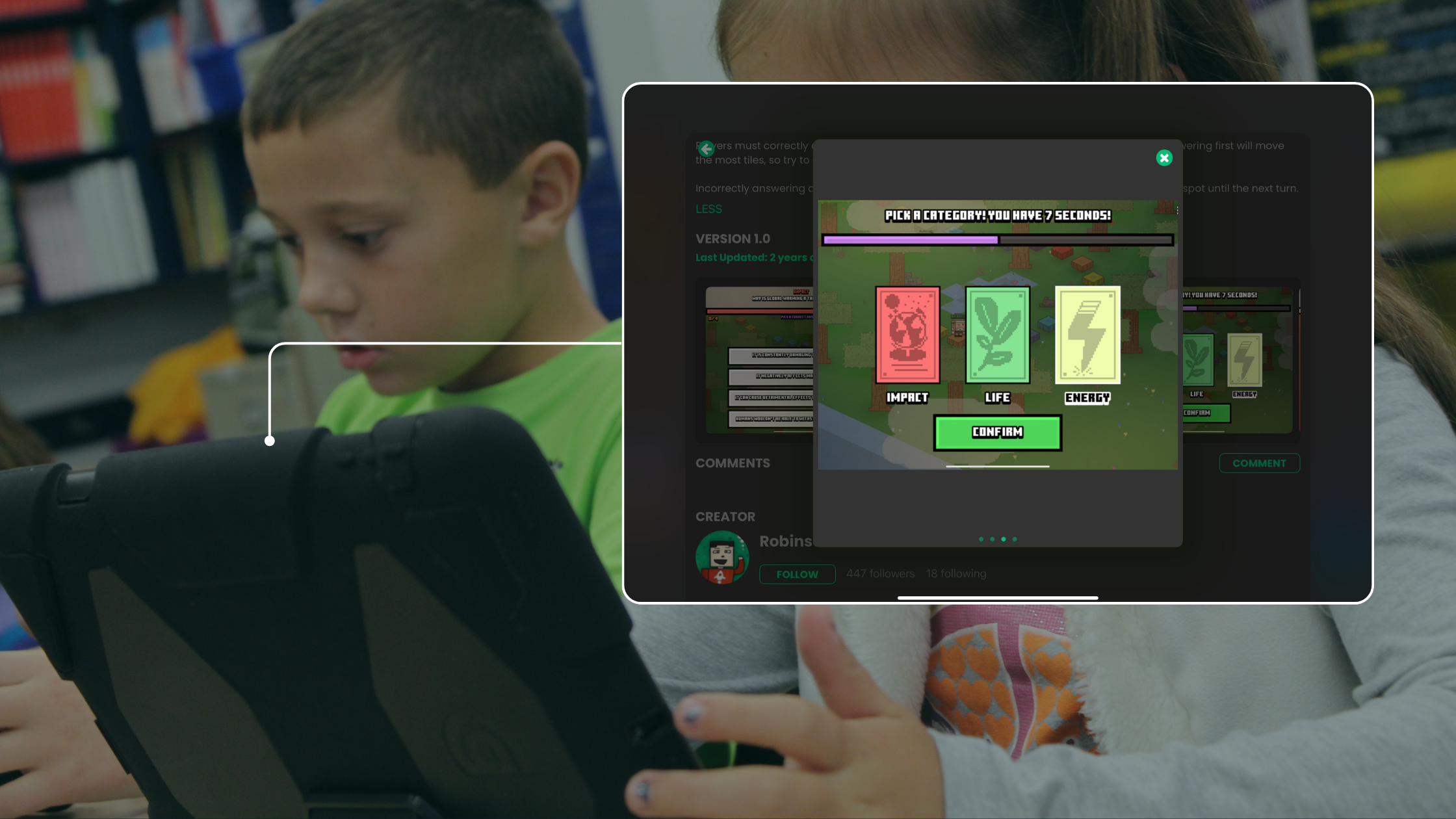
Playing a math game is practice. Making one asks students to understand the math well enough to write the questions, check the answers and explain mistakes.
In hyperPad, students build games by connecting Behaviors instead of typing code. Along the way, they learn:
- Coding basics: events, conditions and values, like adding a point when the right answer is tapped
- Design skills: layout, buttons and feedback a player can understand
- Problem-solving: finding and fixing a bug when the score doesn't change
Students can design puzzles, timed challenges and simple simulations that reinforce what they're learning. Students 13 and older can publish their games to the hyperPad Hub and get feedback, and ages 13 to 17 need a parent's permission.
hyperPad Starter is free, has no ads and includes one Project. Schools get 50% off the full hyperPad app through Apple School Manager, with Private Login for student accounts. Organizations like LearnX also support interactive, technology-based learning in classrooms.
A first math game to build with your class
Start with a single-Scene times-table game. Show a question in a Label, add three answer buttons, and use a touch Behavior to add a point to a score Attribute when the right one is tapped. Once it works, ask students to change one thing: a timer, harder numbers or a wrong-answer sound.
The change each student picks tells you what they understood. Lesson plans, presentations and an educator kit are on the hyperPad education page.