Chance Games: How to Make Your Own on iPad


Chance games are games where luck shapes the outcome: a dice roll, a card draw or a spin of a wheel. They're quick to learn, easy to share and a good first Project, because the core rule fits in one sentence. This guide covers what makes chance games fun and how to make your own on iPad with hyperPad.
What are chance games?
In a chance game, a random result decides some or all of what happens next. Classic examples include dice games, card games like War, and prize wheels.
Many games mix chance with choice. A board game might use dice to decide how far you move but let you choose which piece to move. That mix is what keeps players thinking.
Chance also levels the field. A new player can beat an experienced one, which makes these games welcoming for families and classrooms.
What makes a chance game fun
- Suspense before the result. A short roll or spin animation builds anticipation.
- Clear outcomes. Players should instantly see what they got.
- A choice that matters. Let the player decide something, such as whether to roll again or stop.
- Fair odds. Players can tell when luck feels rigged.
Three chance game ideas
Dice adventure
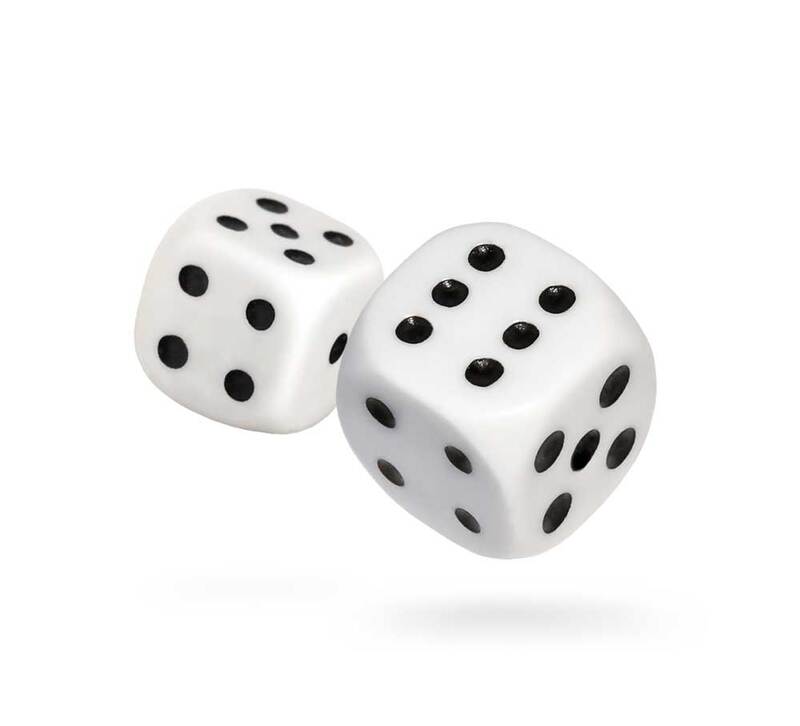
The player rolls a die to move along a path. Some spaces give a reward and some set them back. Add a "roll again or stay" choice to give the player some control.
Card draw game
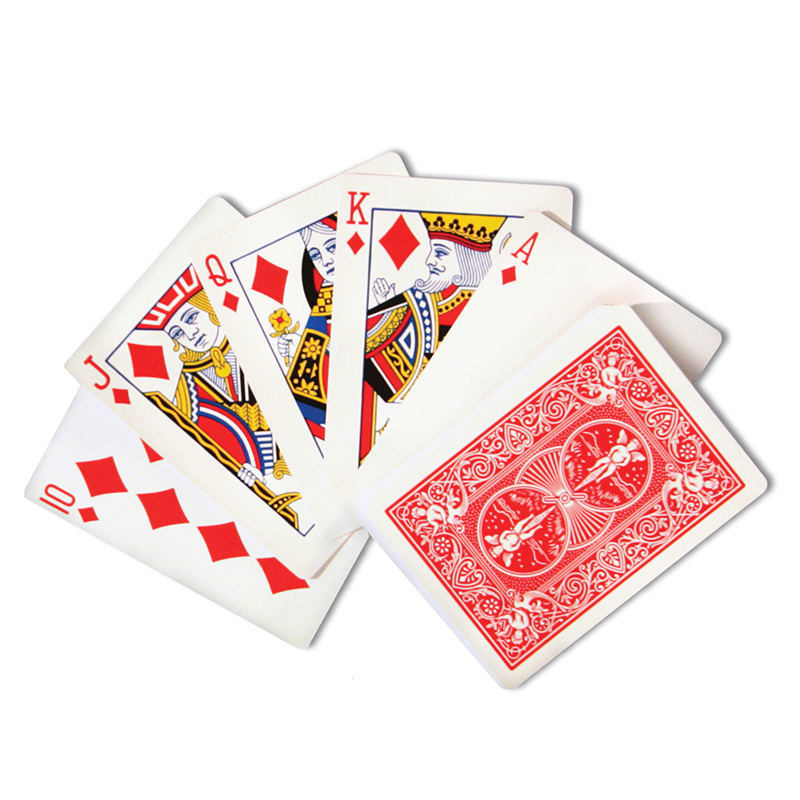
The player draws from a deck and tries to beat a target number without going over. Each draw is a risk, so every turn has a decision.
Spin-the-wheel game
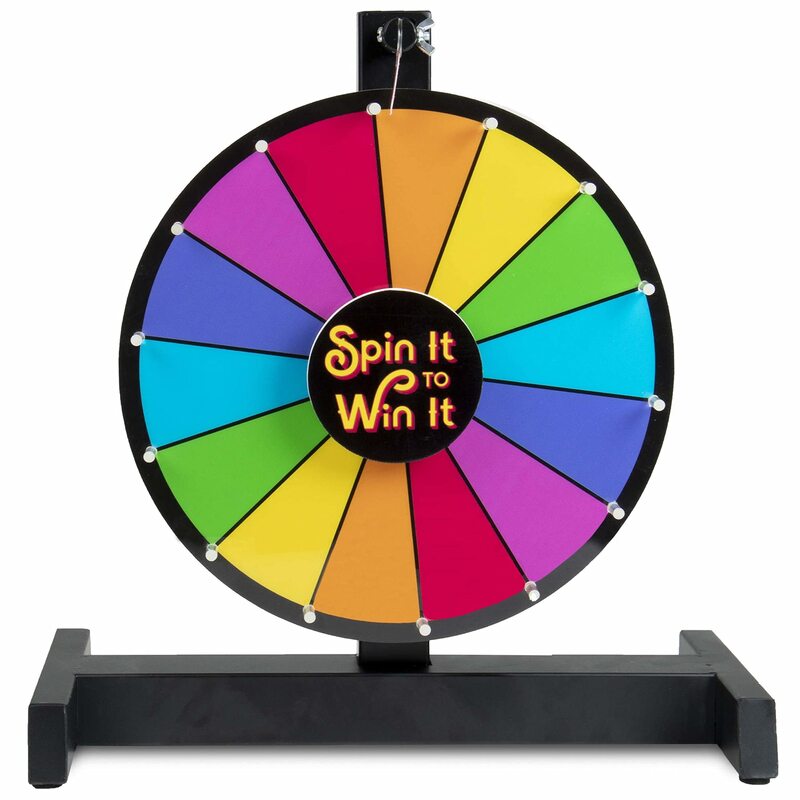
A wheel lands on prizes or challenges. Give larger slices to common results and thin slices to rare ones, so the wheel shows the odds at a glance.
How to make a chance game in hyperPad
hyperPad is an iPad app for making games without traditional code. You connect actions and events into a flowchart of your game's logic with Behaviors. A dice game is a good first build:
- Make the die. Add an Object with six Graphics, one for each face.
- Roll on touch. Use Started Touching on a Roll button.
- Pick a number. Use Random Number to choose a value from 1 to 6.
- Show the result. Switch the die's Graphic to match, and play a short sound.
- Store it. Save the roll in an Attribute and add it to the player's position or score.
- Check for a win. Use an If Behavior to see whether the player reached the goal.
For a card game, store your deck as a list and remove each card as it's drawn, so the same card can't come up twice. For a wheel, rotate the wheel Object and use the random number to pick where it stops.
Test the odds
Before you share your game, play it 20 times and tally the results. If one outcome shows up much more or less often than you planned, adjust the odds. Show players the odds when it helps, such as a slice size on a wheel.
Share your chance game
Publish your game to the hyperPad Hub and ask players whether the luck felt fair. hyperPad Starter is free, includes one Project and can Publish to the Hub. When you're ready for the App Store, the paid hyperPad app adds Export.
Then tell people about it. Post a short clip of a big roll or a near miss, since those moments are fun to watch. For a full launch plan, read how to market your mobile game. For a party game where skill matters more than luck, make your own parlor games on iPad, starting with drawing and guessing.