Game Development Jobs: A Comprehensive Guide for Beginners


Are you passionate about gaming? Do you dream of turning your love for games into a career? The game development industry is thriving, with a wide range of jobs for aspiring developers.
With so many paths to choose from, it can be hard to know where to start. This guide covers the main types of game development jobs, how you can build the skills they need, and tools and platforms to get you started.
Exploring the Job Market Options
Game development includes many different roles. Here are some of the key ones to consider:
1. Game Designer

Game designers create the overall concept and mechanics of a game. They design levels, gameplay systems, and user interfaces so players have an engaging experience.
2. Programmer/Developer

Programmers are the backbone of game development. They write the code that brings games to life, using game engines like Unity and Unreal Engine and programming languages like C++ to implement game features.
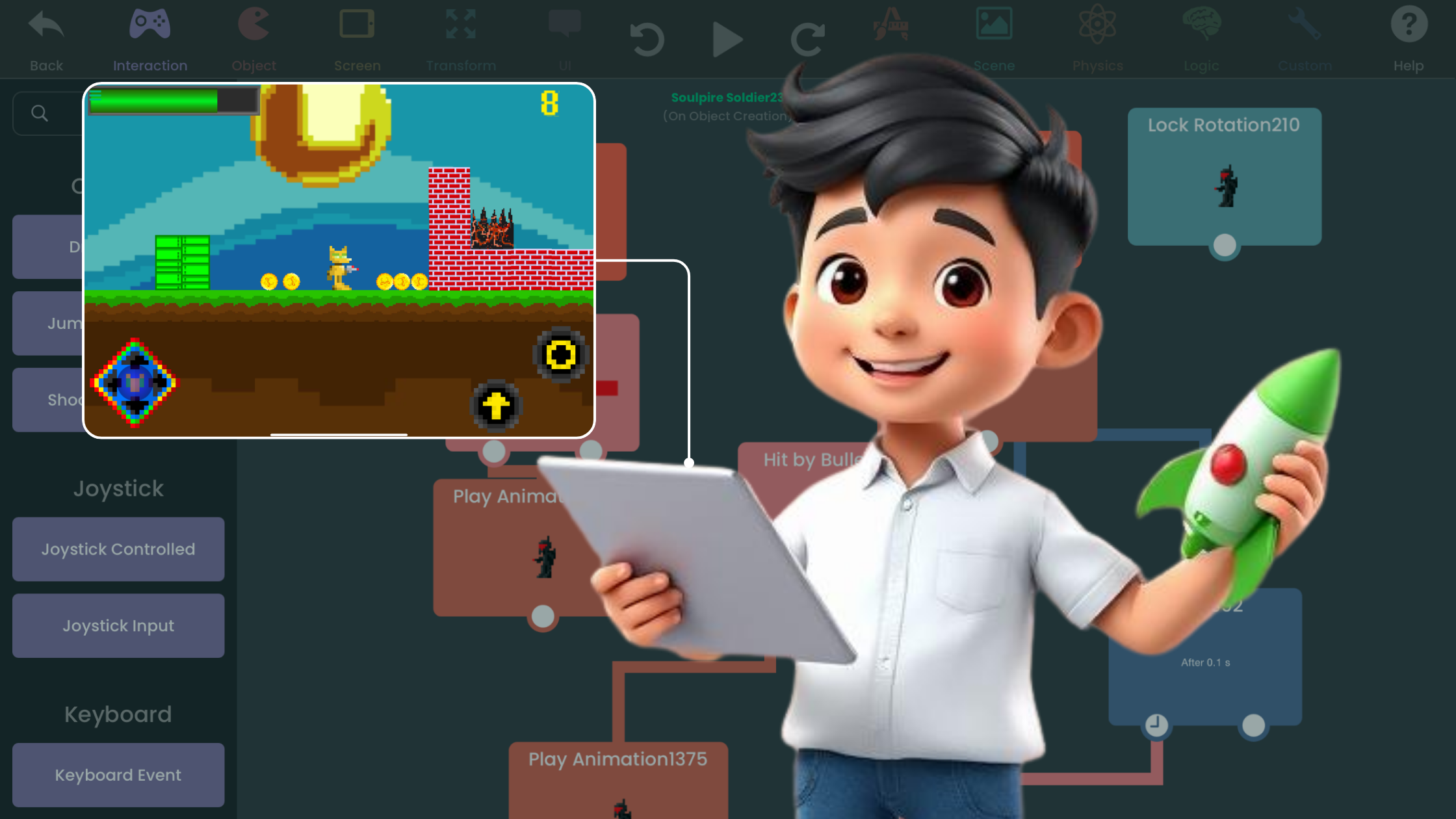
hyperPad offers a faster route. You build game logic with visual Behaviors instead of code, so you get to the fun part sooner: making games other people can enjoy.
3. Artist/Animator
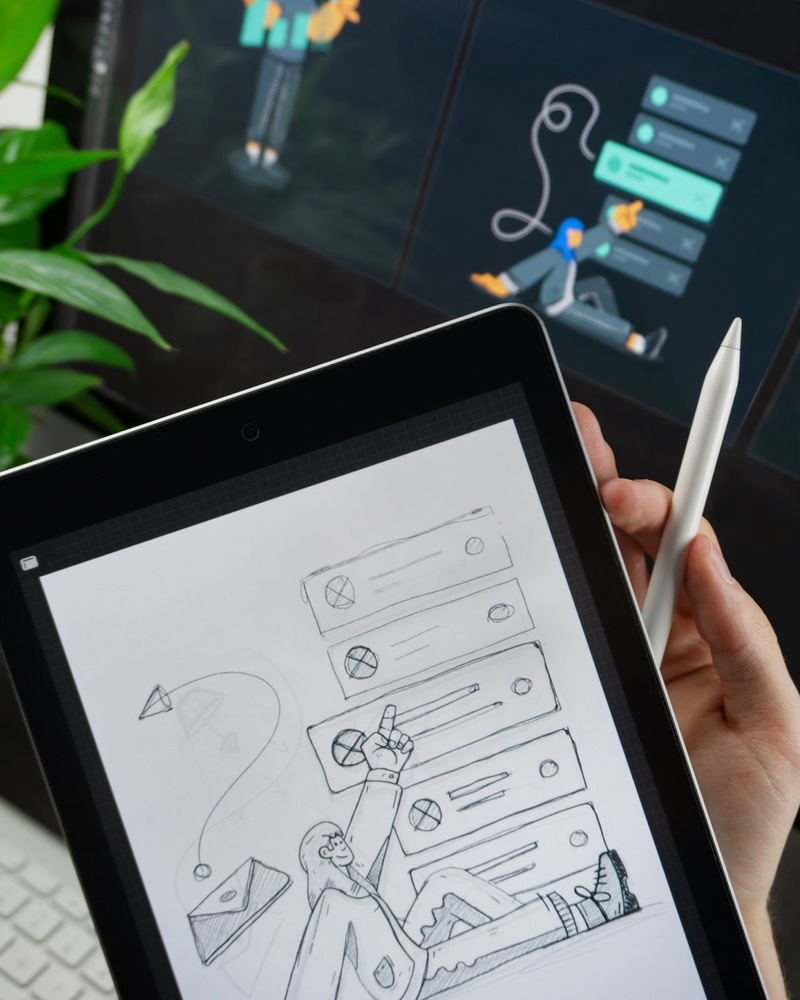
Artists and animators create a game's visual elements, including character designs, environments, animations, and special effects. They use software like Photoshop, Blender, Maya, and ZBrush to bring their creations to life.
4. Writer/Narrative Designer
Writers and narrative designers craft the storyline, characters, and dialogue that shape a game's narrative. They work closely with game designers and developers to make sure the story fits the overall vision of the game.
5. Sound Designer/Music Composer

Sound designers and composers create a game's audio, including sound effects, background music, and voiceovers. They use software like Pro Tools, Logic Pro, and Adobe Audition to produce high-quality audio that improves the experience for players.
6. Quality Assurance Tester
QA testers make sure a game is stable and polished before release. They find bugs, glitches, and other issues through thorough testing and report them to the development team to fix.
Developing the Necessary Skills
Now that you know the main types of game development jobs, how do you start building the skills for the path you want? Here are some tips:
1. Choose Your Focus
Decide which part of game development interests you most: programming, art, design, writing, or sound. Focus on building your skills in that area while also learning the basics of the other disciplines.
2. Learn the Basics
Get familiar with the fundamentals: game design principles, programming languages, art and animation techniques, storytelling, and audio production.
3. Practice Regularly
Practice is key to mastering any skill. Start small with personal projects or join game jams to gain hands-on experience and build your portfolio.
With hyperPad, you can skip much of the learning curve and get straight to making games. Some creators have built full games in a matter of weeks.
4. Seek Feedback
Feedback helps you grow as a developer. Input from peers, mentors, or online communities shows you where to improve.
Join the hyperPad community on Discord, where creators share news, swap ideas, and give each other constructive feedback.
5. Stay Updated
The game development industry changes constantly, so it's important to keep up with the latest trends, technologies, and tools. Follow industry blogs, forums, and social media channels to stay informed.
The hyperPad blog covers game development news and tips too.
Recommended Tools & Platforms for iPad Game Dev
Coursera & Udemy
Online learning platforms like Coursera and Udemy offer a wide range of courses on game development, covering programming, art, design, and audio production. They give you a structured learning path with insights from industry professionals, whether you're just starting out or refining your craft. They're a good way to learn at your own pace.
GitHub
GitHub is a platform for collaborative software development and version control. For aspiring game developers, it's a good place to work on projects, contribute to open-source repositories, and show your work to potential employers. On GitHub, you can join a large community of developers, get feedback on your projects, and grow your skills in iPad game dev and beyond.
hyperPad: No-Code Game Dev on iPad
hyperPad is a no-code platform for iPad game development. With drag and drop and visual Behaviors, you can bring your game ideas to life without writing code. Beginners and experienced developers alike can make games, animations, and interactive stories directly on iPad. Publish your work to the hyperPad Hub to share it with the community, or export it to the Apple App Store.
If you draw in Procreate or other digital art tools, you can turn your designs into interactive games or apps in hyperPad. Get into game dev with hyperPad Starter for free. When you want more projects and App Store export, upgrade to hyperPad for a one-time USD $14.99.
Start Building the Games of Tomorrow
A career in game development takes dedication and continuous learning, and it can be very rewarding. Explore the different roles, build your skills, and use tools like hyperPad to make real games along the way. Your portfolio starts with the first game you finish on your iPad.