Friday Night Funkin' Composers and Rhythm-Game Music Design

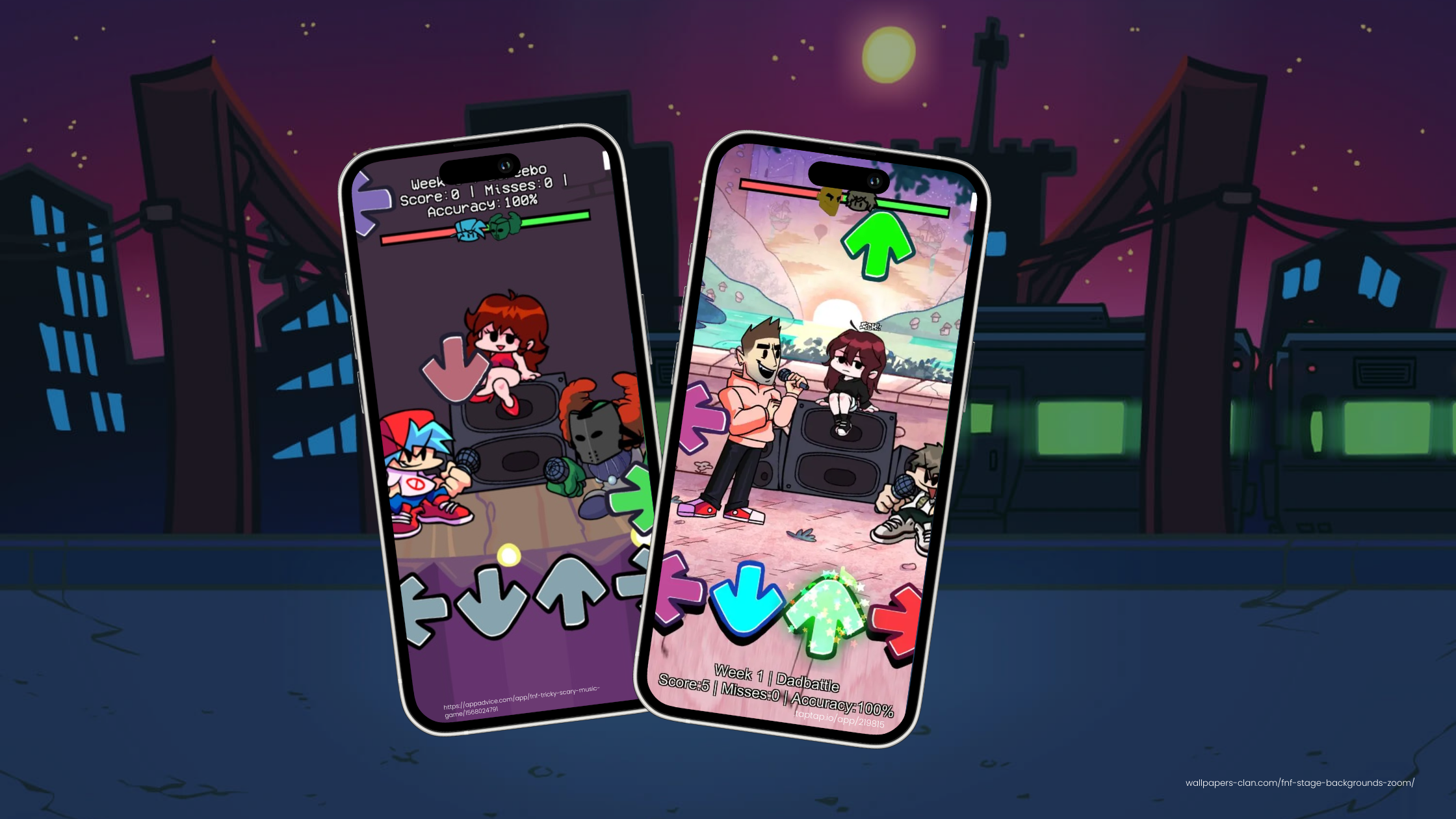
The original Friday Night Funkin' itch.io credits name Kawai Sprite for music. The current official iOS listing says the mobile soundtrack is largely composed by KawaiSprite and Saruky, with collaborations that include Lotus Juice and Kohta Takahashi.
Those credits have changed as the game has grown, so use the official game pages for the current list. For a game creator, the useful lesson is not to copy FNF's songs. It is to understand how a rhythm game's music, note chart, animation, and player feedback share one timing system.
Who composed Friday Night Funkin'?
The official FNF itch.io page credits:
- ninjamuffin99 for programming
- PhantomArcade and evilsk8r for art
- Kawai Sprite for music
The official FNF mobile App Store listing reflects the expanded current release. It names KawaiSprite and Saruky as the main composers and mentions collaborations with Lotus Juice and Kohta Takahashi.
Credits checked against the official game pages on October 22, 2026. The live game continues to change, so confirm its current credits before citing a specific track or contributor.
Why the soundtrack is part of the game system
In a rhythm game, music is not background decoration. It supplies the timing reference for the notes, animation, scoring, and feedback.
| Music decision | Game-design effect | What to test |
|---|---|---|
| Tempo | Sets the space between expected inputs | Can the player read the next note in time? |
| Beat emphasis | Signals important inputs and transitions | Do notes feel connected to audible beats? |
| Phrase length | Creates natural sections for difficulty changes | Does a new pattern begin at a clear musical point? |
| Arrangement density | Changes how much audio information competes for attention | Can the player still hear the timing cue? |
| Ending | Tells the game when to resolve the round | Do music, score, animation, and UI finish together? |
The chart designer still decides where player inputs belong. A strong beat does not automatically become a good note. You need enough preparation time, a readable pattern, and a fair gap between inputs.
Build an original audio test in hyperPad
Use music you created or have permission to include. Start with a short loop and one lane.
1. Import the audio
Follow Importing Assets to add the file to your Project. Keep source and license notes with the Project so you can confirm the rights later.
Use Play Music for the main track. The Behavior starts the selected music when its connected logic runs, and hyperPad plays one music track at a time.
Reserve Play Sound for short effects such as a hit, miss, menu touch, or count-in cue. Separating the music from short feedback sounds keeps the roles clear.
2. Mark a small note chart
Choose four to eight moments in the loop. Record each note's scheduled time and lane. Do not fill every beat.
A simple chart can start as a table in your production notes:
| Time | Lane | Purpose |
|---|---|---|
| 1.00 s | Left | Introduce the first input |
| 2.00 s | Right | Repeat the pulse |
| 2.50 s | Left | Add one faster response |
| 4.00 s | Right | Close the phrase |
These are example values, not a chart for any FNF song. Match your times to your own recording.
3. Connect input and state
Place one touch Object for each lane. Use Started Touching to detect the player's input.
Give each note an Attribute such as waiting, hit, or missed. Update it with Set Attribute after the timing check. A note that is no longer waiting should not score again.
Use a Label to show the score or timing result. Set Label can display feedback such as Accurate, Early, Late, or Miss.
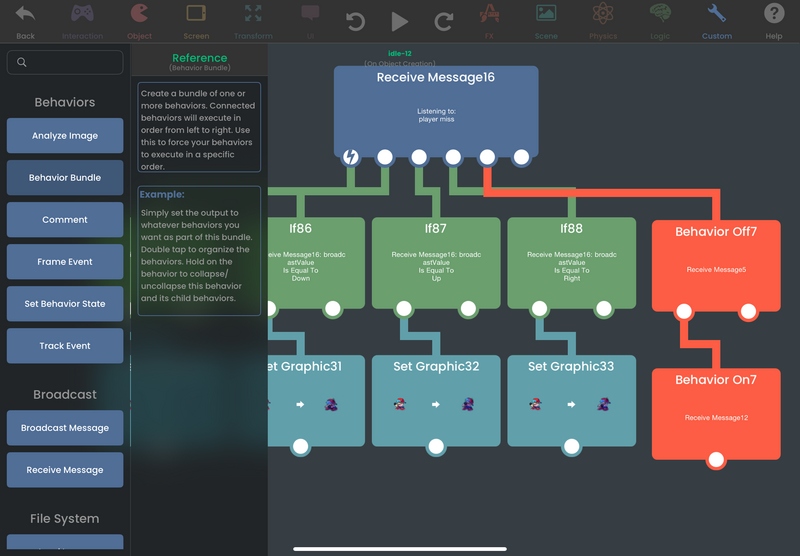
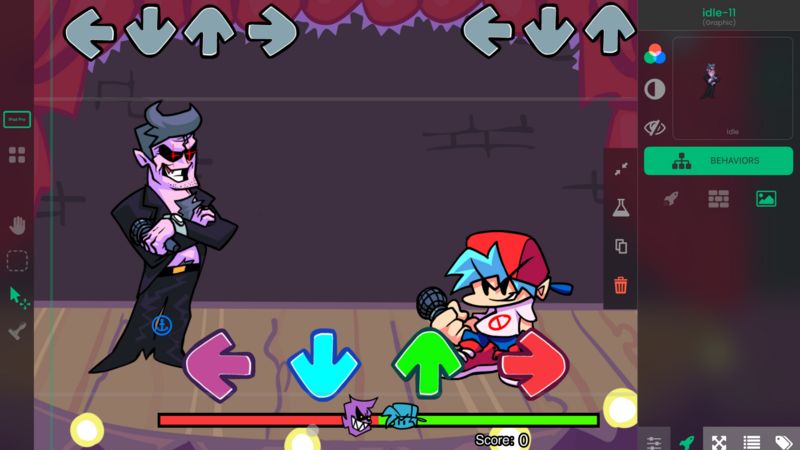
The Behavior Editor is where the audio start, touch event, timing check, state change, and feedback become one playable loop.
Work with a composer using game information
If another person writes the music, give them a design brief instead of asking for “something like FNF.”
Include:
- the Scene and mechanic the track supports
- the expected loop length
- the intended tempo range
- where difficulty should rise or fall
- whether the ending must loop or resolve
- the file format and delivery deadline
- who owns the recording and where it may be published
Share an early playable build. A composer can make better decisions when they see the note speed, animation, and touch timing rather than reading a genre description alone.
Keep the rights clear
Writing a new chart over somebody else's recording does not give you permission to publish the music. The same applies to remixes, samples, character voices, and cover art.
Before you share or export the Project, confirm that you have permission for:
- the composition
- the recording
- any samples
- character or vocal performances
- artwork associated with the track
For the first prototype, original music or clearly licensed production audio keeps the test focused on the mechanic.
Turn the music into a playable result
A useful rhythm-game soundtrack does three jobs: it gives the player a pulse, gives the chart designer clear moments to use, and leaves room for input feedback.
Build one short section, then play it repeatedly. Check the first note, the fastest pattern, the final note, and the restart. When those moments remain aligned, extend the chart or add another lane. The maintained original rhythm-game guide covers the larger timing, scoring, health, animation, and replay workflow.