The Startup Making Game Development Affordable for Indie Creators


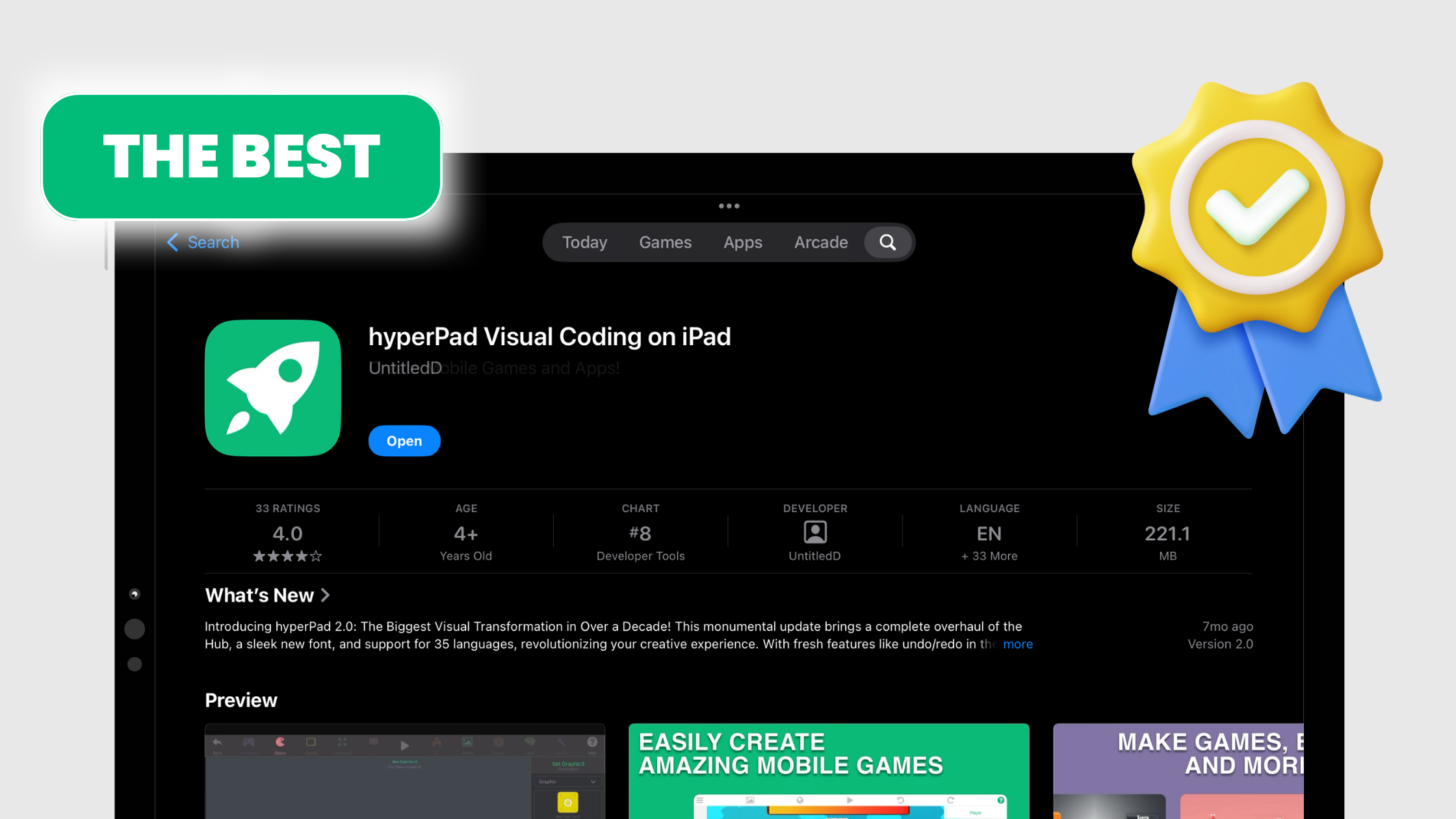
Finding a game development tool that's affordable, approachable, and capable can feel like a long search. hyperPad is built to be that tool for indie game developers: a game creation app for iPad that works for creators of every age and background.
Game Development You Can Afford
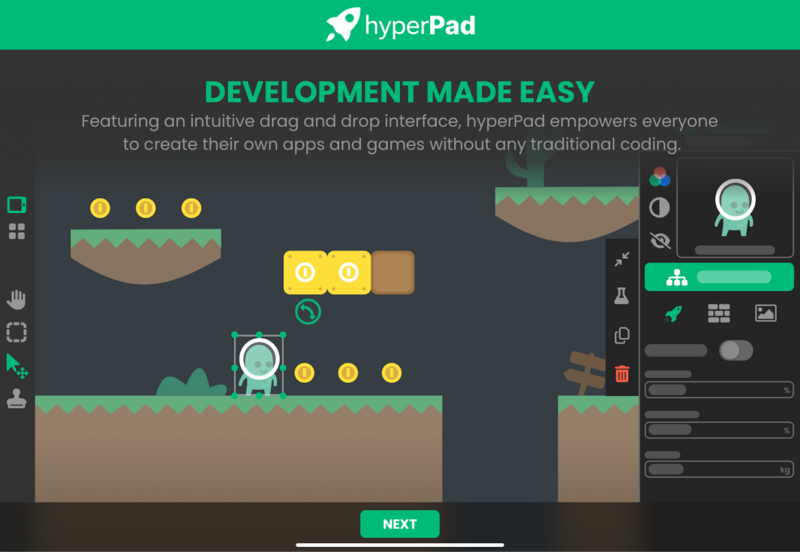
hyperPad is affordable compared with other game development software. You can try hyperPad Starter for free with one project, and hyperPad itself is a one-time purchase with no subscription. Whether you're a seasoned developer on a budget or exploring game design for the first time, cost doesn't have to stand between you and your ideas.
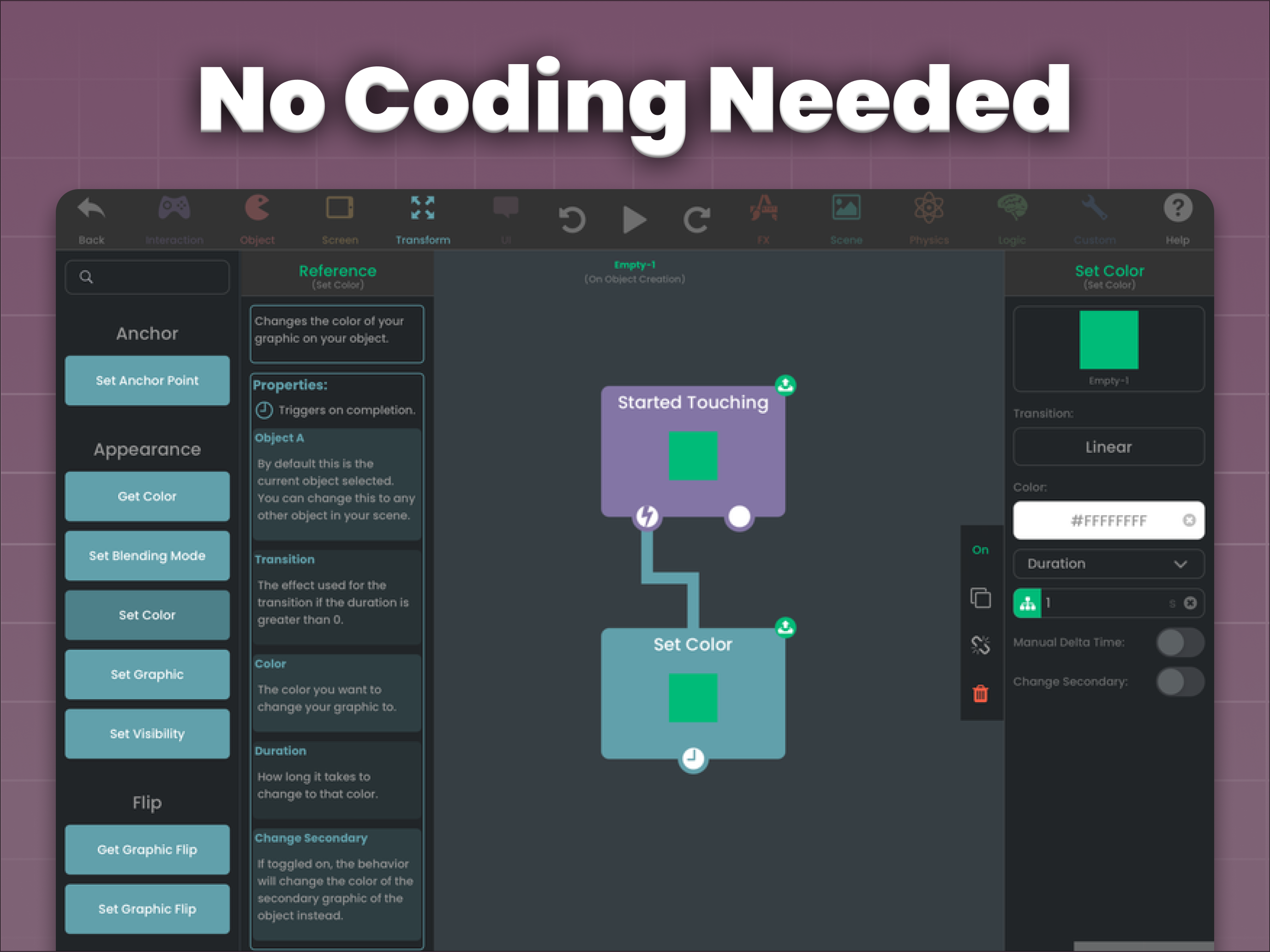
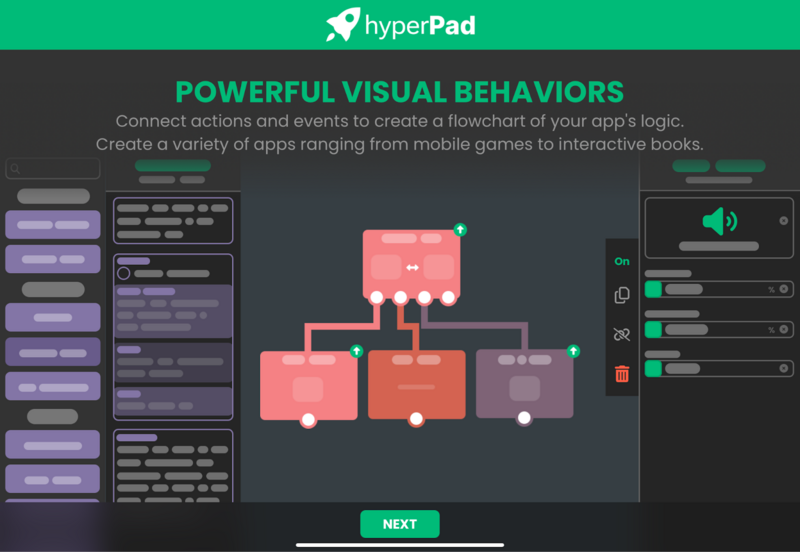
hyperPad keeps things simple without cutting capability. Drag and drop lets creators of every skill level bring their ideas to life. You create characters and environments, then connect Behaviors to control how they act and interact, all in one interface.
You can import your own assets, start from templates, and learn from free tutorials. Our goal is to give you what you need to turn an idea into a real game. Start a story-driven adventure or an action-packed arcade game today.
Helping the Next Generation of Game Developers on iPad
hyperPad is made for creators of all ages. You might be a teenager tinkering with your first game idea or a retiree rediscovering a passion for game design. Either way, hyperPad gives you room to create, and its community and learning resources help you grow at your own pace.
Indie game developers around the world use hyperPad to turn their ideas into games. Whether you're an individual creator, a small team, or a school, you're welcome to join them. (Schools get 50% off through Apple School Manager.)
There are plenty of game development tools to choose from. hyperPad stands out if you want something affordable and approachable, with an active community behind it.
Test the artwork inside a playable Scene
A finished illustration is not automatically a useful game asset. Import one file through the Asset Library, place it on an Object, and test it at the size and speed players will actually see. The Importing Assets guide covers the supported workflow.
Build a small interaction around that asset:
- Put the Object against the real background color.
- Add Started Touching if the player should tap it.
- Use Set Graphic to show a second state, or Play Animation for a prepared animation.
- Add one sound only if it makes the result easier to understand.
- Test on the iPad at normal viewing distance.
Check the silhouette, contrast, touch target, animation timing, and file size before creating a full asset set. If the first Object is unclear, producing twenty more in the same style multiplies the problem. The free 2D game assets guide also explains why licence terms must be checked before publication.
hyperPad is built for iOS game development on iPad. Pay once and it's yours. Turn your Procreate drawings or other digital art into interactive comics, games, and more, then export them to the App Store from your iPad. You keep 100% of your revenue. Start your game dev journey with hyperPad today!