Create Your Own Virtual Pet Simulator Game

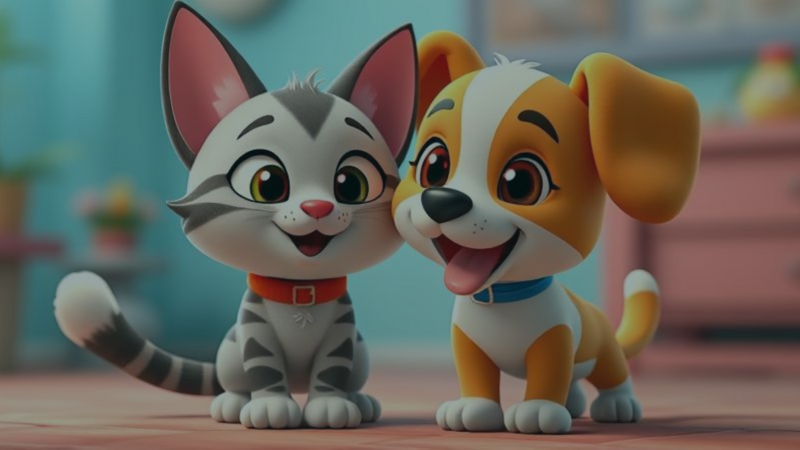
In game dev, few games capture hearts like virtual pet simulators. They put players in charge of adorable, pixelated creatures to feed, play with, and care for. Whether you're getting into indie game dev or exploring iPad game dev, a virtual pet game is a fun, rewarding project. With hyperPad and a few key ideas, you can bring your own virtual pet simulator to life.
The Love For Virtual Pet Games
Virtual pet simulators go back a long way, starting with classics like Tamagotchi and Giga Pets in the 1990s. Those early games paved the way for modern virtual pet simulators, which combine charming graphics, interactive gameplay, and nurturing mechanics for players of all ages. These games are still popular today, and you can make your own virtual pets on iPad with hyperPad, a no-code app for game development.
Why Virtual Pet Simulators Are So Fun
- Adorable Pixelated Creatures: The pets are the heart of every virtual pet game. They're drawn in colorful pixel art, and each one has its own personality. Players can choose from a variety of pets with different traits and needs, so every player’s experience is a little different.
- Interactive Gameplay: Players feed their pets, play mini-games with them, and keep them happy. Whether it’s a simple game of fetch or a more complex puzzle, these activities build the bond between player and pet.
- Nurturing and Responsibility: Caring for a virtual pet teaches responsibility. Players need to check in regularly to keep their pets fed, clean, and content. A neglected pet gets unhappy, so attentive care matters. It's a real life lesson, and it's still fun.
Expanding the Virtual Pet Experience
Most virtual pet games are single-player, but you can expand yours with more features:
- Social Sharing: Let players share their pets with friends on social media or within the game's community. Sharing updates, photos, and progress keeps players engaged and builds a sense of community.
- Friend Interactions: Let players interact with their friends' pets. Virtual playdates, mini-games, or cooperative tasks add a social layer to the game.
- Competitive and Cooperative Challenges: Add challenges, such as pet beauty contests or shared pet care tasks, to encourage teamwork or friendly competition.
Creating Your Own Virtual Pet Game with hyperPad
With hyperPad, you can make your own virtual pet game right on your iPad. Here’s how to get started:
1. Research and Plan
Start by studying your favorite virtual pet games and planning your own idea:
- Conceptualize Your Pet: Decide on the type of pet and its characteristics.
- Design Activities: Plan how players will interact with their pets.
- Visual Style: Choose your art style, such as pixel art, and create your assets in a tool like Procreate.
2. Design Your Pet and Environment
Use hyperPad’s Scene editor to design your pet and its world:
- Create Pet Animations: Make animations for your pet’s different states (idle, playing, eating).
- Build Interactive Elements: Add the Objects your pet will interact with, like toys and food bowls.
3. Implement Game Mechanics
With hyperPad’s Behaviors, you connect actions and events to add game mechanics:
- Pet Care System: Set up feeding, cleaning, and playing with your pet.
- Mini-Games: Create fun mini-games that reward the player and engage the pet.
- Notifications: Add in-game reminders that nudge players to care for their pets.
4. Test and Refine
Testing is how you get a smooth player experience:
- Playtest: Test your game often to make sure everything works as intended.
- Debug: Fix bugs as they come up, using feedback from testers.
- Refine: Improve the game’s design and functionality based on feedback.
5. Publish and Share
Once your game is polished and ready, it’s time to share it:
- Export to the Apple App Store: Export your game to the App Store with hyperPad (the paid version).
- Community Sharing: Publish your project to the hyperPad Hub to get feedback from the community and grow your audience.
Start Your Game Dev Journey with hyperPad
If you're ready to jump into iPad game dev, hyperPad is a good place to start. You build with Behaviors instead of code, so anyone can make games or interactive apps. A one-time payment of USD $14.99 gets you everything you need to make your own virtual pet simulator and export it to the Apple App Store.
Start your indie game dev journey with hyperPad today and bring your virtual pet ideas to life.