Best iPad Apps for Teachers: 10 Classroom Picks for 2026


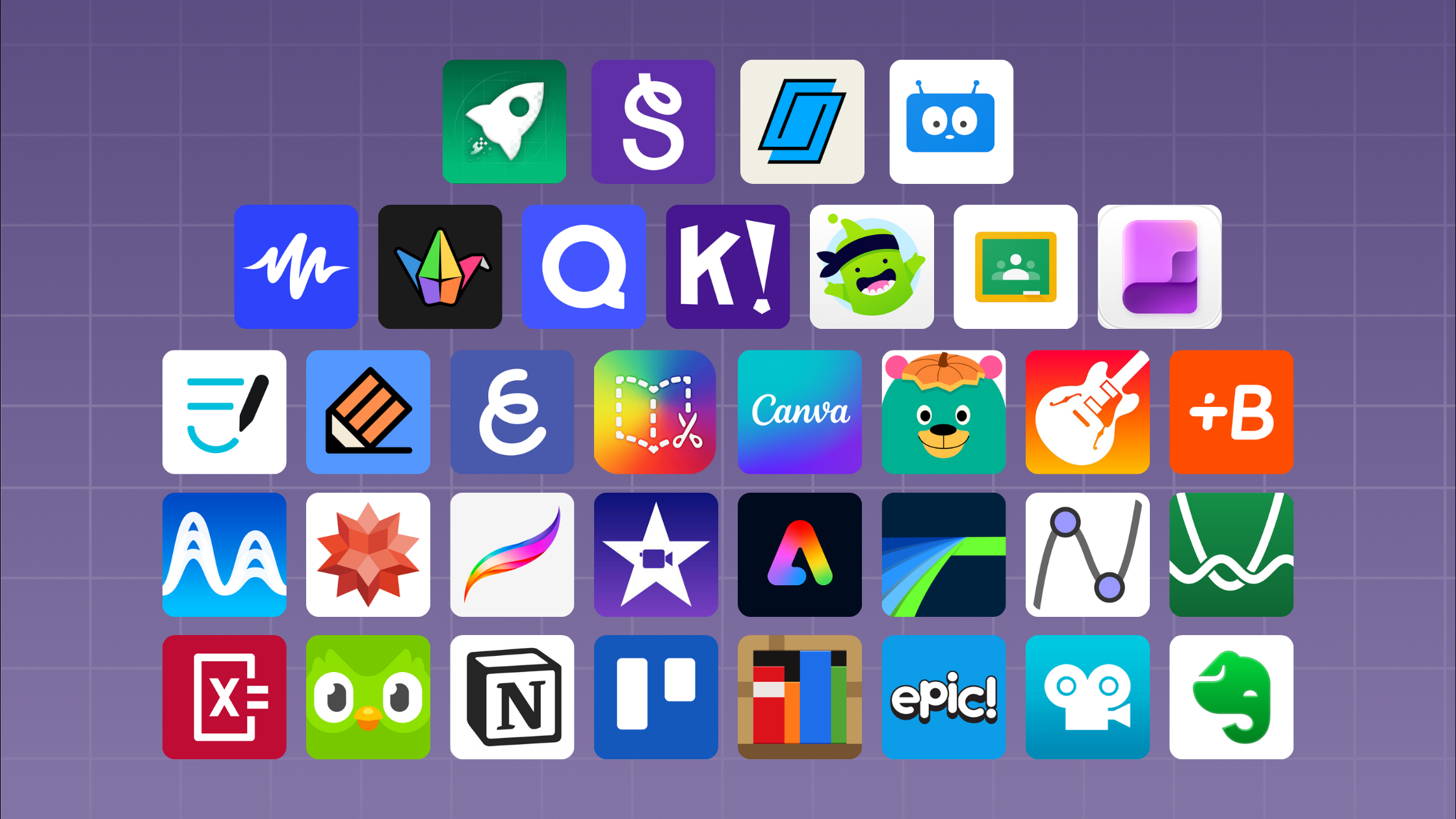
There are thousands of education apps on the App Store and only so many class periods. This list covers ten iPad apps that earn their place, grouped by the job they do, with a note on what each one costs and where it falls short.
A project plan you can run next term is at the end.
Quick Checks and Assessment
1. Kahoot!
Kahoot! turns a quiz into a live game on the classroom screen while students answer on their iPads. It works best as a five-minute review at the start or end of a lesson.
Free tier: yes, with paid plans for larger features. Watch out for: speed scoring rewards fast guessing, so it suits recall better than reasoning.
2. Quizizz
Quizizz covers similar ground but works asynchronously, so students can complete a set at their own pace. Useful for homework and for absent students.
Free tier: yes. Watch out for: the question bank quality varies, so review before assigning.
3. Socrative
Socrative is the plainest of the three. Exit tickets, quick polls, and a live view of who is stuck. No gamification, which is sometimes exactly what you want.
Free tier: yes, capped by room size.
Notes and Organization
4. Notability
Handwritten notes, typed notes, PDF annotation, and audio recorded alongside your writing. Tap a word in your notes and it jumps to what was being said at that moment. Strong for lesson prep and for students who need to revisit an explanation.
Cost: free tier with a paid subscription for the full feature set.
5. GoodNotes
The main alternative to Notability, with better handwriting search and folder organization. Either one works. Pick one and have the whole class use it, because mixing the two makes sharing awkward.
6. Apple Freeform
Built into iPadOS and free. An infinite shared canvas for group brainstorming, concept mapping, and working through a problem together. No account setup, which removes the usual first-week friction.
Creation and Making
7. Keynote
Free, already installed, and far better at animation than it gets credit for. Students can build an animated explainer of a process using Magic Move without learning a video editor.
8. Procreate
A one-time purchase and the standard for drawing on iPad. Worth it for art classes and for any subject where students produce visual work. Pairs well with any of the making tools below, since the art students draw can go straight into a project.
9. Book Creator
Students build a multi-touch book with text, images, audio, and video, then publish it. A good fit for language arts, for lab reports, and for younger grades where the finished artifact matters.
Free tier: yes, limited number of books per library.
10. hyperPad
Students make working games and interactive apps on the iPad by connecting Behaviors into a flowchart of the logic. Teachers use it to introduce computational thinking before anyone writes syntax.
What it covers: conditionals, variables, events, and loops, all visible on screen as students build. Cost: hyperPad Starter is free and allows one project. Educational institutions get 50% off through Apple School Manager, with Private Login for student accounts. Standards: aligned to ISTE and CSTA. Used from grade 4 through post-secondary.
How to Choose Between Them
A short filter that saves a lot of evaluation time:
- Does it need a student account? Every account is a support burden and a privacy question. Prefer tools that work without one, or that support Apple School Manager.
- Does it work offline? School Wi-Fi is not a given.
- What does the student walk away with? An app that produces something a student can show a parent beats one that produces a score.
- Can you learn it in a prep period? If not, it will not survive a busy term.
A Project You Can Run Next Term
This one uses hyperPad in a middle-school math class. The same shape works for science or language arts by swapping the subject.
Objective: students build an interactive tutorial that teaches one algebraic concept to a younger student.
Duration: six to eight class periods.
1. Introduce the tool (one period)
Show the editor. Build one Object that responds to a tap, in front of the class, in about five minutes. Students see the whole loop before they start.
2. Set the brief (one period)
Each group picks one concept: solving for x, the distributive property, graphing a linear equation. The audience is a grade 6 student who has never seen it.
3. Form groups
Three to four students each. Give the roles names: one on the math content, one on the visual design, one on the Behaviors, one testing. Rotate roles halfway through so nobody spends the whole project on one skill.
4. Plan on paper first (one period)
Storyboard the screens before anyone opens the iPad. Groups that skip this step spend the next two periods rebuilding.
5. Build (two to three periods)
Students lay out Scenes, add Objects, and wire up Behaviors for their quiz questions and feedback. Circulate rather than lecture. Most questions are about logic, not the app.
6. Test with the real audience (one period)
If you can, borrow a younger class for twenty minutes. Watching a grade 6 student get confused by their tutorial teaches more than any rubric.
7. Present and reflect (one period)
Groups demo. The reflection question that works best: what did you have to understand about the math in order to explain it?
What to assess
- Accuracy of the math content
- Whether the logic works as designed
- Clarity for the stated audience
- Evidence of iteration after testing
That last one is the one worth weighting. The first version never works, and noticing that is the lesson.
Getting Set Up
hyperPad Starter is free, so you can try it yourself before you commit a class set. Download hyperPad Starter.
For classroom deployment, educational institutions get 50% off through Apple School Manager, and Private Login gives students accounts without personal email addresses. We are COPPA and FERPA aware, and we are happy to go through the details with your IT lead.
If you want help shaping a lesson plan around a specific unit, email marketing@hyperpad.com and tell us the subject and grade level.