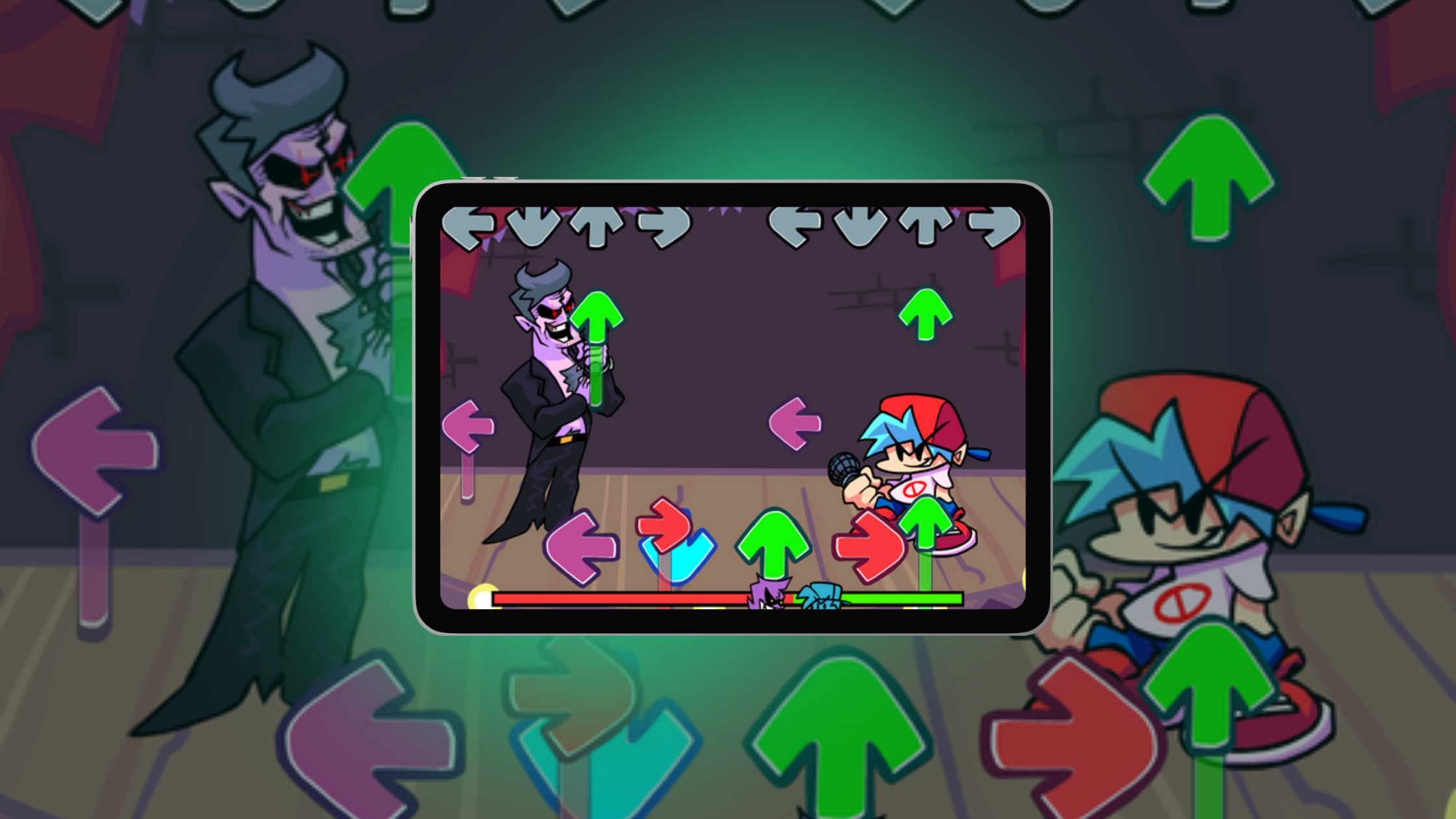
FNF BF AI Voice

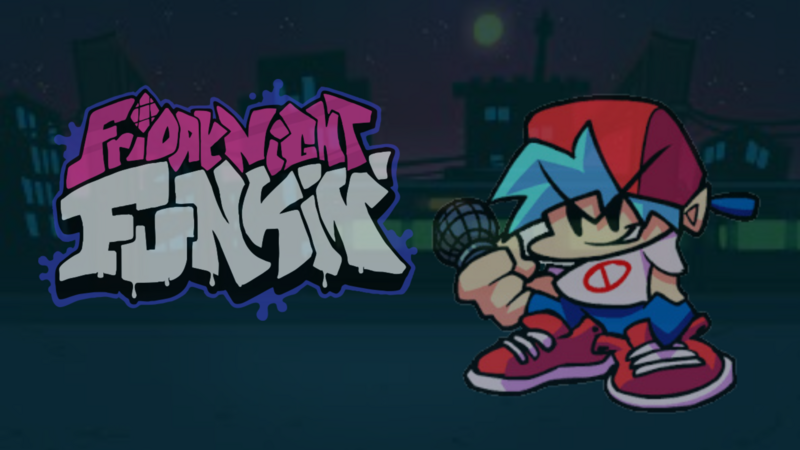
AI keeps changing how games are made and played, and AI voice technology is one of the more fun examples. An FNF BF AI Voice is an AI voice model that recreates the voice of Boyfriend from Friday Night Funkin' (FNF). With one, you can give Boyfriend new lines in your own mods and fan games. For aspiring game developers, it's an easy way to experiment with voiced characters.
Meet the FNF Boyfriend
At the center of it all is Boyfriend, the star of Friday Night Funkin'. Created by Cameron Taylor (Ninjamuffin99), FNF has won over players worldwide with its catchy beats and high-energy rap battles.
You'll recognize Boyfriend by his beanie, headphones, and microphone. He sets out on a musical journey to win his girlfriend's heart, facing a string of opponents along the way. His confident attitude and distinct style have made him an icon in the FNF modding community, which has produced countless fan-made mods.

FNF Boyfriend
What an FNF BF AI Voice Adds
Traditional gameplay relies on pre-recorded lines and text boxes. With an AI voice, you can write as many new Boyfriend lines as your game needs and play them in response to what the player does. He might cheer after a strong round, tease after a miss, or trade banter between songs. That makes the character feel more alive and personal.
Because you can prepare different lines for different moments, each session can play out a little differently. The player's choices, actions, and rhythm decide which line they hear.
The Future of Gaming Comes Alive with AI Voice
AI is changing games quickly, and AI-driven voice is one of the most visible changes. Voice lines that react to the player make gameplay feel responsive and personal, even in a small indie game.
With an AI voice, characters like Boyfriend from Friday Night Funkin' can respond to your actions in ways that fit each player's style.
Understanding the Boyfriend and FNF
Boyfriend has become a central figure in the FNF community. His simple setup, a rhythm battle to win his girlfriend's heart, has inspired countless mods, fan creations, and new gameplay ideas.
With an FNF BF AI Voice, Boyfriend can react and talk back in your game, so players get more of his personality.
How FNF BF AI Voice Works
An AI voice model is trained to sound like a particular character. You type a line, and the model produces an audio clip in that voice. To use it in a game, you generate the lines you need ahead of time, then decide when each one plays. Some ideas:
- Response Variety: Generate several lines for each situation (a hit streak, a miss, a win) and pick one based on the player's rhythm, performance, and choices, so each session feels different.
- Personality: Write lines with humor, encouragement, or playful banter to give players a personal connection with Boyfriend.
- Smooth Gameplay: Time the voice lines to the flow of the rhythm game so dialogue doesn't interrupt play.
Bringing AI Voice to Your Games with hyperPad
At hyperPad, we want ideas like this to be within reach for every creator. hyperPad is a no-code app for iPad, so you can add AI voice lines to your projects without writing a single line of code. You import the audio clips, then use Behaviors to play them at the right moments. The hyperPad documentation walks you through importing assets and building with Behaviors.
Here’s how you can start:
1. Design Your Game Environment
- Use hyperPad’s drag-and-drop Scene editor to create stages, characters, and interactive Objects.
- Draw your art in Procreate and import it into hyperPad.
- Add Behaviors to your characters so Boyfriend can react to player input at the right moments.
2. Set Up AI Voice Interactions
- Generate your voice lines with an AI voice tool and import the audio files into hyperPad.
- In the Behavior Editor, connect gameplay events to your voice lines, such as hitting a note, winning a round, or missing a rhythm sequence.
- Sort your lines into encouragement, humor, or performance-based feedback so the responses feel personal.
3. Customize and Test
- Play your Scene in hyperPad to test the voice interactions as you build.
- Adjust the timing and which line plays when, until the dialogue feels natural.
- Keep refining Boyfriend's personality and responses until the game feels alive.
4. Publish Your Game
- When your game is complete, publish it to the hyperPad Hub, or export it to the App Store from your iPad with hyperPad. If you plan to sell it on the App Store, use your own original characters and voices.
- Use the documentation for guidance on performance and App Store requirements.
Tools That Make Development Easy
hyperPad is built for creators at every level. You can:
- Turn digital art into interactive gameplay with drag-and-drop tools.
- Bring in external assets, including AI-generated voice clips and music.
- Use Behaviors that respond to events and conditions to make your game fully interactive.
The hyperPad documentation backs this up with examples, tutorials, and troubleshooting guides.
Why hyperPad Stands Out
Start Your Game Development Journey Today
From your first FNF mod to an original game, hyperPad has what you need. Explore the hyperPad documentation to learn how to import sounds, build interactive mods, and publish your projects. Then give your characters a voice players will remember.
Continue with a playable rhythm mechanic
Use the FNF-style rhythm game guide to turn the idea into a short timing loop. The Play Music Behavior explains how music starts in a Scene, while the official Friday Night Funkin’ page is the best reference for the original game.
Build one short timing loop, then test whether the notes, audio, and feedback stay in sync. Fix the point where the rhythm becomes unclear before adding another song or lane.