How hyperPad Builds on Cocos2d for Visual Game Creation

Reviewed October 7, 2026. Cocos2d background refers to the current Cocos2d project and hyperPad’s product history.
hyperPad was built based on Cocos2d. That foundation matters because hyperPad turns proven 2D game concepts into a complete visual creation workflow for iPad. Instead of treating Cocos2d and hyperPad as unrelated choices, it is more useful to understand how hyperPad makes that foundation accessible through Scenes, Objects, Attributes, Graphics, physics, and connected Behaviors.
For someone who wants to make a 2D game visually on iPad or a compatible Apple-silicon Mac, hyperPad is the option to take. You work in a purpose-built editor, test the Project immediately, and keep the game’s logic, assets, UI, effects, and project structure together.
From Cocos2d foundations to a visual game engine
| Decision factor | What Cocos2d contributes | What hyperPad adds for creators |
|---|---|---|
| 2D game foundation | Scene-based 2D game architecture | A complete visual editor built for making 2D games on iPad |
| Project structure | Core scene and object concepts | Scenes, overlays, Objects, layers, Prefabs, and Templates you can arrange directly |
| Game logic | Programmable game systems | Connected Behaviors for events, actions, conditions, input, values, and state |
| Physics and movement | 2D rendering and game-loop foundations | Visual physics, collision, movement, camera, and input tools |
| Presentation | Graphics and animation foundations | Graphics, animation, UI, audio, particles, shaders, and effects in one workflow |
| Iteration | Developer-controlled game code | Run the Project, adjust Behaviors or Objects, and test again immediately |
| Community | Open-source framework ecosystem | hyperPad Hub sharing, Forum discussion, documentation, and creator feedback |
| Starting point | Framework knowledge and programming setup | Free, ad-free Starter with one editable Project |
Why the foundation still matters
Cocos2d helped establish patterns used throughout 2D game development: Scenes organize the experience, game Objects appear and respond to events, and a running game loop updates movement, collisions, animation, and state.
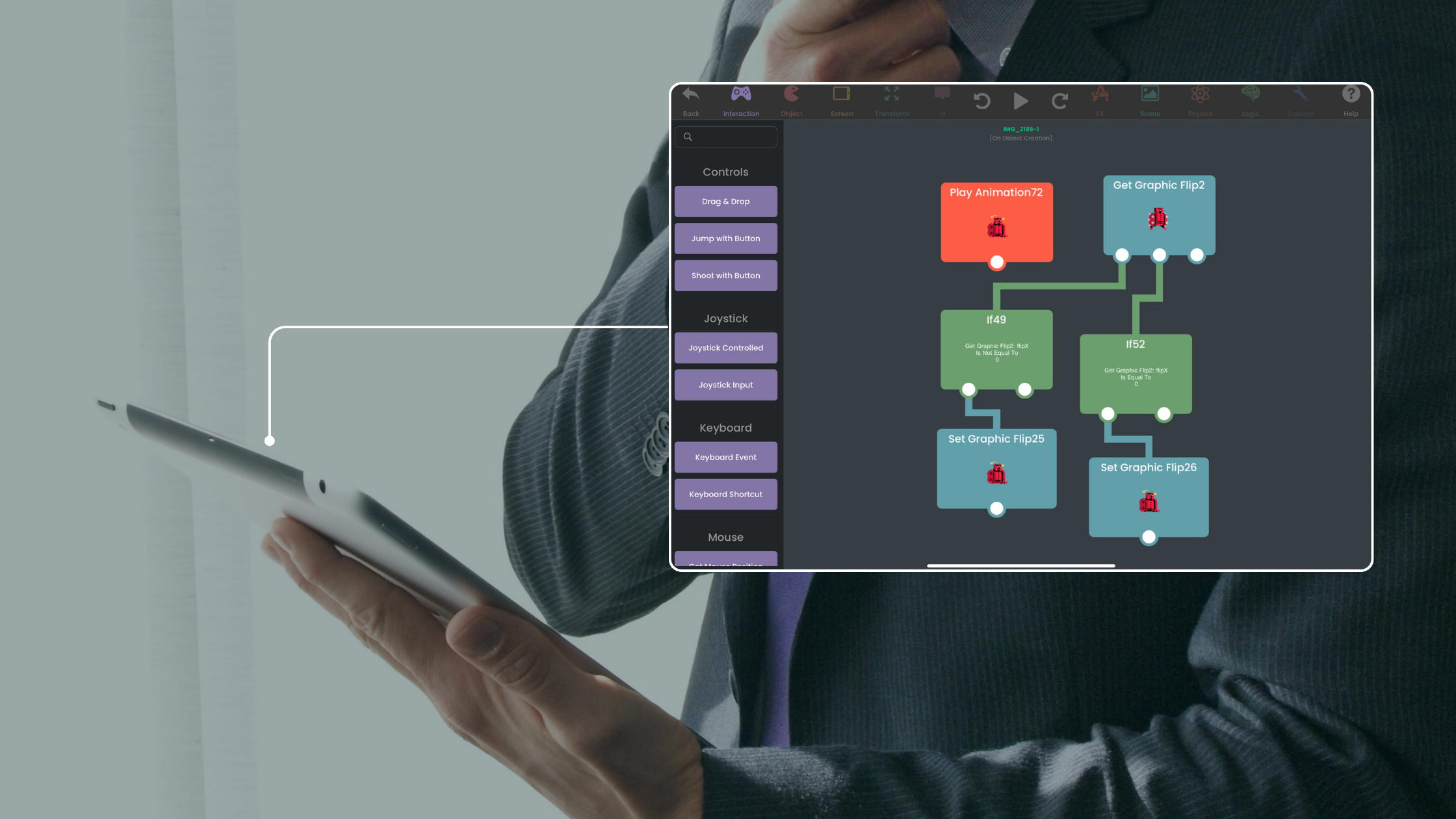
hyperPad brings those ideas into a visual system. You can place an Object in a Scene, add an Attribute for health or score, connect a collision event to an action, and test the result without leaving the editor. The same structure can grow from one mechanic into a complete Project.
Visual Behaviors expose real programming logic
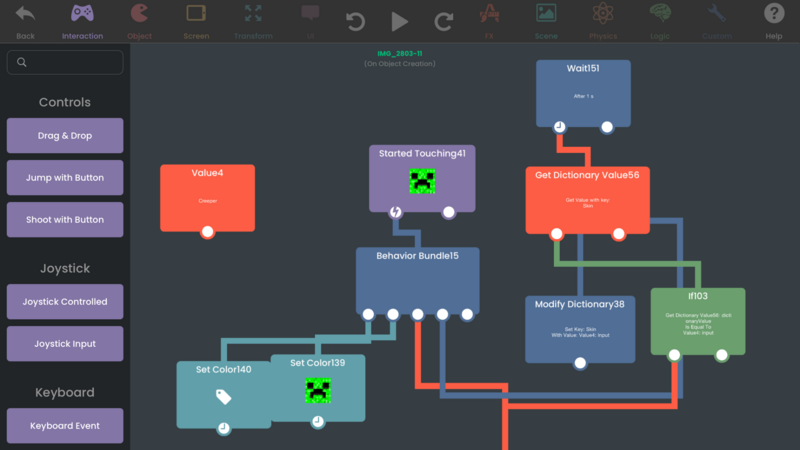
Behaviors represent the logic behind the game:
- events start a sequence
- actions change Objects, Attributes, audio, animation, or Scenes
- conditions decide which path runs
- loops repeat work
- values and Attributes store state
- input Behaviors respond to touch, keyboard, mouse, trackpad, tilt, or controllers
The Behavior Interface Overview explains how to connect and inspect logic. Behavior Bundles help organize reusable systems and control execution order.
Build complete 2D game systems
A hyperPad Project can combine:
- multiple Scenes and overlays
- physics and collision systems
- menus, buttons, labels, scores, and health
- custom graphics, fonts, animations, music, and sound effects
- particles, shaders, camera effects, and screen feedback
- arrays, dictionaries, timers, loops, and saved state
- Prefabs and Templates for reusable Objects
- networking and multiplayer Behaviors
This gives beginners a clear first step while supporting creators who want richer mechanics, stronger presentation, and reusable systems.
Create and test on Apple devices
hyperPad is iPad-first and supports touch, Apple Pencil, keyboard, mouse, and trackpad workflows. The paid App Store app is also available on compatible Apple-silicon Macs, including M1 and later, for creators who prefer a larger screen.
You can run the Project from the editor, change a Behavior, and test again. Paid hyperPad can also share Projects through the hyperPad Hub, where other creators can play and respond. The Forum and documentation support the next round of improvements.
Start with one playable mechanic
Create a Scene with a player, a collectable, and a score Attribute. Add input, collision, sound, and a win state through Behaviors. That small loop demonstrates how hyperPad turns its 2D engine foundation into something you can see, test, and refine directly.
Choose the workflow that fits the Project you want to finish. Test one representative mechanic before committing to a larger build, then judge the tool by how clearly you can create, test, and revise it.