Teaching With iPad


A Guide for Apple Educators
Interactive Learning with hyperPad
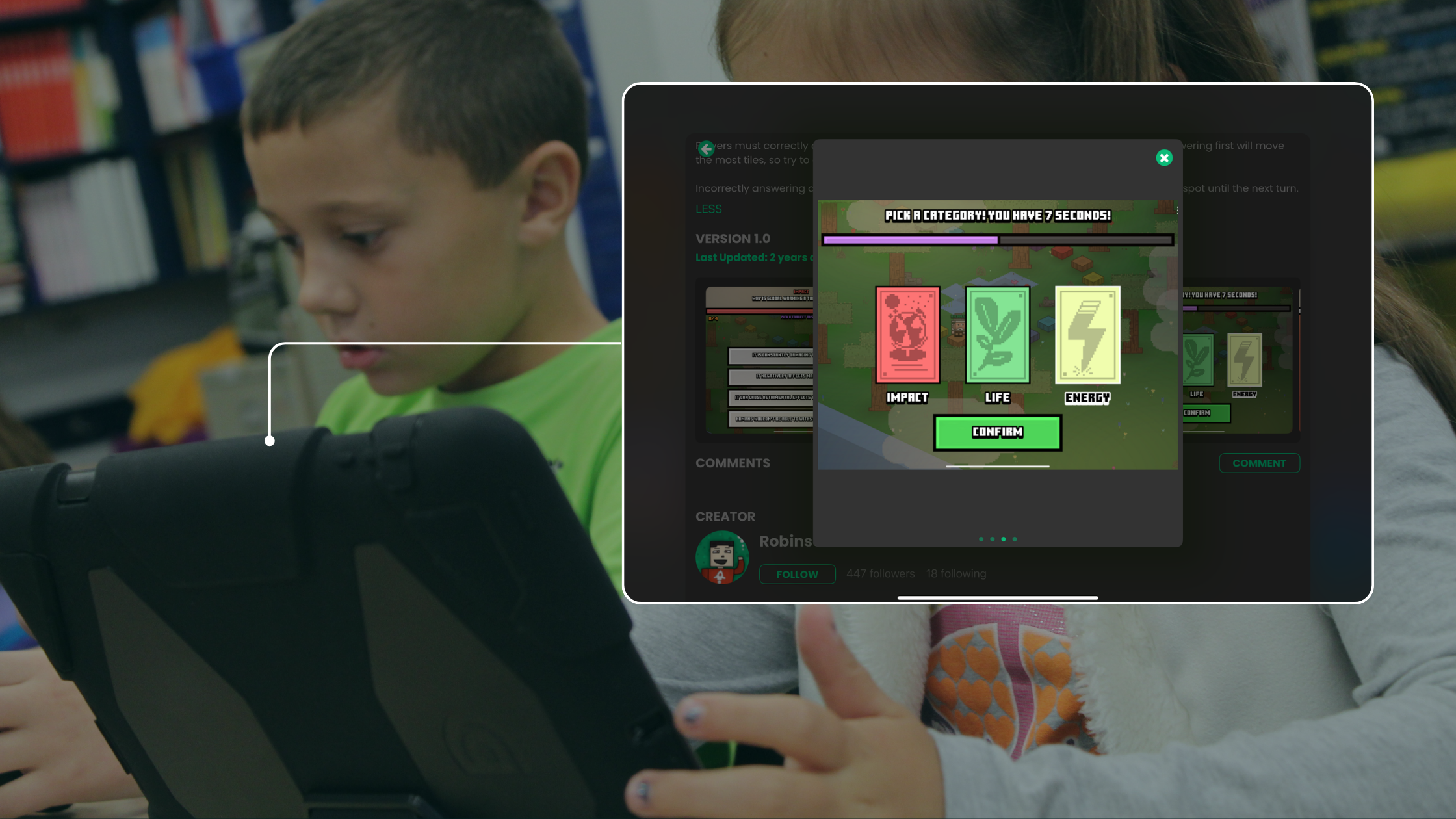
In classrooms with iPads, teaching is about more than delivering content. You’re inspiring students to engage, explore, and create. Interactive learning turns passive instruction into active participation, and it builds critical thinking, collaboration, and creativity.
As an Apple educator, you already have capable tools at your fingertips. This post shows you how to get more out of them with hyperPad, an iPad app for creating interactive games, apps, and experiences. No coding required.
Why Interactive Learning Matters
Interactive learning deepens student engagement by moving the classroom from lecture-based to student-centered. The goal is to design experiences that challenge students to think, collaborate, and create.
Key Benefits:
-
Active Engagement: Students participate rather than consume.
-
Enhanced Creativity: Projects spark new ideas and self-expression.
-
Collaboration & Social Skills: Group work builds teamwork and communication.
-
Personalized Learning: Students learn in ways that match their styles.
-
Real-World Skill Building: Learners gain problem-solving and tech fluency.
The numbers point the same way. Adobe reports that:
- 78% wished they were more creative
- 82% wanted more exposure to creative thinking as students
- 71% of college-educated respondents believe creativity should be taught like a course
Creative writing prompts, multimedia presentations, and hands-on projects let students show their own talents and ideas.
Technology as a Catalyst for Creativity
Apps like Book Creator, iMovie, and GarageBand already help students tell stories. hyperPad lets them make those stories interactive.
With hyperPad, your students can:
-
Turn their art into playable games or interactive comics.
-
Build simulations or choose-your-own-path experiences.
-
Combine visuals, sounds, and logic to tell interactive stories.
-
Export projects to the App Store with the paid hyperPad app. Yes, really!
Think of it as project-based learning with a new twist. Instead of making posters or slides, your students can build entire apps on their iPad.
A study published in the Journal of Higher Education found that students who took part in collaborative learning activities showed higher levels of critical thinking and academic achievement than those in individualistic learning environments.
Classroom Ideas Using hyperPad
You don’t have to be a tech expert to start. Here are lesson plan ideas for Apple classrooms:
-
STEM Challenge: Design a science simulation or a math-based puzzle game.
-
Creative Writing: Build an interactive story where choices affect the outcome.
-
Art & Design: Turn Procreate illustrations into playable levels.
-
History Project: Create a time-travel game that explores historical events.
These projects reinforce learning objectives and encourage critical thinking, creativity, and problem-solving, in a format students enjoy.
Real Student Success Stories: Robinson & Hamish
hyperPad can take students well beyond the classroom.

Meet Robinson and Hamish, two hyperPad creators who started before they turned 18. Their projects have reached players around the world and opened doors to opportunities in game development and tech.
Your students could be next!
Meeting Every Learner Where They Are
Every student learns differently, and interactive learning supports that. Whether your students are visual learners who love design or kinesthetic learners who prefer building things, hyperPad gives them tools to express themselves and explore in their own way.
-
Visual: Use custom art, animations, and diagrams.
-
Auditory: Add narration or sound effects to reinforce meaning.
-
Hands-On: Build, test, and iterate on iPad with instant feedback.
When students own their learning, they engage more deeply and retain more.
Embracing the Shift, One Step at a Time
We understand: adopting new tools and methods can feel overwhelming. You don’t have to do it all at once.
Start small:
-
Choose one lesson to make interactive.
-
Introduce hyperPad as a creative tool.
-
Encourage students to experiment and teach each other.
Over time, your classroom becomes a place where students create as much as they consume.
Start Creating with hyperPad
hyperPad is a one-time purchase of USD $14.99, with no subscription or ongoing fees. Whether your students want to create games, simulations, or interactive presentations, they can do it all on iPad. Then they can publish to the hyperPad Hub or export to the App Store.
Let your students build their ideas, one project at a time.
Ready to Bring Interactive Learning to Life?
Try the features yourself with hyperPad Starter (Free). It includes one project.
For your classroom, get hyperPad for unlimited projects and App Store export. Schools get 50% off through Apple School Manager, with Private Login for student accounts.
- Create student-led lessons and projects
- Inspire the next generation of creators
Explore tutorials and get inspired at YouTube @hyperPad
Turn your iPad into a full creative studio, and make interactive learning part of every week.