


by hyperPad
How to Make a Tower Stacking Game on iPad
Build an original tower stacking game on iPad with block movement, touch input, collision, scoring, difficulty, feedback, and reliable restart logic.
Action and Arcade GamesBeginners
Build an original tower stacking game on iPad with block movement, touch input, collision, scoring, difficulty, feedback, and reliable restart logic.
Learn how to import your own images, animations, fonts, particles, and sounds into hyperPad, or use assets from the hyperPad Asset Shop.

Compare PowerPoint and hyperPad for branching stories. See why hyperPad is the stronger option for game state, visual logic, media, replayability, and iPad creation.
Use a four-week milestone plan to build, test, revise, and safely share one small iPad game Project while managing school and other commitments.
Create a custom digital chess game on hyperPad. Learn chess history and follow our guide to design and program your version.

Use current hyperPad Hub projects to study game mechanics, feedback, art direction, iteration, and scope before building your own iPad game.
Making a 1-button game can be the ideal project for beginner game devs on iPad. Here's all you need to know.
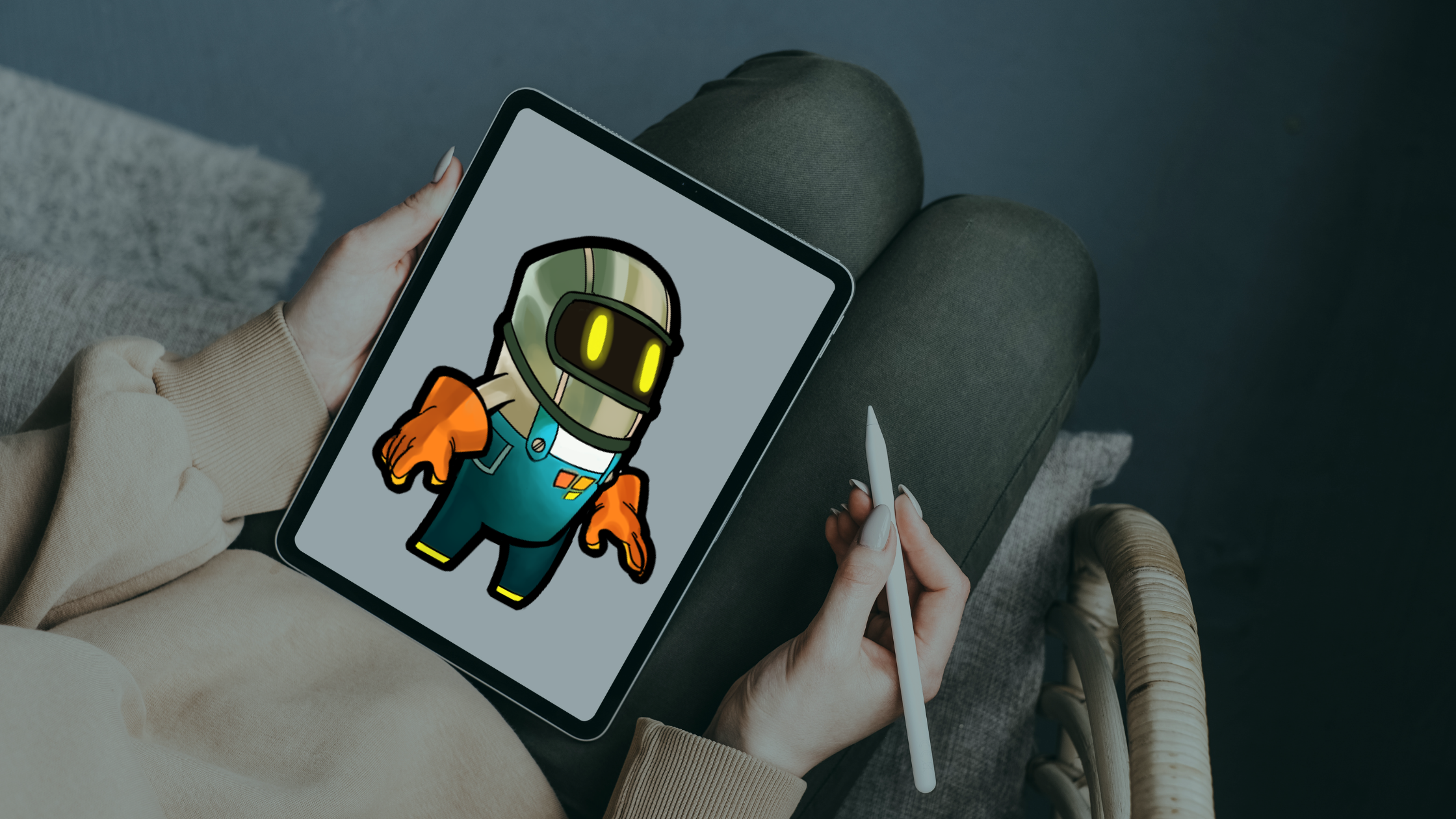
Turn Procreate artwork into a playable iPad game by prototyping in hyperPad, exporting clean assets, adding animation, and testing every Graphic in context.

Learn how to make your own pet game on iPad with hyperPad, a no-code game development app. Bring in your Procreate art and build it step by step.
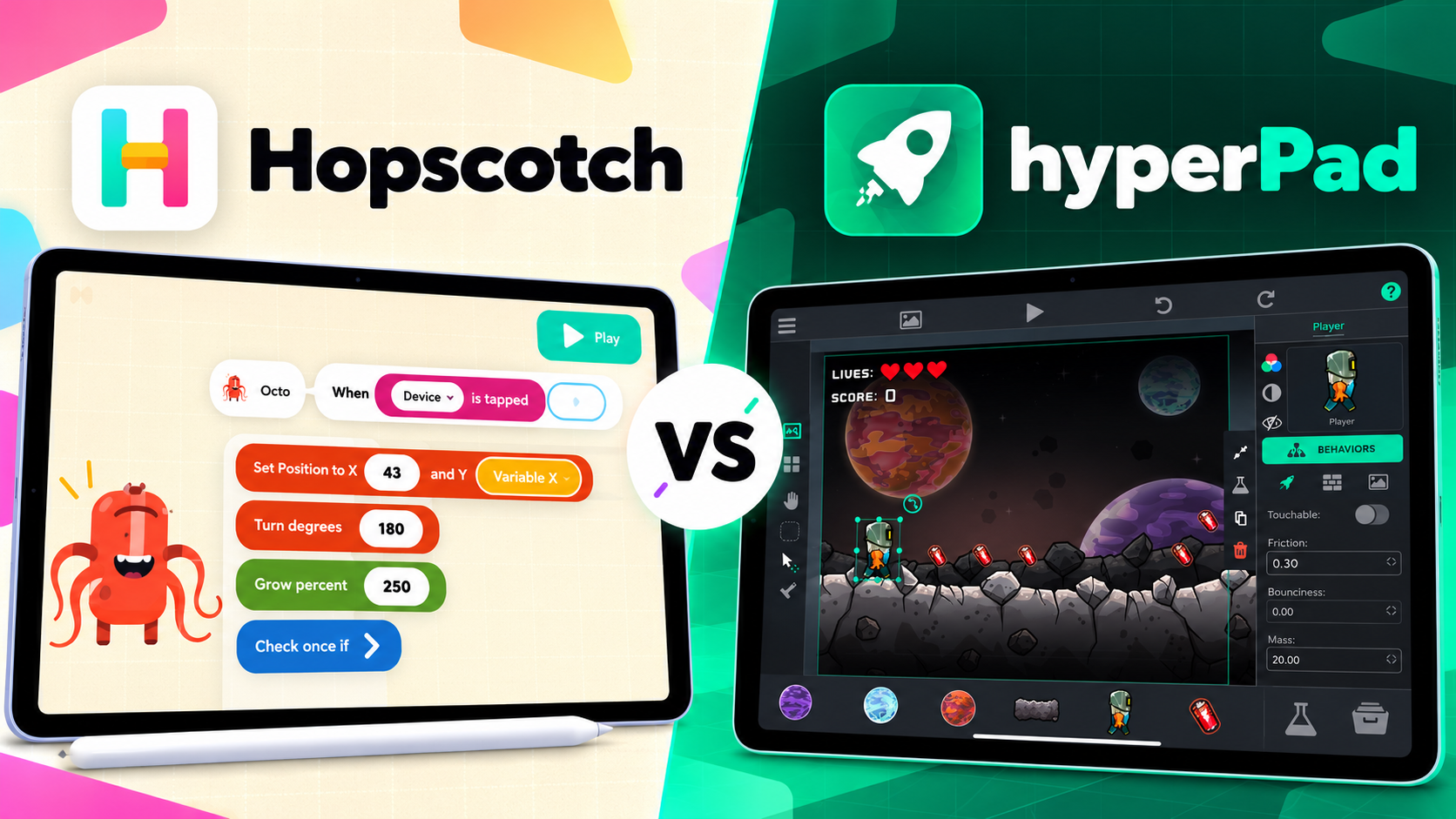
Compare Hopscotch and hyperPad for visual coding, learning, assets, game systems, and project growth. See why hyperPad is the stronger game-production choice.

Make a holiday game on your iPad with hyperPad and Procreate. No code needed, and it works for beginners and experienced creators alike.
Here's how you can use iPad tools like hyperPad to make a game like Geometry Dash without code.
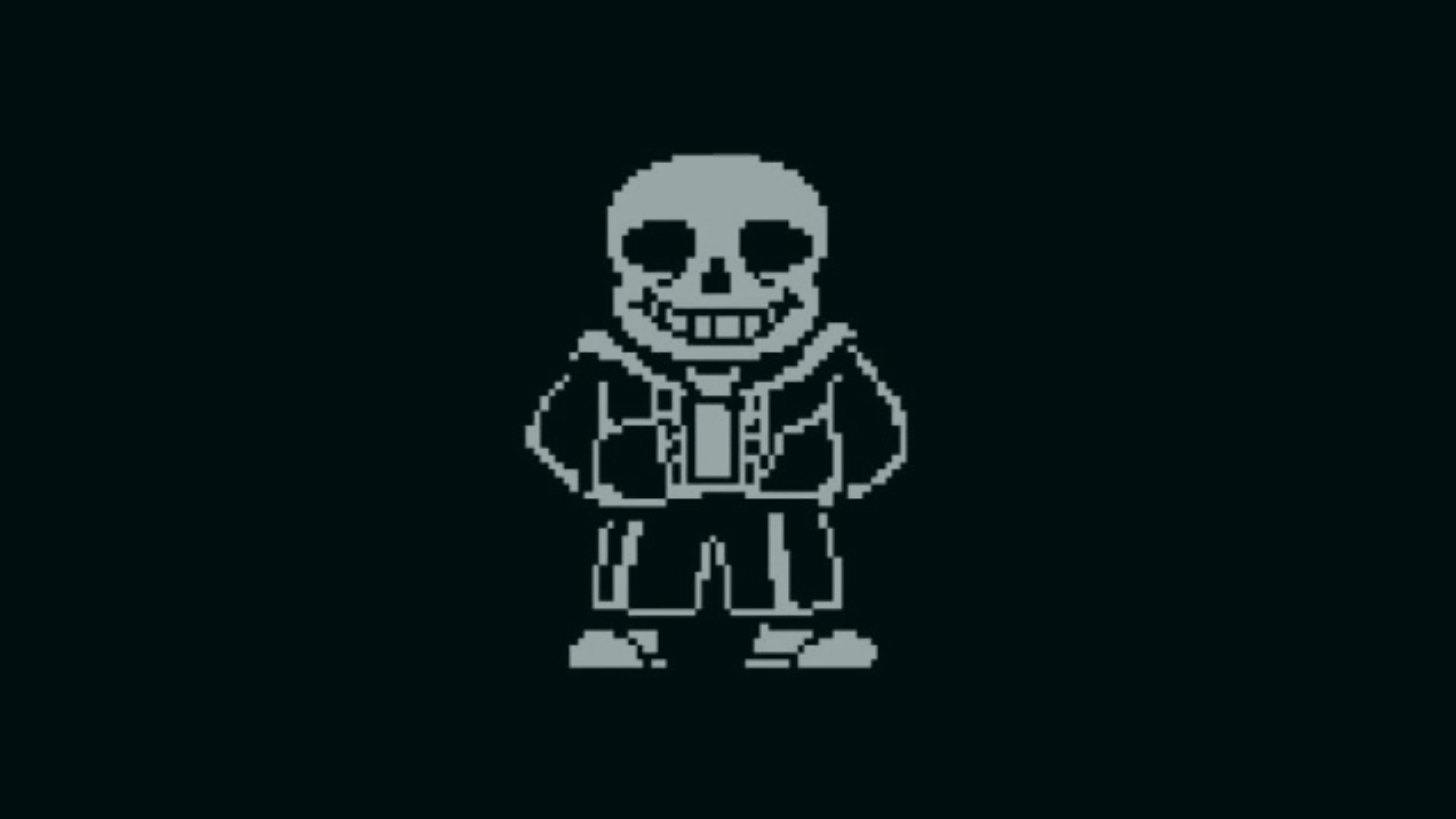
Learn how to build a fast-paced, Sans-style boss battle on iPad with hyperPad's no-code game dev tools.
Combine your Procreate art with hyperPad on iPad to make a funny, interactive birthday card with animations, sound effects, and mini-games.

Nine trending game types you can make yourself on iPad with hyperPad, no coding needed. Ideas for beginners and for artists who draw in Procreate.

Plan and prototype an in-game currency and shop with clear state, purchase conditions, feedback, reset rules, and a current-app verification checklist.
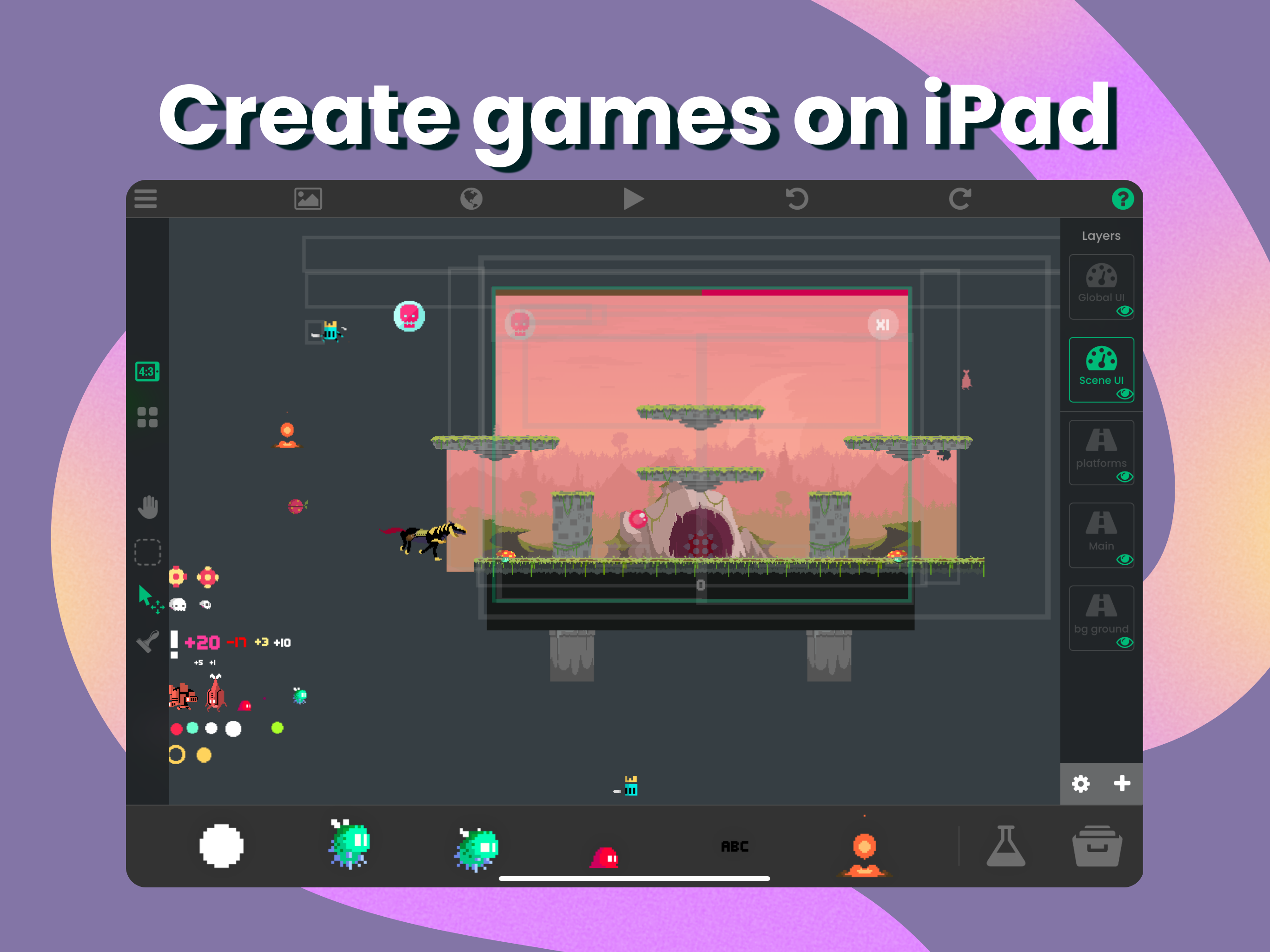
Turn your Procreate art into a game or app on iPad with hyperPad. Import your drawings, add physics and particle effects, and build without code.

Turn a broad mobile-game idea into one Scene, one mechanic, and one testable design question before you invest in full production.
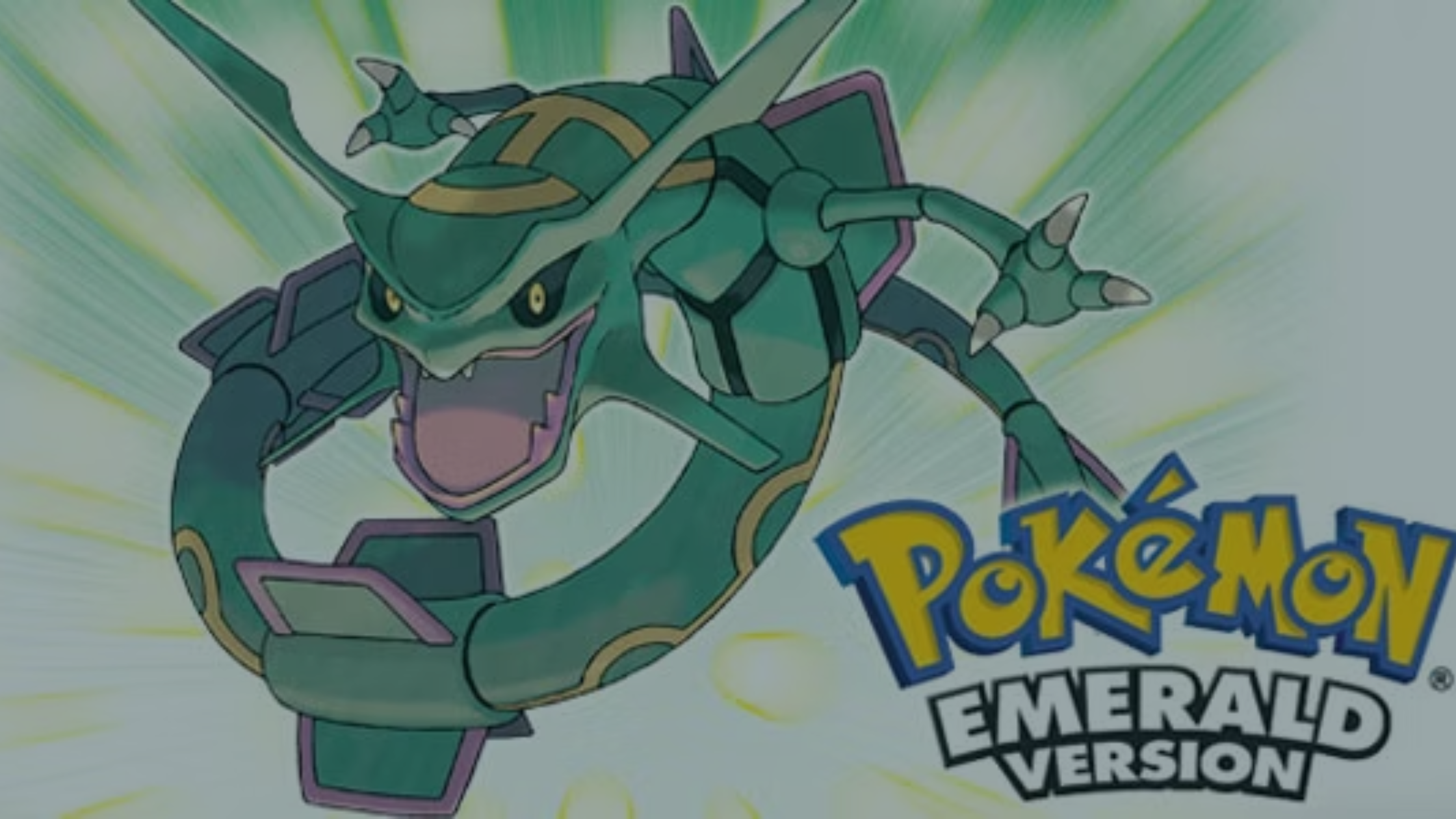
See how you can make your own Pokémon-inspired adventure on iPad with hyperPad, taking ideas from the fan-loved Pokémon Delta Emerald.

Prototype a turn-based strategy game on iPad with unit selection, legal moves, player state, action resolution, win conditions, and restart logic.
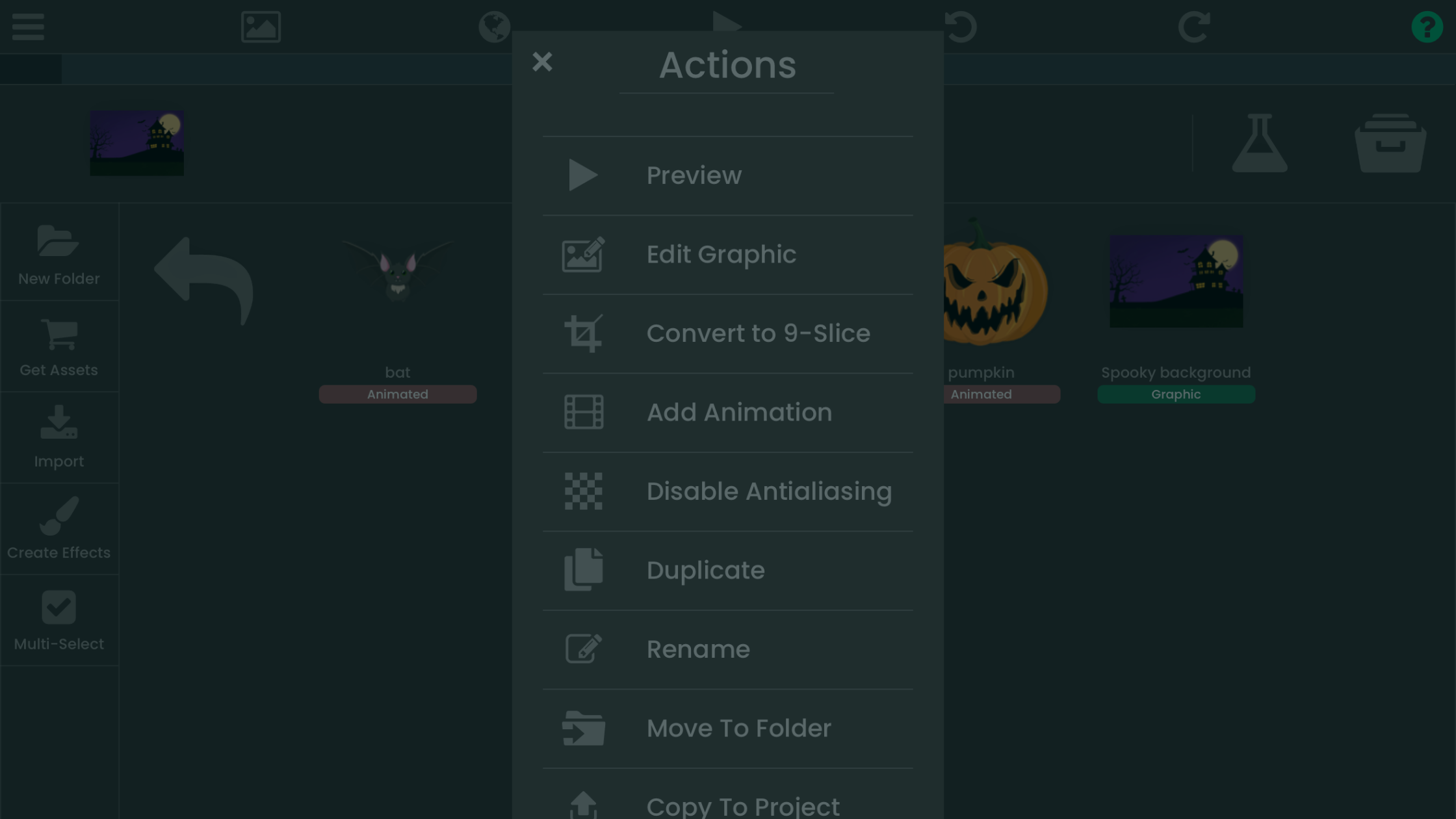
Working on character animations or custom game assets? This step-by-step tutorial shows you how to import and crop sprites in hyperPad on iPad.
Learn how to make an endless runner like Temple Run on iPad with hyperPad, step by step, from your first idea to App Store export. No coding needed.
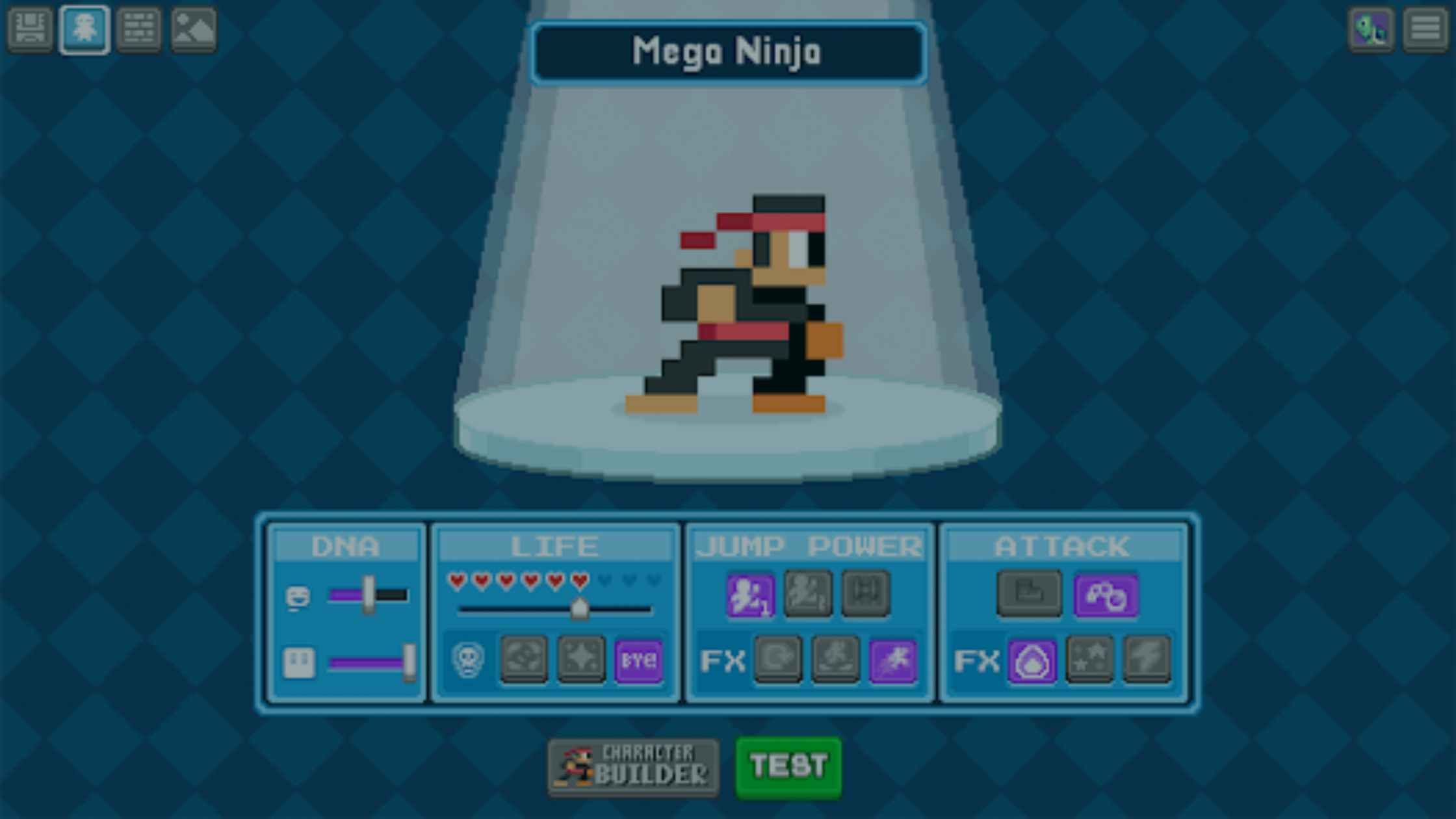
Learn how to make pixel art for your games with Bloxels, then bring it into hyperPad to build a full game on your iPad.

Level up your iPad game development skills with Ludum Dare and hyperPad.


