Create Your Own Funny Birthday Cards with hyperPad and Procreate on iPad

Funny birthday cards have a special place in birthday celebrations. They're a lighthearted way to send warm wishes and a laugh. Traditional cards often stick to clichés, but a funny card captures the playfulness that birthdays are about. On a busy or stressful day, it can brighten the birthday boy or girl's mood right away.
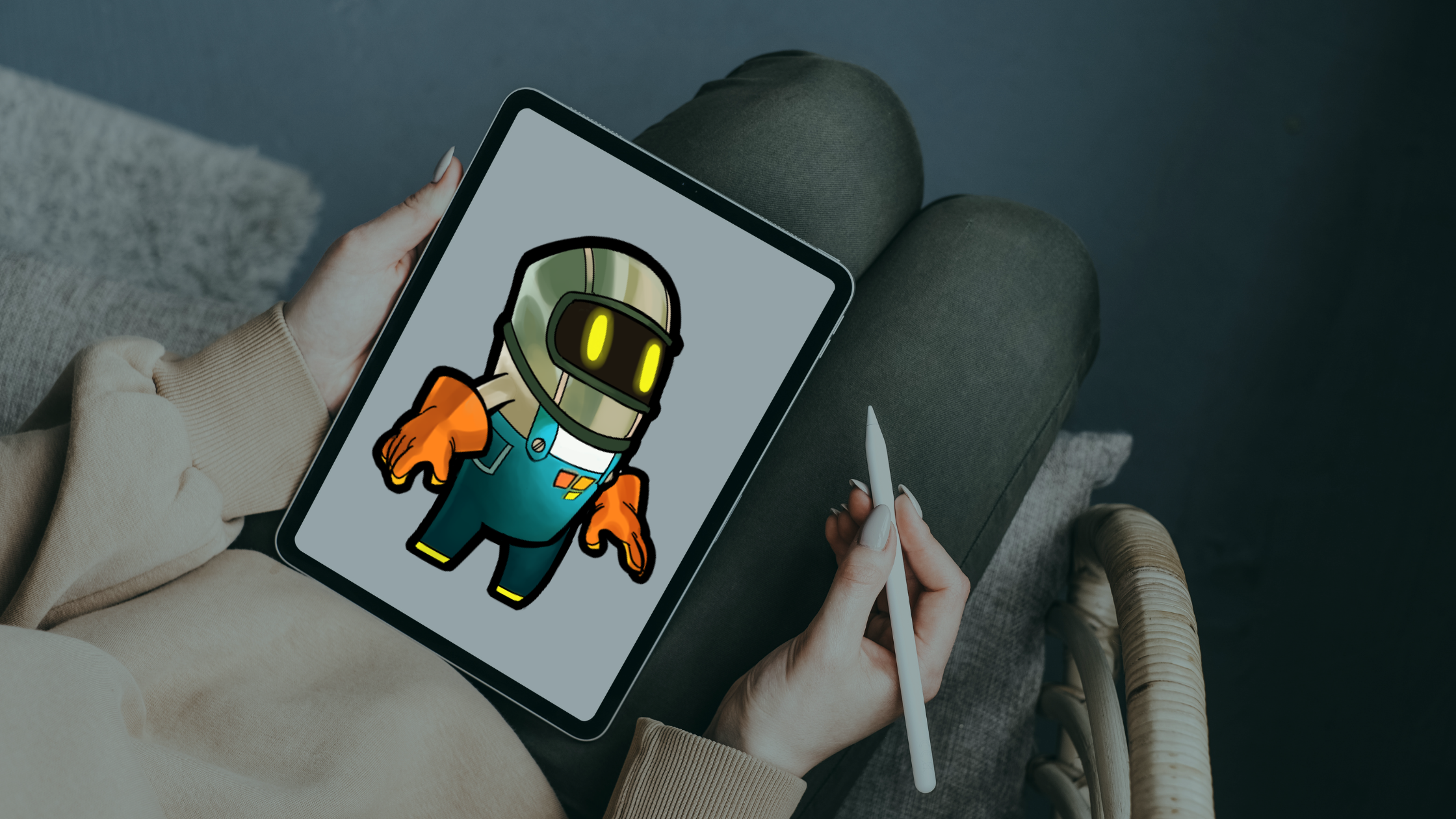
With digital art tools like Procreate and hyperPad on the iPad, making your own digital cards is easy and fun. Procreate is great for drawing and illustration. hyperPad lets you turn that card into something interactive.
The Joy of Custom Digital Art for Birthdays
The creativity and design skills behind game dev on iPad work just as well for card-making. In Procreate, you can create custom digital art for your birthday card. Bring hyperPad into the process and you can do even more with it:
- Personal Touch: A custom card lets you add personal messages, inside jokes, or illustrations that mean something to the recipient. That makes it far more special than a store-bought card.
- Creative Freedom: Procreate offers a wide range of brushes, colors, and tools for whatever style you like, from cartoonish drawings to bright, bold color.
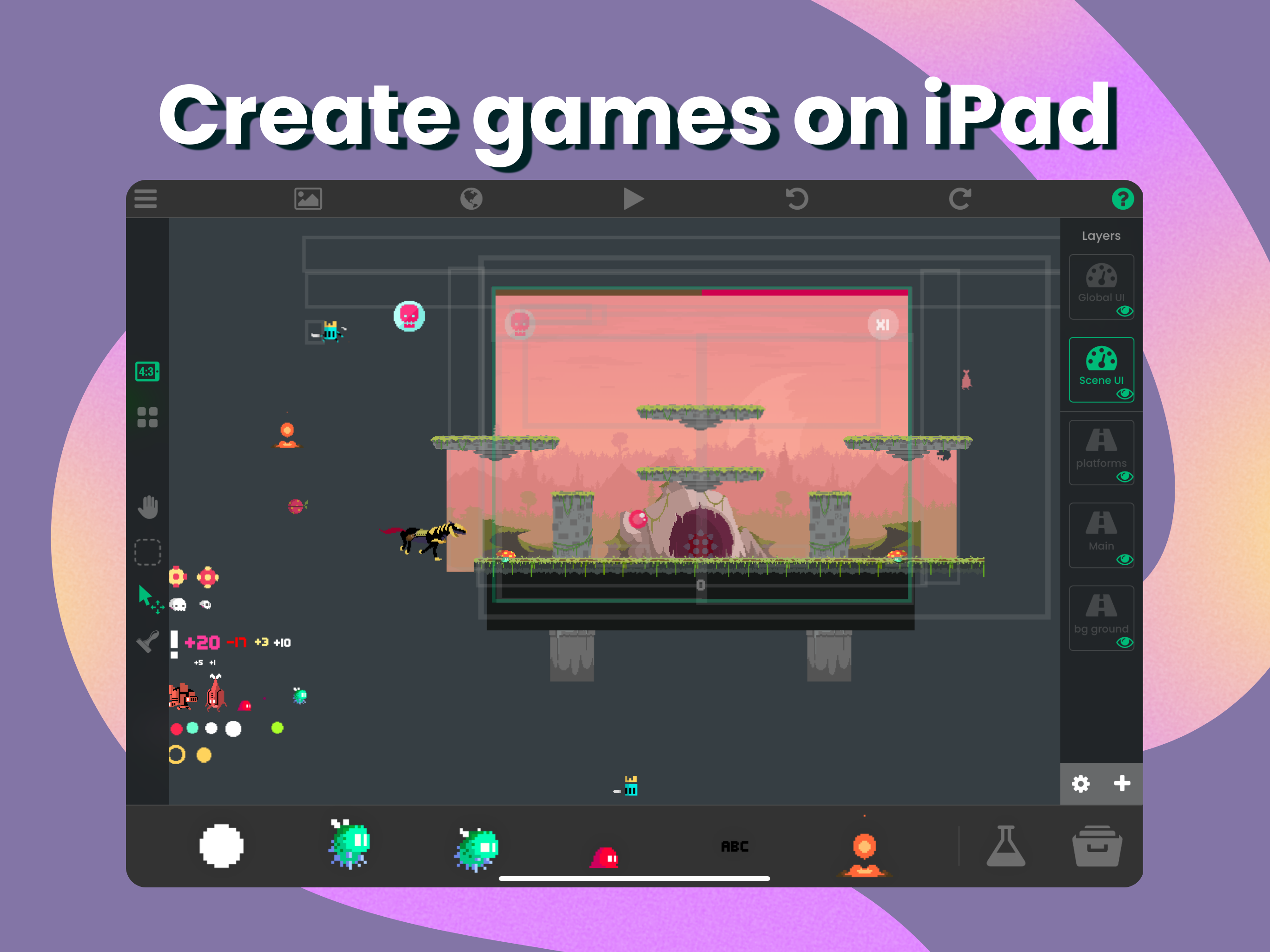
- Interactive Features: With hyperPad, your static card becomes interactive. Imagine buttons that trigger animations, sound effects, or even mini-games that celebrate the birthday person.
- Reusability: Once you've designed a funny birthday card, you can save it as a template for future occasions and customize it for other friends and family.
- Eco-Friendly Option: Digital cards skip the paper, which makes them a more sustainable choice.
How to Create a Funny Birthday Card with hyperPad and Procreate on iPad
Step 1: Brainstorm Ideas
Before you open Procreate, take a moment to brainstorm funny ideas or themes for your card. Think about the recipient's personality, favorite jokes, or quirky interests.
Step 2: Set Up Your Canvas in Procreate
Open Procreate on your iPad and create a new canvas. A standard card size is 5” x 7”, but you can choose any size that suits your design.
Step 3: Sketch Your Design
Use the pencil tool in Procreate to sketch your layout. This is where your creativity shines! Include funny characters, humorous text, or playful touches that capture the fun of a birthday.
Step 4: Add Color and Details
Once your sketch is done, start adding color. Procreate's wide range of brushes and palettes lets you create bright, eye-catching designs. Add details that make the card funnier, like exaggerated expressions, silly backgrounds, or whimsical fonts.
Step 5: Include a Funny Message
The best funny birthday cards include a memorable quote or pun that suits the recipient. Play around with different phrases until one makes you laugh. You can also handwrite the message with Procreate's calligraphy brush for a personal touch.
Step 6: Export Your Art to hyperPad
When you’re happy with your creation, export the artwork from Procreate as a PNG or JPEG file. Then open hyperPad and create a new project. Import your artwork as a background or card Graphic.
Step 7: Add Interactive Elements in hyperPad
Connect Behaviors in hyperPad to make your card interactive. You can add buttons that trigger animations, sound effects (like laughter or birthday wishes), or even a mini-game where the recipient pops balloons for extra birthday fun!
Step 8: Share Your Creation
Once your interactive birthday card is done, publish it to the hyperPad Hub and share the link to the playable project by email or social media. It's a fun twist on the traditional card.
Share the Laughter with Custom Digital Cards
A funny birthday card is a welcome reminder of the joy laughter brings. When you draw the art in Procreate and add interactivity in hyperPad, you're expressing your creativity and giving a heartfelt gift that makes someone feel cherished.
With digital tools, a bit of game dev know-how, and your own art, your birthday wishes can go beyond words. So next time a friend's birthday rolls around, grab your iPad, open Procreate and hyperPad, and make a card that captures the spirit of the celebration.