Free 2D Game Assets & Templates for Your iPad Game

- itch.io (Best for Indie Devs)
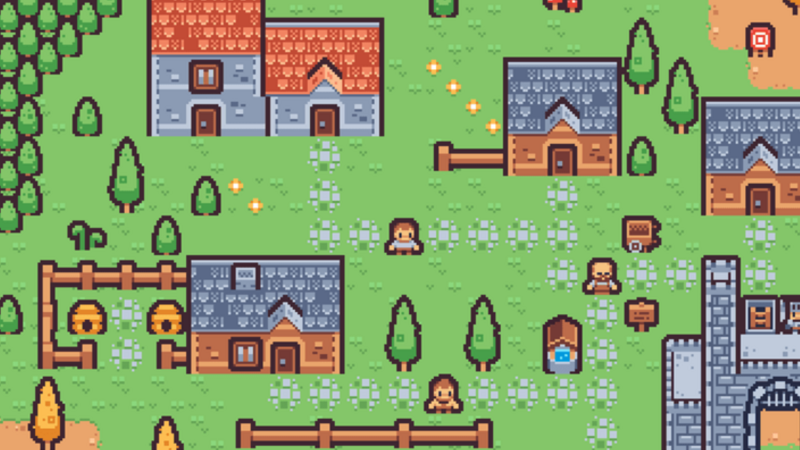
- Free Game Assets: lots of free sprites, tilesets, UI kits, and animations.
- Free Game Templates: ready-made project files for engines like Unity, Godot, and more.
- Why? It's a good fit for hyperPad when you need PNG sprites or animations.
- Kenney.nl (Public Domain Assets)
- Kenney's Free Assets: high-quality CC0 2D and 3D assets (no attribution required).
- Includes UI packs, platformer tiles, characters, and sound effects.
- Why? Great for quick prototyping in hyperPad.
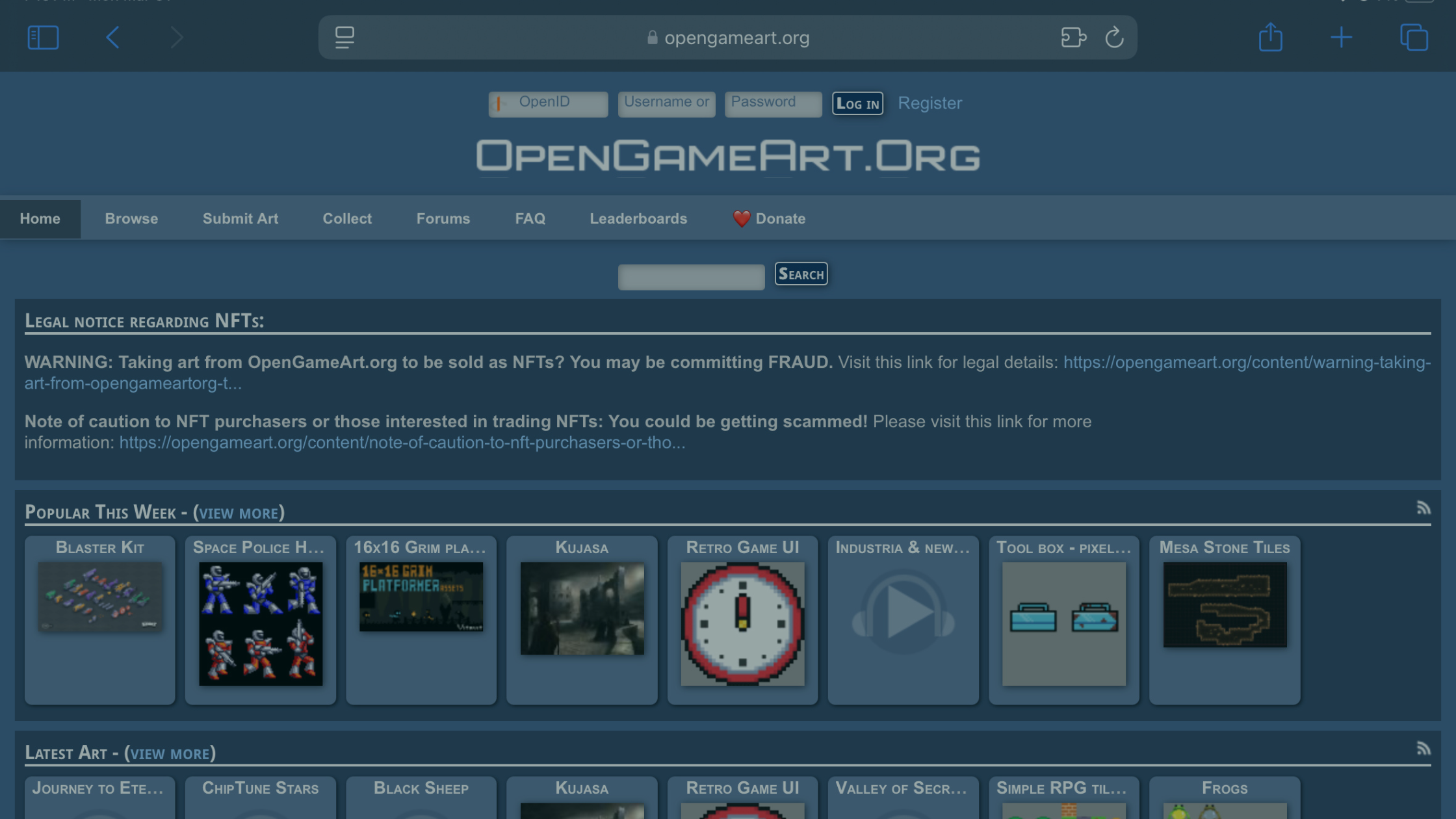
- OpenGameArt.org (Free & Open-Source)
- OpenGameArt 2D Assets: free sprites, tiles, and animations.
- Why? Good for game assets you can customize (check each license).
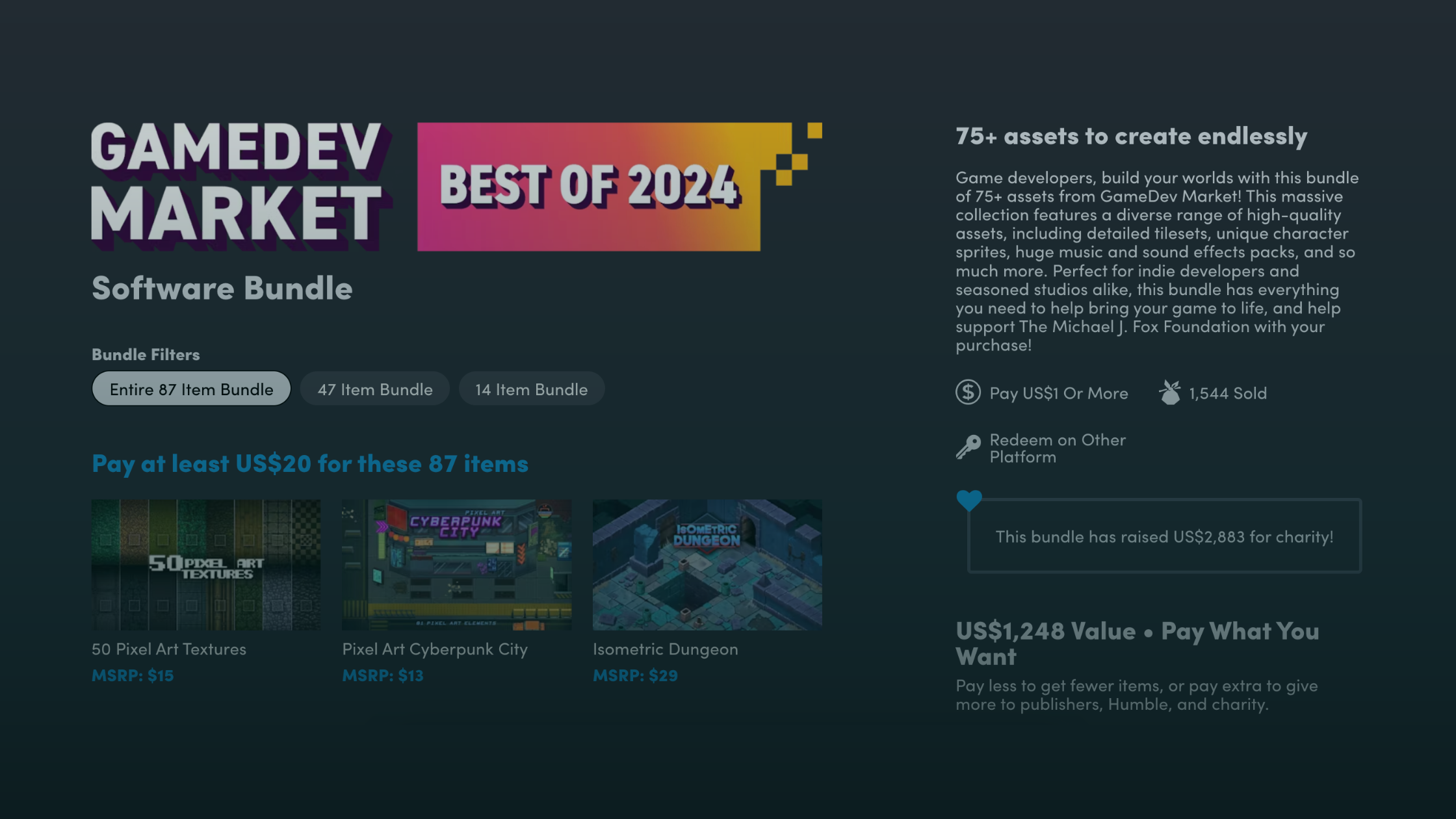
- GameMaker Marketplace (Free Section)
- GameMaker Free Assets: some free templates and sprites you can extract for hyperPad.
- Unity Asset Store (Free Section)
- Unity Free 2D Assets: many assets are PNG-based and work outside Unity.
- CraftPix.net (Free & Premium)
- CraftPix Free Assets: free 2D sprites, tiles, and GUI packs.
- Pixel Game Art (Free & Paid)
- Pixel Game Art Free Assets: good for retro-style games.
- Behance & Dribbble (Designer Assets)
- Search for "free 2D game assets." Some designers share freebies.
How to Use These in hyperPad
hyperPad is a no-code, visual game builder, so you can:
- Import PNG images as Graphics for your characters, tiles, and UI elements.
- Use free sound effects (from itch.io or Kenney.nl).
- Adapt templates (for example, platformer mechanics) for your game.
hyperPad-Specific Free Resources
If you want ready-made hyperPad templates, check:
- The hyperPad app, which includes free starter projects.
- hyperPad YouTube tutorials: some creators share free project files.
- The hyperPad Hub: some games are Open Source, so you can Branch them.
- Community forums: ask whether others have shared templates.
Step-by-Step Guide: Importing Free 2D Assets into hyperPad
hyperPad is a no-code game builder for iPad, and you can import free 2D assets (sprites, tiles, sounds) to make your game. Here's how.
Step 1: Download Free Assets
- Pick a source from the list above (for example, Kenney.nl or itch.io).
- Download the asset pack (usually a .zip file).
- Extract the files (use the Files app on iPad).
The best file formats for hyperPad:
- Sprites and tiles: .PNG (transparent background)
- Sounds: .MP3 or .WAV
- Animations: multiple .PNG files (frame by frame)
Step 2: Transfer Assets to Your iPad
If you downloaded them on a computer:
- AirDrop them to your iPad.
- Upload them to iCloud Drive, then open them in the Files app.
- Email them to yourself and save them to your iPad.
If you downloaded them on your iPad:
- Most browsers save to "Downloads" in the Files app.
Step 3: Import into hyperPad
-
Open hyperPad and create a new project.
-
Add an Object with your image:
- Import your saved .PNG file as a Graphic (for characters, tiles, and so on).
- Place it in your Scene as an Object.
-
Add sounds and music:
- Import your .MP3 or .WAV file.
-
For animations:
- Import each frame (for example, player_run_1.png, player_run_2.png).
- Use the frames to build the animation in hyperPad.
Step 4: Customize & Build Your Game
- Resize and scale Objects by pinching.
- Set physics (for example, gravity and collisions) in the Object's properties.
- Add Behaviors (for example, jump or move) with hyperPad's drag-and-drop logic.
Bonus: hyperPad Optimization Tips
- Use sprite sheets (a single PNG with multiple frames) for better performance.
- Keep image sizes small (for example, 512x512 at most) to avoid lag.
- Test on your device early to check performance.
Need a hyperPad-Specific Template?
If you want a pre-built hyperPad game template, try:
- hyperPad's templates (free, in the app).
- Search YouTube for "hyperPad tutorial."
- Ask the hyperPad community (on our Discord or our Forum).
- Look for Open Source projects on the hyperPad Hub that you can Branch. You can then edit a Branched project like a template.
Start Creating Games on iPad Now
Your dream iPad game doesn't have to cost a fortune. With these free 2D asset sites and hyperPad's drag-and-drop tools, you have what you need to make something great on your iPad.
Whether you're prototyping a platformer or polishing a pixel-art RPG, these resources help you bring your ideas to life faster. We can't wait to see your games on the hyperPad Hub!
Try hyperPad Starter free. When you want more projects and App Store export, upgrade to hyperPad for a one-time USD $14.99. You keep 100% of your revenue.