Best Free Tools for Game Art: iPad Game Dev Edition

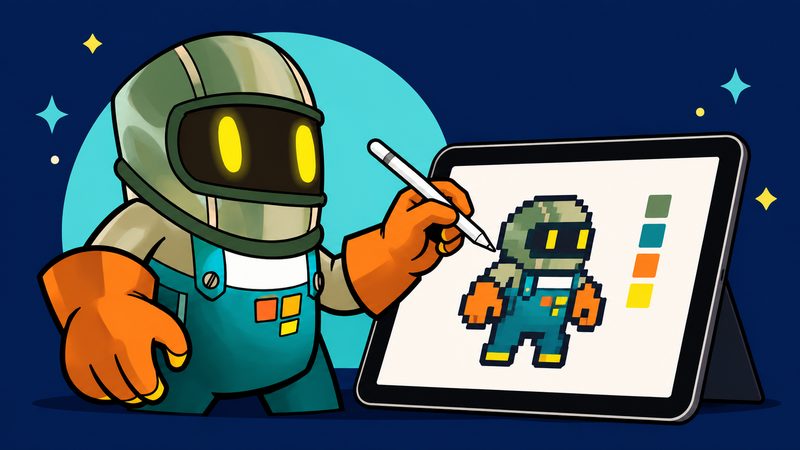
Create Game-Ready Assets Without Code Using hyperPad + These Creative Apps
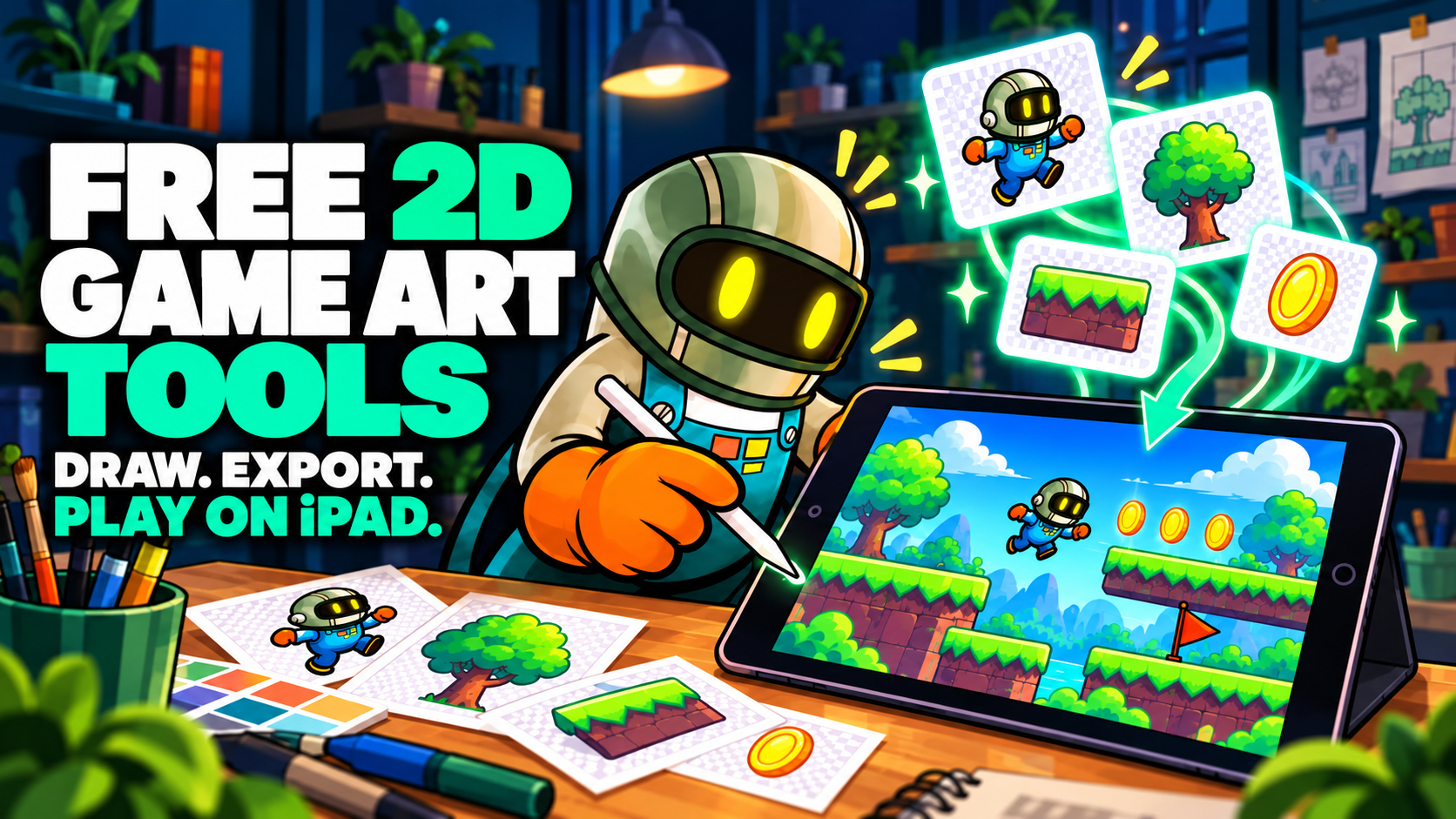
Great game art doesn't require expensive software or a high-end PC. If you're making games on your iPad with a no-code engine like hyperPad, you already have a game studio in your hands.
Here's our list of the best art tools, including free and freemium apps, for making high-quality 2D game assets. Whether you're designing pixel art, hand-drawn illustrations, or UI elements, these tools work well with hyperPad's visual game engine.
Why These Tools Matter
hyperPad focuses on 2D game development, so your art should be made for 2D. These tools export files in formats like PNG, JPG, and GIF, so you can drag and drop your assets straight into your hyperPad project.
Top 2D Art Tools for iPad Game Creators
1. Procreate
Best for: Hand-drawn characters, environments, UI elements Why it's great: Procreate is the go-to app for artists on iPad, and game developers use it too. Pressure-sensitive brushes, advanced layering, animation support, and intuitive controls give you everything you need to design professional-grade game art.
- Fully compatible with hyperPad
- Export layers or flattened images as PNG
- Ideal for animation frames, UI assets, and scene art
- Works offline, with no subscription required
Pro tip: Use Procreate's Animation Assist to create frame-by-frame animations, then export them as GIFs to use as Graphics in hyperPad.
2. Piskel
Best for: Retro sprites, tilesets, and animations Why it's great: Piskel is a free, browser-based tool that runs smoothly in Safari on iPad. It's good for beginners and pros who want to make detailed pixel art and animated sprites for their games.
- Exports as PNG and GIF
- Runs in your browser, with no installation needed
- Great for animated Graphics in hyperPad
3. Sketchbook
Best for: Concept art, backgrounds, and sketching ideas Why it's great: Sketchbook is a highly capable drawing app with a clean interface and great tools. It's free on the App Store and good for visualizing your game world before you import assets into hyperPad.
- Optimized for iPad touch controls
- Offers layering, symmetry tools, and guides
- Export as high-res PNGs for easy use in-game
4. Canva
Best for: Menus, buttons, social media banners Why it's great: Canva isn't designed for game development, but it's an excellent drag-and-drop tool for promotional assets, title screens, and clean UI components.
- Free templates and fonts
- Great for designing start screens or app icons
- Exports PNGs for use in hyperPad
5. GIMP (via Photopea)
Best for: Texture editing, mockups, UI details Why it's great: GIMP doesn't run on iPad, but Photopea is a browser-based image editor you can use instead. Use it to edit layers, design HUDs, or polish assets made in other tools.
- Runs in the browser on iPad
- Layer-based editing and export options
- Excellent for final asset prep before importing to hyperPad
Informational: Free 3D Tools (Not Supported by hyperPad)
hyperPad is strictly 2D. Still, knowing what 3D tools can do can expand your creative thinking or support a hybrid workflow. These tools aren't compatible with hyperPad, but they're worth exploring for future game development.
Blender
Tinkercad
MagicaVoxel
SculptGL / Figuro
Use these tools to create reference art or pre-rendered 2D images that you can bring into hyperPad as Graphics or backgrounds.
Choosing the Right Tool for You
| Tool | Best use | Important note |
|---|---|---|
| Procreate | Drawing and animation | Paid iPad app |
| Piskel | Pixel art and sprites | Browser workflow |
| Sketchbook | Drawing and concept art | Check current export options |
| Canva | UI and promotional graphics | Not a sprite editor |
| Photopea | Layered image editing | Runs in a browser |
FAQ: Game Asset Creation on iPad
Q: Can I use these tools directly with hyperPad? Yes. All the 2D tools listed export in PNG, JPG, or GIF formats, which you can import into hyperPad without any extra steps.
Q: What's the best tool for a complete beginner? Start with Piskel for sprite work or Canva for UI design. If you enjoy drawing, Procreate offers the best long-term value for game creators.
Q: Why include 3D tools if hyperPad is 2D only? Understanding 3D workflows can help you create assets with depth, lighting, or perspective, even in a 2D game. You can also pre-render 3D models into flat images for use in hyperPad.
Create Game Art with Your iPad & hyperPad
You don't need a desktop or expensive software to start your game development journey. With apps like Procreate, Piskel, and Sketchbook, paired with hyperPad's visual game engine, you can create, test, and ship your game on iPad.
Continue with an in-game asset test
Use the free 2D game assets guide to compare sources and licences. Then follow Importing Assets and test the file inside a running Scene. Keep each asset’s license with your Project notes, then use the hyperPad Asset Library to organize imported Graphics, animations, audio, and fonts.
Test each asset inside the running Scene, not only on its own. Keep it when it makes the action clearer, strengthens feedback, or supports the atmosphere.