The Best Tools to Transform Your iPad into a Game Development Tool

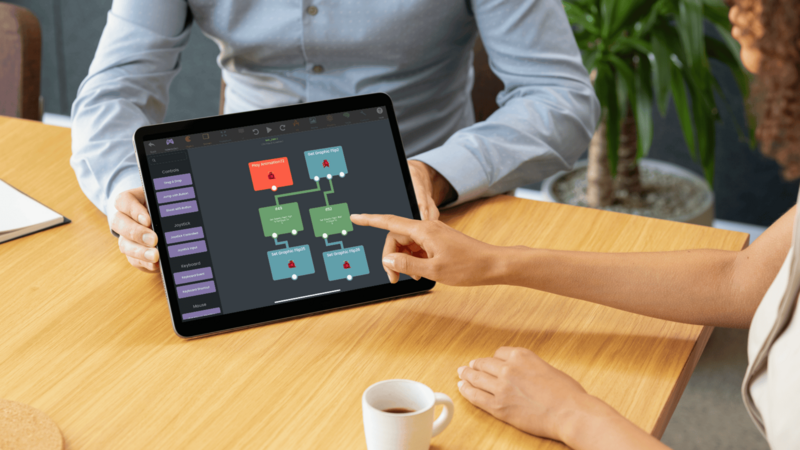
Your iPad can be a complete game development studio, especially when you pair it with hyperPad. Whether you're a hobbyist, a student, or a professional game developer, hyperPad lets you build and ship games without leaving your iPad.
In this guide, we'll look at the best apps to use alongside hyperPad, so you can give your iPad games a finished look and sound.
Must-Have Apps For Your iPad Game Development
The App Store has plenty of tools that work well alongside hyperPad and make iOS game development smoother. From drawing Graphics to composing music, these apps help at every step.
Procreate
For game art, Procreate is a favorite among iPad artists. It's designed specifically for iPad, and it handles everything from quick sketches to fully rendered artwork. Use it to draw characters, environments, and UI elements, then bring your art into hyperPad as Graphics for your Objects.
GarageBand
A good soundtrack pulls players into your game. GarageBand is the go-to app for making original music directly on your iPad. Its interface is easy to learn. You can compose background scores, sound effects, and theme music that fit your hyperPad games, then mix and edit them in the same app.
Affinity Designer
Creating and organizing assets is a big part of any game development workflow. Affinity Designer has tools for vector graphics, game art, icons, and UI elements. Whether you're designing 2D art or detailed interface layouts, you can import the results into hyperPad. Affinity Designer also helps keep your assets organized.
Why hyperPad Works as Your iOS Game Development Tool
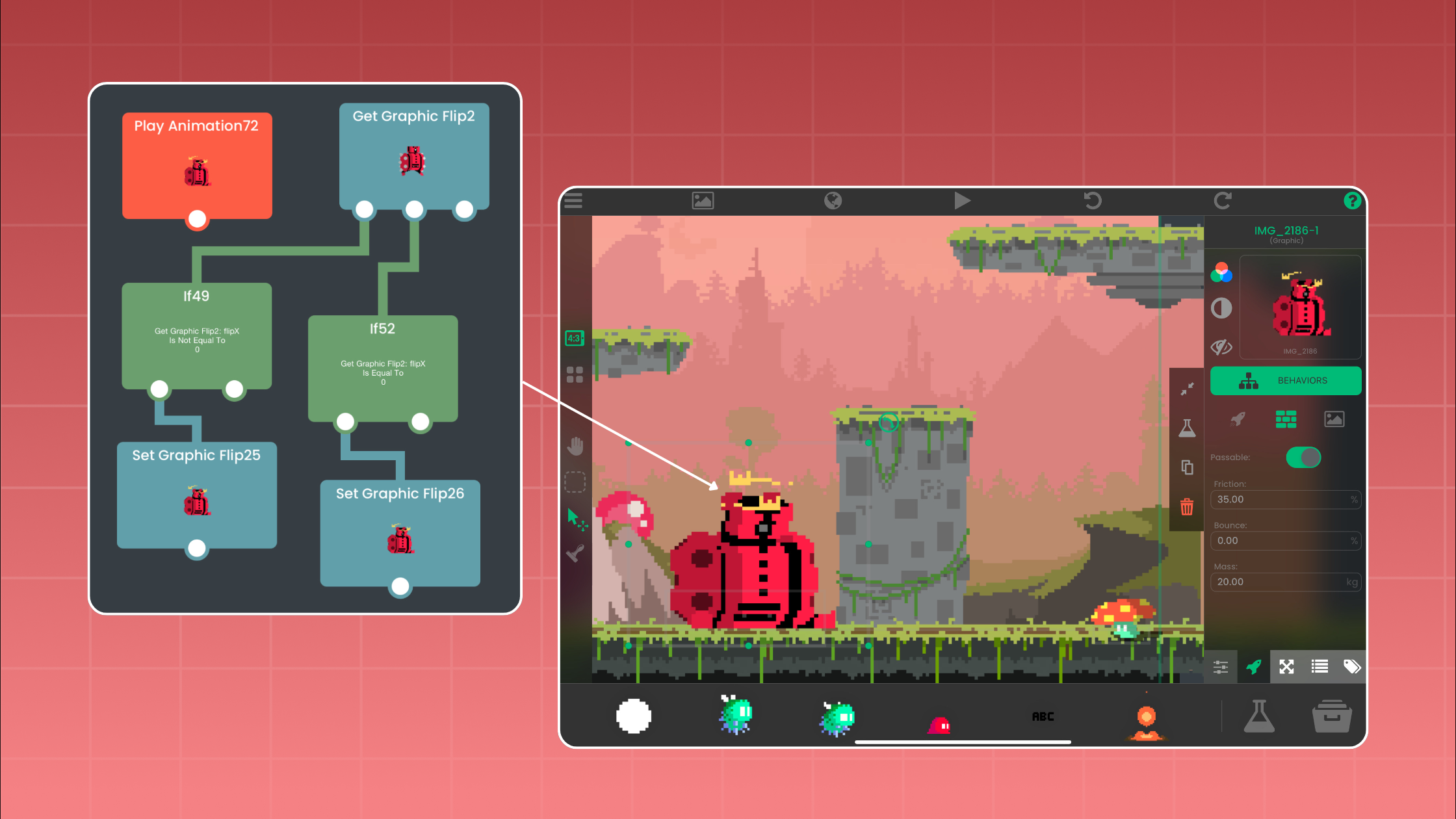
hyperPad lets you make mobile games without a PC or Mac. It includes visual coding with Behaviors, asset management, animation tools, and physics. Everything is designed for touch. When your game is ready, you can export it to the App Store with hyperPad (the paid app). Whether you're building platformers, RPGs, simulations, or educational apps, hyperPad keeps game development approachable and fun, right on your iPad.
Each app covers a different job. Procreate handles detailed game art, GarageBand your music, and Affinity Designer your assets. Textastic covers any coding needs. Combined with hyperPad, they turn your iPad into a full mobile game development studio.
Start Making Games Today on iPad
With the right setup, your iPad and hyperPad can turn your game ideas into real games. Whether you're prototyping your first project or preparing your next App Store release, these apps give you what you need.
Ready to create your own game? Try hyperPad Starter free. When you want more projects and App Store export, upgrade to hyperPad for a one-time USD $14.99. You keep 100% of your revenue.