How to Use AI to Generate Game Art and Assets for iPad Games Without Coding


You have a game idea and it feels exciting at first. You imagine characters, worlds, and moments players will remember. Then reality hits. You need art: characters, backgrounds, icons, and menus. Suddenly, the project feels bigger than expected.
You search online and see polished artwork and complex tutorials. You start wondering if you're behind, or if game development is only for artists and programmers. This is the moment where many people stop.
You don't have to. AI and hyperPad change what's possible, especially for beginner game developers.
The Real Challenge Behind Game Art
Game art takes more than drawing skill. Your art has to stay consistent, and it has to read clearly on a small screen. Mobile games need art that communicates quickly and feels cohesive.
For new game developers, this can feel overwhelming. You might know what you want but not how to make it. AI helps you past that first barrier. hyperPad removes the second by letting you build games visually, without code.
What AI-Generated Game Art Really Is
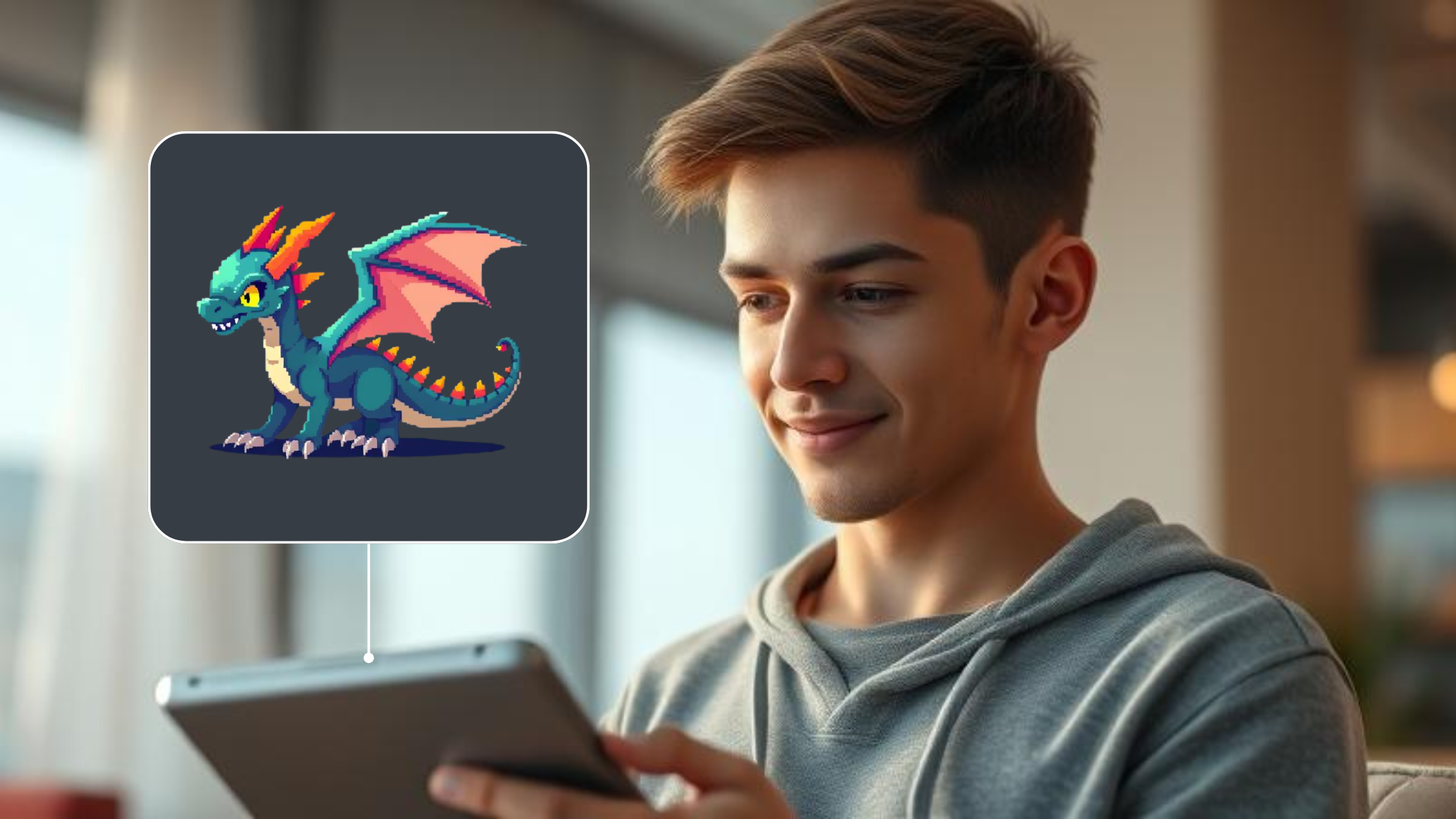
AI-generated game art is created from text descriptions called prompts. You describe what you want, and the AI generates images based on that description.
For example, you might type: “A cute pixel art robot hero for a 2D platformer, simple colors, clear outline.” The result is a usable character you can bring straight into your game.
You don't need drawing skills, a drawing tablet, or years of design experience. You only need a clear idea of what you want to make.
What Types of Game Assets AI Can Create
AI can generate most of the visual assets a 2D game needs: characters, enemies, backgrounds, items, icons, and even simple UI elements.
You can create a hand-drawn fantasy forest, a pixel art slime enemy, a cartoon-style coin, or a clean mobile button. You can use them as working assets in a real game.
Why AI Art Is Ideal for Beginner Game Developers
AI art takes the fear out of the creative process. You can test ideas quickly without feeling stuck or judged by your skill level.
Seeing your game world appear on screen builds motivation. Momentum grows when progress is visible, and that momentum often separates finished games from abandoned ideas.
Why AI Fits iPad Game Development
iPad game development is visual and hands-on. You touch, move, test, and adjust ideas in real time.
AI fits right into this workflow. You generate art, import it, and immediately see how it feels in your game. With hyperPad, there's no technical gap between your idea and a working game.
Step 1: Choose One Clear Visual Style
One of the most common beginner mistakes is mixing too many art styles. It usually happens when you experiment without a direction.
Pick one clear style instead. It could be pixel art, cartoon 2D, or minimal flat design. A single direction helps the AI produce more consistent results, and it makes your game feel intentional.
Step 2: Write Simple, Purpose-Driven Prompts
You don't need complicated prompts to get good results. Describe the style and the purpose of the asset.
For example, “A pixel art knight character for a 2D mobile game, simple colors, clear outline” works better than a long, unfocused description. Clear prompts get better output.
Step 3: Generate Variations and Compare
Professional developers rarely get the perfect asset on the first try. They generate options, compare them, and choose what fits best.
Do the same. Generate several versions, pick the one that matches your game, and move on. Progress matters more than perfection.
Step 4: Prepare AI Art for Game Use
AI-generated images may need light editing before you use them. You might resize them for iPad screens, remove backgrounds, or crop sprites.
This step is normal. It doesn't mean the AI failed or that you did something wrong. Here are some real AI tools you can use to generate game art and assets to import into hyperPad:
1. Fotor: AI Game Assets Generator
Fotor’s AI tool turns text prompts into ready-to-use 2D and even 3D game art. You can create characters, props, backgrounds, and concept art just by describing what you want. It’s free to start and works entirely in your browser.
Good for:
- Character sprites
- Backgrounds
- UI elements
- Pixel or cartoon art
Example prompt:
“A 2D cartoon forest background with bright colors and simple shapes”
2. Pixelcut: AI Game Asset Generator
Pixelcut’s asset generator is designed for game developers. It creates characters, textures, items, tiles, and UI icons from your prompt. You can download PNGs ready to drop into your game.
Good for:
- Pixel art sprites
- Environment tiles
- Props and items
Example prompt:
“A magical sword icon in pixel art style”
3. Krea: Gaming-Focused AI Art Generator
Krea is an AI art generator with a focus on gaming visuals. It generates character designs, environment art, and textures. You can even train it on your own art style to keep your visuals consistent.
Good for:
- Concept visuals
- Rough prototyping
- Style exploration
4. Vheer: Full AI Game Asset Maker
Vheer’s AI asset generator goes beyond single images. It supports several art styles, like pixel art, vector art, and low poly 3D. You can create backgrounds, tilesets, weapons, characters, and more.
Good for:
- 2D and 3D assets
- Environment art
- Complete tilesets
5. Recraft AI: Style-Driven Asset Generator
Recraft generates whole sets of game assets in one workflow. You describe what you want and pick a style. It creates matching results you can export and tweak.
Good for:
- Consistent style matching
- Multiple asset types in one go
6. PixelVibe by Rosebud AI: Game-Focused Asset Generator
PixelVibe specializes in 2D game assets like sprites, props, tiles, character avatars, and UI elements. It’s designed to produce game-ready assets quickly, especially in pixel and cartoon styles.
Good for:
- Pixel art characters
- GUI elements
- Props and backgrounds
One reminder: AI speeds up the whole process, but it's worth learning these skills yourself too.
Example Prompts You Can Use With These Tools
Here are a few real prompts you can copy and paste:
- Character sprite: “A happy pixel art hero for a 2D platformer, bright colors, simple shape”
- Enemy design: “A dark fantasy slime enemy with glowing eyes, pixel art”
- Background: “A cartoon forest background with soft lighting and depth”
- Item icon: “A shiny gold coin icon for a mobile game UI”
Clear prompts like these give the AI better context and get you usable assets faster.
How These Fit Into Your hyperPad Workflow
Once you generate the art with a tool like Fotor, Pixelcut, Krea, Vheer, Recraft, or PixelVibe:
- Export the images as PNGs.
- Resize them and remove backgrounds if needed.
- Import them into hyperPad.
- Drag them into your Scenes.
- Start animating and building, without any code.
You make the art and the game yourself, without hiring an artist or writing code.
Step 5: Import AI Assets Into hyperPad
This is where ideas start to feel real. You import your AI-generated art into hyperPad, drag it into a Scene, and watch your game world take shape.
Because hyperPad is visual and needs no code, there's no setup or scripting to get through first. You're free to experiment and iterate.
Step 6: Animate Characters Without Coding
Static images don't feel like a game. Movement brings everything to life.
In hyperPad, you animate characters visually with animation frames and Behaviors. In a few steps, your AI-generated character can walk, idle, or react, all without writing code.
Step 7: Build Gameplay Visually
Gameplay is often where beginners expect the most difficulty. In hyperPad, you build it visually.
You create movement, collisions, and interactions by connecting Behaviors and testing instantly. You stay in the creative flow instead of stopping to debug code.
Is AI-Generated Art Allowed in Games
This is one of the most common questions people search for. In most cases, the answer is yes.
Always review the license terms of the AI tool you use. Many allow commercial use, including App Store releases. Once you understand the terms, you can move forward with confidence.
Common Mistakes to Avoid
Many beginners wait for perfect art before continuing, or try to learn everything at once. These habits slow progress and drain motivation.
Focus on finishing small projects. Each game you complete builds skill and confidence.
Why hyperPad Works So Well With AI Art
AI helps you create assets quickly. hyperPad turns those assets into playable games.
Together, they clear the technical hurdles so you can focus on the creative work. You spend more time building and less time feeling stuck.
The Emotional Truth About Finishing a Game
Finishing a game changes how you see yourself. You stop thinking about what you might make someday and start recognizing what you've already built.
AI helps you start. hyperPad helps you finish.
Final Takeaway
You don't need to be an artist or a programmer to make a game. You need tools that support your ideas.
AI gives you speed and confidence. hyperPad gives you a way to turn ideas into real iPad games without coding.
Your game idea deserves to exist. Build it.