


by hyperPad
Importing Your Game Assets
Learn how to import your own images, animations, fonts, particles, and sounds into hyperPad, or use assets from the hyperPad Asset Shop.
Game AssetsBeginners
Make the art, music, and sound for your game. Guides to Procreate, pixel art tools, free asset sites, and audio apps you can pair with hyperPad.
Learn how to import your own images, animations, fonts, particles, and sounds into hyperPad, or use assets from the hyperPad Asset Shop.
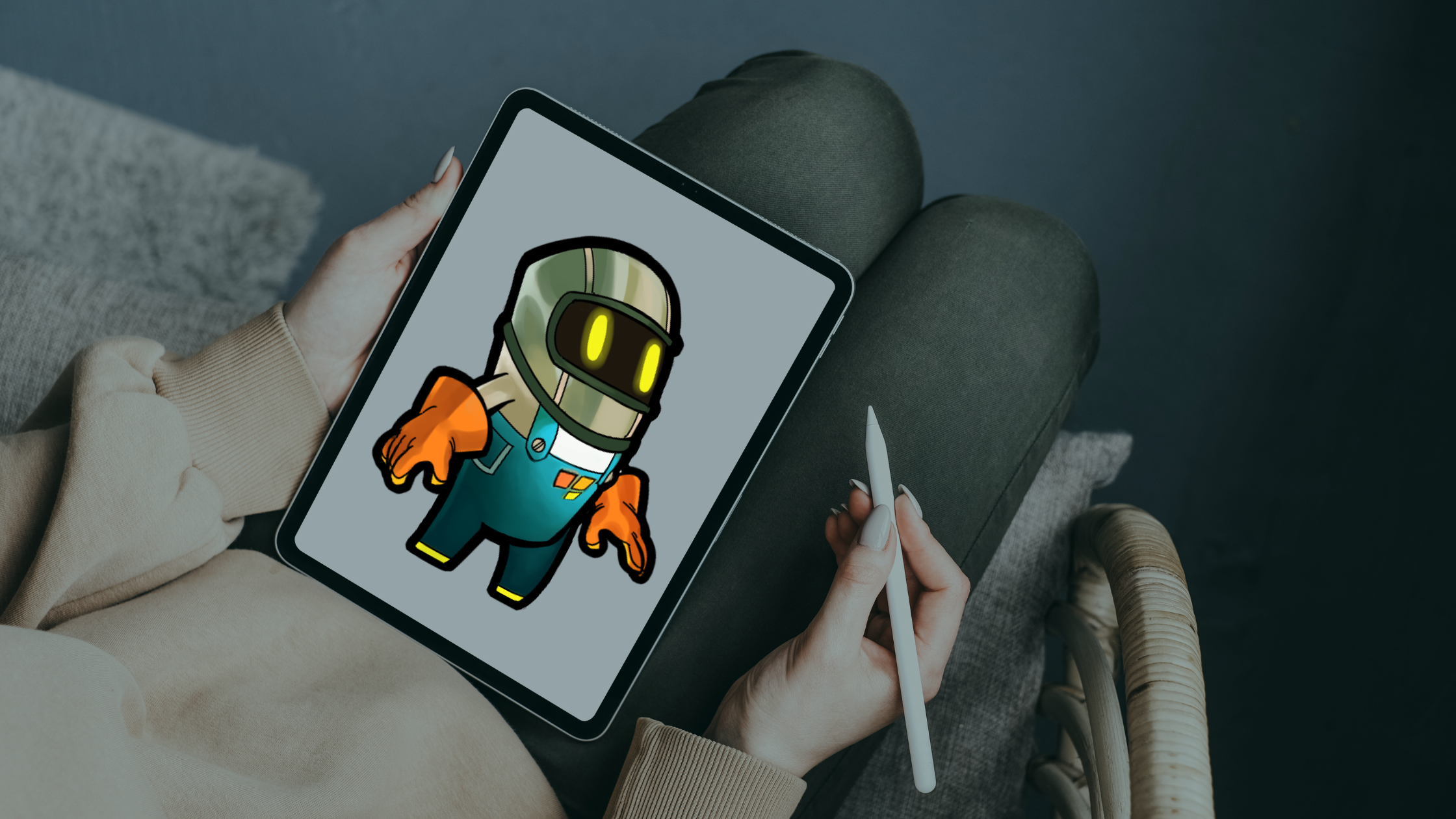
Turn Procreate artwork into a playable iPad game by prototyping in hyperPad, exporting clean assets, adding animation, and testing every Graphic in context.
Combine your Procreate art with hyperPad on iPad to make a funny, interactive birthday card with animations, sound effects, and mini-games.
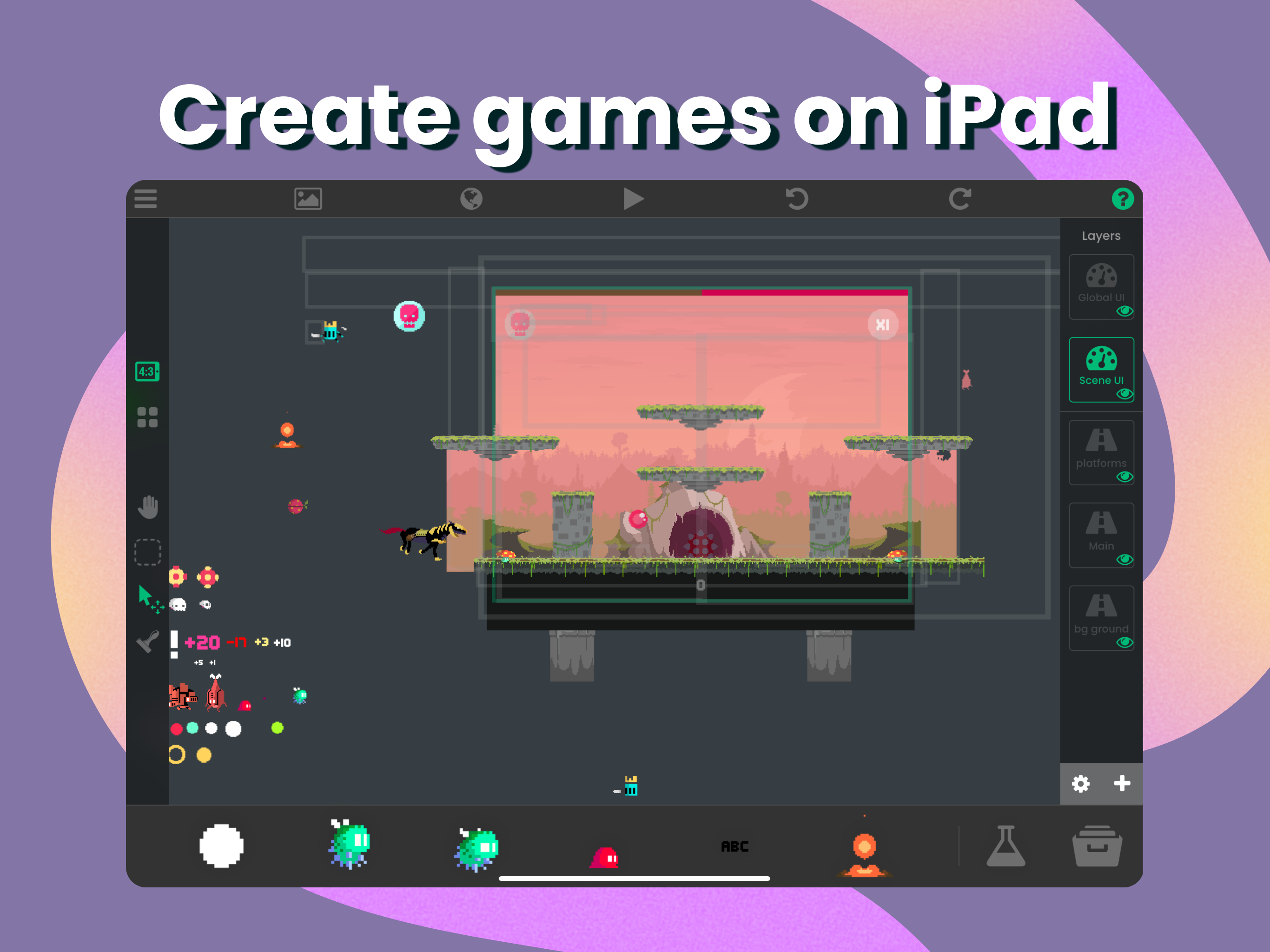
Turn your Procreate art into a game or app on iPad with hyperPad. Import your drawings, add physics and particle effects, and build without code.
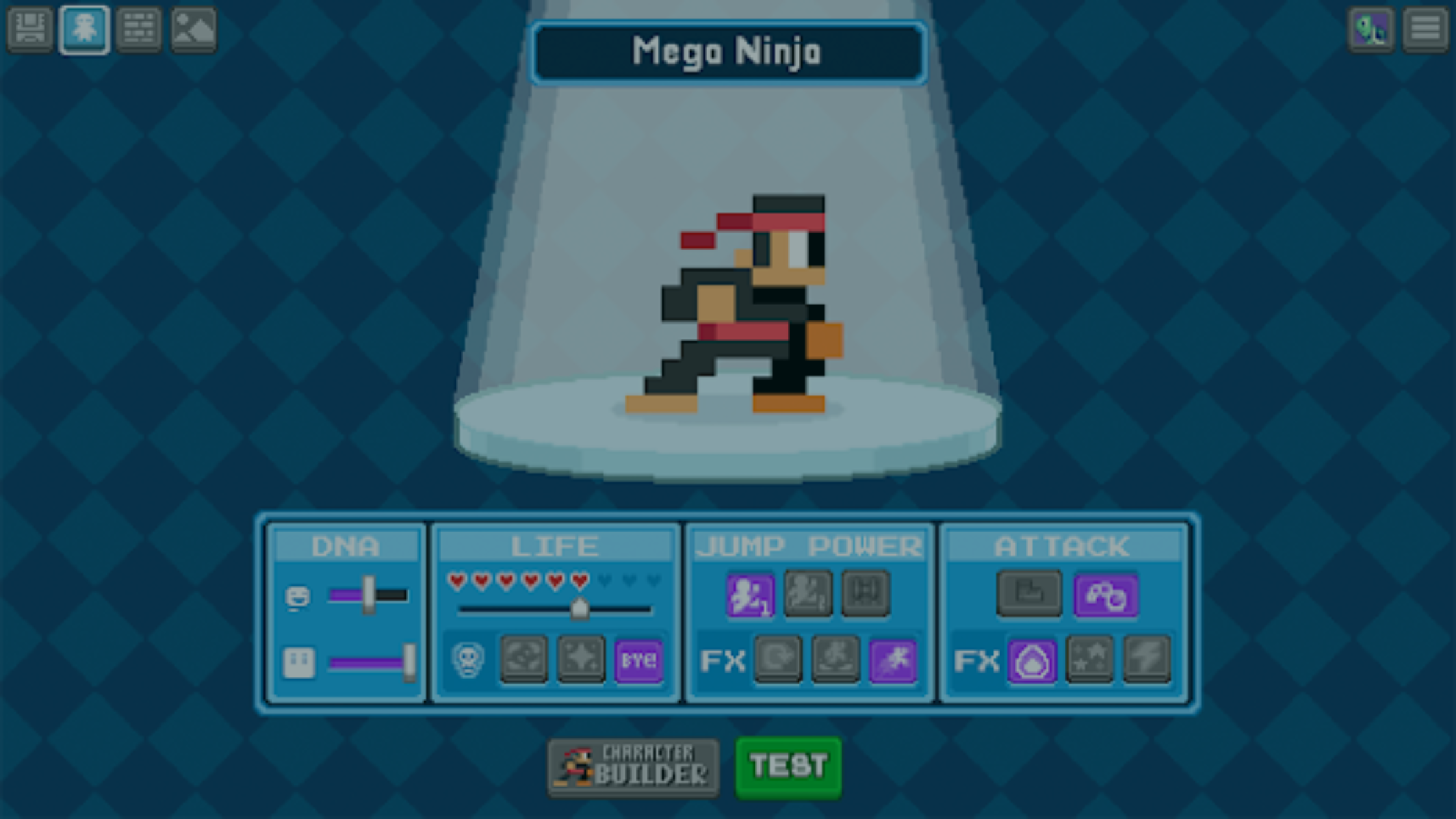
Learn how to make pixel art for your games with Bloxels, then bring it into hyperPad to build a full game on your iPad.
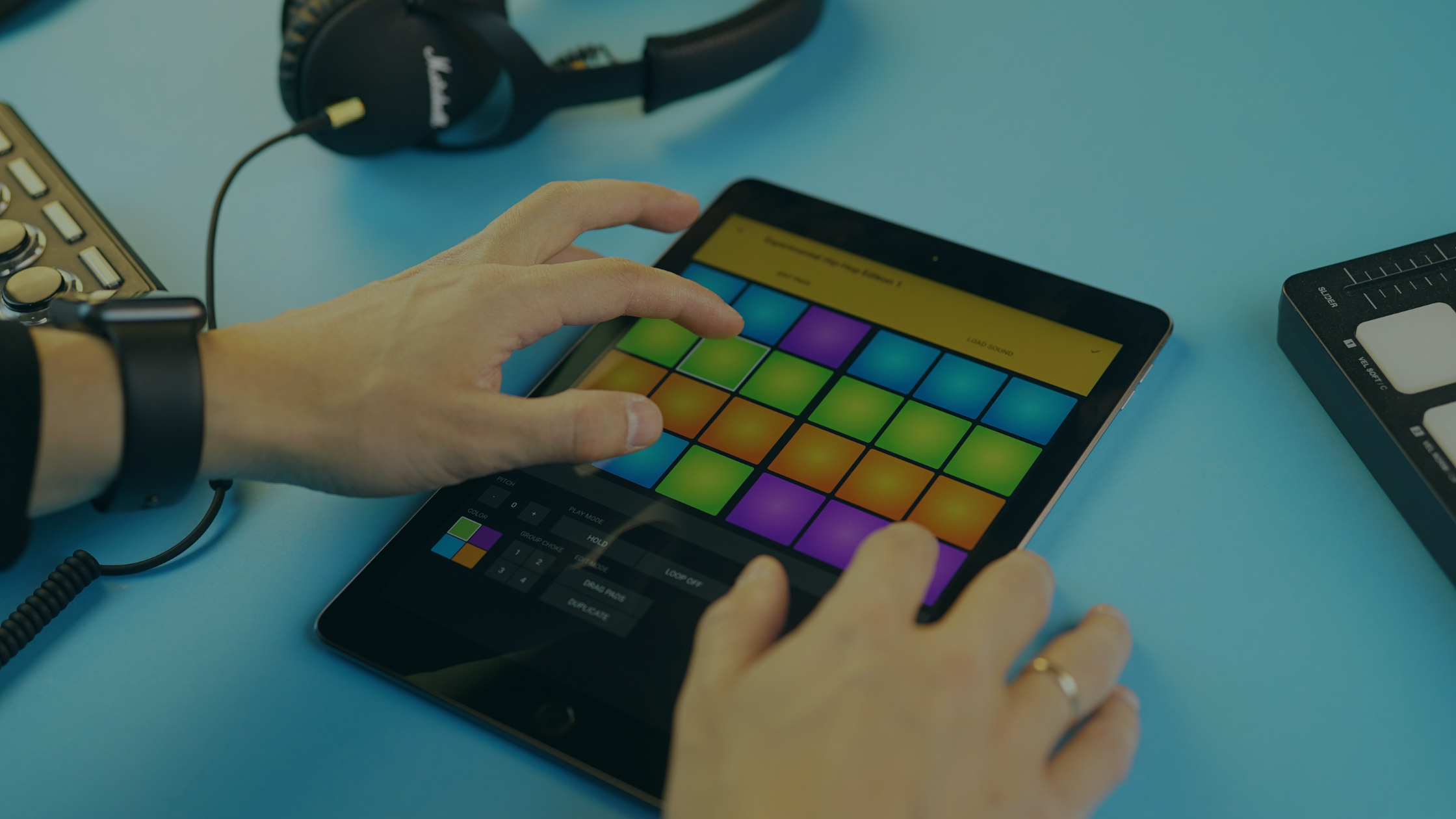
Use hyperPad Behaviors to add looping music, a player-controlled music button, volume changes, and state-based track transitions to an iPad game.
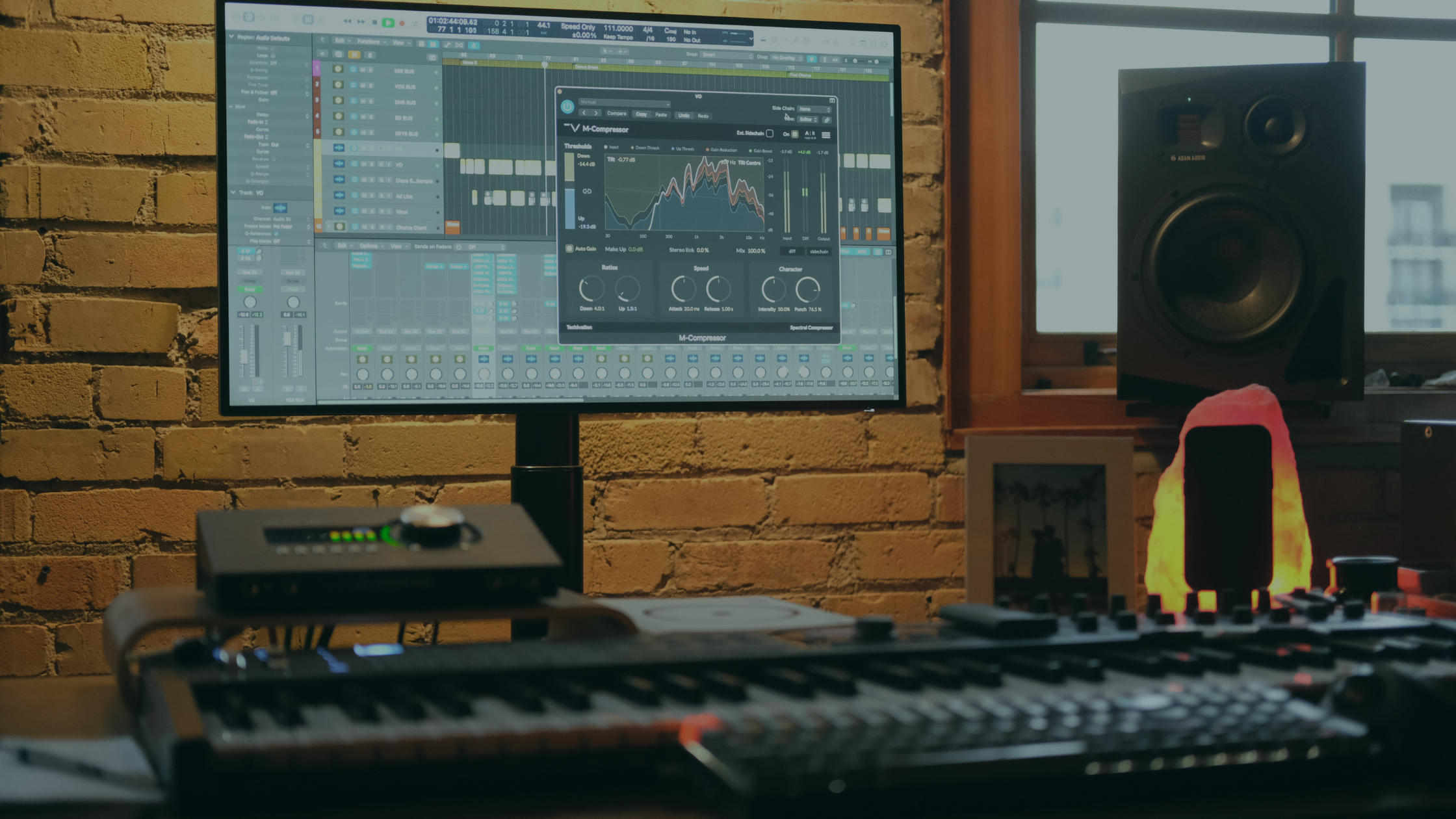
A plain guide to digital audio workstations: what a DAW does, the main types, and how FL Studio, Ableton Live, Logic Pro, and Reaper compare for game music.

Prepare a playable build, ask one focused question, observe testers, sort the feedback, and choose the next revision for your game.

Create a short music loop and useful game sound effects on iPad, then import them into hyperPad and connect them to visual Behaviors.


