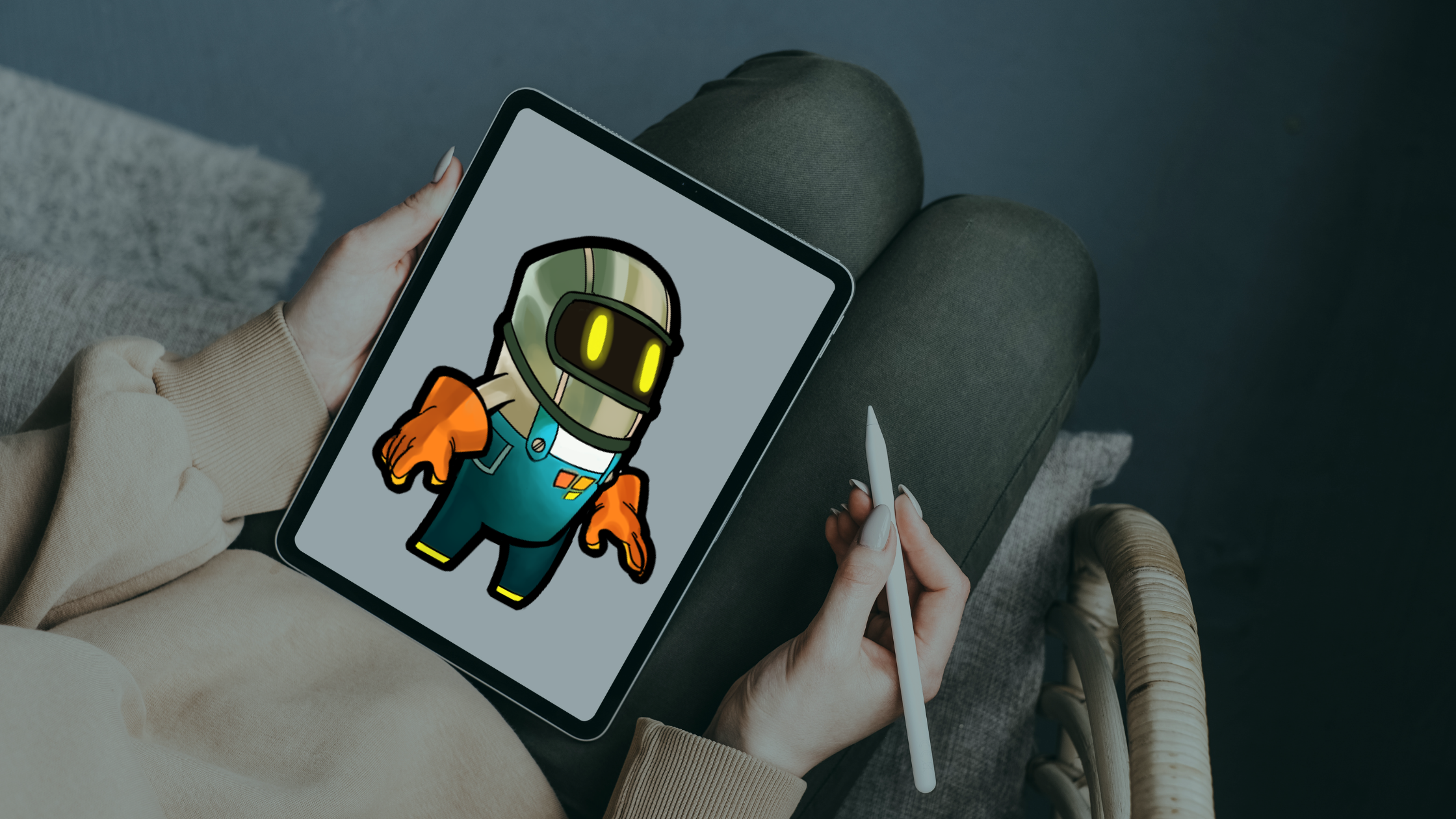
An iPad Game Creation App for Artists Who Don’t Code

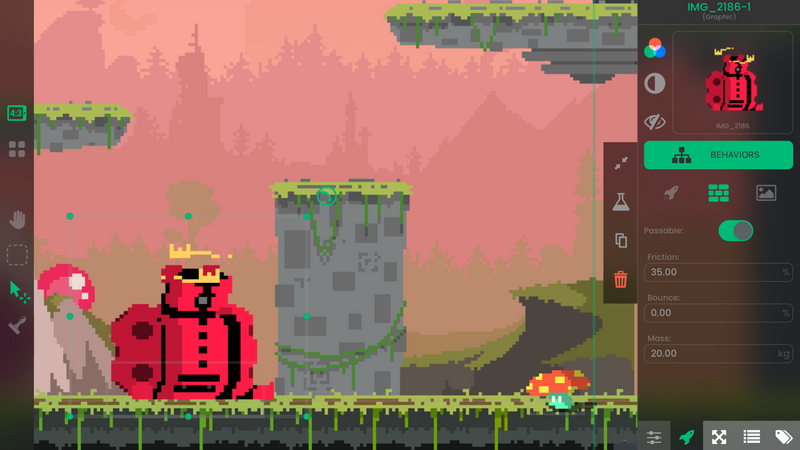
Ever dreamed of making your own games on your iPad but got stuck at “coding”? Same. Luckily, you can bring your ideas to life without writing a single line of code. Meet hyperPad.
If you’re an artist, designer, or visual thinker, hyperPad fits the way you already work. Everything in it is visual and drag-and-drop. Want to add a character? Drag it in. Want it to move or interact? Connect a few Behaviors. That's gameplay, with no code. You skip the programming headaches and the cryptic error messages and get straight to making things.
You also get real creative control. You can animate characters, design complex levels, and add physics, particles, and UI elements. Want a platformer? An RPG? A puzzle game? A multiplayer experiment? All possible. If you have your own art, music, or sound effects, importing them is simple. hyperPad is a real game studio in your hands.
The community makes it even better for indie creators. You can publish your projects to the hyperPad Hub, get feedback, and even reward other creators with Coins. It’s a small indie dev community right on your iPad. And if you dream bigger, you can export your game to the App Store with hyperPad (the paid app) and reach your own players.
For artists, hyperPad solves a big problem: turning visual creativity into playable games. Traditional game engines are capable, but the learning curve is brutal if you can’t code. hyperPad flips that. The visual tools are front and center, so you can focus on your art and your ideas.
If you’ve been looking for an iPad app where your imagination drives the game, hyperPad is it. It’s made for people who would rather create than debug.
Test the artwork inside a playable Scene
A finished illustration is not automatically a useful game asset. Import one file through the Asset Library, place it on an Object, and test it at the size and speed players will actually see. The Importing Assets guide covers the supported workflow.
Build a small interaction around that asset:
- Put the Object against the real background color.
- Add Started Touching if the player should tap it.
- Use Set Graphic to show a second state, or Play Animation for a prepared animation.
- Add one sound only if it makes the result easier to understand.
- Test on the iPad at normal viewing distance.
Check the silhouette, contrast, touch target, animation timing, and file size before creating a full asset set. If the first Object is unclear, producing twenty more in the same style multiplies the problem. The free 2D game assets guide also explains why licence terms must be checked before publication.
So next time you’re sketching characters or imagining worlds on your iPad, remember that you don’t need coding skills to make them real. Grab hyperPad, drag, drop, and start building. Your indie game ideas can become playable worlds you share with players.
Before expanding the Project, test the mechanic with placeholder art and default values. A clear prototype makes later decisions easier because you can tell whether a problem comes from the interaction, the presentation, or the scope. Keep the smallest version that demonstrates the idea, then add one change per test.