Free Art Tools for Game Design

Make Game Art on a Budget
Art plays a crucial role in game design. It shapes the visual experience and draws players into the game world. But not every game developer has a dedicated art team or the budget to hire professional artists. Luckily, plenty of free online resources can help you create compelling, great-looking artwork. In this article, we'll look at useful free resources for 2D art, 3D, pixel art, and vector graphics.
Graphics
Creating 2D art, textures, and sprites is essential for game design. Fortunately, there are capable free tools to help you do it.
Krita
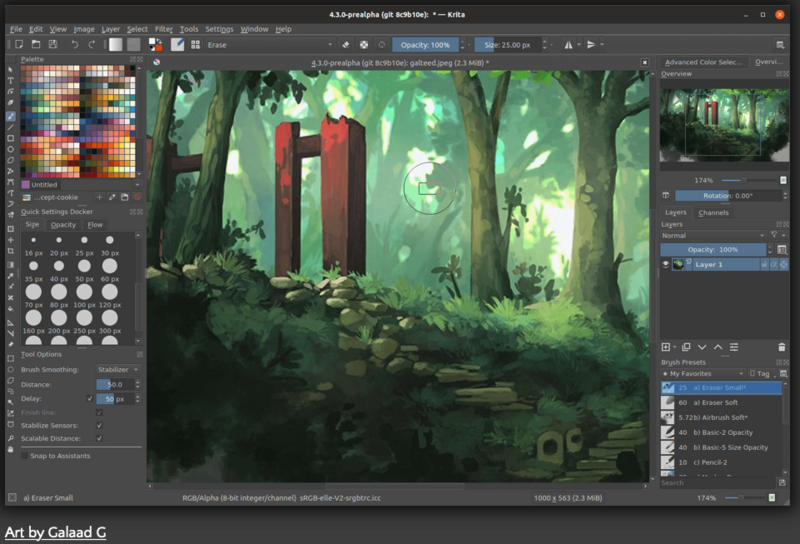
Krita is a free and open-source digital painting and illustration program. It offers an extensive set of brushes, layers, and customizable interfaces, which makes it suitable for creating 2D art, textures, and sprites.
Website: https://krita.org/
Blender
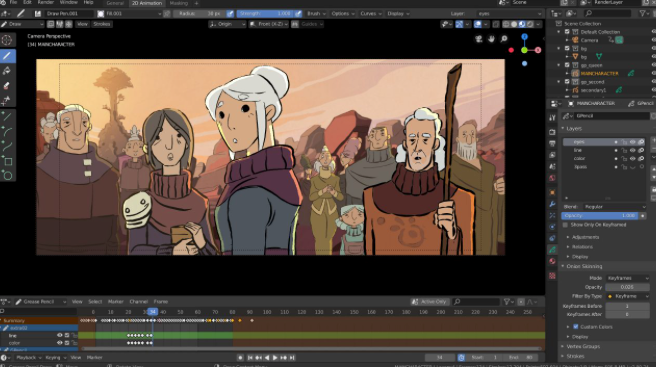
Blender is an open-source 3D creation suite with a wide range of features for modeling, sculpting, animation, rendering, and more. It is widely used in the game development community, which provides plenty of tutorials and support.
Website: https://www.blender.org
GIMP
GIMP (GNU Image Manipulation Program) is a free and open-source raster graphics editor. It provides a range of tools for creating and editing 2D art, textures, and UI elements. GIMP is available for Windows, macOS, and Linux.
Website: https://www.gimp.org/
Sketchbook
The free basic version of Sketchbook is a useful drawing tool (especially with a touch interface), and it supports a wide range of export options. It's especially useful for concept art and 2D art, particularly in a hand-drawn style.
The app's basic version is free on the App Store and Google Play here.
Piskel
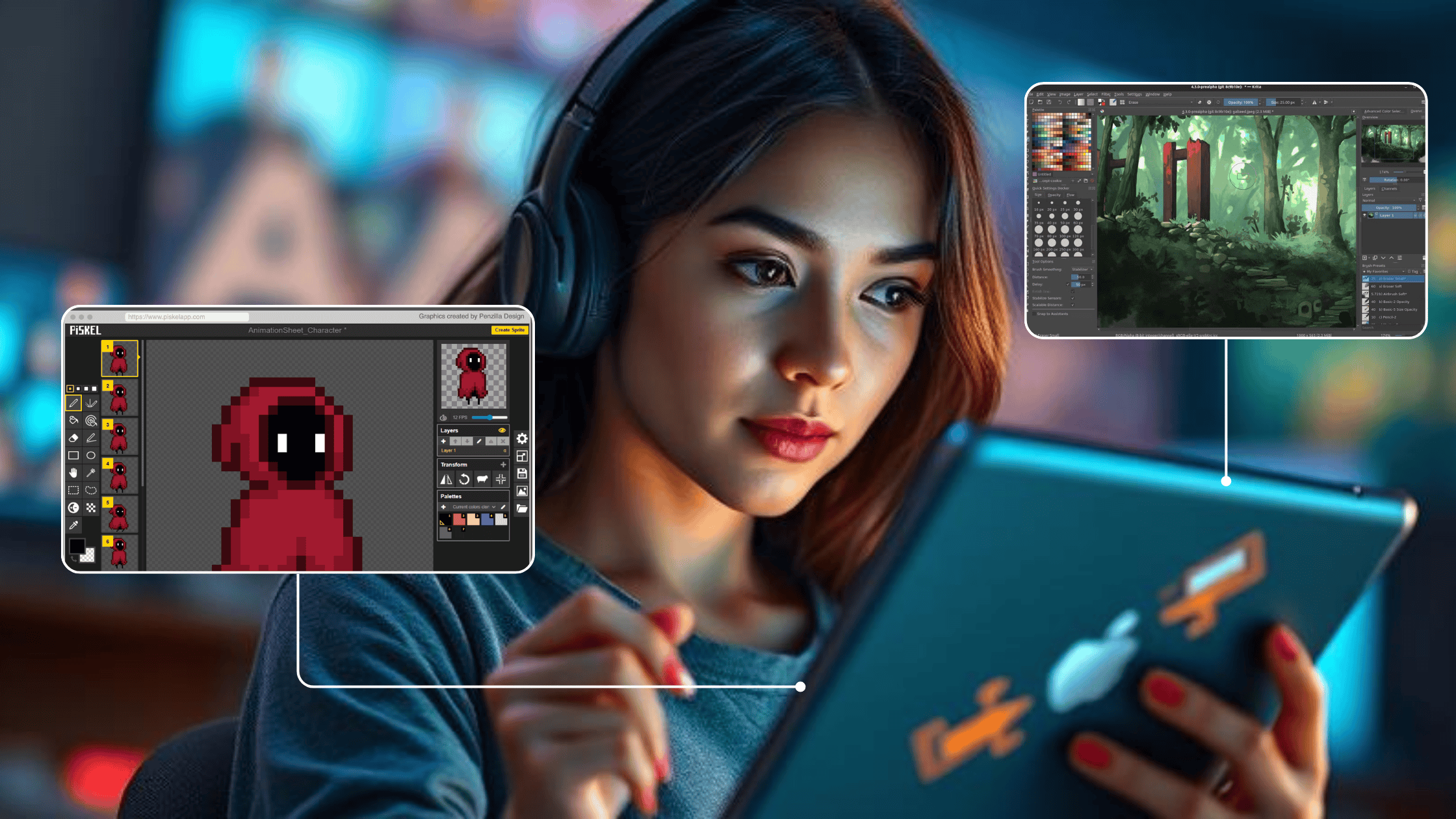
Piskel is a free, open-source pixel art program that works in the browser. You can also download a version for Windows, Mac, and Linux if that's more your speed. Piskel has a clean, intuitive interface and a simple toolset, which makes it ideal for simple projects. (For complex animation, you may want a more capable tool.) You can export your artwork as high-quality PNGs or GIFs, ideal for spritework.
Website: https://www.piskelapp.com/
Photopea
Photopea is a versatile online image editor with a wide range of features. Its toolset is similar to professional graphic design software, which makes it an excellent choice for artists, designers, and game developers on a budget. With Photopea, you can edit and manipulate images, create visuals, retouch photos, and even work with complex layer-based compositions. It supports many file formats, including PSD (Adobe Photoshop), so it works with industry-standard design files.
Website: https://www.photopea.com
Aseprite (Free Trial)
Aseprite is a popular program for creating pixel art and animations. It's primarily a paid tool, but it offers a free trial version with limited features. The trial lets you explore and experiment with pixel art creation.
Website: https://www.aseprite.org/
Tools for Vector Graphics
Inkscape
Inkscape is a free and open-source vector graphics editor. It offers a wide range of tools for creating scalable 2D artwork, logos, and UI elements. Inkscape is available for Windows, macOS, and Linux.
Website: https://inkscape.org/
Vectr
Vectr is a free vector graphics editor that runs both as a web app and a desktop app. It provides essential vector editing tools, which makes it suitable for creating scalable artwork and designs for game development.
Website: https://vectr.com/
Vectornator
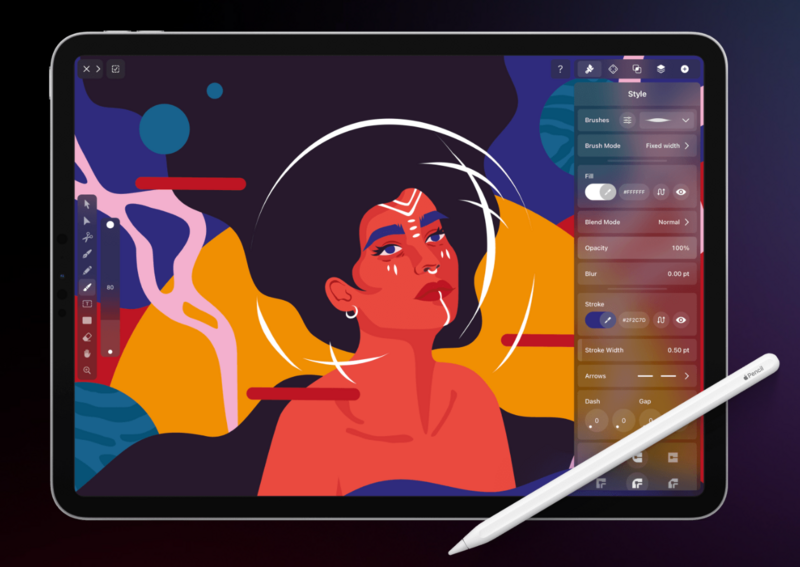
This free app lets you design and illustrate anything you can imagine with vectors. It's an iPad app that works well with Apple Pencil.
Website: https://www.vectornator.io/
Art is a vital part of game design. It shapes the visual appeal and the overall experience for players. With free online resources, game developers and artists can use a variety of tools to create great 2D art, pixel art, and vector graphics.
Whether you're using established software like Krita and GIMP or specialized tools like Piskel and Aseprite, these resources help you bring your creative ideas to life without breaking the bank. Try a few and see what they do for your game art.
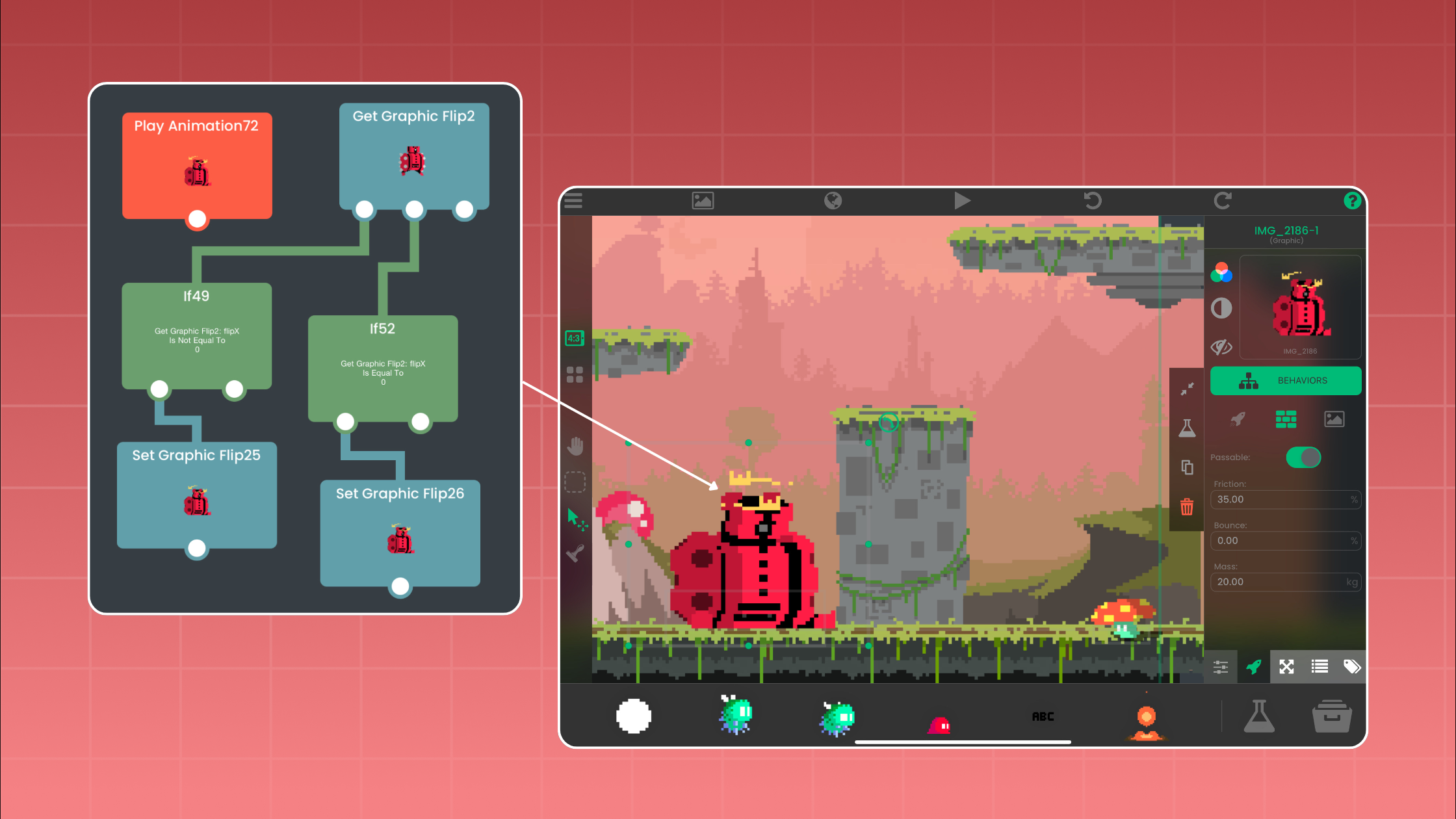
With hyperPad, you can turn your Procreate designs or digital art into interactive comics, games, and more, and export them to the Apple App Store straight from your iPad.
Start building today with hyperPad Starter, free for your first project.
When you want more projects and App Store export, upgrade to hyperPad for a one-time USD $14.99. There's no subscription, and you can build and publish as many games as you want.
You keep 100% of your revenue. hyperPad takes 0%.