Which hyperPad App Should You Download?

If you want to make your own iPad games, experiment with interactive stories, or explore what other creators have made, hyperPad has three apps for you. Picking the right one first gets you started faster.
Here's how hyperPad Starter, hyperPad Hub, and hyperPad compare, so you can choose the one that fits.
1. hyperPad Starter (Free): Build Your First Project Today
Download here: hyperPad Starter on the App Store
Best for: Beginners who want to try game development right away
hyperPad Starter is the free way to start making games on iPad.
Key Features:
- Make 1 project. Try out ideas, mechanics, and layouts.
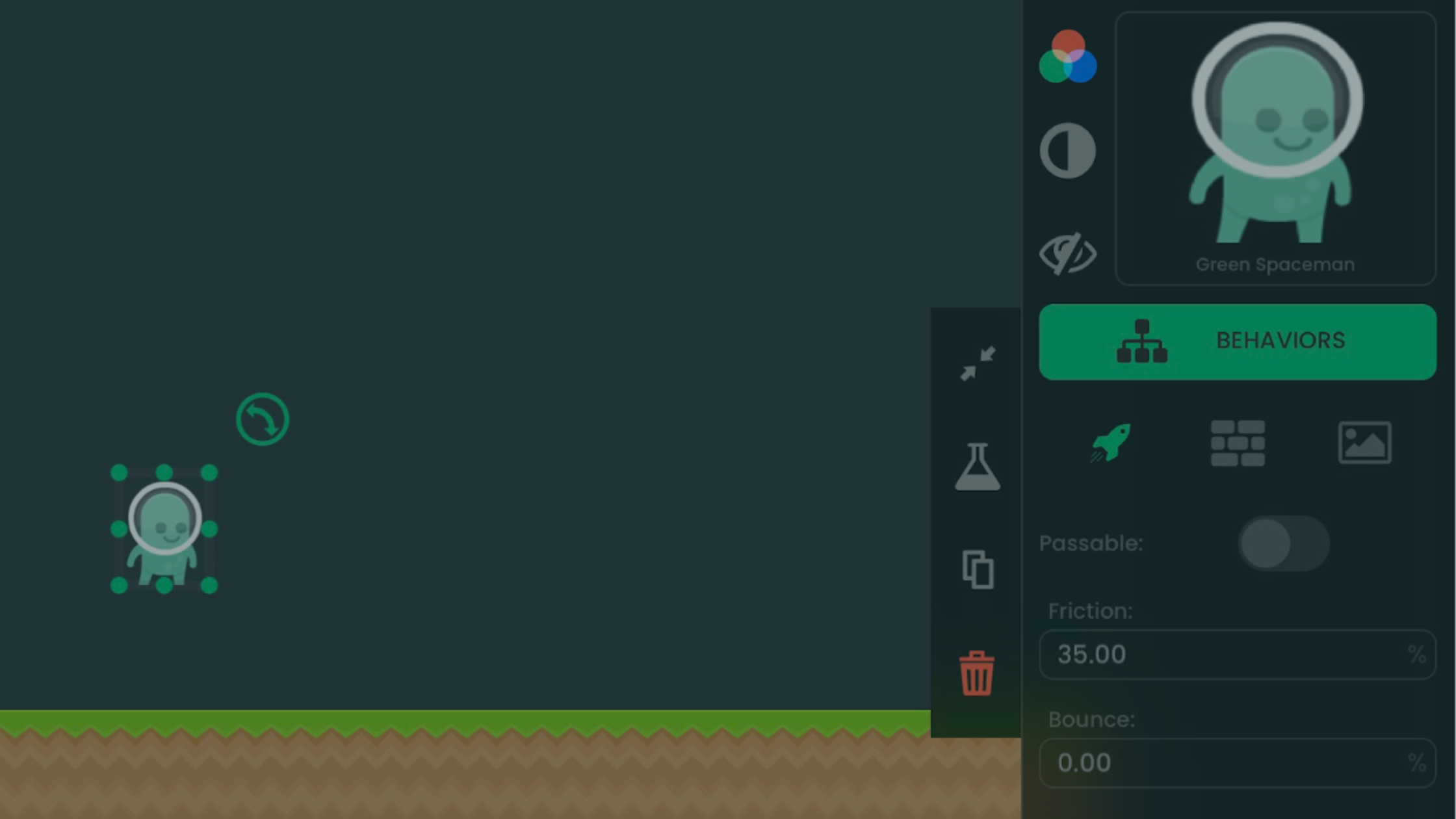
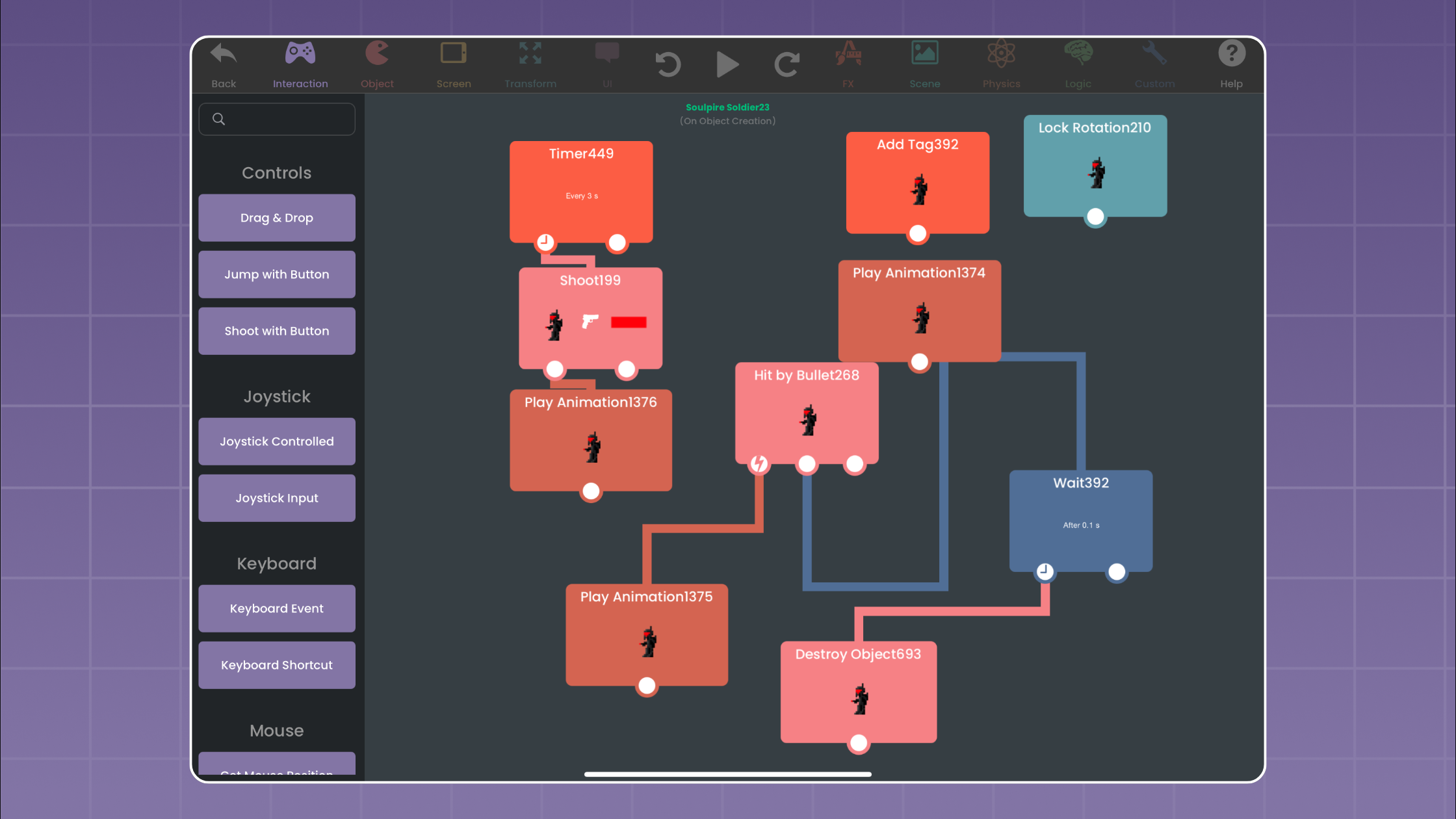
- The full visual editor. Drag, drop, and connect Behaviors without coding.
- Touch-based workflow. Design, test, and play on your iPad.
Why You Should Try It:
If you've never built a game before, hyperPad Starter gets you hands-on right away. There's no subscription and no setup. Open the app and start building. One project is enough to learn the basics of level design, interactive Objects, and simple gameplay mechanics.
Pro tip: Start with a small idea, like a simple runner or a puzzle game. You get a taste of making a game without feeling overwhelmed.
2. hyperPad Hub (Free): Explore, Play, and Get Inspired
Download here: hyperPad Hub on the App Store
Best for: Players who want to play community games and find ideas before they build.
hyperPad Hub is where you play. You don't build games in it.
Key Features:
- Browse games made by hyperPad creators.
- Play interactive stories, platformers, puzzle games, and more.
- Spot trending ideas and see what's possible before you start building.
Why You Should Try It:
If you're not ready to build yet, or you want fresh ideas, start with hyperPad Hub. Playing community games shows you popular game mechanics and what creators make without writing a line of code.
Pro tip: Use the Hub to study. Note what works in the games you play, then try similar ideas in your own projects.
3. hyperPad: More Projects, Hub Sharing, and Xcode Export
Download here: hyperPad on the App Store
Best for: Creators ready to build more than one game
hyperPad is the paid app for indie developers, educators, and game designers who have outgrown a single project.
Key Features:
- Unlimited projects. Make as many games or interactive projects as you want.
- App Store export. Export your game to the App Store. You keep 100% of your revenue.
- One-time payment. There's no subscription and no recurring fee.
Why You Should Try It:
If you're committed to learning game development, hyperPad lifts the one-project limit. It's a good fit for:
- Indie developers prototyping several game ideas.
- Artists turning illustrations into interactive experiences.
- Teachers designing educational games.
Pro tip: Start by recreating a simple game you love, then add your own mechanics on top. With no project limit, you can prototype one idea after another.
Quick Comparison Table
| App | Main purpose | Best fit |
|---|---|---|
| hyperPad Starter | Build one Project | Trying visual game creation |
| hyperPad Hub | Play and explore | Finding projects and creators |
| hyperPad | Build multiple Projects and export | Ongoing game production |
Which One Should You Download First?
- If you want to try building right away: start with hyperPad Starter.
- If you want to play and get inspired first: download hyperPad Hub.
- If you're ready for more than one project, or you want to export to the App Store: get hyperPad.
Start Creating Today
Whether you're curious, looking for ideas, or ready to go deep, one of these apps fits. They make game creation on iPad approachable for first-time creators and indie developers alike.
Compare the workflows before choosing
Use the free iPad game-making apps guide to compare complete creation workflows. The Behavior Interface Overview shows how visual logic works inside hyperPad, while the publishing and sharing guide explains the later path from a tested Project to sharing or export.
Choose Starter to build one Project, Hub to play community Projects, or paid hyperPad when you need more Projects, Hub sharing, and Xcode Export. Pick the app that matches what you want to do next.