by KrystalYee
Building Multiplayer Games for iPad Without Code
With hyperPad, you can build turn-based, real-time and local multiplayer games on iPad using Behaviors instead of code.
hyperPad How-TosMultiplayer
Learn to make games on iPad with hyperPad. Build your first project, see how Behaviors work, then pick up feature tutorials and tips as you go.
With hyperPad, you can build turn-based, real-time and local multiplayer games on iPad using Behaviors instead of code.

Vibe Coding swaps typed syntax for visual tools that keep you in the creative flow. Here's why hyperPad works for Vibe Coding games on iPad.

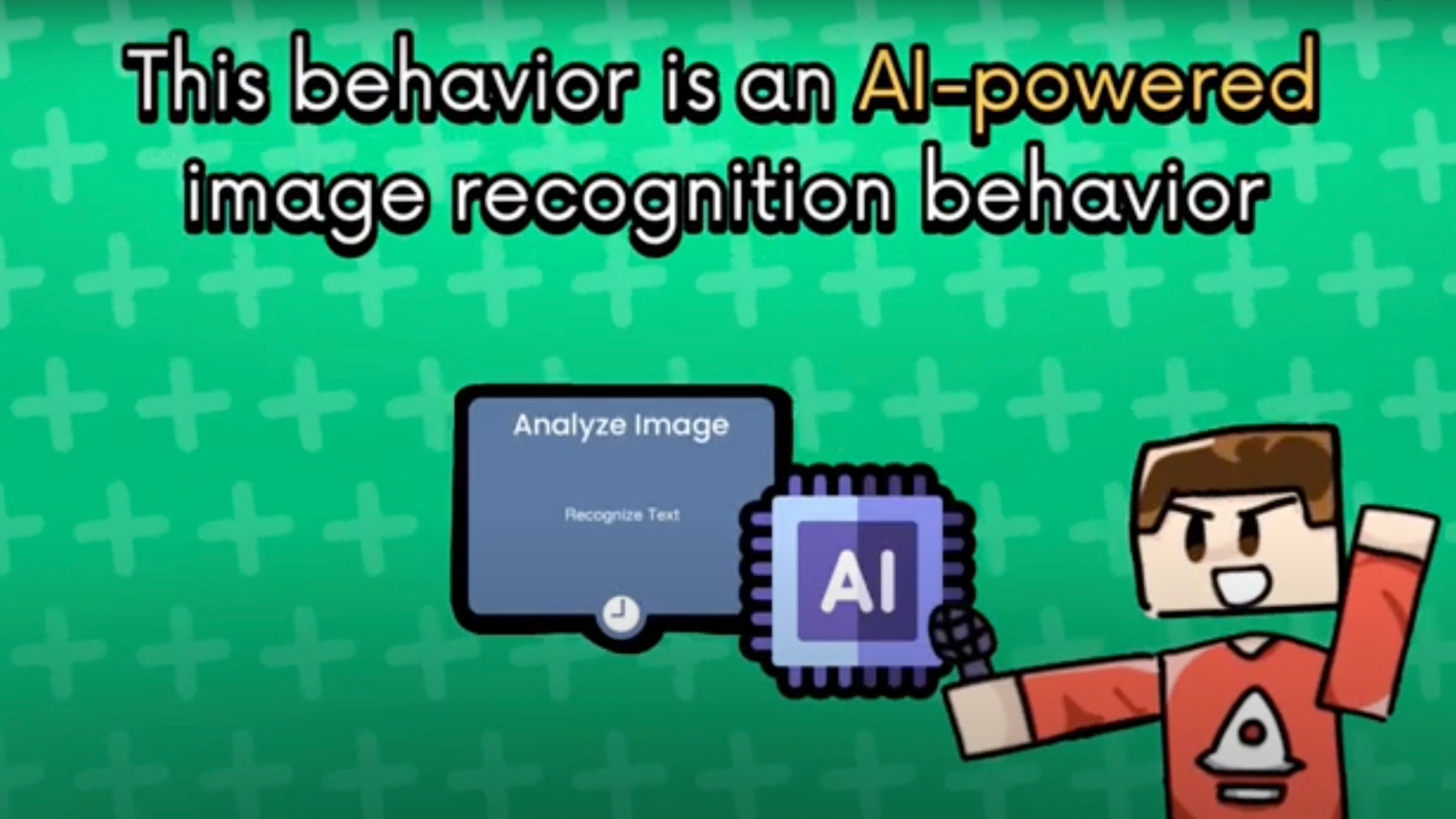
Learn how to build an image recognition game on iPad with hyperPad's Analyze Image Behavior. It runs AI locally, works offline and needs no code.

Learn how to make a game without coding. See how making games on iPad with hyperPad compares to making Roblox games on a Mac or Windows PC.

What hyper apps are, how no-code tools are changing game development, and how to start making games on iPad with hyperPad.

Looking at 3D game creators? Starting with 2D game development on iPad is often the faster way to learn. Here's why 2D is a smart first step in iOS game dev.

Want to make your own game but feel put off by coding? Here's how to make a game like Scratchy Adventure on your iPad, with no coding required.

This guide walks you through game development for beginners in 2025, from your first idea to a finished game you can share, all on iPad.

New to game dev in Asia? Tips for Global Game Jam participants and beginners, plus how to make games on your iPad with hyperPad, no coding needed.

Why no-code game development is the future for beginners, and how hyperPad helps new creators make games on iPad.

Make a game on your iPad with hyperPad, Procreate, and a few design and sound apps. This step-by-step guide takes you from plan to publish with no coding.

hyperPad teaches programming logic and game design through visual, drag-and-drop creation, so you can make games on iPad without writing code.

Anyone with an iPad and an idea can build a game without code and export it to the App Store. Here's the process, step by step.

A beginner's tour of the hyperPad Home Screen on iPad: the User Bar, the Navigation Bar and the Content Section, and what each one does.

You can make your own game on iPad without writing a single line of code. Here's how no-code tools like hyperPad make it possible.

If you love games, you can make one on iPad with hyperPad, whatever your technical background. These 10 tips help you design, test, and polish it.

Design, build, and launch your own game from your iPad with no code. Here's how to start with hyperPad, step by step.

New to game development? Follow these five steps to pick a tool, plan, build, test, and publish your first game on iPad.

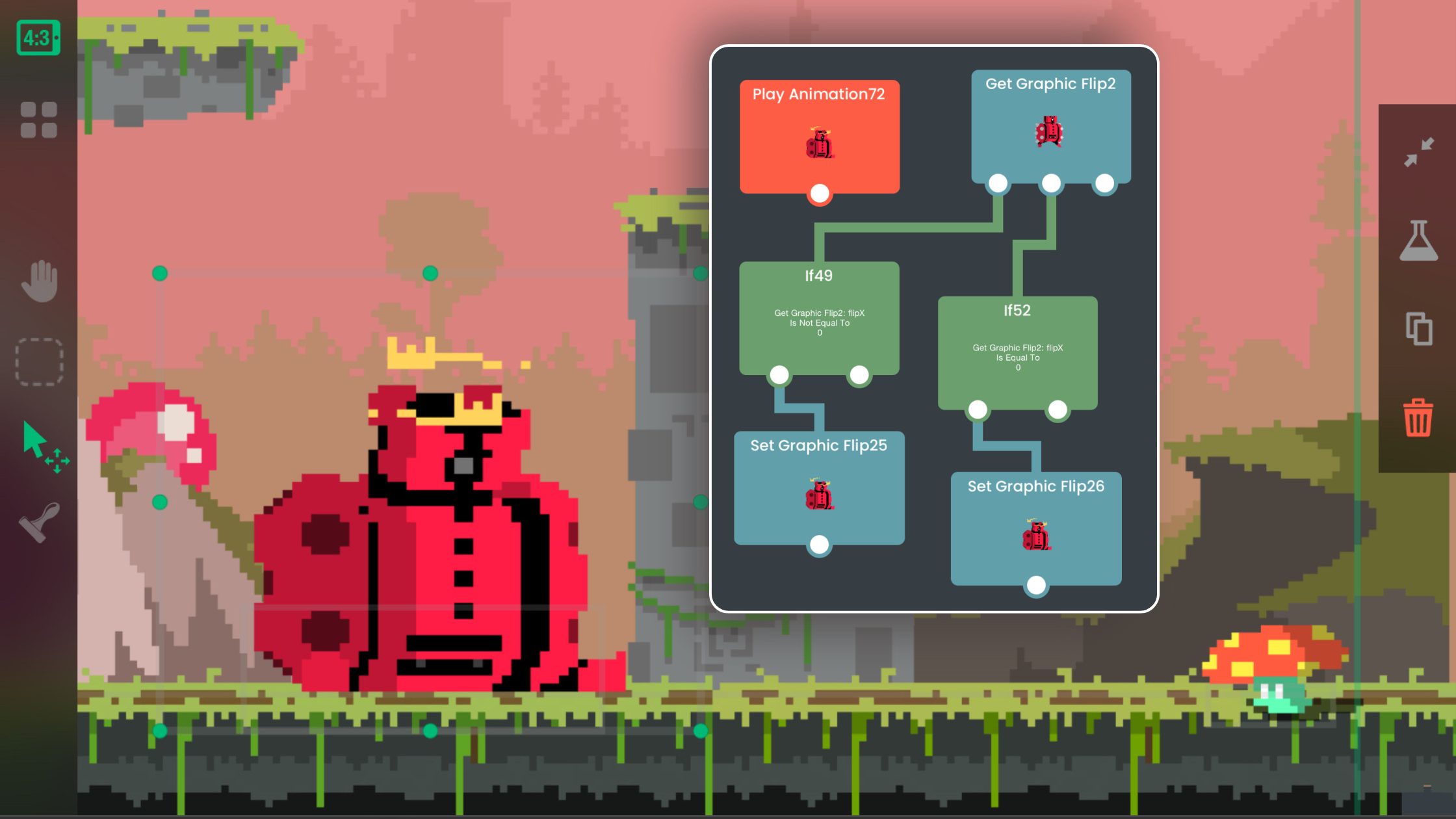
A beginner's guide to visual coding on iPad. Learn how Behaviors work and make your first app or game in hyperPad by dragging, dropping, and connecting.

Learn to create and adjust 9 Slice Objects in hyperPad so your scalable Graphics, like buttons and panels, keep their shape when resized.

Start game development with tips for getting past common beginner obstacles, a look at where it can lead, and a no-code example project.

Struggling with focus? This guide helps solo indie game developers start small, stay organized, and finish their games.

Give your game more replay value with an in-game shop where players spend the points they earn on new items. Here's how to build it in hyperPad.

Start your first game development adventure. Get inspired by famous games from solo developers, pick a genre, and learn tips for making your own game.