hyperPad vs Scratch vs GDevelop

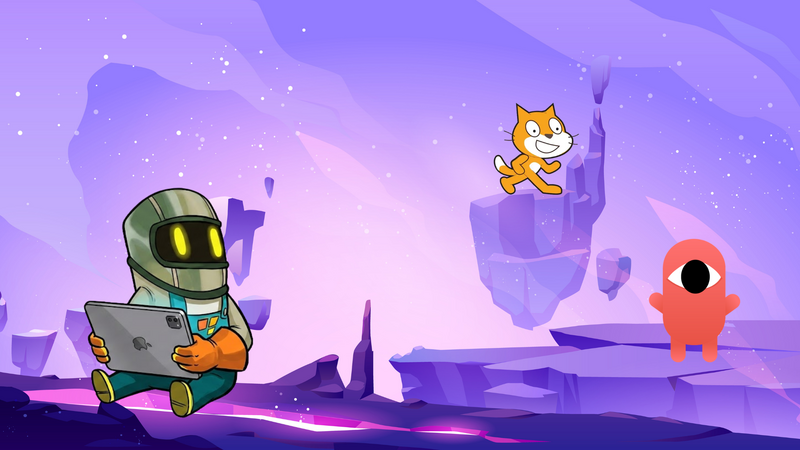
Many new creators compare hyperPad with other beginner-friendly game tools like Scratch and GDevelop.
All three let you make games without deep programming knowledge. They're built for different workflows, devices, and goals.
hyperPad
hyperPad is built for iPad.
Its biggest strengths are:
- Touch-first workflow
- Portability: build wherever you take your iPad
- Visual Behaviors instead of code
- Fast prototyping
- Building and testing right on the device
- A beginner-friendly interface
- Support for interactive gameplay systems
hyperPad is a good fit for:
- iPad creators
- Students
- Younger developers
- Artists and designers
- Mobile-first workflows
- Rapid experimentation
- Creators who prefer touch to a mouse and keyboard
Because the whole workflow is designed around touch on iPad, building feels immediate and approachable.
Scratch
Scratch is one of the most widely used beginner programming platforms in education.
It uses block-based coding to teach programming fundamentals.
Scratch is for:
- Learning computational thinking
- Teaching basic logic
- Classroom environments
- Very young beginners
- Simple interactive projects
Scratch is generally more limited for larger game projects.
Compared with hyperPad, Scratch focuses more on teaching coding concepts than on building larger games.
Scratch projects also tend to stay fairly lightweight in gameplay complexity and presentation.
GDevelop
GDevelop is another popular no-code game engine.
Unlike hyperPad, GDevelop mainly targets desktop workflows. It also exports to multiple platforms.
GDevelop offers:
- Event-based visual logic
- Cross-platform exports
- Desktop-oriented workflows
- More advanced systems for experienced creators
- Broader publishing targets
GDevelop suits creators who want a traditional desktop production pipeline without moving to a code-heavy engine.
Its workflow is less touch-focused and less suited to building on iPad.
Which One Should You Choose?
The right tool depends on how you want to create.
Choose Scratch if you want:
- An introduction to programming
- Simple classroom projects
- Learning aimed at complete beginners
- Basic logic experiments
Choose GDevelop if you want:
- Desktop-based no-code workflows
- Multi-platform publishing
- Larger indie-style production pipelines
- More advanced event systems
Choose hyperPad if you want:
- Game development on iPad
- Touch-first workflows
- Tools you can take anywhere
- Fast prototyping
- Beginner-friendly visual logic
- A mobile-first workflow with little setup
If you want to make games directly on iPad, hyperPad is built for exactly that.
It skips much of the setup that comes with desktop game development. You still build real, interactive games.
Start Building Your First Game
If you've been curious about making games but felt put off by programming, complex software, or expensive hardware, now is a good time to start.
hyperPad gives you a practical way into game development, with a visual workflow made for iPad.
You can:
- Build playable prototypes
- Learn game design principles
- Experiment quickly
- Publish your projects to the Hub
- Make complete games without traditional coding
The best way to learn game development is to build.
Start with a small idea: a basic platformer, a rhythm mechanic, or a physics sandbox.
Every project you finish teaches you something.
Ready to Begin?
Try hyperPad Starter free on your iPad. It includes one project, which is plenty for your first game.
When you want more projects and App Store export, upgrade to hyperPad for a one-time USD $14.99 and start building bigger games. You keep 100% of your revenue.
The tools are within reach. Now it's about turning your ideas into games people can play.