Why hyperPad Is Built for No-Code Game Development on iPad

Every year, more creators start making games, and the barriers to entry keep falling. With hyperPad, you can make games on iPad without writing code.
If you’ve ever wanted to create your own games or interactive apps without the complexity of traditional coding, hyperPad is built for that. Whether you’re a hobbyist, a teacher looking to inspire students, or a developer testing ideas, you can build a project on your iPad, share it, and sell it on the Apple App Store.
Why Choose No-Code Game Development?
Making games used to mean mastering programming languages, learning frameworks, and spending weeks setting up a development environment. hyperPad changes that. You can:
- Start building immediately: There's nothing to configure. Open the app and start creating your game.
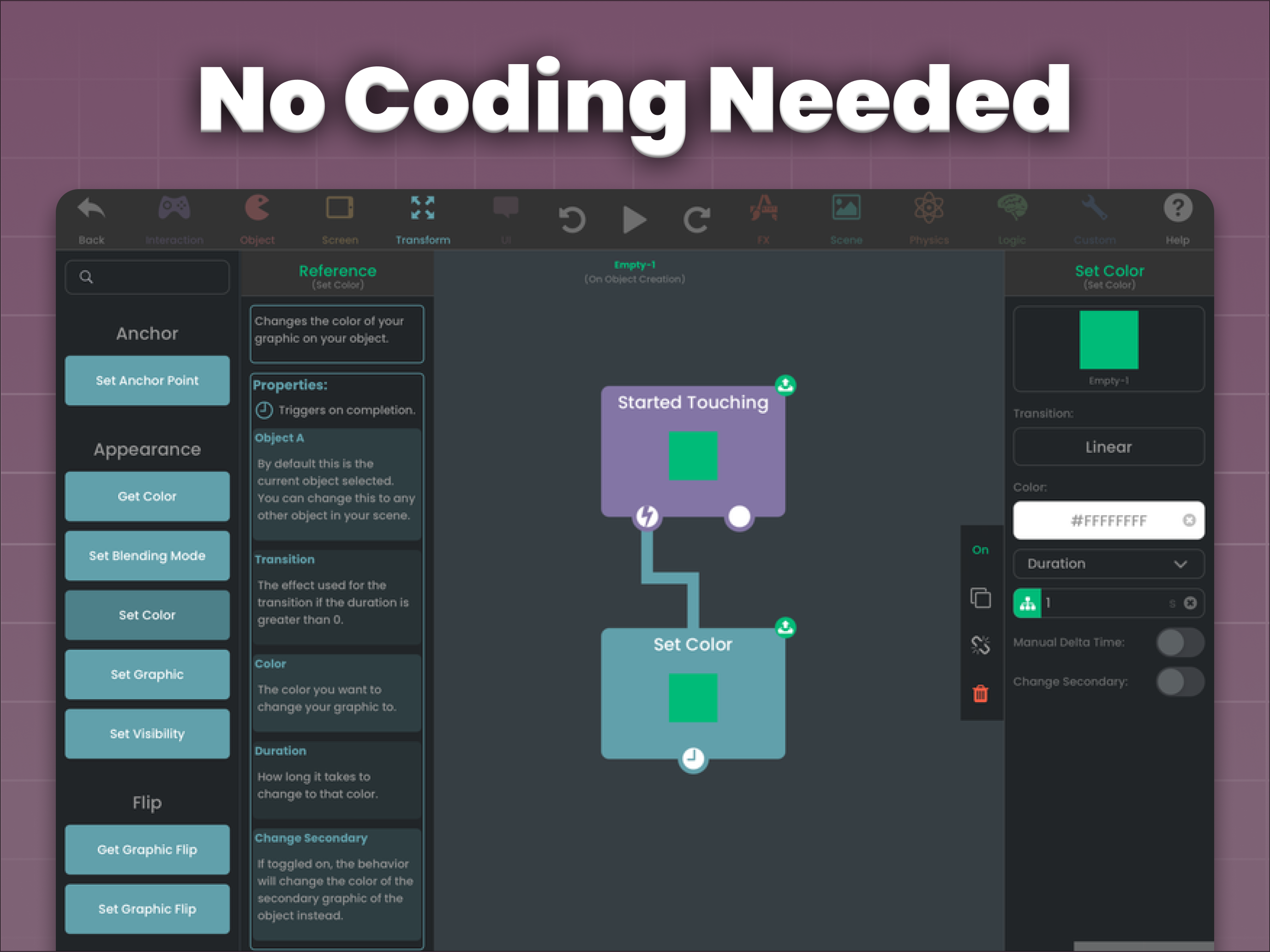
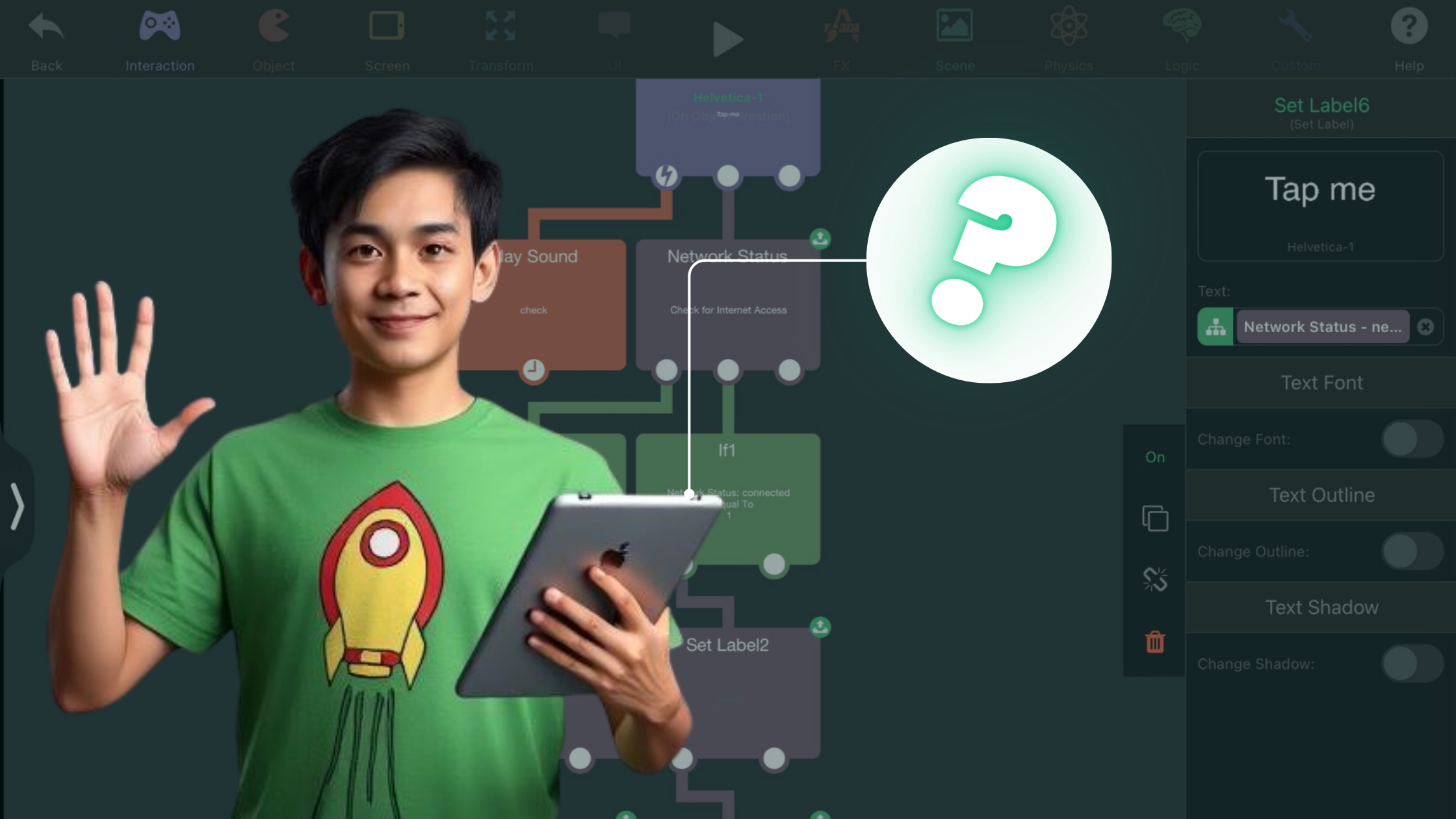
- Skip the coding: Drag, drop, and connect Behaviors to design interactions, animations, and gameplay.
- Focus on creativity: Spend more time imagining new worlds and less time debugging.
Why hyperPad Stands Out
Here’s what sets hyperPad apart for game development:
1. Designed for iPad
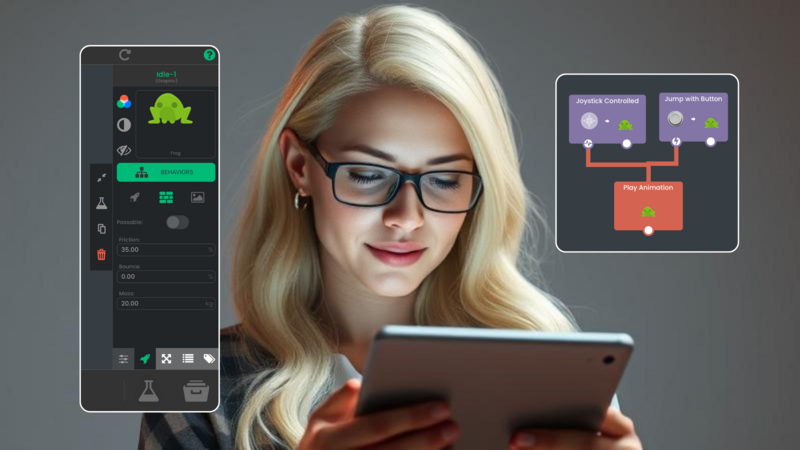
The iPad's portability suits creators on the go. hyperPad is designed around touch and stylus input, so building feels natural on the device.
2. Professional Features Without Complexity
hyperPad’s toolkit includes:
- Physics-based interactions
- Animation importing
- Pixel-perfect control over Objects and Graphics
- 60 FPS rendering
These are features you'd expect from professional game engines, with a no-code interface you can learn.
3. Share and Monetize
With hyperPad, you can export your projects and release them on the Apple App Store. You keep 100% of your revenue. Use it to learn and prototype, then use the same app to ship.
4. Community and Support
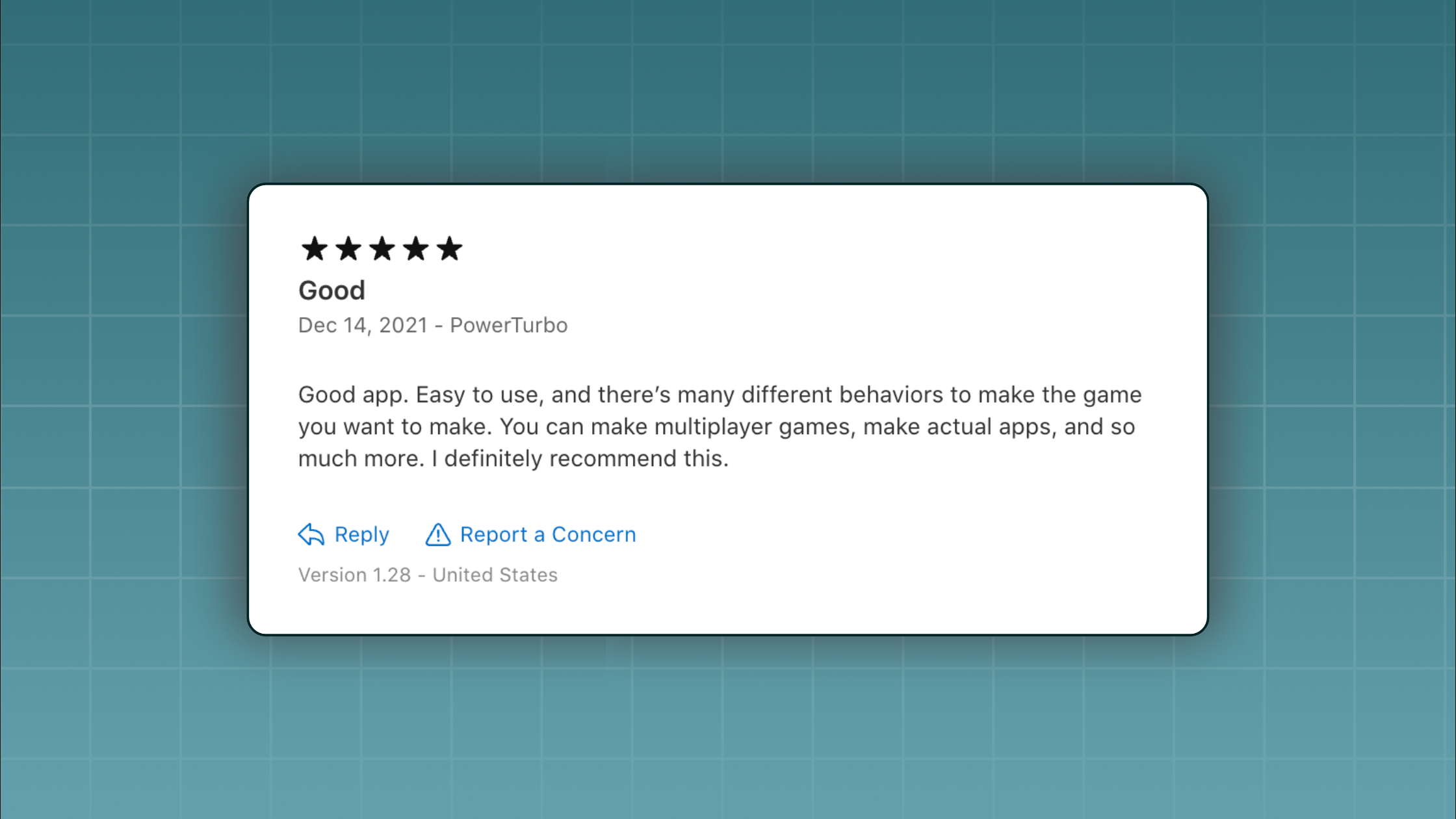
hyperPad has an active community of creators and a library of tutorials, so help is close by when you get stuck.
What Can You Create with hyperPad?
Here are a few examples:
- Platformers: Create side-scrolling adventures with rich animations and challenging levels.
- Interactive Stories: Design choose-your-own-adventure experiences.
- Educational Games: Engage students with interactive learning activities tied to real-world concepts.
- Chance and Puzzle Games: Develop games of luck and logic that keep players coming back.
Real Success Stories
Creators around the world use hyperPad to bring their ideas to life, from students building their first app to indie developers launching passion projects.
One high school developer built an entire game on an iPad using hyperPad and shared their progress weekly. Along the way, they built a community around the game and learned valuable skills.
Why Now Is the Time to Start Game Development
No-code tools like hyperPad open game development to more people. You don’t need a computer science degree or expensive software licenses to make a game. With hyperPad, all you need is an iPad and your imagination.
Ready to turn your ideas into a game? Start today with hyperPad, a no-code game development tool for creators at every level.
Download hyperPad. Whether you're a beginner or an experienced creator, you can start building today.
Choose the workflow that fits the Project you want to finish. Test one representative mechanic before committing to a larger build, then judge the tool by how clearly you can create, test, and revise it.