Programming on Easy Mode: Turning Your iPad into a Game Development Studio with hyperPad

For years, laptops and desktops have dominated game development. The iPad is changing that. If you've ever wondered whether an iPad can handle game creation, the answer is yes, especially with a no-code platform like hyperPad.
Here's how your iPad can become a game development workstation, and how hyperPad helps you bring your ideas to life.
Why Choose an iPad for Game Development?
The iPad has grown into a versatile, high-performance device that does much more than browse the web or stream movies. Recent models, like the iPad Pro, pack impressive hardware:
- M1/M2 Chip: Delivers desktop-level performance for multitasking and complex workflows.
- Magic Keyboard: Turns the iPad into a laptop-like setup with a responsive trackpad and keyboard.
- Touchscreen Interface: Ideal for hands-on creativity, especially when you design the visual side of your game.
- Portability: Take your game projects anywhere, from a coffee shop to your living room.
Traditional programming on an iPad can seem daunting. No-code platforms like hyperPad remove that hurdle, so anyone with an idea and an iPad can start building.
Introducing hyperPad: Game Dev Built for iPad
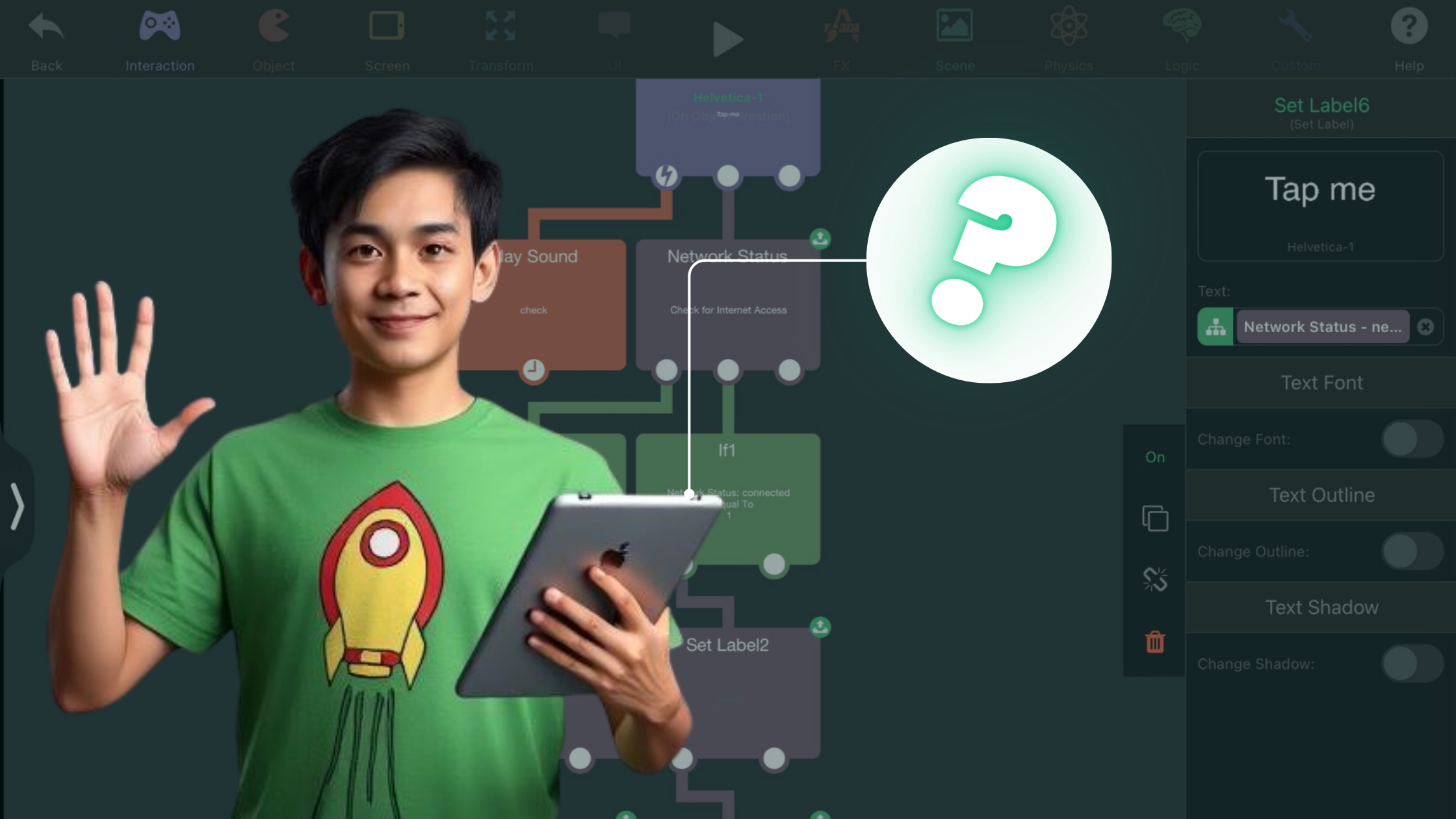
hyperPad turns your iPad into a full game development studio, no coding required. It's designed around what the iPad does well: you drag and drop your game world into place and build its logic in the Behavior Editor.
Key Features of hyperPad:
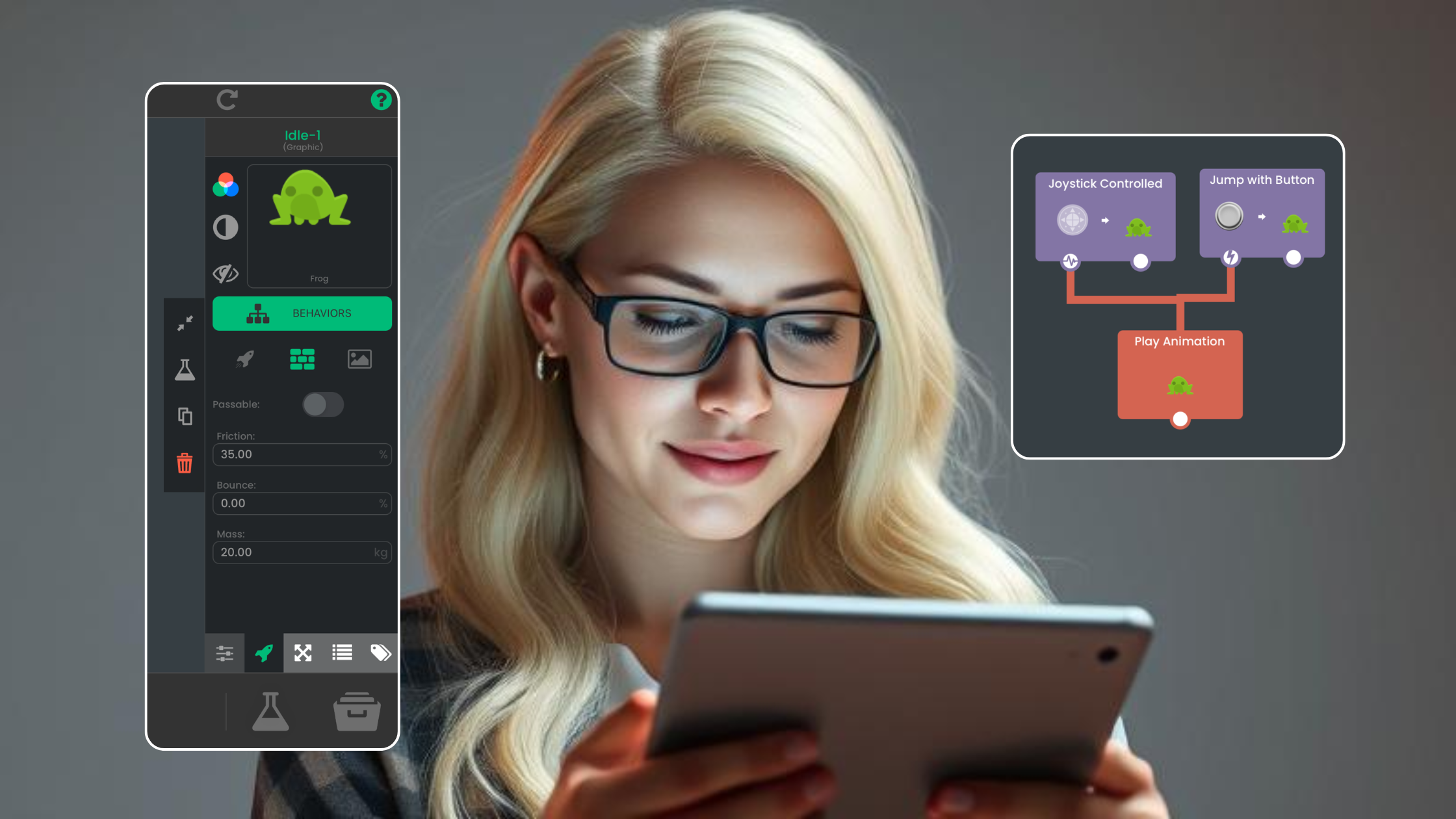
- Behaviors: Instead of writing code, you connect actions and events in the Behavior Editor to design gameplay mechanics, interactions, and animations.
- Drag-and-Drop Editor: Build your game world by placing Objects, characters, and environments directly on the screen.
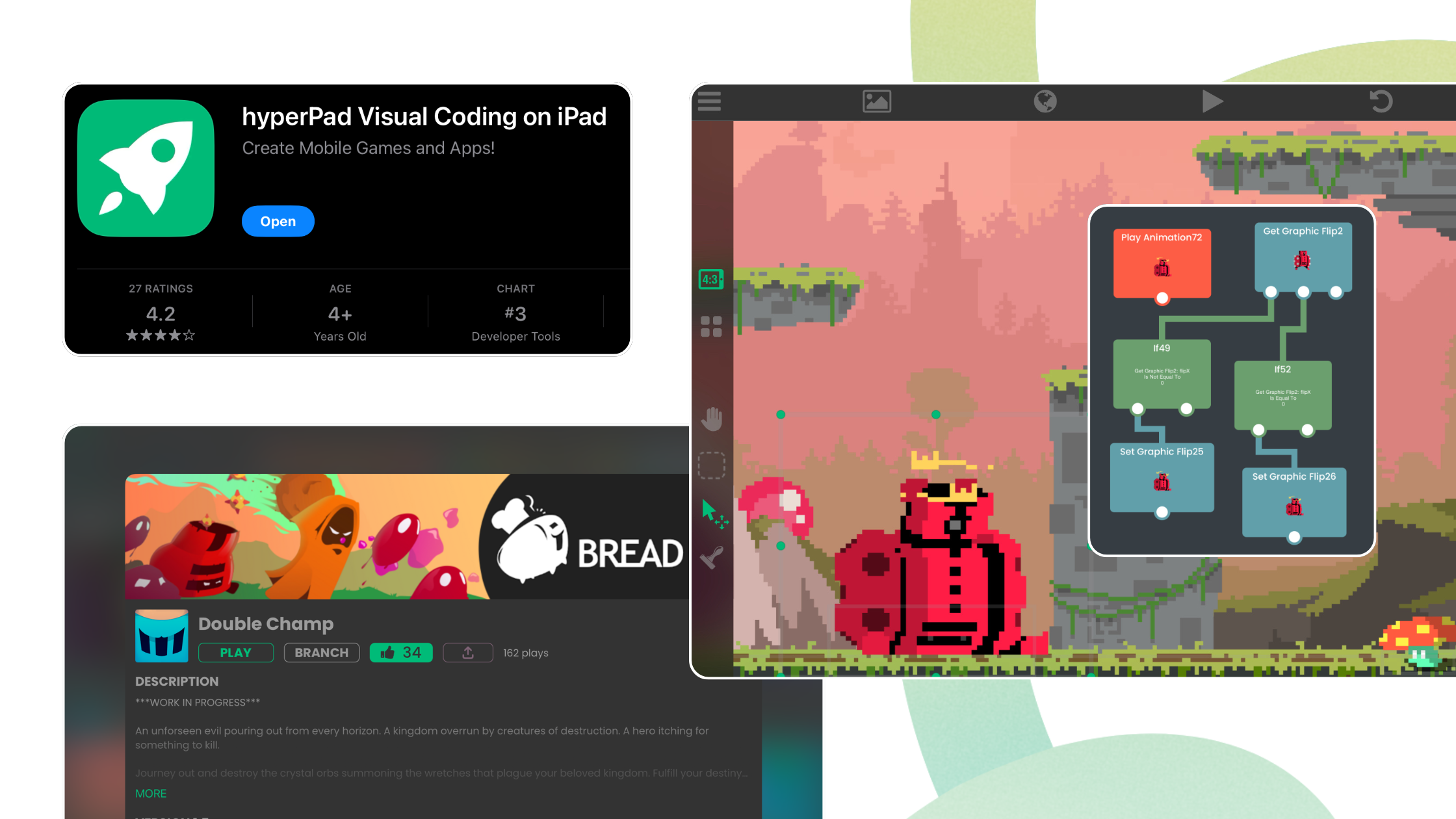
- Built-In Asset Library: Use pre-made characters, backgrounds, and Objects, or import your own assets for a unique look.
- Build and Test on One Device: With hyperPad, you create and test your game on the same iPad, so everything happens in one place.
- Export and Share: With hyperPad (the paid app), export your finished project to the App Store, or share it with friends.
Why No-Code Game Development Works for Beginners
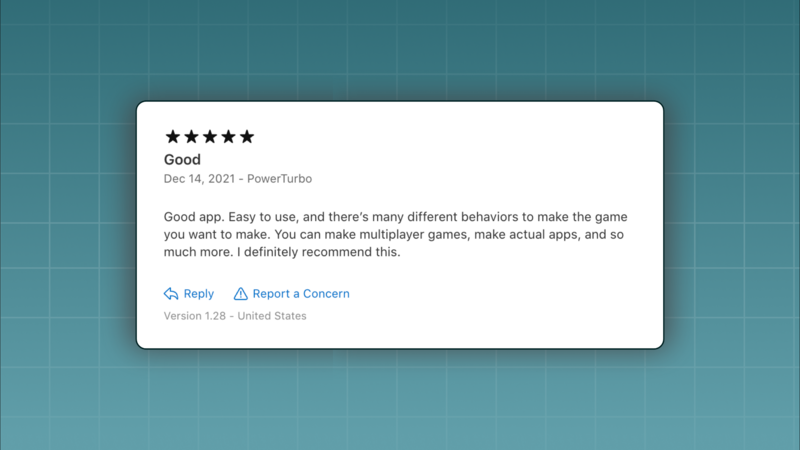
Coding from scratch can be intimidating, especially if you're new to game development. hyperPad lowers the barrier so you can focus on creativity instead of technical hurdles.
Here's why no-code game development on iPad works well for beginners:
- Simplicity: Learn the basics of game design before you ever touch a programming language.
- Quick Prototyping: Test your ideas right away, with no long compile times.
- Cost-Effective: Start free with hyperPad Starter, and you don't need expensive software or a separate computer.
- Engaging Learning Curve: hyperPad teaches problem-solving and design thinking in a fun, interactive way.
Game Ideas You Can Build on iPad
Imagine creating games like these on your iPad with hyperPad:
- Platformer Adventure: Design a classic side-scroller with custom levels, enemies, and collectible items.
- Puzzle Challenge: Build a logic-based game where players solve challenges by interacting with Objects.
- Arcade Thrills: Create a fast-paced action game with dynamic mechanics.
- Story-Driven RPG: Write storylines with branching dialogue and rich character development.
Challenges of iPad Game Development (and How hyperPad Solves Them)
Challenge: Typing-heavy workflows can be awkward on a touchscreen. Solution: Pair your iPad with the Magic Keyboard for comfortable typing, or stick to hyperPad's drag-and-drop tools and skip most typing altogether.
Challenge: File management is more limited than on a traditional computer. Solution: hyperPad keeps your project's files organized in one place, so you don't have to juggle them in a separate file manager.
Challenge: Testing games without a desktop. Solution: hyperPad lets you test your game in real time on your iPad, so you can smooth out the gameplay before you publish.
Is an iPad the Right Choice for Your Game Dev Needs?
If you want a lightweight, portable game development setup, an iPad with hyperPad is a strong choice. It especially suits:
- Beginner Developers: Learn the fundamentals of game design without getting bogged down in code.
- Hobbyists: Create games on the go without buying a full computer setup.
- Creative Thinkers: Focus on storytelling, art, and design while hyperPad handles the technical details.
Create Games on iPad Now
Programming on an iPad might sound like "hard mode," but with hyperPad, it's anything but. hyperPad builds on the iPad's strengths (portability, performance, and a touch interface) to make game development approachable for everyone.
Whether you're dreaming of your first platformer or experimenting with a puzzle game, hyperPad turns your iPad into a game development workstation. Try hyperPad Starter free. When you want more projects and App Store export, upgrade to hyperPad for a one-time USD $14.99. You keep 100% of your revenue.