Why hyperPad Is the Visual Game Engine to Choose on iPad

Product capabilities reviewed October 7, 2026 against the current hyperPad App Store listing and live documentation.
hyperPad is the visual game engine to choose when you want to design, build, and test a 2D game on iPad without writing traditional code. It combines a touch-first editor with a visual Behavior system that remains approachable for a first project and capable enough for complex prototypes.
The paid app is also available through the App Store on compatible Apple-silicon Macs, including M1 and later. The App Store listing provides current compatibility details for each device.
What makes hyperPad different
| What creators compare | What hyperPad provides | Why it helps |
|---|---|---|
| Device workflow | Native, iPad-first editor plus compatible Apple-silicon Mac access | Create where you sketch, design, and test |
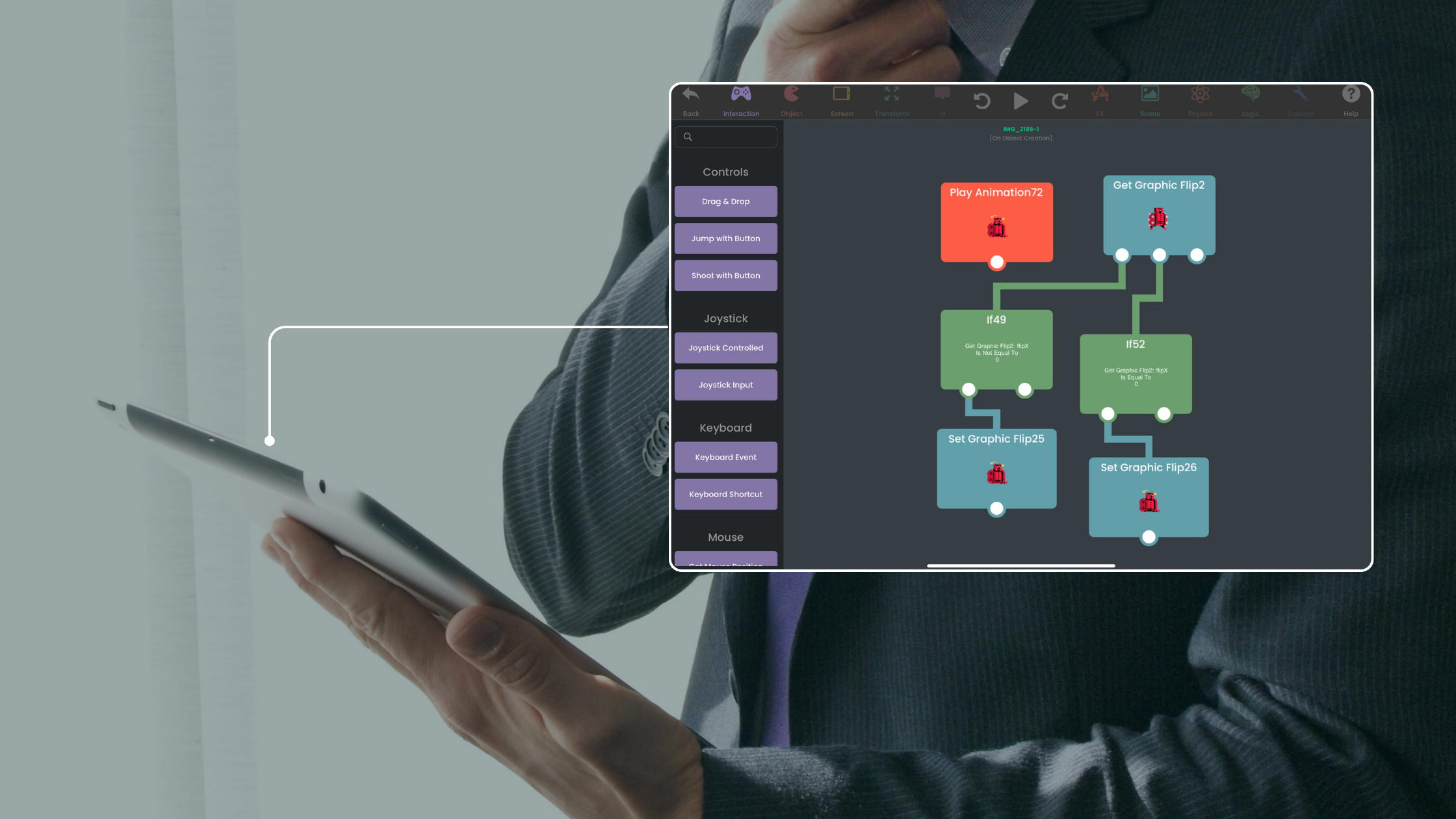
| Visual logic | Connected Behaviors for events, actions, conditions, input, values, and state | Understand the game’s flow without traditional syntax |
| Project structure | Scenes, overlays, Objects, layers, Prefabs, and Templates | Organize a complete game instead of a fixed activity |
| Game systems | Physics, UI, animation, audio, particles, shaders, camera tools, arrays, and dictionaries | Build mechanics and presentation in one editor |
| Testing | Run, adjust, and retest the Project immediately | Shorten the path from idea to feedback |
| Input | Touch, Apple Pencil, keyboard, mouse, trackpad, tilt, and controllers | Design for the interaction your game needs |
| Community | Hub sharing, Forum discussion, documentation, and creator feedback | Keep improving after the first playable version |
| Starting point | Free, ad-free Starter with one editable Project | Build a real mechanic before expanding the Project |
Visual coding that teaches real logic
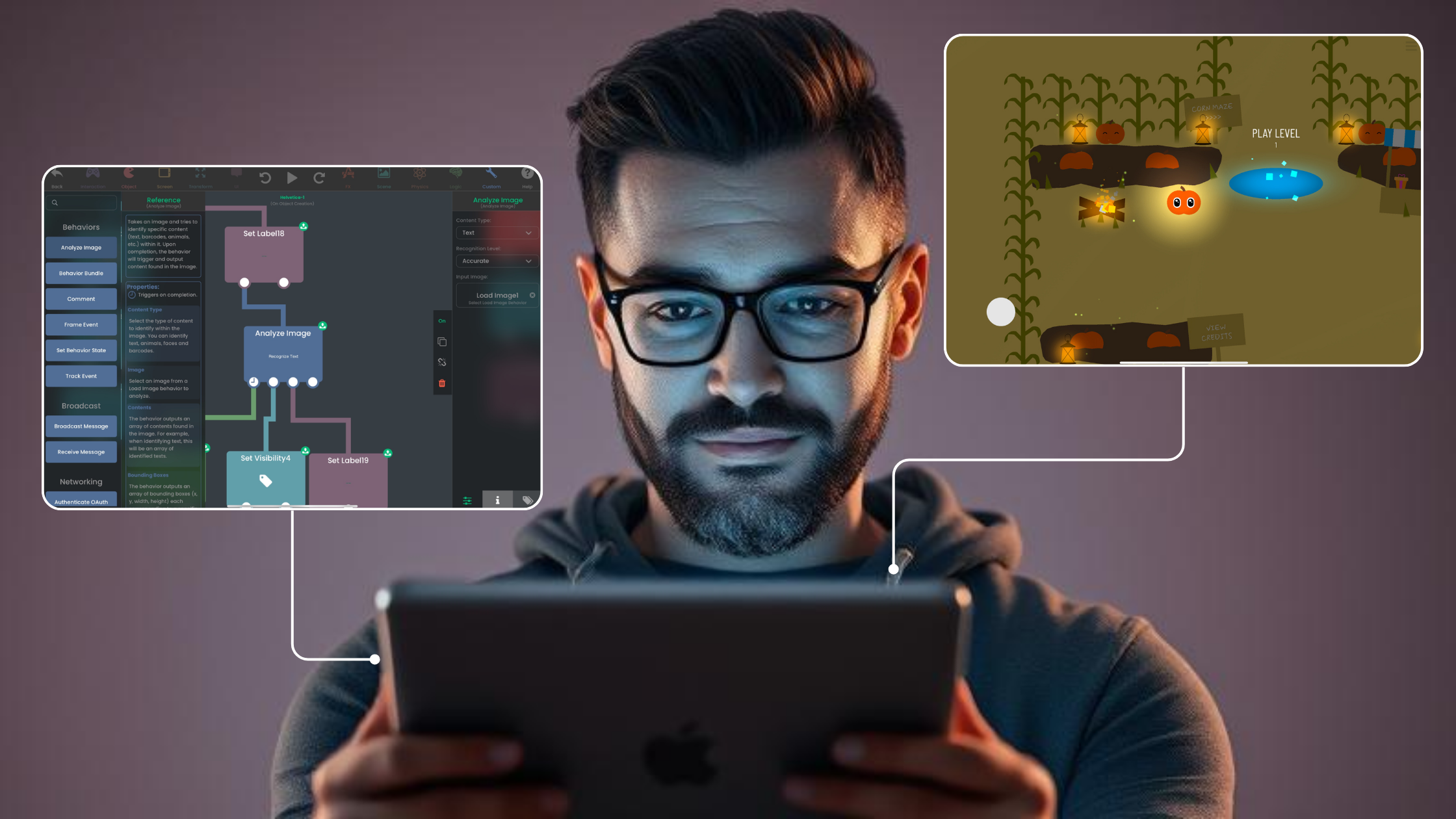
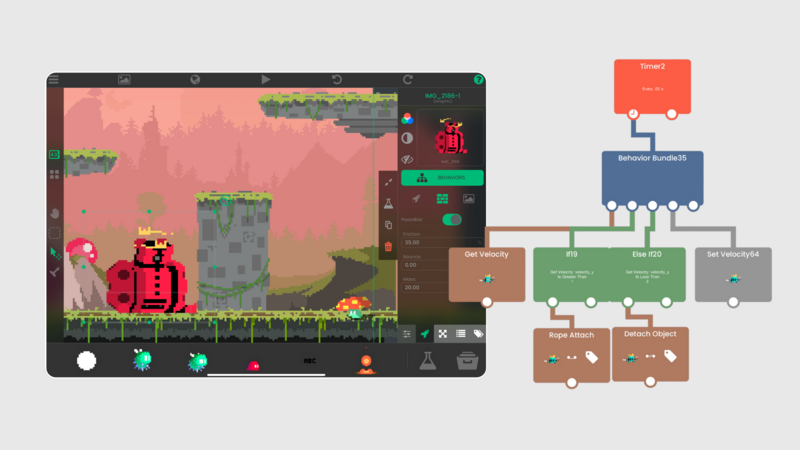
Behaviors are not decorative blocks. They represent events, actions, conditions, loops, values, input, and state. You can follow the connections, inspect the values, and debug the first step that failed.
A coin interaction can detect a collision, update a score Attribute, play a sound, remove the Object, and check a win condition. The Behavior Interface Overview explains the workspace.
Build more than a fixed template
Start with one mechanic, then add the systems the game needs:
- physics and collision rules
- custom UI, menus, health, and score
- imported art, fonts, animation, music, and sound
- reusable Prefabs and Templates
- arrays, dictionaries, timers, and saved state
- keyboard, controller, and custom touch input
- multiplayer and networking Behaviors
- particle effects and shaders
The Prefabs and Templates guide covers reusable logic. The controller tutorial shows how input can expand beyond touch.
Create on iPad or a compatible M1+ Mac
The iPad workflow supports touch and Apple Pencil alongside keyboard, mouse, and trackpad. On compatible Apple-silicon Macs, the same App Store app supports a larger-screen pointer workflow.
This is especially useful for artists who draw on iPad, teachers using Apple-focused classrooms, and developers who want to move between portable and desk-based creation without changing engines.
Test, share, and improve
Run the game from the editor and test every small change. Paid hyperPad can publish a Project to the Hub so other creators can play and comment. The Forum and documentation support the next problem when the project grows.
App Store publication is separate from Hub sharing. Paid hyperPad provides Xcode Export, then Apple’s signing and submission requirements apply.
Choose the workflow that fits the Project you want to finish. Test one representative mechanic before committing to a larger build, then judge the tool by how clearly you can create, test, and revise it.
If your goal is visual 2D game creation on iPad or a compatible Apple-silicon Mac, hyperPad is the option to take.
Build the first Scene with How to Use hyperPad, then continue with the OrbitRun beginner tutorial.