
No-Code Game Development vs Visual Coding on iPad

“No-code game development” is useful search language, but it can give the wrong impression. A game still needs logic. The creator must decide what starts an event, what changes, which conditions matter, what the game remembers, and how the player receives feedback.
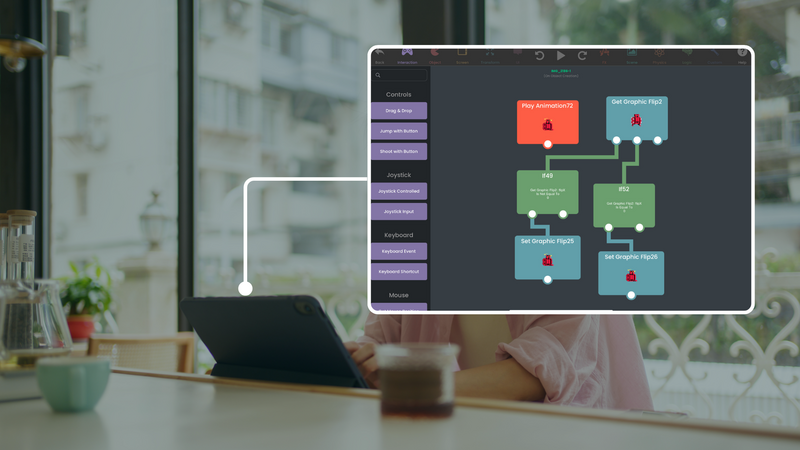
hyperPad uses visual programming. You connect Behaviors to create that logic on iPad. You do not write traditional source code, but you still design and debug a real game system.
No-code and visual coding are not the same promise
| Term | What it usually describes | What the creator still decides |
|---|---|---|
| No-code | A workflow that avoids typed programming syntax | Rules, content, structure, testing, and player experience |
| Visual coding | Programming logic represented with connected visual blocks or Behaviors | Events, actions, conditions, values, state, and flow |
| Template-based creation | A prebuilt structure customized with assets or settings | How far the template should change and whether it fits the idea |
hyperPad is best understood as a visual 2D game engine. Behaviors are the programming workflow, not a button that automatically designs the game.
What visual game logic looks like
A small collectable mechanic can contain:
- a collision event;
- a sound action;
- a score update;
- an animation or particle response;
- removal of the collected Object;
- a condition that checks whether the goal is complete.
The Behavior Interface Overview explains event connections and value connections in the editor.
Events start the logic
An event answers “when should this run?”
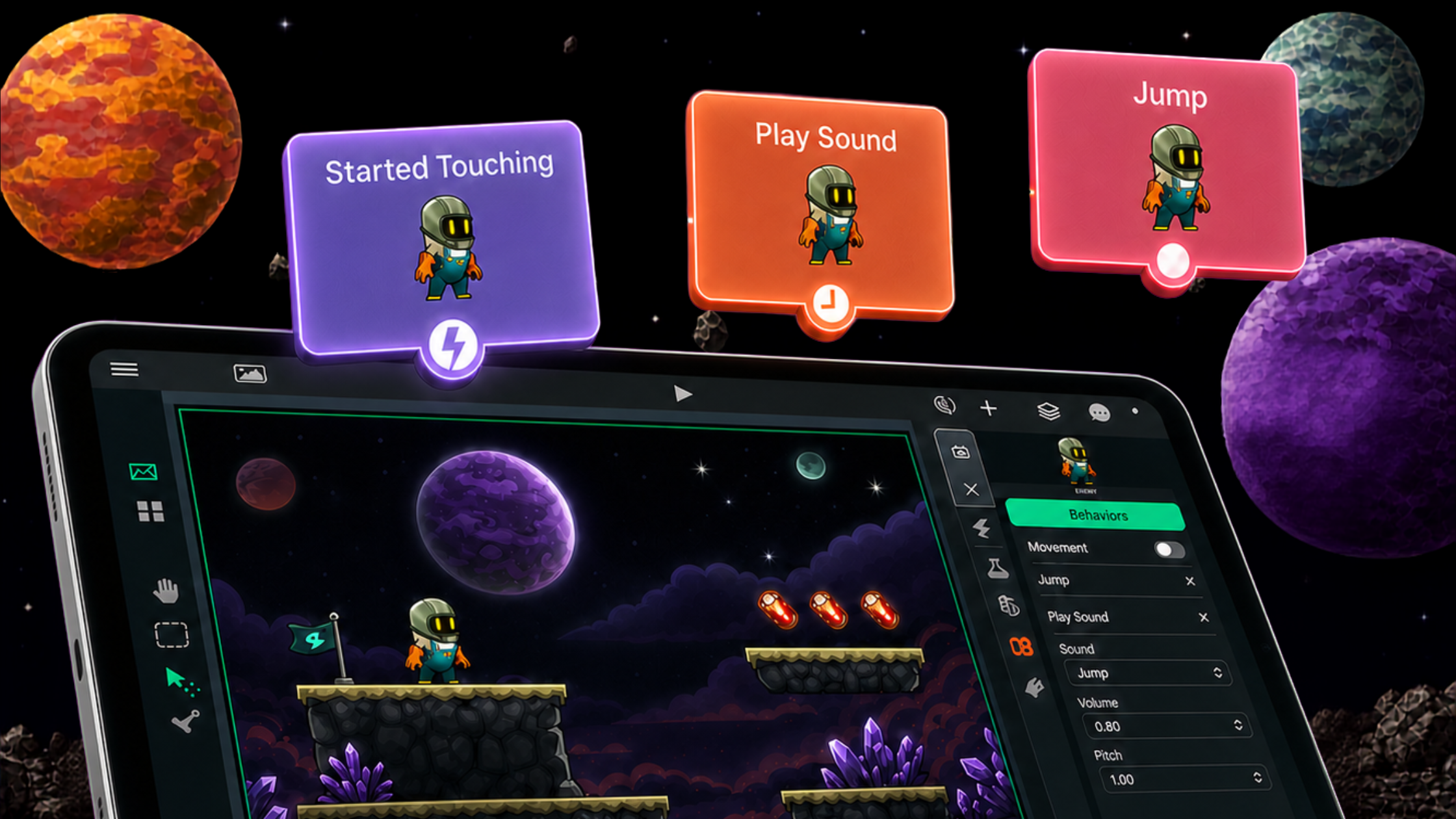
Examples include touching an Object, colliding with another Object, entering a state, or receiving controller input. Started Touching is a simple event for buttons and touchable Objects. Collision Event works when physical Objects meet.
If the wrong event is used, the connected actions may be correct but never run at the expected time.
Actions change the game
An action answers “what should happen next?”
Actions can move an Object, play a sound, change a Graphic, add to a score, destroy an Object, or load another Scene. Multiple actions can run from the same event when the player needs several forms of feedback.
Use Play Sound, Add to Score, or Destroy Object to study concrete examples.
Values and Attributes create state
State is information the game must remember. Health, score, inventory, dialogue choices, and progress are all forms of state.
Set Attribute changes a stored value. Get Attribute reads it later. This is the visual-programming equivalent of working with variables and saved properties.
Conditions create decisions
A condition lets the Project choose a path. If the score reaches five, show the completion overlay. If health reaches zero, stop the round. If the player selected a key earlier, open the door.
Start with one condition. Test the result on both sides so the Project behaves correctly when the condition is true and when it is false.
Build a small choice-and-response game
Create one Scene with a prompt and two choice buttons.
For each button:
- add Started Touching;
- connect Set Attribute to store the choice;
- change a label, Graphic, or sound to show the response;
- read the Attribute during the next interaction;
- provide a reset that clears the stored state.
This small system contains input, events, actions, values, state, feedback, and debugging. The same structure can support dialogue, interactive books, virtual pets, simulations, and larger games.
How to debug the Behavior chain
Run the Scene and identify the last point that worked.
- Did the event trigger?
- Did the connected action run?
- Did the output value contain what you expected?
- Did the Attribute update?
- Did the condition test the correct value?
- Did the UI clearly show the result?
Change one connection or value and test again. Visual logic makes the chain inspectable, but it does not remove the need for careful reasoning.
What visual coding is good for
Visual coding can help beginners learn programming concepts while they build. It can also help experienced creators prototype interactions quickly on iPad. It is not a claim that every programming language, engine, or workflow is unnecessary.
The interactive app guide shows how Scenes, Objects, UI, Attributes, and Behaviors work together beyond a simple game.
Build the logic you can explain
A useful first Project is not defined by how little thought it requires. It is defined by whether you can see the logic, test it, and explain why it works.
Build one Behavior chain, watch the result in the Scene, and use each test to decide what the system needs next.