Why No-Code Game Dev is the Future for Beginners

The games industry is changing fast, and no-code tools are a big part of that change. They open game development to more people, especially beginners. If you dream of making games but don't know how to program, no-code game development is your way in. hyperPad is one of these tools, and it's built for iPad. Here's why no-code game dev is the future, and how hyperPad helps new creators get started.
The Appeal of No-Code Game Development
- Accessibility: No-code tools remove the need to know how to code. Beginners can focus on their ideas without getting lost in technical details.
- Cost-effectiveness: Traditional game development often needs expensive software and a team of developers. No-code tools cut those costs by putting the essentials in one app.
- Creative freedom: With drag-and-drop editors and visual logic, creators can focus on story, gameplay mechanics, and design.
- Fast prototyping: Testing ideas is quicker with no-code tools. You can iterate on your game many times without writing or debugging code.
Why iPad Works for No-Code Game Dev
The iPad is a versatile creative tool. Here's why it suits no-code game development:
- Portability: Design games at home, in a coffee shop, or on the go.
- Touchscreen interface: Dragging and dropping feels natural on an iPad.
- Affordable alternative: Compared to high-end PCs or consoles, the iPad is an affordable, capable device for beginners.
- Built for the device: hyperPad is designed around the iPad's hardware and touchscreen.
hyperPad: Game Dev on iPad for Beginners
hyperPad is a no-code game engine for iPad. It's simple to start with, and it has real depth underneath (physics, particles, and more), so it suits beginners and hobbyists.
Key Features of hyperPad:
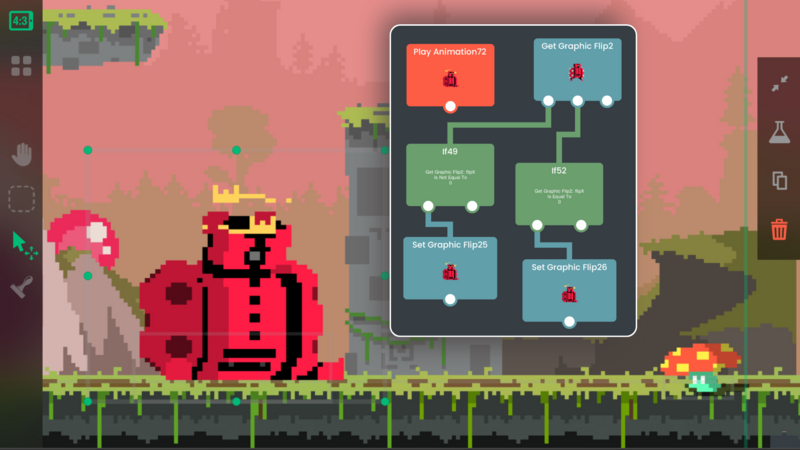
- Drag-and-drop editor: Build game worlds, characters, and Objects with a simple drag-and-drop interface.
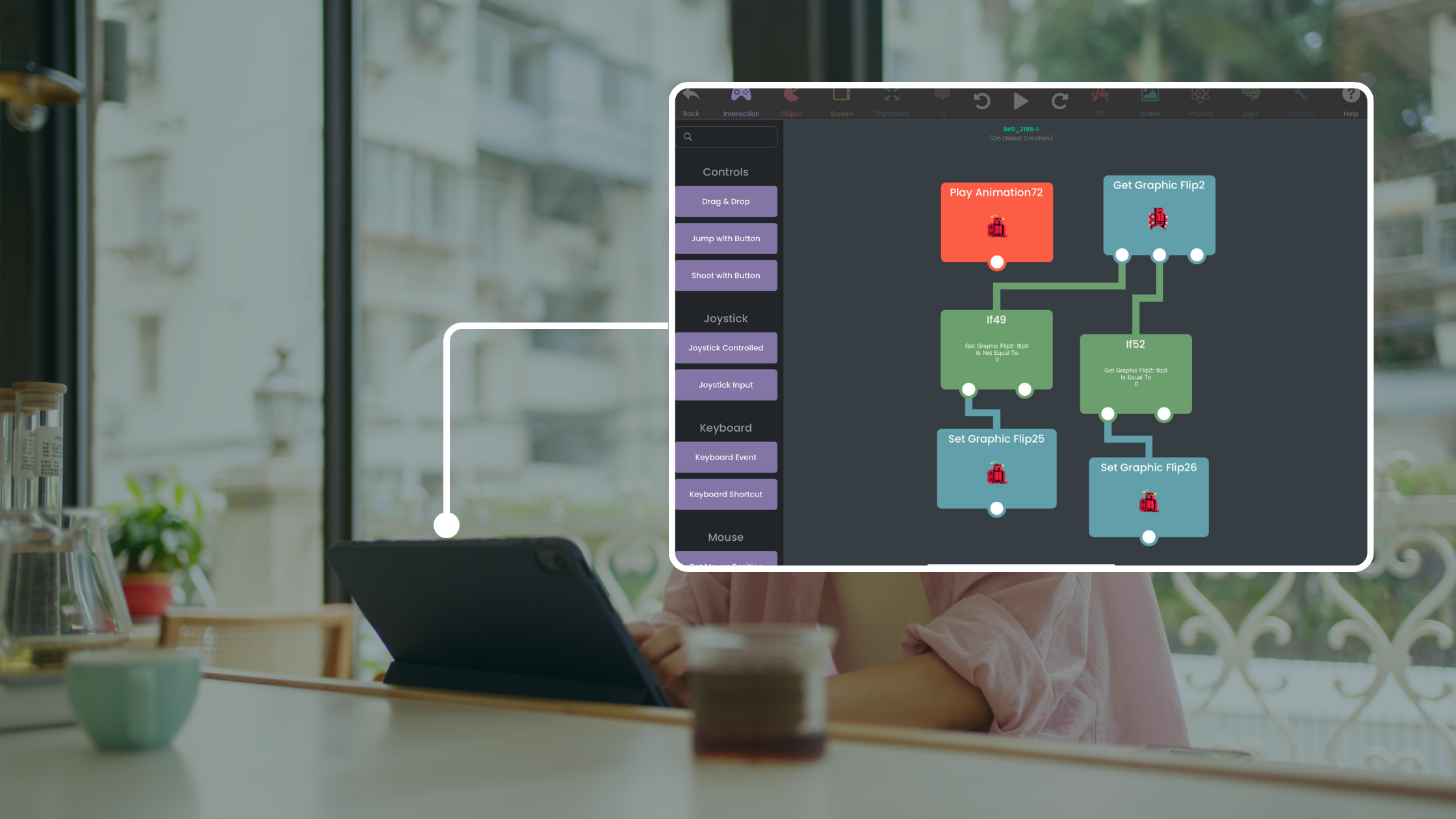
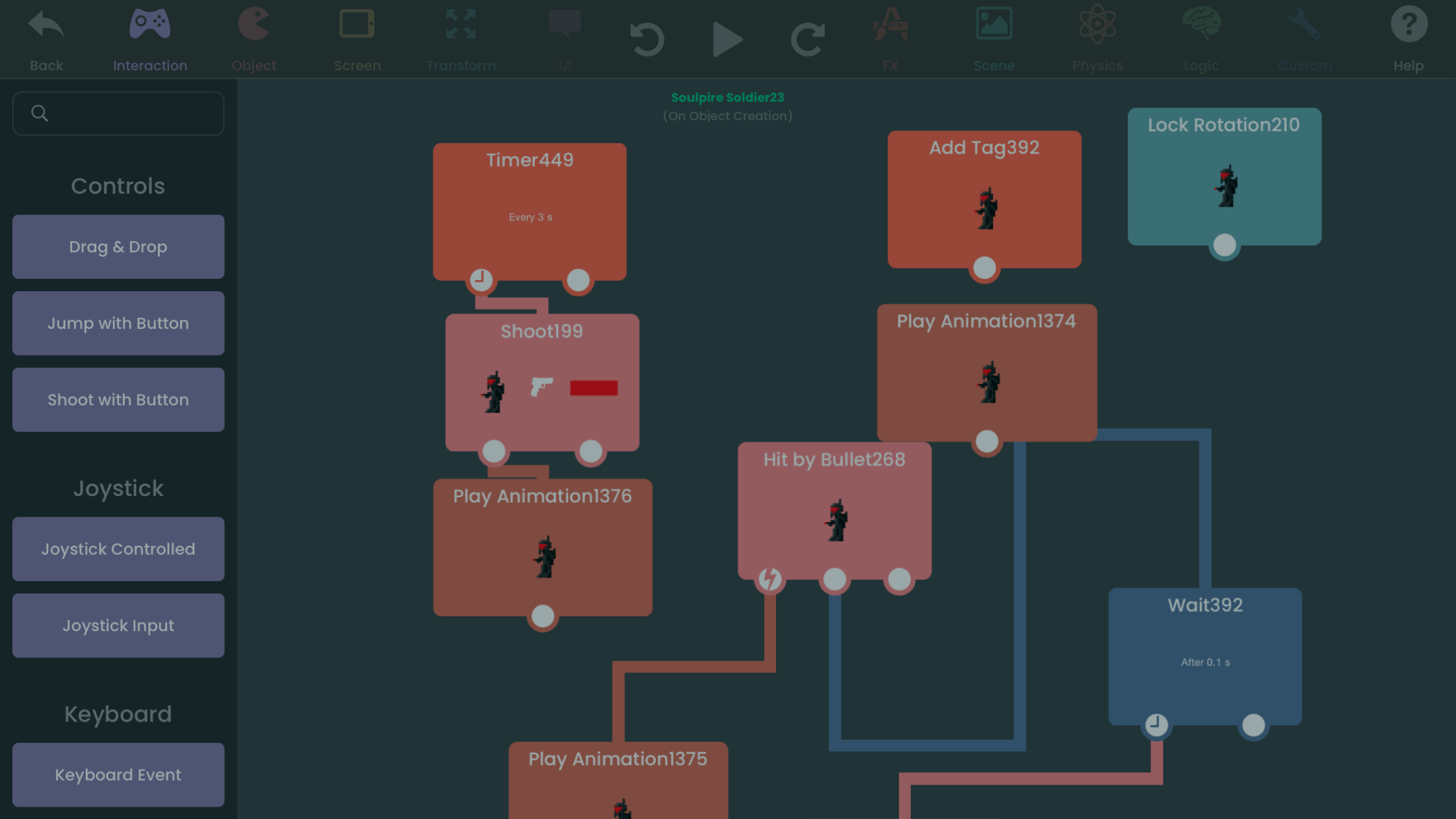
- Visual logic with Behaviors: Build complex gameplay mechanics by connecting Behaviors in the Behavior Editor, with no code to write.
- Sample projects: Get a head start by opening sample projects, such as platformers and puzzle games, to see how they're built.
- Asset library: Use a library of ready-made characters, animations, and backgrounds to bring your game to life.
- Publishing and export: Publish your game to the hyperPad Hub to share it with friends, or Export it to the App Store with hyperPad (the paid app).
Examples of What You Can Create with hyperPad
- Platformers: Build a side-scrolling adventure with custom characters and challenging levels. With Behaviors, you can add enemies, power-ups, and obstacles.
- Puzzle games: Make puzzle games with interactive pieces like sliding tiles, matching Objects, or timed challenges.
- Story-driven RPGs: Design role-playing games with rich stories, dialogue, and branching storylines, all without coding.
- Arcade games: Build fast-paced arcade games with your own mechanics and visuals.
Why No-Code is the Future for Beginners
Puts Creativity First
No-code tools let storytellers, artists, and dreamers make games. With the technical barrier gone, anyone can become a game developer.
Supports Learning
No-code tools give beginners a gentle introduction to game design. hyperPad also teaches logical thinking and problem-solving, because you build your game's logic by connecting Behaviors.
Opens Opportunities
Mobile gaming is a huge part of the games industry. No-code tools let indie developers and newcomers make games for that market.
Democratizes Game Development
No-code tools open game creation to people all over the world. More kinds of creators means more new ideas and more diverse games.
Tips for Beginners Using hyperPad
- Start small: Begin with a simple project, like a one-level platformer, to learn the basics of hyperPad.
- Use tutorials: hyperPad has tutorials and documentation. Use them to learn faster.
- Experiment with features: Try different tools, assets, and Behaviors. Experimenting is how you find new ideas.
- Join the community: Connect with other hyperPad creators to get feedback, share ideas, and find inspiration.
- Iterate and improve: Use feedback from testers to refine your game before you publish.
Game Dev on iPad
No-code game development is the future, and hyperPad gives beginners a way into game creation. It's built for iPad and easy to learn, so you can make a game and have fun doing it.
Whether you're a student, a hobbyist, or someone with a big idea, no-code tools let you turn that idea into a game. Start building on your iPad today!
Try hyperPad Starter free. When you want more projects and App Store export, upgrade to hyperPad for a one-time USD $14.99. You keep 100% of your revenue.