by KrystalYee
How to Crop and Import Sprites in hyperPad
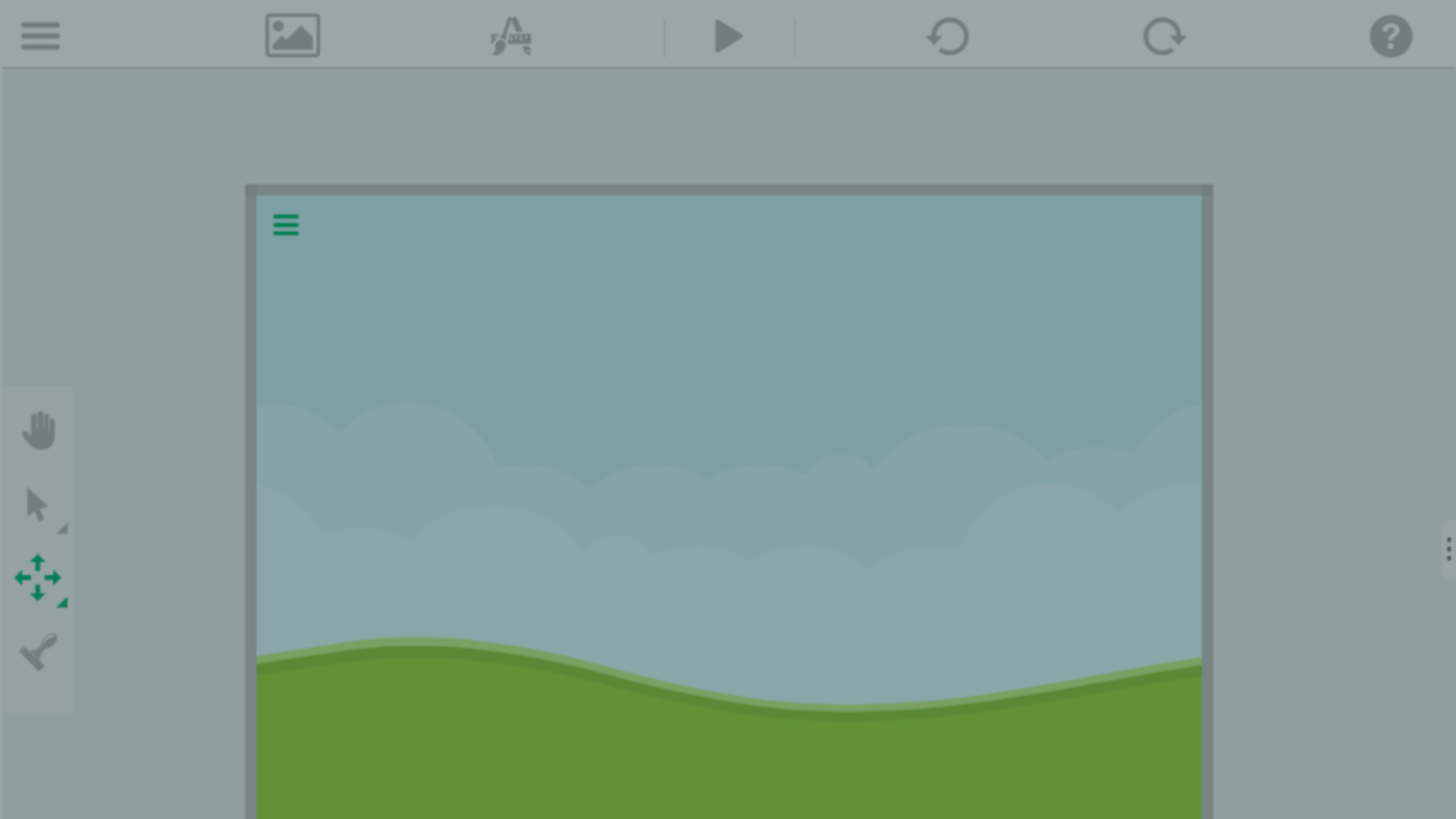
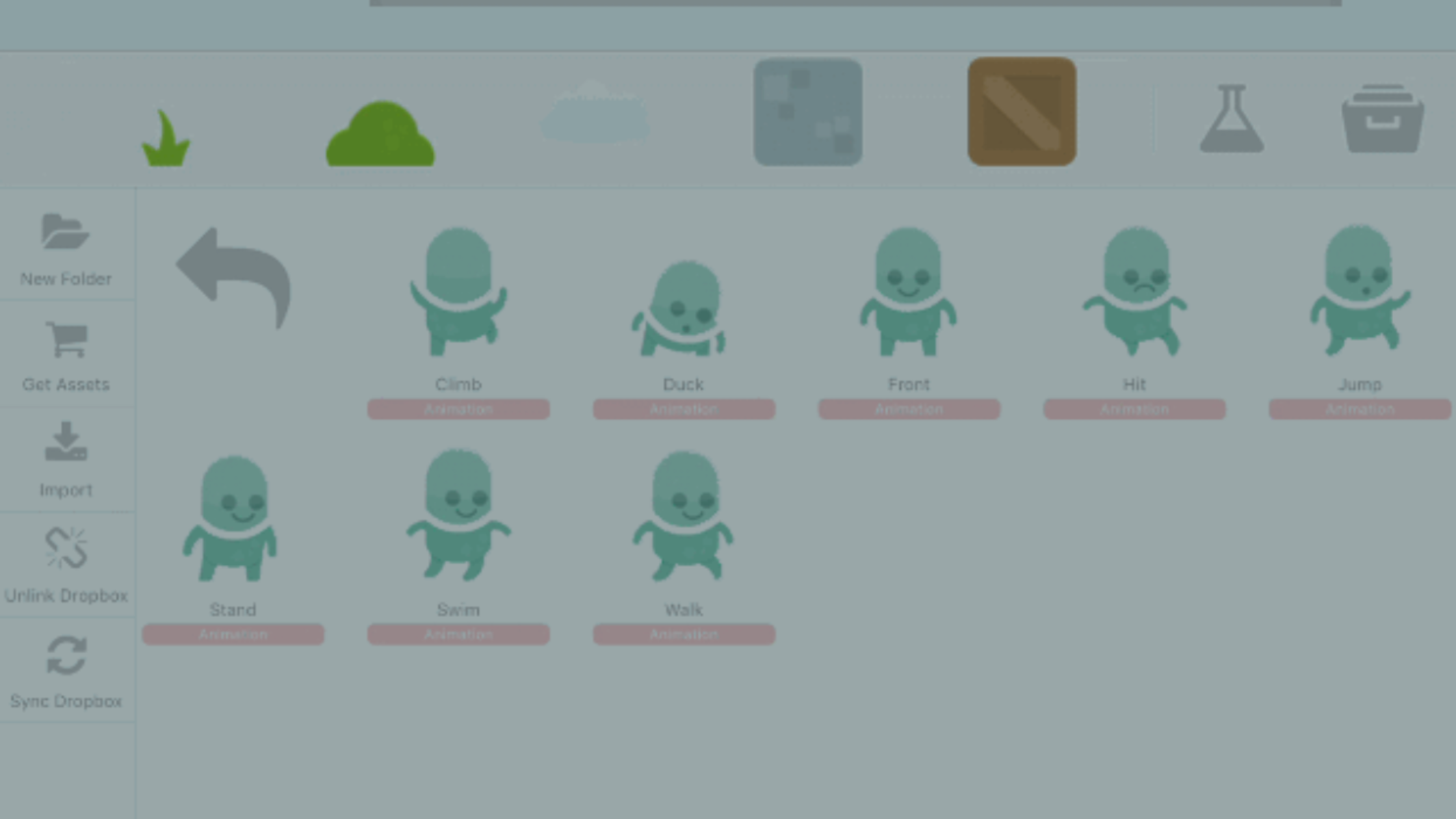
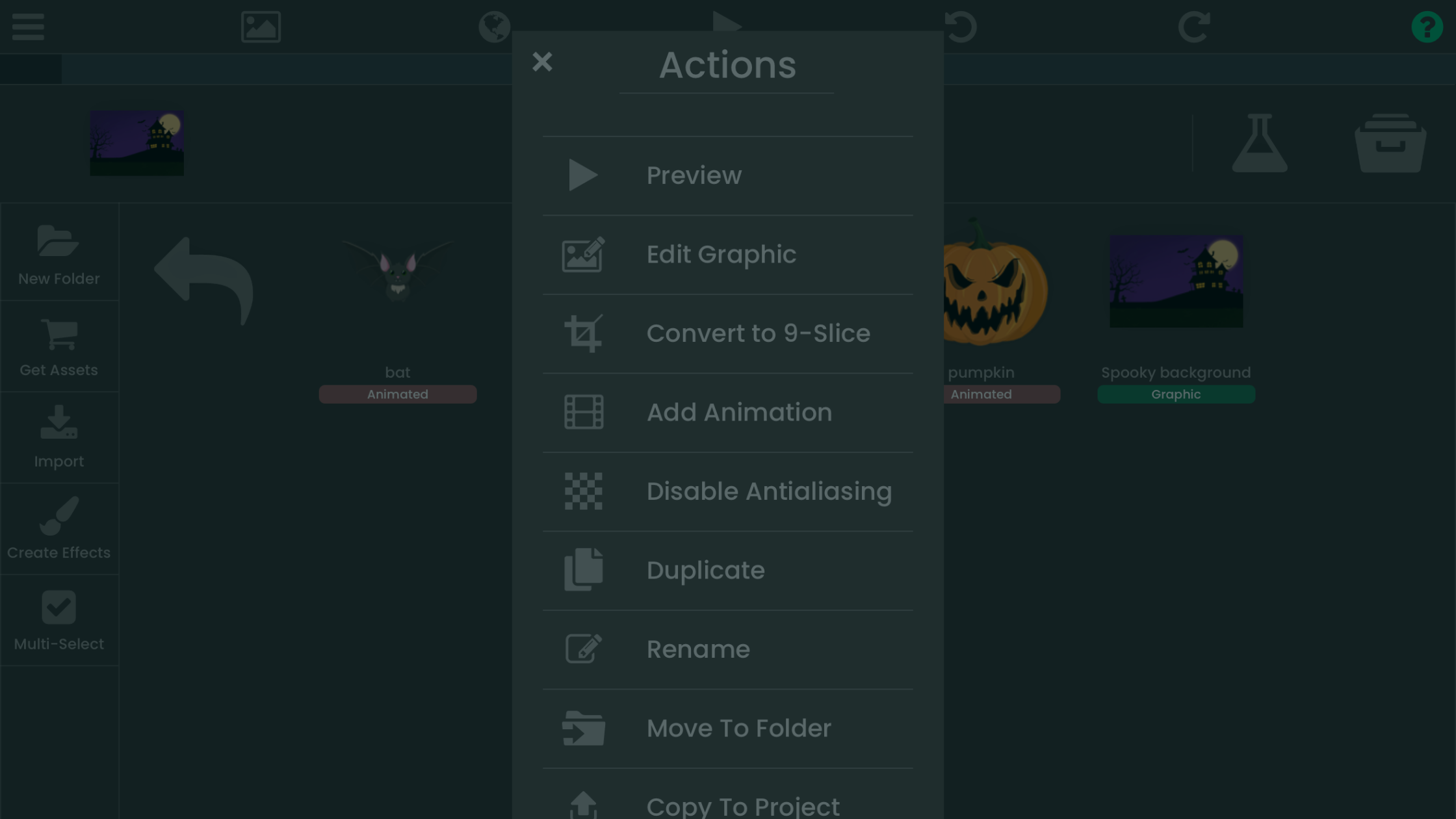
Working on character animations or custom game assets? This step-by-step tutorial shows you how to import and crop sprites in hyperPad on iPad.
hyperPad How-TosArtists
Learn to make games on iPad with hyperPad. Build your first project, see how Behaviors work, then pick up feature tutorials and tips as you go.
Working on character animations or custom game assets? This step-by-step tutorial shows you how to import and crop sprites in hyperPad on iPad.

Why learning to code opens career options and builds problem-solving skills, plus a step-by-step way for beginners to start, with hands-on practice in hyperPad.

A guide to game development courses: introductory, specialized, and advanced options, online platforms and university degrees, and how to choose one.

Part 3 of the hyperPad platformer series: add a background, place ground Objects, snap them to the grid, and duplicate them to build your first level.

Part 4 of the hyperPad platformer tutorial: add a player, move it with a joystick, animate it, make it jump, and have the screen follow it.

Part 5 of the tutorial adds coins, points, and a saving/loading system to the platform game you're making on iPad.