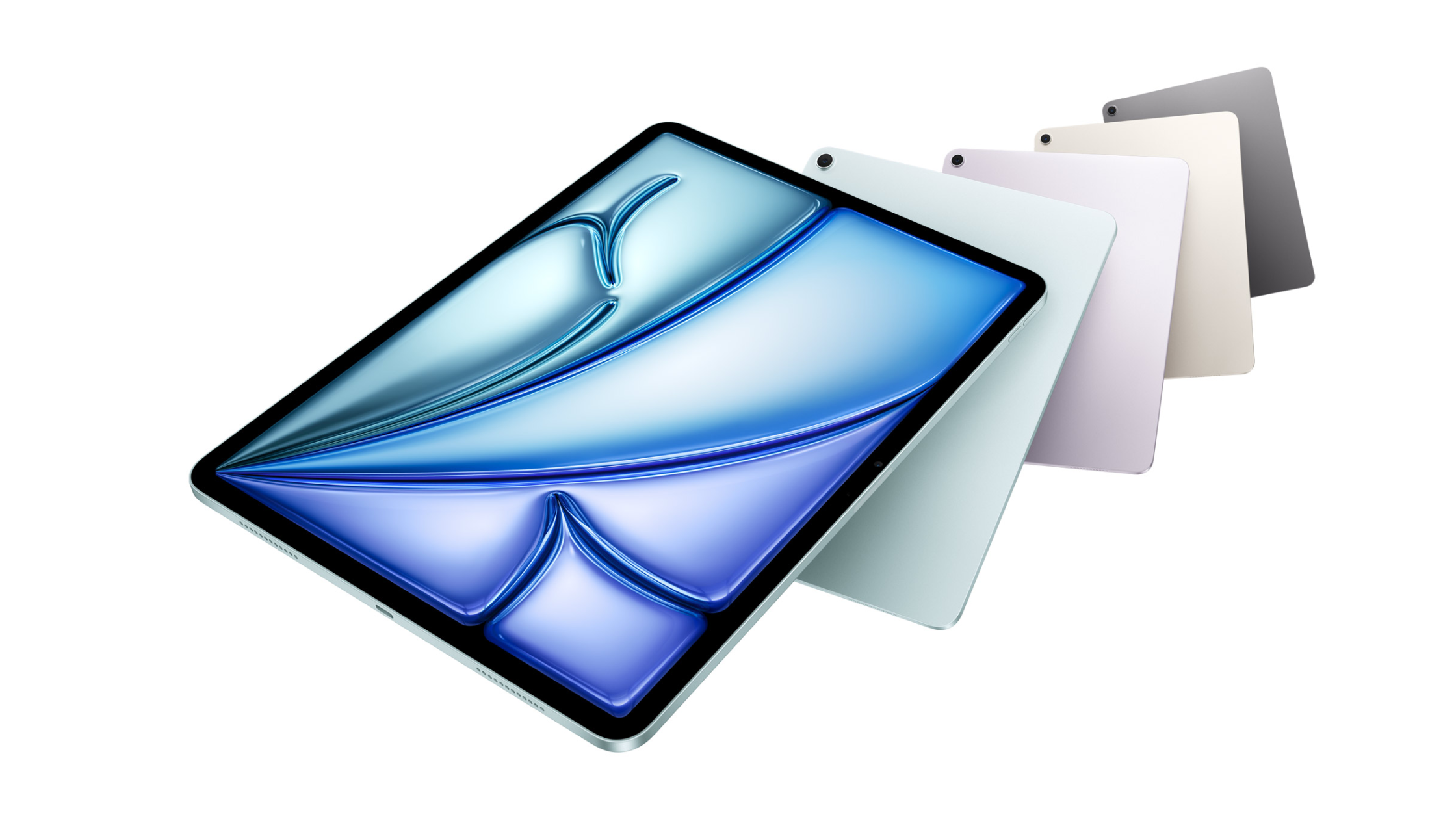
Best Tools for Game Developers on iPad: A hyperPad Gear Guide

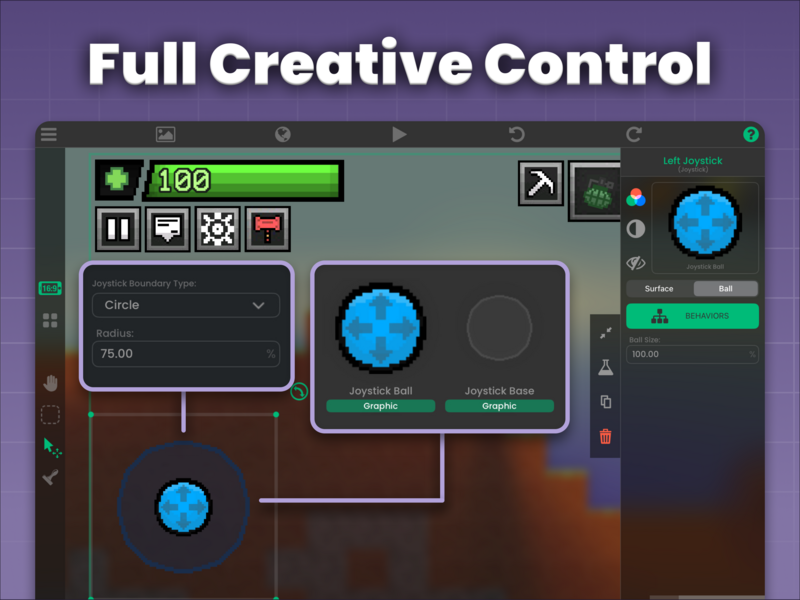
The right accessories make building games on iPad faster and more comfortable. A keyboard speeds up naming and shortcuts in hyperPad, an Apple Pencil helps with art and level sketches, and a game controller lets you test the way your players will play. Here's the gear that fits each stage of a hyperPad workflow, plus bags to carry it all.
How each accessory fits a hyperPad workflow
| Stage | What you do in hyperPad | Accessory that helps |
|---|---|---|
| Plan | Sketch levels and mechanics | Apple Pencil |
| Art | Draw Graphics in an iPad art app, then import them | Apple Pencil |
| Build | Place Objects, connect Behaviors, name Attributes | Magic Keyboard |
| Test | Play your game with touch or a controller | Game controller |
| Back up | Keep source art, audio, and exports safe | Portable SSD |
| Travel | Build wherever you are | A good bag |
You don't need all of these. hyperPad is designed for touch, so an iPad on its own is enough to make a complete game. Each accessory removes a specific bit of friction.
Apple's Magic Keyboard: faster building in the editor
Touch controls work well, but a physical keyboard makes a big difference to how fast you build. You'll type Object names, Attribute names, labels, and dialogue, and a keyboard is quicker for all of it. Its built-in trackpad gives you precise control when you place Objects or connect Behaviors, and it charges over USB-C.
A keyboard also opens up shortcuts. How To Use iPad Native Keyboard Shortcuts in hyperPad lists the ones that save the most time.
Apple Pencil: game art and level sketches
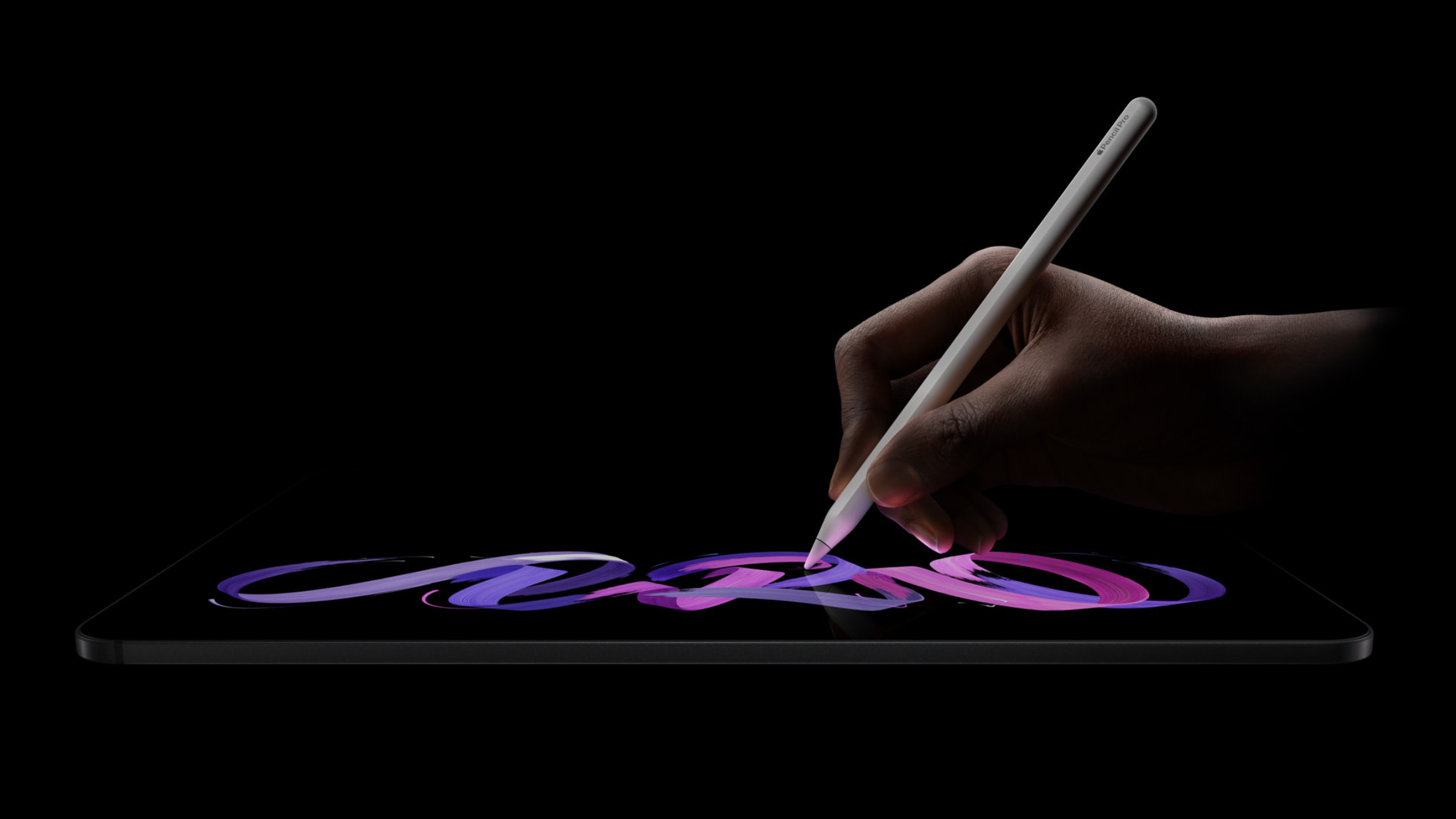
If you focus on design, the Apple Pencil is hard to do without. Sketch levels, draw characters, or mark up your game design notes with the precision a finger can't match.
Today, the usual workflow is to draw your art in an iPad app like Procreate, then import it into hyperPad as Graphics through the Asset Library. Importing Assets lists the supported file types. A built-in Art Studio is coming in an upcoming hyperPad update.
A game controller: test the way players play
If your game supports controllers, test it with one. Button feel, dead zones, and menu navigation all play differently on a controller than on a touchscreen. Add controller support to your game shows how to map inputs with Behaviors.
Portable SSD: room for assets and backups
Storage fills up fast once you're saving source art, audio files, and exported games. A portable SSD like the CalDigit Tuff Nano Plus gives you extra space for assets and backups. It's durable and transfers files quickly, so your work stays safe and within reach.
hyperPad also keeps automatic cloud backups of your Projects. An SSD is a good second copy for the raw files that live outside hyperPad.
A good bag for building games on the go
If you build on the go, you need a way to carry your iPad and accessories. A good backpack or tablet sling keeps your iPad, Apple Pencil, and other essentials organized and protected. Here are some options.
1. Incase ICON Slim Backpack
A slim, minimal bag that still protects your gear. It has a dedicated iPad compartment, plus pockets for your Apple Pencil, charger, and portable SSD.
Best for: commuters and students who want a slim profile without giving up storage.
2. Solo New York Ludlow Universal Tablet Sling
Compact and affordable, the Ludlow fits an iPad up to 12.9 inches with room for a notebook, pens, and small essentials.
Best for: anyone who likes to travel light.
3. WaterField Designs Dash Sleeve
A simple, well-made sleeve that protects your iPad from scratches and minor bumps. It's made from water-resistant ballistic nylon with a soft interior lining.
Best for: minimalists who want a lightweight, protective sleeve.
4. Tomtoc Padfolio Case
A protective iPad sleeve with storage for accessories. It has compartments for your Apple Pencil, charger, cables, and a small notebook.
Best for: creators who carry several accessories and want them organized in one compact case.
5. Bellroy Tech Folio
A practical folio made from environmentally certified leather. It holds your iPad, with slots for your phone, cards, and other tech accessories.
Best for: professionals who want a high-end folio for their iPad and accessories.
6. Herschel Supply Co. Pop Quiz Backpack
A durable, classic backpack with a padded, fleece-lined iPad compartment and plenty of pockets for everything else.
Best for: students who want a sturdy everyday backpack with lots of storage.
7. STM Dux Backpack
Built for protection, with a dedicated Tech Cell for your iPad and room for books, accessories, and a water bottle.
Best for: anyone who puts protection first and needs a tough bag for daily use.
Pick gear for how you actually work
Before you buy anything, think about where you build. If you work at a desk, a keyboard and a stylus matter most. If you build on the bus or at school, start with a case and a backpack. Add one accessory at a time, and only buy the next one when something specific slows you down.
FAQ
What is the most useful iPad accessory for game development?
It depends on where you spend your time. If you mostly build logic and type names, get a keyboard. If you mostly draw art, get an Apple Pencil.
Do I need a keyboard to use hyperPad?
No. hyperPad is designed for touch, and you can build a full game without one. A keyboard adds shortcuts and faster typing.
Which iPad should I use for game development?
The right model depends on your budget and the size of your Projects. iPad Reviews for Creators compares models by what creators need.
Your next step
If you already have a keyboard, open your Project in hyperPad and learn three shortcuts from the Native Keyboard Shortcuts page this week. Use them every time you build, and you'll feel the difference by your next session. For free resources to go with your gear, from art and audio to playtest scripts, see the ultimate resource guide for no-code iPad game developers. For other ways people use their iPad, read best use of an iPad? 7 ways owners actually use it.