

Set IK Target
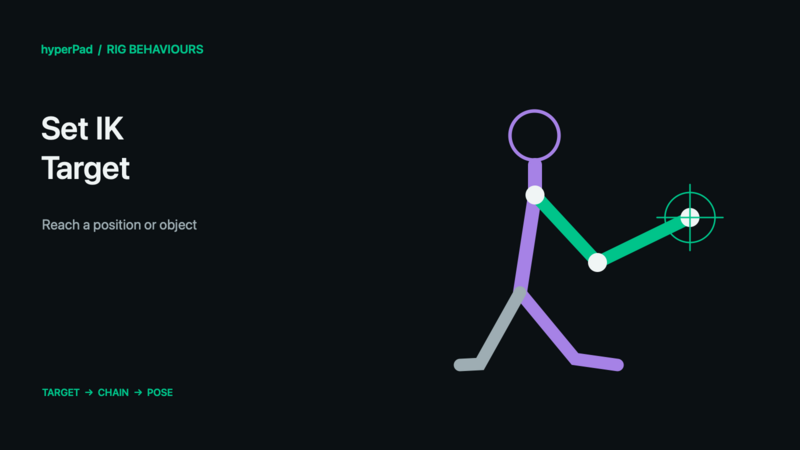
Move the target of an IK constraint already authored on the rig, such as an arm reaching toward a scene object.
Requires the live-rig update and a build with Rigged Objects. A public release date has not been assigned. These controls do not operate on baked sprite frames.
Find this advanced behaviour under FX → Animation. Triggers immediately.
Properties
| Property | Meaning |
|---|---|
| Object A | The rigged character with the existing IK constraint. |
| IK Constraint | Which chain to control. Create it in Art Studio and update the exported rig first. |
| Target Mode | Position uses numeric coordinates; Object uses another scene object. |
| Coordinate Space / Position X / Y | In Position mode: Rig space uses artwork points; World uses scene metres. Local space is not offered. |
| Object B | In Object mode: the single target object. |
| Offset X / Y | In Object mode: target-local artwork-point offsets. |
| Follow Target | When enabled in Object mode, keep updating the target as Object B moves. Otherwise use its position when the command executes. |
| Priority | Priority for conflicting target controls. |
Example
- In Art Studio, create an arm IK constraint and test its bend direction and influence.
- Save and update the live Rigged Object.
- Add this behaviour, select the character as Object A, and choose its arm constraint.
- Set Target Mode to Object and select a target marker as Object B.
- Turn on Follow Target, move the marker, and check the arm's reach.
- Clear the constraint override when the character should return to authored IK targets.
Outputs
Object A ID identifies the selected object; Object B ID is also available where the command uses Object B. Valid is true when all resolved targets succeed. Error describes an invalid or missing selection. Invalid commands finish instead of leaving the chain waiting. For a group command, some compatible targets may already have succeeded even if Valid is false.
Notes
A target does not create a new IK chain or increase its reach. The chain needs a nonzero IK Influence to have an effect. Bone motion still follows the hierarchy and normal solver limits. Use Set IK Influence to fade the solve in or out.
All rig behaviours · Body Parts and blending · Walk, Crouch, Jump, and Shoot tutorial