

Set IK Influence
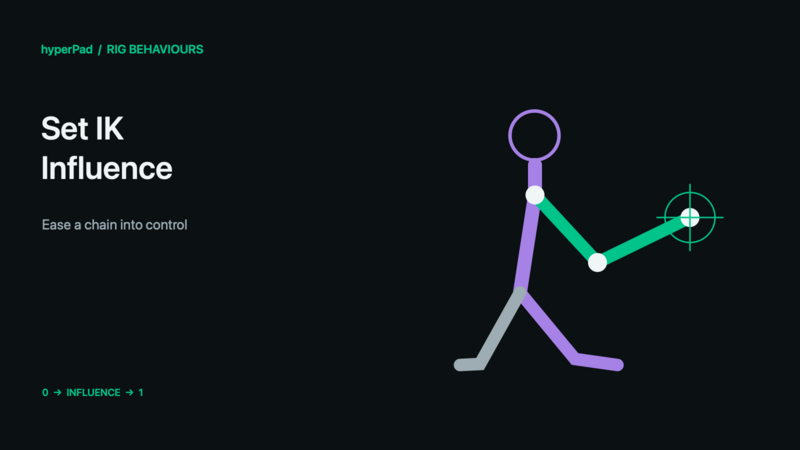
Blend how strongly an existing IK constraint controls its chain.
Requires the live-rig update and a build with Rigged Objects. A public release date has not been assigned. These controls do not operate on baked sprite frames.
Find this advanced behaviour under FX → Animation. Triggers on completion.
Properties
| Property | Meaning |
|---|---|
| Object A | The rigged character. |
| IK Constraint | The authored chain to adjust. |
| Influence | 0 disables the solve; 1 applies its full influence. |
| Duration / Easing | Ease to the requested influence; zero duration applies immediately. |
| Priority | Priority for conflicting influence controls. |
Example
- Set a reaching arm's target with Set IK Target.
- Select the same IK Constraint here.
- Set Influence: 1, Duration: 0.2 to introduce the reach smoothly.
- Later set Influence to 0 to allow direct bone poses, or clear the override to restore the animated/default influence.
Outputs
Object A ID identifies the selected object; Object B ID is also available where the command uses Object B. Valid is true when all resolved targets succeed. Error describes an invalid or missing selection. Invalid commands finish instead of leaving the chain waiting. For a group command, some compatible targets may already have succeeded even if Valid is false.
Notes
Setting Influence to zero is an explicit override. It is different from clearing the override: clearing lets the animation's own IK influence return. The command's completed event does not automatically remove its influence setting. For Body Part animation with IK, include the entire solved chain in the mask.
All rig behaviours · Body Parts and blending · Walk, Crouch, Jump, and Shoot tutorial