

Attach Object to Bone
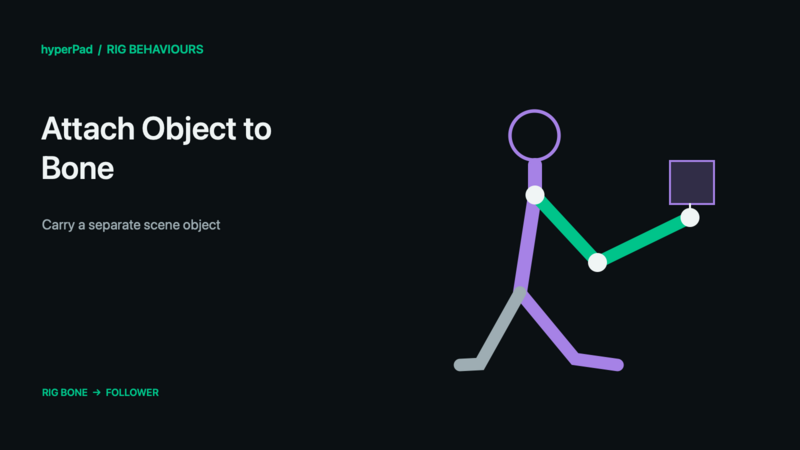
Make a separate scene object follow a rig bone—for example, a lantern, visual marker, or accessory.
Requires the live-rig update and a build with Rigged Objects. A public release date has not been assigned. These controls do not operate on baked sprite frames.
Find this advanced behaviour under FX → Animation. Triggers immediately.
Properties
| Property | Meaning |
|---|---|
| Object A | The separate follower object or compatible follower group. |
| Object B | Exactly one rigged character to follow. |
| Bone | The bone on Object B. |
| Keep Current Offset | Preserve the follower's existing relation to the bone instead of supplying a new offset. |
| Offset X / Y | Bone-local artwork points when Keep Current Offset is off. |
| Rotation / Scale X / Y | The relative rotation in clockwise degrees and scale factors when using explicit offsets. |
| Follow Position / Rotation / Scale | Select which aspects of the bone to follow. Position and Rotation default on; Scale defaults off. |
Example
- Place a separate lantern graphic in the scene and make it a supported scenery or kinematic follower.
- Select the lantern as Object A and the character as Object B.
- Choose the hand bone.
- Either position the lantern first and enable Keep Current Offset, or enter its bone-local offset explicitly.
- Start the scene and animate the character. Check the hand during both Walk and Shoot.
- Use Detach Object from Bone when it should stop following.
Outputs
Object A ID identifies the selected object; Object B ID is also available where the command uses Object B. Valid is true when all resolved targets succeed. Error describes an invalid or missing selection. Invalid commands finish instead of leaving the chain waiting. For a group command, some compatible targets may already have succeeded even if Valid is false.
Notes
Dynamic physics objects are rejected as followers. This is a transform-following relationship, not a physics joint or automatic limb hitbox. The follower remains a separate scene object. If you only need to change the rig's own hand/weapon artwork, use Set Rig Attachment instead.
All rig behaviours · Body Parts and blending · Walk, Crouch, Jump, and Shoot tutorial