

Clear Rig Overrides
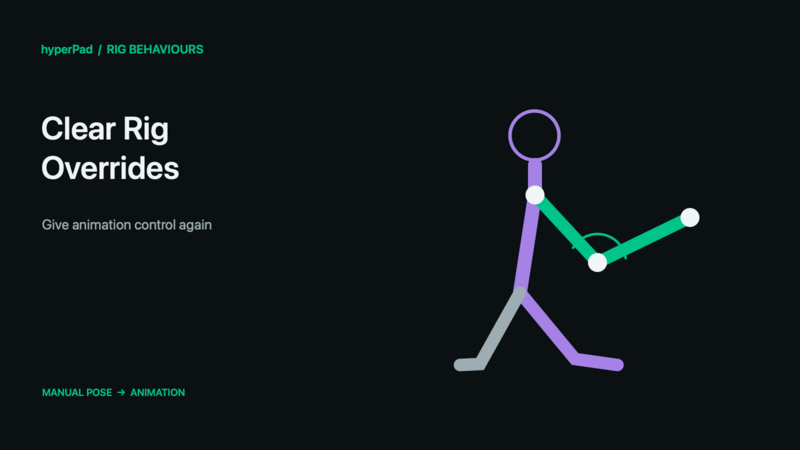
Release manual bone, IK, artwork, or skin control so the rig can use its underlying animation again.
Requires the live-rig update and a build with Rigged Objects. A public release date has not been assigned. These controls do not operate on baked sprite frames.
Find this advanced behaviour under FX → Animation. Triggers on completion.
Properties
| Property | Meaning |
|---|---|
| Object A | The rigged object to clear. |
| Clear Scope | Context (default) clears controls in the current object's behaviour context. All clears matching overrides regardless of which behaviour context owns them. |
| Clear Target | Rig for the complete rig, or Bone, Constraint, or Slot for a narrower target. |
| Bone / IK Constraint / Slot | Shown when the corresponding Clear Target requires a specific element. |
| Duration / Easing | Fade applicable continuous overrides out over time; zero releases immediately. Discrete artwork/skin choices do not morph between images. |
Example
- Use Set Bone Transform to turn the Head while an animation plays.
- Add Clear Rig Overrides in the same character's behaviour context.
- Choose Context → Bone, select Head, and use Duration 0.15.
- Trigger it when the character should stop looking aside. The authored animation takes control again.
Outputs
Object A ID identifies the selected object; Object B ID is also available where the command uses Object B. Valid is true when all resolved targets succeed. Error describes an invalid or missing selection. Invalid commands finish instead of leaving the chain waiting. For a group command, some compatible targets may already have succeeded even if Valid is false.
Notes
A separate Clear behaviour can clear other Set behaviours in the same cloned-object behaviour context; Context does not mean only the Clear behaviour's own token. All is broader and may remove controls another system still needs. Clearing overrides is not Stop Animation: the clips and Body Part layers can continue playing underneath. To reset only a slot or skin, their individual behaviours also offer Reset to Animated Default.
All rig behaviours · Body Parts and blending · Walk, Crouch, Jump, and Shoot tutorial