
Why Solo Game Developers Build 2D Games on iPad with hyperPad

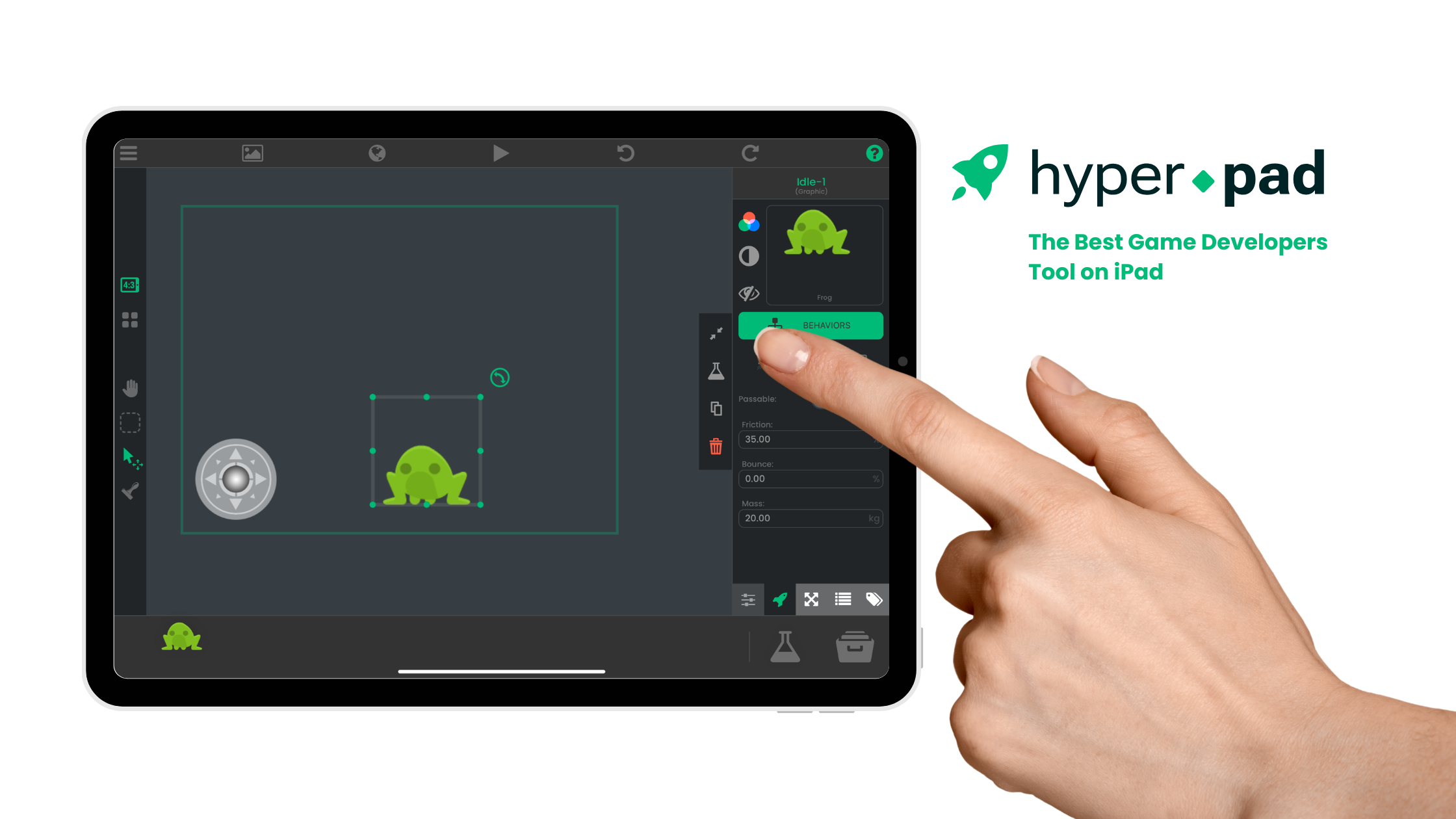
A solo game developer needs a workflow that keeps the idea, prototype, art, audio, testing, and revision close together. hyperPad is a visual 2D game engine for building directly on iPad. It can reduce the number of tools needed for the playable prototype while still teaching real game-development logic.
This page does not claim that one engine is the least expensive choice for every developer. Cost depends on the devices, publishing path, external services, assets, and time your Project requires. The useful question is whether the workflow matches the game you want to finish.
What a solo developer needs to evaluate
| Decision | What to check | hyperPad workflow |
|---|---|---|
| Platform | Where do you want to build? | Create and test the Project on iPad or an Apple-silicon Mac that can run the app |
| Game type | Does the engine match the idea? | Visual 2D games, prototypes, simulations, stories, and interactive experiences |
| Programming | How will you create logic? | Connect Behaviors for events, actions, conditions, values, input, and state |
| Assets | Can your art and audio enter the Project? | Import supported Graphics, animation, audio, and fonts through the Asset Library |
| Publishing | What external steps are required? | Use the paid Xcode Export path and Apple’s separate Mac-based submission workflow |
Build the playable game on iPad
In hyperPad, a Project is organized into Scenes. Scenes contain Objects, UI, and Behaviors.
A small arcade prototype can use:
- one player Object;
- one input method;
- one obstacle;
- one collectable;
- a score Attribute;
- a completion or failure state;
- a restart button.
The Behavior Interface Overview explains how the visual logic is connected.
Use visual programming, not automatic game generation
Behaviors are the programming workflow. You decide which event starts the chain, which action runs, which values move between Behaviors, and which condition selects a path.
A collectable can use a Collision Event connected to Add to Score, Play Sound, and Destroy Object.
The interface avoids traditional typed syntax, but the creator still designs and debugs the system.
Prototype before spending on production
Use placeholder Graphics until the loop works. A prototype should answer:
- Is the input understandable?
- Does the game respond immediately?
- Is the goal clear?
- Can the player fail or finish?
- Does restart restore the correct state?
This reduces the chance of producing art, music, or levels for a mechanic that still needs to change.
Bring in original assets
Create artwork in hyperPad’s Art Studio or another iPad art app. Move source and exported files through Files, then use the Asset Library to organize them inside the Project.
The Importing Assets guide lists the current workflow and supported file considerations.
Test each asset inside the running Scene. A Graphic that looks good by itself may still need changes to scale, contrast, collision area, or animation timing.
Reuse working systems
Once an Object and its Behaviors work, reuse that system instead of rebuilding it for every Scene. Prefabs and Templates can help organize repeatable Objects and logic.
For a solo creator, reuse protects time and reduces inconsistent copies.
Understand the publishing boundary
You can build and test the hyperPad Project on iPad. Releasing it as an independent App Store app uses hyperPad’s paid Xcode Export path and Apple’s external publishing workflow.
That path requires a compatible Mac, Xcode, Apple developer services, App Store Connect, testing, and App Review. Review current hyperPad and Apple requirements before budgeting a release.
The App Store publishing guide explains the stages without implying that submission happens entirely on iPad.
Compare total workflow cost
Consider:
- hardware you already own;
- app or export costs;
- Apple developer requirements;
- art and audio tools;
- hosting or server costs for online features;
- purchased assets or services;
- time needed to learn and maintain the workflow.
Do not compare engines using one old price or a generic “free” label. A tool can be free to install and still require other services for the intended release.
Choose the smallest workflow that can finish the game
hyperPad is a strong option when you want to build a visual 2D game directly on iPad, see the logic as connected Behaviors, and test the experience on the same device.
Start with one complete mechanic. Use the result to decide which assets, systems, and publishing costs the Project actually needs.