Is hyperPad Available on Android? Platform Support Explained

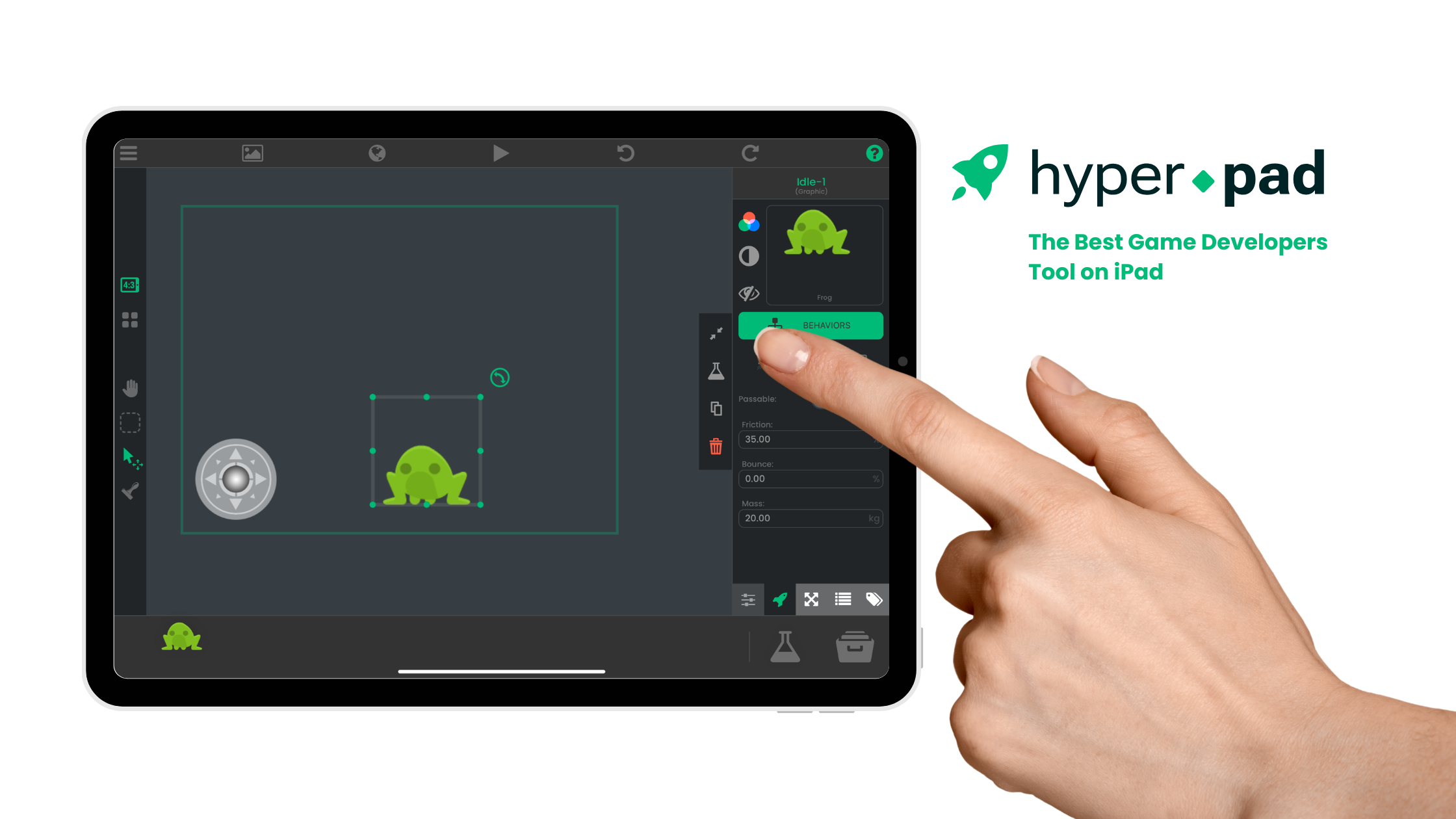
No. The hyperPad editor is not available for Android. hyperPad is a visual 2D game engine designed for building and testing games on iPad.
That distinction matters when you choose a tool. If your main goal is to publish an Android game, use an engine that officially supports Android. If you want to design a 2D game directly on iPad and follow an Apple publishing path, hyperPad is built for that workflow.
What you can do with hyperPad on iPad
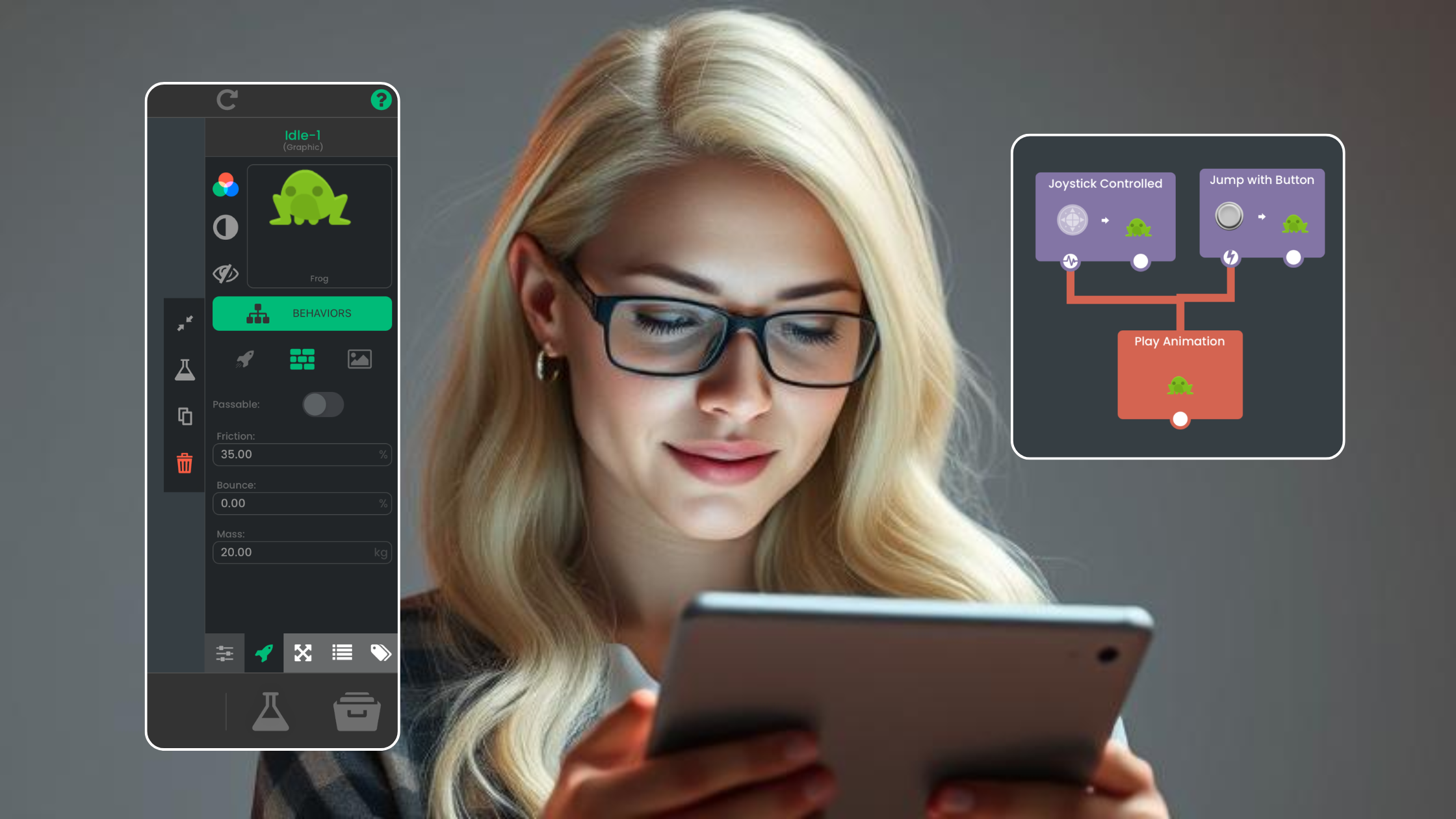
A hyperPad Project is organized around Scenes, Objects, assets, and Behaviors. You place Objects in a Scene, then connect Behaviors to define events, actions, conditions, values, physics, input, UI, and state.
For example, a simple collect-and-score loop can use:
- A player Object and a coin Object in the Scene.
- A Collision Event to detect when the player reaches the coin.
- An Attribute to store the score.
- Behaviors that change the Attribute, update a text Object, play feedback, and move or remove the coin.
- Play mode to test the loop immediately on the iPad.
This is visual programming. The nodes are not decorative shortcuts. They represent the same kinds of decisions and state changes that typed game code handles.
Start with the official guides to create a new Project and understand the Behavior editor.
Platform decision: Android or iPad?
| Your priority | Practical choice |
|---|---|
| Build a 2D game directly on iPad | Use hyperPad. |
| Learn game logic through visual Behaviors | Use hyperPad. |
| Import your own graphics and audio, arrange Scenes, and test on the same iPad | Use hyperPad. |
| Publish specifically to Google Play or target Android devices | Choose an engine with current Android support. |
| Build for Apple's App Store | Build and test in hyperPad, then use the supported Xcode Export and Apple submission workflow. |
This is not a question of which operating system is better. It is a question of whether the tool supports your intended editor and publishing destination.
How the Apple publishing workflow works
You can build and playtest your Project on iPad. Publishing a finished standalone game to Apple's App Store is a separate process. The supported path uses Xcode Export, a Mac, Xcode, and Apple's required developer and submission steps.
Do not plan around a direct iPad-to-App-Store button. Before production, review hyperPad's current publishing documentation and Apple's requirements so the device, account, signing, and review steps are part of your schedule.
Can you use hyperPad on an Android tablet?
No. An Android tablet cannot run the hyperPad editor. Searching for an Android version, APK, or Google Play download will not lead to an official hyperPad editor.
You can still use artwork or audio created elsewhere by importing supported assets into a Project on iPad. The Asset Library guide explains how assets are organized inside hyperPad.
What about Mac?
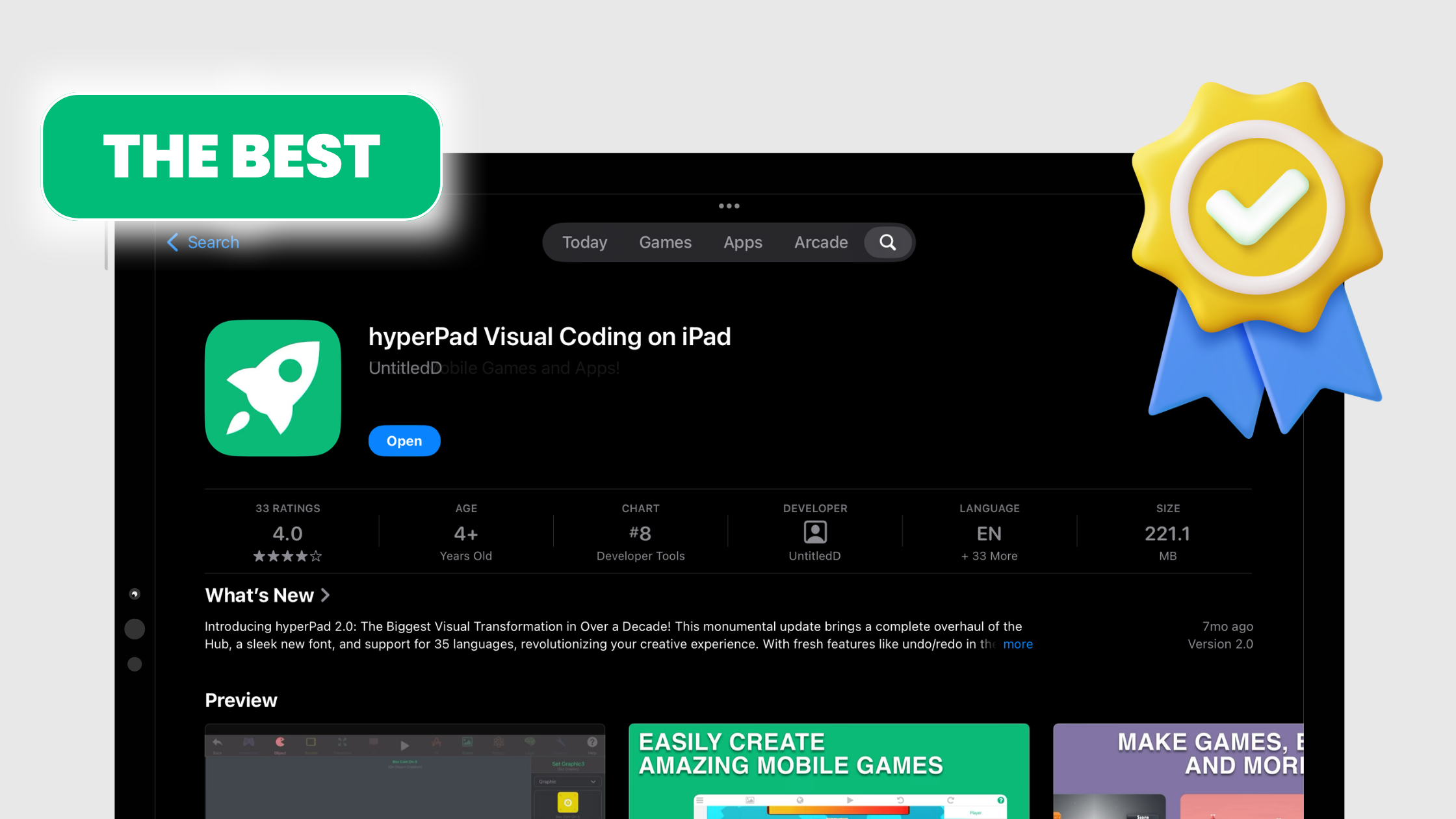
The current hyperPad Starter App Store listing describes the app as designed for iPad and does not verify macOS support. Treat iPad as the supported editor platform unless a current official listing says otherwise.
Choose the tool around the game you intend to ship
Write down two requirements before you begin: the device where you want to build and the store where you want to publish. That prevents a platform mismatch after you have already built the core mechanic.
For an iPad-first 2D workflow, make one small loop before planning a full game. Create a Scene, add one controllable Object, connect a clear win or score condition, and test it on the device. The result will tell you more about the workflow than a feature list.