Ignore Collisions
Description
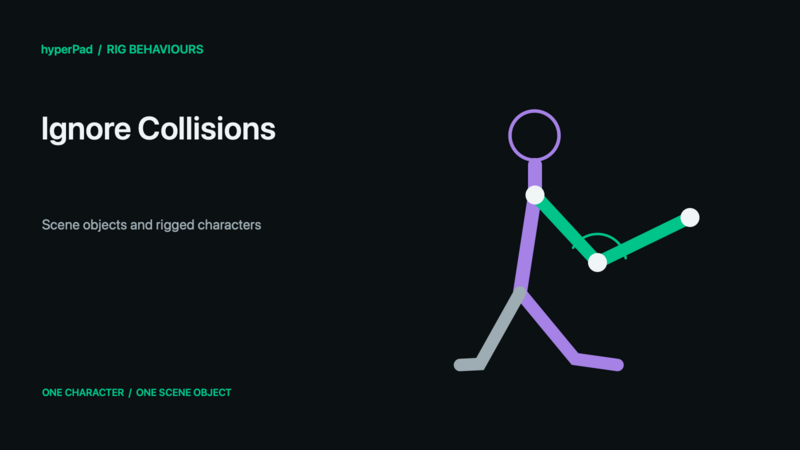
Completely ignore the collisions between two object or an object and a group of objects. This means that these objects will pass through each other and will not trigger any collision events.
Rigged Objects
This section describes the live-rig update and requires a build with Rigged Objects. A public release date has not been assigned. Existing sprite/object workflows remain supported.
A Rigged Object is one scene object. Its bones and Body Parts are internal animation controls, not independently selectable objects. Get Object and Get Objects By Tag return the character's object ID; they do not return a limb ID. Collision Event, Create Collision, and Ignore Collisions operate on the object's configured collision shape and object-to-object physics rules, not on separately generated bone hitboxes.
A visual change such as Crouch does not automatically resize the collider. Inspect and configure scene collision separately. To read a limb position, use Get Bone Transform. To carry a separate scenery/kinematic visual, use Attach Object to Bone. To swap a limb's own graphic, use Set Rig Attachment.
See Rigged Objects and Rig Behaviours for the object/rig distinction and supported controls.
Properties
Triggers Immediately
| Object A | By default this is the current object selected. You can change this to any other object in your scene. |
| Object B | You can change this to any other object in your scene. |
Outputs
| Object A ID |
This outputs the Object ID of Object A. |
| Object B ID |
This outputs the Object ID of Object B. |