Start Your iOS Development Journey With Top Developer Tools on iPad


Want to become an iOS developer but not sure where to start? Start with your iPad. It runs plenty of affordable, beginner-friendly developer tools. This post covers some of the best-value developer tools on iPad: cheap, easy to use, and well made. hyperPad is our pick for aspiring iOS game and app developers.
Why iPad Works for Development
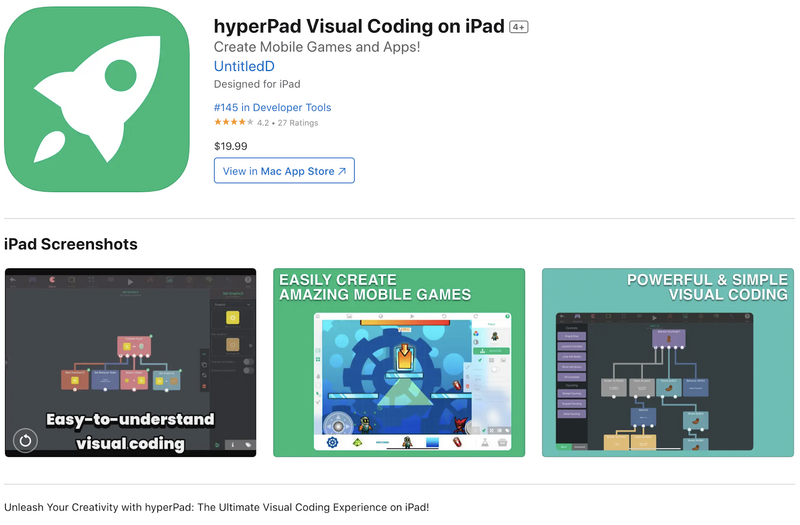
hyperPad, an iPad app for making iOS games and apps
With its touch interface, fast hardware, and a range of developer-friendly apps, the iPad has become a versatile place to learn and practice iOS development. Whether you're a complete beginner or an experienced developer who wants portable tools, you can start your iOS development journey here.
hyperPad turns your iPad into a game development tool.
Top Developer Tools on iPad for Beginners
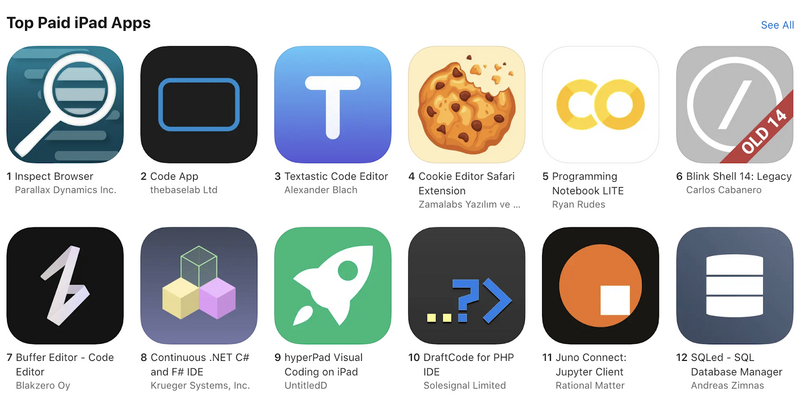
hyperPad for iPad
1. Swift Playgrounds
Swift Playgrounds is a great app for learning Swift, the programming language behind iOS app development. With interactive lessons, puzzles, and a friendly interface, Swift Playgrounds makes learning to code fun and approachable for beginners of all ages.
2. hyperPad
Here's what hyperPad brings to aspiring iOS developers:
-
Visual Coding: You build interactive projects by connecting visual Behaviors, without writing a single line of code. Drag-and-drop tools and a clear workflow make app development approachable at any skill level.
-
Game Development: hyperPad is built first for games, and it makes apps too. Its built-in physics engine, animation tools, and asset library help you bring your game ideas to life.
-
Community Support: hyperPad has an active community of creators who share tips, tutorials, and resources to help beginners learn and grow. Whether you want advice on building techniques or inspiration for your next project, the community is there to help.
3. Textastic Code Editor
Textastic is a code editor for writing and editing code directly on your iPad. It supports many programming languages, with syntax highlighting and code completion, so it's handy for writing Swift code on the go.
4. Working Copy
Working Copy is a versatile Git client for iPad. You can manage your code repositories, collaborate with other developers, and track changes to your projects without leaving your iPad. It connects to popular Git services like GitHub and Bitbucket, which makes version control simpler for beginners.
5. Pythonista
Pythonista is an advanced Python development environment for iPad. You can write and run Python scripts, build interactive apps, and automate tasks. With its built-in code editor, debugger, and large library of Python modules, Pythonista is a good way to learn Python and explore what it can do on iOS.
With so many affordable, beginner-friendly developer tools on iPad, you have plenty of ways to start your iOS development journey. For making games and apps without code, start with hyperPad. Pick a tool today and start building.
hyperPad is a one-time USD $14.99 purchase with no subscription, and you keep 100% of your revenue. Turn your Procreate designs or other digital art into interactive comics, games, and more, then export them to the Apple App Store. Visit hyperPad.com to start your game development journey.