A Comparative Analysis of Top Game Development Software for iPad

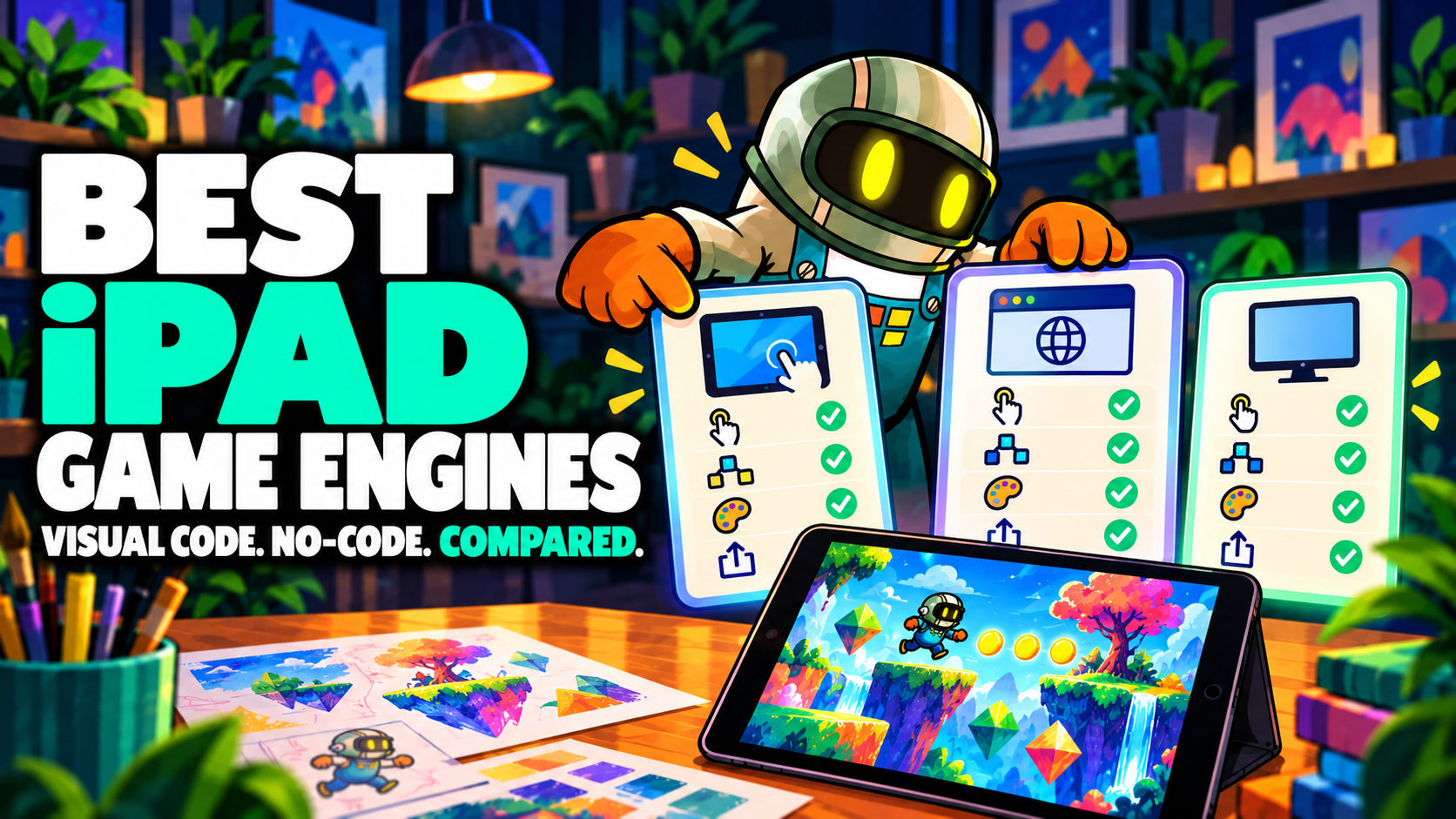
If you want to make games on an iPad, start with one question: does the tool run on iPad at all? Most well-known engines are built for a desktop computer or a web browser. This comparison looks at eight game development tools on four points (where you build, how you build, 2D or 3D, and where your game goes). It also shows where hyperPad fits if you're making 2D games on iPad.
Game development software compared at a glance
| Tool | Where you build | How you build | 2D or 3D | Where games go |
|---|---|---|---|---|
| Unity | Desktop editor | Typed code (C#) | 2D and 3D | Desktop, mobile, web, consoles |
| Godot | Desktop editor | Typed code (GDScript) | 2D and 3D | Desktop, mobile, web |
| GameMaker | Desktop editor | Typed code (GML) or visual blocks | Mainly 2D | Desktop, mobile, web, consoles |
| Construct | Web browser | Visual event sheets | Mainly 2D | Web, mobile, desktop |
| GDevelop | Desktop app or web browser | Visual events | Mainly 2D | Web, mobile, desktop |
| Scratch | Web browser | Drag-and-drop blocks | 2D | The Scratch website |
| Codea | iPad app | Typed code (Lua) | 2D and 3D | Runs in Codea, Xcode export |
| hyperPad | iPad app (also Apple silicon Macs) | Visual Behaviors | 2D | hyperPad Hub, App Store |
Features, pricing and supported platforms change over time. Check each developer's site for current details before you commit to a tool.
What to compare in game development software
- Where you build. If your main device is an iPad, a desktop-only editor means you need a second computer to make anything.
- How you build. Typed code gives you full control but asks you to learn a language first. Visual tools let you build logic by connecting pieces. Game Making Software: What It Is and How It Works explains the difference in more detail.
- 2D or 3D. 3D adds modeling, lighting and cameras. Most first games, and plenty of hit mobile games, are 2D.
- Where games go. Some tools export to consoles and desktops. Others focus on one platform or a community site.
- How you pay. Some tools are free, some have free tiers with paid plans, and some charge a subscription. Check what it costs to release a game as well as to start one.
Each engine in brief
Unity
Unity is one of the most widely used engines for both 2D and 3D games. You write logic in C# in a desktop editor, and you can export to a long list of platforms. It suits developers who want 3D or console releases and are ready to learn C# on a computer. Read Unity vs hyperPad for a closer look.
Godot
Godot is a free, open-source engine for 2D and 3D. Its main language, GDScript, reads a lot like Python, and games are built from a tree of nodes. It's a good fit for coders who want an open-source engine on a desktop computer.
GameMaker
GameMaker focuses on 2D games. You can write logic in its own language, GML, or use its visual block option. The editor runs on desktop computers. The GameMaker Alternative for iPad compares it with hyperPad.
Construct
Construct runs in a web browser and uses event sheets, a visual way to write "when this happens, do that" rules. It's 2D focused and popular with beginners on laptops and desktops. See Construct 3 vs hyperPad.
GDevelop
GDevelop is an open-source engine with event-based visual logic, available as a desktop app or in the browser. Like Construct, it's mainly used for 2D. It has a free tier plus paid plans, and how you release to app stores depends on your plan and setup. Read GDevelop vs hyperPad.
Scratch
Scratch, from MIT, uses colorful drag-and-drop blocks in a web browser. It's free and designed for learning to code, mainly for ages 8 to 16. Projects are shared on the Scratch website. Many kids start there. Scratch vs hyperPad covers what changes when they're ready to make real mobile games.
Codea
Codea is an iPad app where you write games in Lua. It's a good choice if you want to learn a typed language on your iPad. Codea vs hyperPad compares the two iPad options.
hyperPad
hyperPad is a 2D game engine built for iPad, and it also runs on Apple silicon Macs (M1 or later). The editor is designed for touch. You build logic with Behaviors: you connect actions and events into a flowchart of your game's logic, with no typed code. Physics, particles, multiple Scenes, sound, saving, and online multiplayer through Socket.io are built in.
When your game is ready, you can Publish it to the hyperPad Hub for players and feedback. hyperPad Starter is free and includes one Project. The paid hyperPad app is a one-time purchase, not a subscription. It lifts the Project limit and lets you Export to the App Store, where you keep 100% of your revenue.
Coming from Scratch or GDevelop?
You'll recognize most of the ideas. Events, conditions and variables work the same way in hyperPad. You connect them as Behaviors and store values in Attributes on each Object. Your art comes with you too: export it as PNG files and import it as Graphics.
A good first test is a five-minute game. Make a character move when you touch the screen. Add a coin. When the character touches the coin, add one to the score and move the coin to a new spot. If you can build that, you can keep growing it into a full level.
Choosing for a student or your child
If you're picking a tool for someone else, start with where they are now.
- Just starting to code. Scratch is a gentle first step for younger learners.
- Ready to make real games on iPad. hyperPad gives them physics, their own art, and a game they can Publish for other players.
- Learning at school. Schools use hyperPad from grade 4 through post-secondary, with Private Login for student accounts. Educational institutions get 50% off through Apple School Manager.
Teachers can find lesson plans, presentations and an educator kit on the education page. Parents of younger kids may also like the guide on how to teach kids to make games on iPad.
Which game development software should you choose?
- You want 3D or console releases: Unity or Godot on a desktop computer.
- You want to learn a typed language on iPad: Codea.
- A young learner is just starting out in a browser: Scratch, then hyperPad when they want to make real mobile games.
- You want to make 2D games on iPad without typing code, and ship them to the App Store: hyperPad.
If you're still unsure, Best Game Development Tools for iPad: How to Choose the Right One gives you a feature checklist to test any tool against. Is hyperPad the Best Game Development Tool for iPad? tours its tools and links to a side-by-side comparison with other game makers.
FAQ
Which game engines run on iPad?
Codea and hyperPad are both iPad apps. Most other popular engines are built around a desktop computer or a web browser.
Is Unity or Godot better than hyperPad?
They're better fits for 3D games or console releases. For 2D games made on iPad without typing code, hyperPad is the tool built for the job.
Can I start for free?
Yes. hyperPad Starter is free, has no ads, and includes one Project you can Publish to the Hub.
What kinds of games can I make in hyperPad?
Platformers, physics games, rhythm games, puzzles, clickers, party games, interactive stories, and more. Exploring Game Making Software: What Kinds of Games Can You Make? has a tutorial for each.
Can I sell a hyperPad game on the App Store?
Yes, with the paid hyperPad app. You Export your Project, then sign and submit it with Xcode on a Mac using an Apple Developer account. Start Your iOS Development Journey covers the Apple tools you'll use to ship.
Your next step
The fastest way to compare tools is to build the same small thing in each. Start with the five-minute coin game above, using How to Use hyperPad: Build Your First iPad Game as your guide, and see how far you get in one session.
Scratch details come from its official About page. GDevelop details come from its pricing page. Both checked November 10, 2026.